Eufy Security App Not Working 10 Ways To Fix Eufy Security App Not Working DIY Smart Home Hub Updated Eufy Security App Not Working down White Screen Black 4 Tips To Solve Eufy Activity Zone Not Working DIY Smart Home Hub 5 Steps To Resolve Eufy Activation Not Working DIY Smart Home Hub Eufy Homebase 2 Not Working No Sync Speaker Defect YouTube Web 1 Open the eufy app and from the device tab click on the three dots icon 2 Tap on the settings gear gt choose settings 3 Next click on General and about device gt system version 7 Update Eufy Security App On the other hand keeping your eufy security app up to date is essential
Web Fix Eufy Security not working on Android crashes errors or is unresponsive Follow these steps to resolve intermittent Eufy Security app issues Force Stop the Eufy Security App On android goto quot Settings quot 187 click Eufy Security app 187 click quot Force Stop quot Update Eufy Security to the latest version on PlayStore Web Please make sure you have enabled push notification in the Security mode you have selected You can go to Security Mode gt Select Camera Sensor Name gt Home Away gt Security Mode Settings gt Push Notification Note If your iwatch receives notifications your iphone cannot receive notifications any more If you still have questions please contact
Eufy Homebase 2 Not Working No Sync Speaker Defect YouTube Awasome Eufy Security App For Pc 2022 Eufy Security Inloggen Eufy Camera Night Vision Is Not Working Quick Fix SecurityCamCenter Alarms Not Working At Night Queries Eufy Security Collective Eufy Security Cams Privacy Security Guide Mozilla Foundation Eufy Security App Adds Cloud Disclaimer It Should Have Had All Along 9 Ways To Fix Eufy Doorbell Chime Not Working Smart Home Generation 5 Quick Ways To Fix Eufy Doorbell Not Charging Issue
Eufy Security App Not Working
 Eufy Security App Not Working
https://www.diysmarthomehub.com/wp-content/uploads/2022/05/eufy-security-app-not_working.png
Web Security App Download Simply download the eufy Security app from the App Store iOS devices or Google Play Android devices and have full control over all security products
Pre-crafted templates offer a time-saving option for creating a diverse range of files and files. These pre-designed formats and layouts can be utilized for various personal and expert projects, consisting of resumes, invitations, leaflets, newsletters, reports, presentations, and more, streamlining the content creation process.
Eufy Security App Not Working

5 Ways To Deal With Eufy Doorbell Chime Not Working DIY Smart Home Hub

Awasome Eufy Security App For Pc 2022

Eufy Security Inloggen

Eufy Camera Night Vision Is Not Working Quick Fix SecurityCamCenter

Eufy Security Cams Privacy Security Guide Mozilla Foundation

Eufy Security App Adds Cloud Disclaimer It Should Have Had All Along
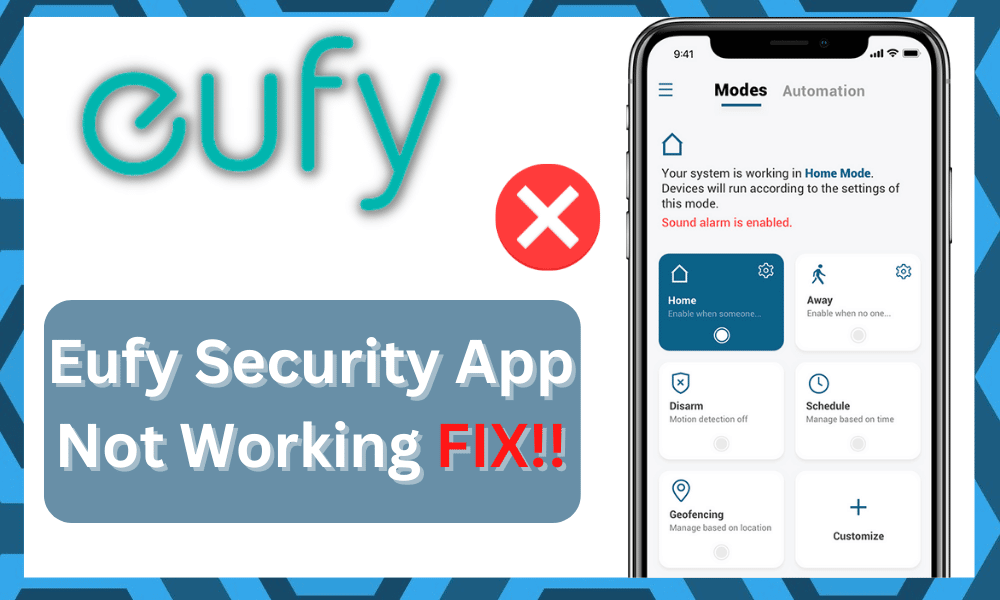
Web Oct 29 2022 nbsp 0183 32 Ways To Resolve Eufy Security App Not Working Use Cellular Data Usually the issue with the Eufy Security app not working is related to a faulty internet connection Hard Reboot The Mobile Device If the issue is not fixed after changing the network connection hard rebooting the Force Stop

Web eufyCam 2 View More To help you solve the issue when you can t watch the Livestream of eufy battery cameras on eufySecurity App Please check the following 1 Try connecting the phone to a different wifi or using the mobile data 2 Check your firewall setting to see if there are any special restrictions for eufyCam
Web Eufy outages reported in the last 24 hours This chart shows a view of problem reports submitted in the past 24 hours compared to the typical volume of reports by time of day It is common for some problems to be reported throughout the day
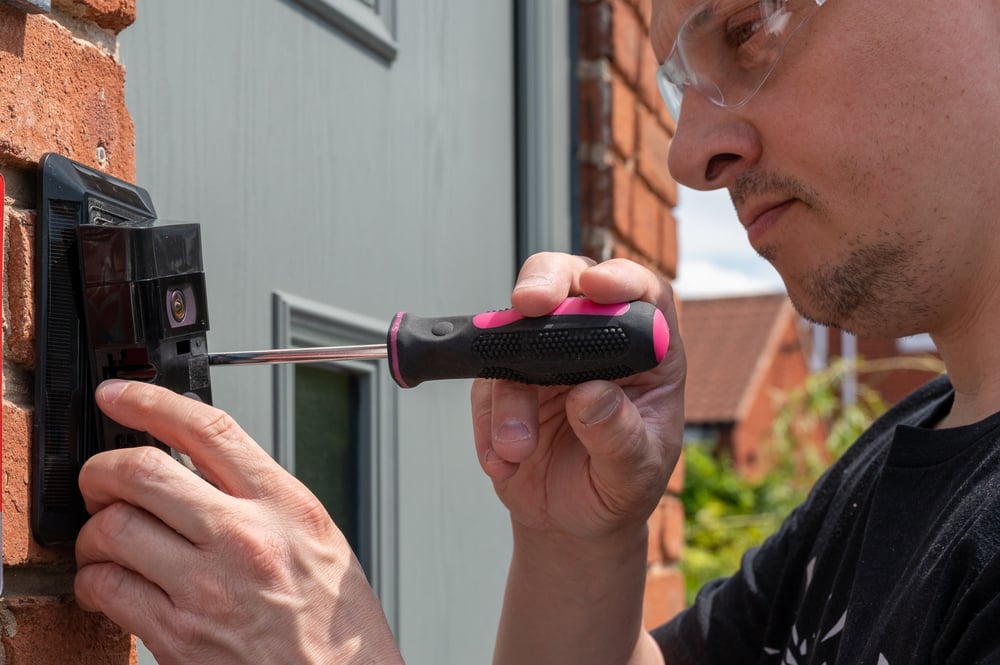
Web Jun 20 2023 nbsp 0183 32 Video Parts 00 00 Intro How to Fix Eufy Security App Not Working 00 07 1 Solution Update Eufy Security App 00 27 2 Solution Clear Eufy Security App cache files 00 57 3 Solution Delete and

Web Jan 18 2023 nbsp 0183 32 Trick 5 Force Stop The Eufy App Open Settings on an Android device Scroll the list and tap Apps Applications or Manage apps Scroll the list to find the Eufy program to force quit Tap FORCE STOP
[desc-11] [desc-12]
[desc-13]