Esxi Network Adapter Settings Configure Network Adapter Settings Oracle Server X5 2 Installation Edit Virtual Machine Settings VMware ESXi Types Of Virtual Network Adapters VMware ESXi How To Enable Disable Or Restart Network Adapter Action1 VMware Network Adapter Settings DiskInternals Web Jan 10 2023 nbsp 0183 32 Include two or more physical NICs in a team to increase the network capacity of a vSphere Standard Switch or standard port group Configure failover order to determine how network traffic is rerouted in case of adapter failure Select a load balancing algorithm to determine how the standard switch distributes the traffic between the
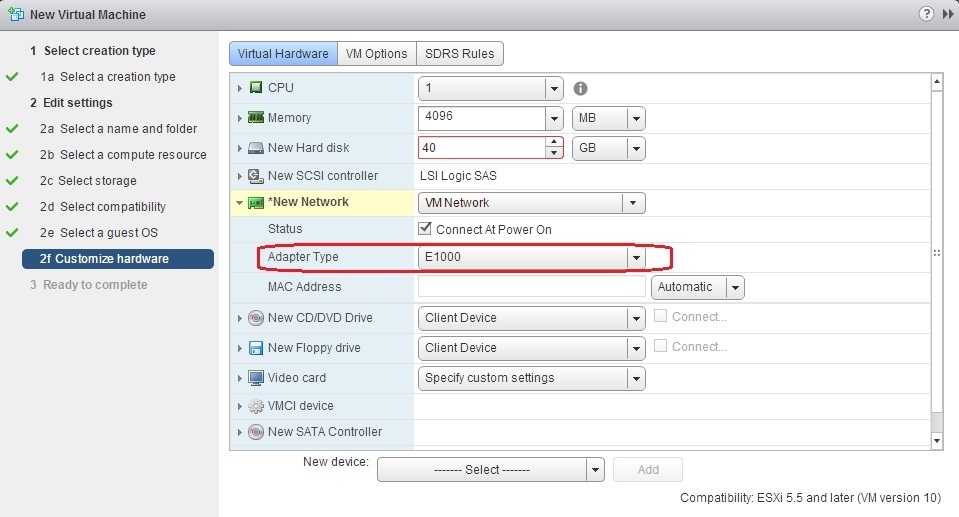
Web May 31 2019 nbsp 0183 32 Right click a virtual machine in the inventory and select Edit Settings On the Virtual Hardware tab expand Network adapter and select the port group to connect to from the drop down menu The menu lists all standard and distributed port groups that are available for virtual machine use on the host Web Mar 30 2021 nbsp 0183 32 Highlight the host and click the Configure tab Click the Virtual Switches link Select the virtual switch then select Edit Under the Teaming and Failover tab select the appropriate drop down for Load Balancing Ensure the appropriate network adapter s are set to active Use the arrow to move the adapter s to Active Adapters if necessary
VMware Network Adapter Settings DiskInternals 4 Ways To Change Network Adapter Name On Windows 11 Or 10 Configure Network Adapter Settings Oracle Server X5 2 Installation Configure Network Adapter Settings VMware ESXi Netra Server X5 2 Add Network Drivers To Esxi 6 Web Scanmasa VMWARE ESXI INSTALL AND CONFIGURE SOFTWARE ISCSI STORAGE ADAPTER FOR Configure Network Adapter Settings Oracle Server X5 2 Installation ESXi Network Adapter Configuration VMware Technology Network VMTN Trust Grandmother Moronic Change Network Settings Mastermind Refugees Stall
Esxi Network Adapter Settings
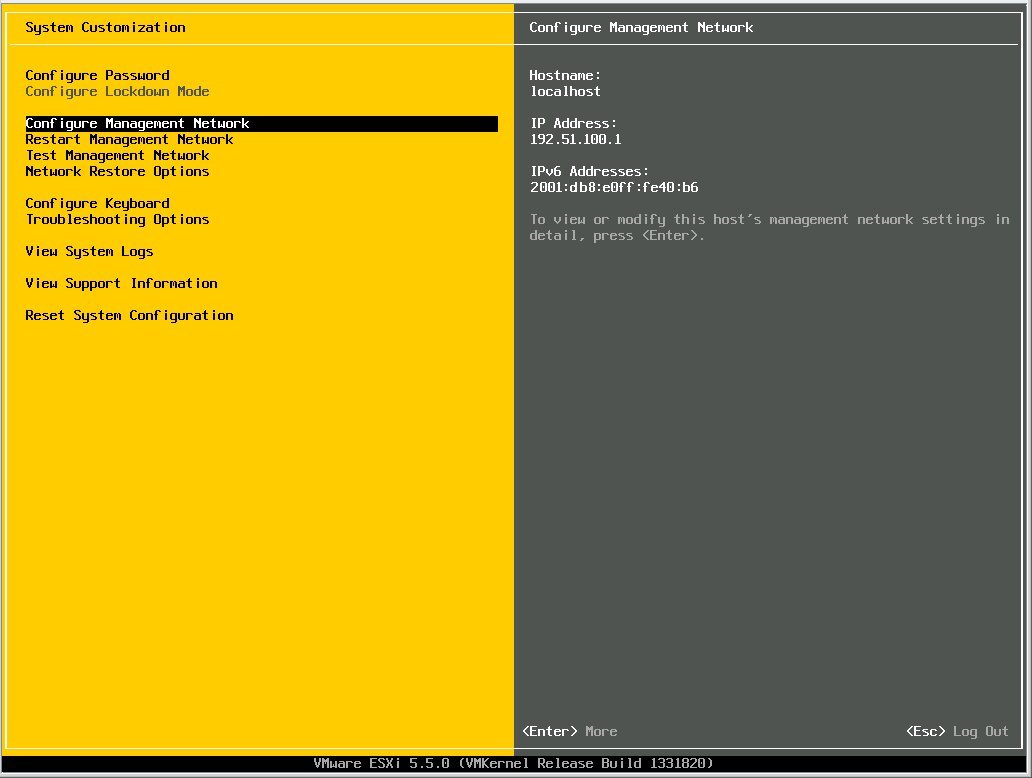 Esxi Network Adapter Settings
https://docs.oracle.com/cd/E41059_01/html/E48319/figures/configure-management-network_no_address.jpg
Web Oct 4 2019 nbsp 0183 32 Procedure From the direct console select Configure Management Network and press Enter Select Network Adapters and press Enter Select a network adapter and press Enter Results After the network is functional you can use the vSphere Client to connect to the ESXi host through vCenter Server Parent topic Configuring Network
Templates are pre-designed files or files that can be utilized for numerous purposes. They can save time and effort by supplying a ready-made format and layout for creating various sort of material. Templates can be utilized for personal or professional tasks, such as resumes, invites, leaflets, newsletters, reports, presentations, and more.
Esxi Network Adapter Settings

Configure Network Adapter Settings Oracle Server X5 2 Installation
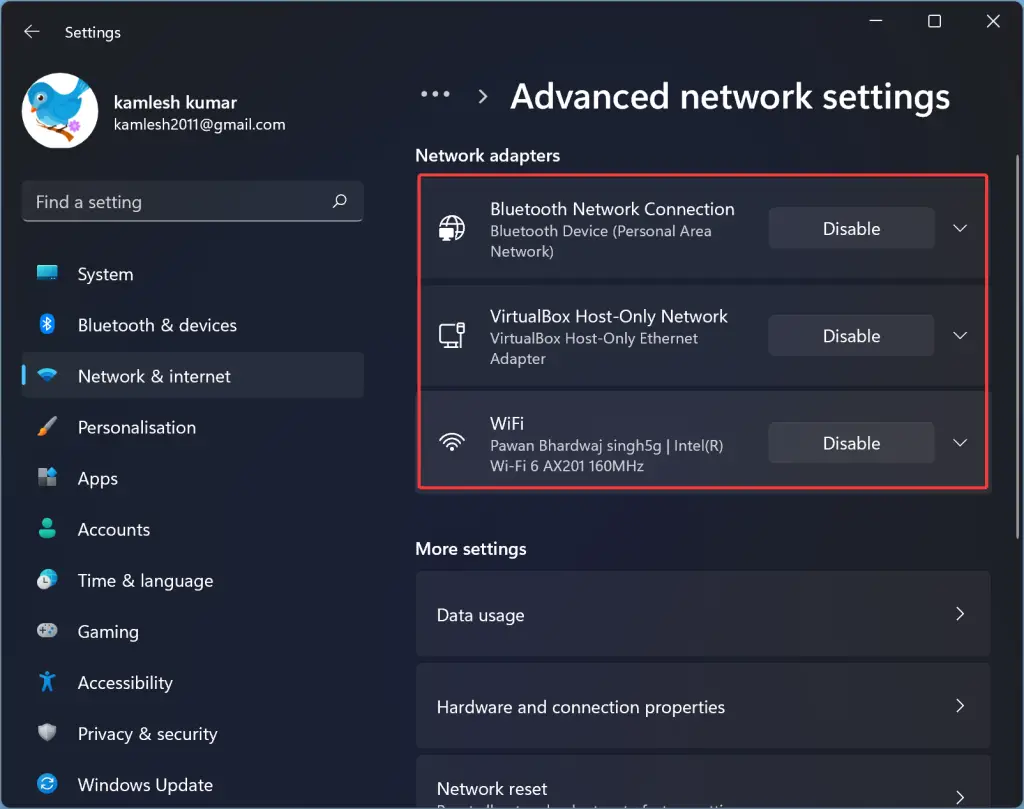
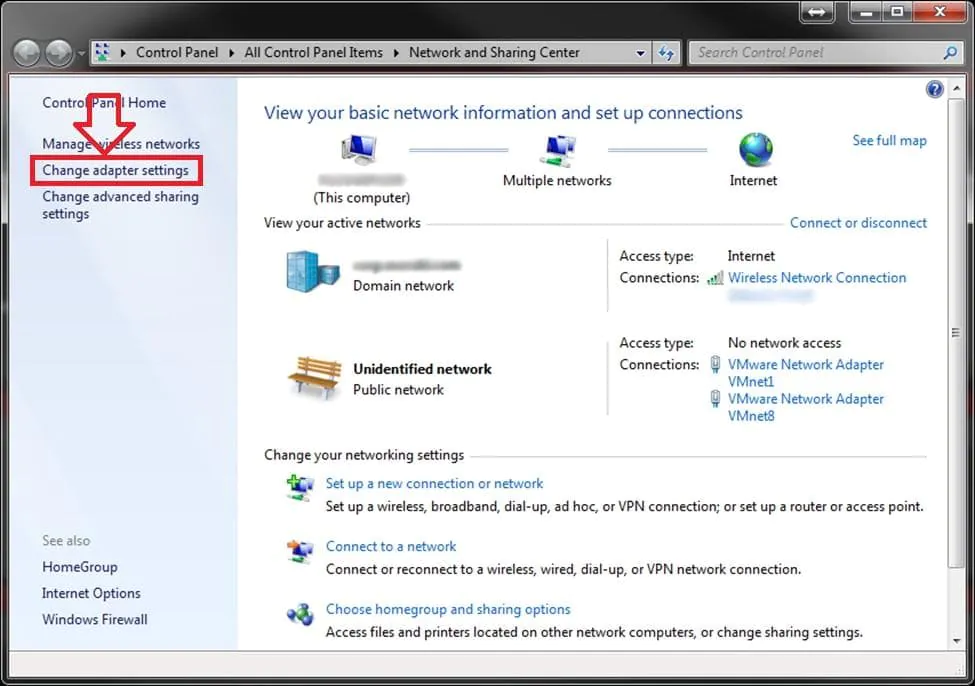
4 Ways To Change Network Adapter Name On Windows 11 Or 10

Configure Network Adapter Settings Oracle Server X5 2 Installation
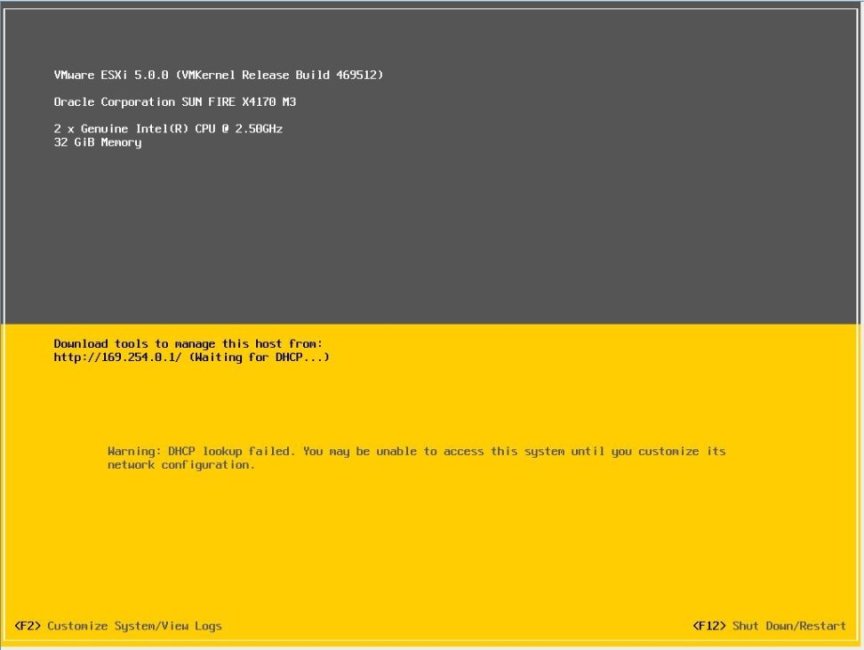
Configure Network Adapter Settings VMware ESXi Netra Server X5 2
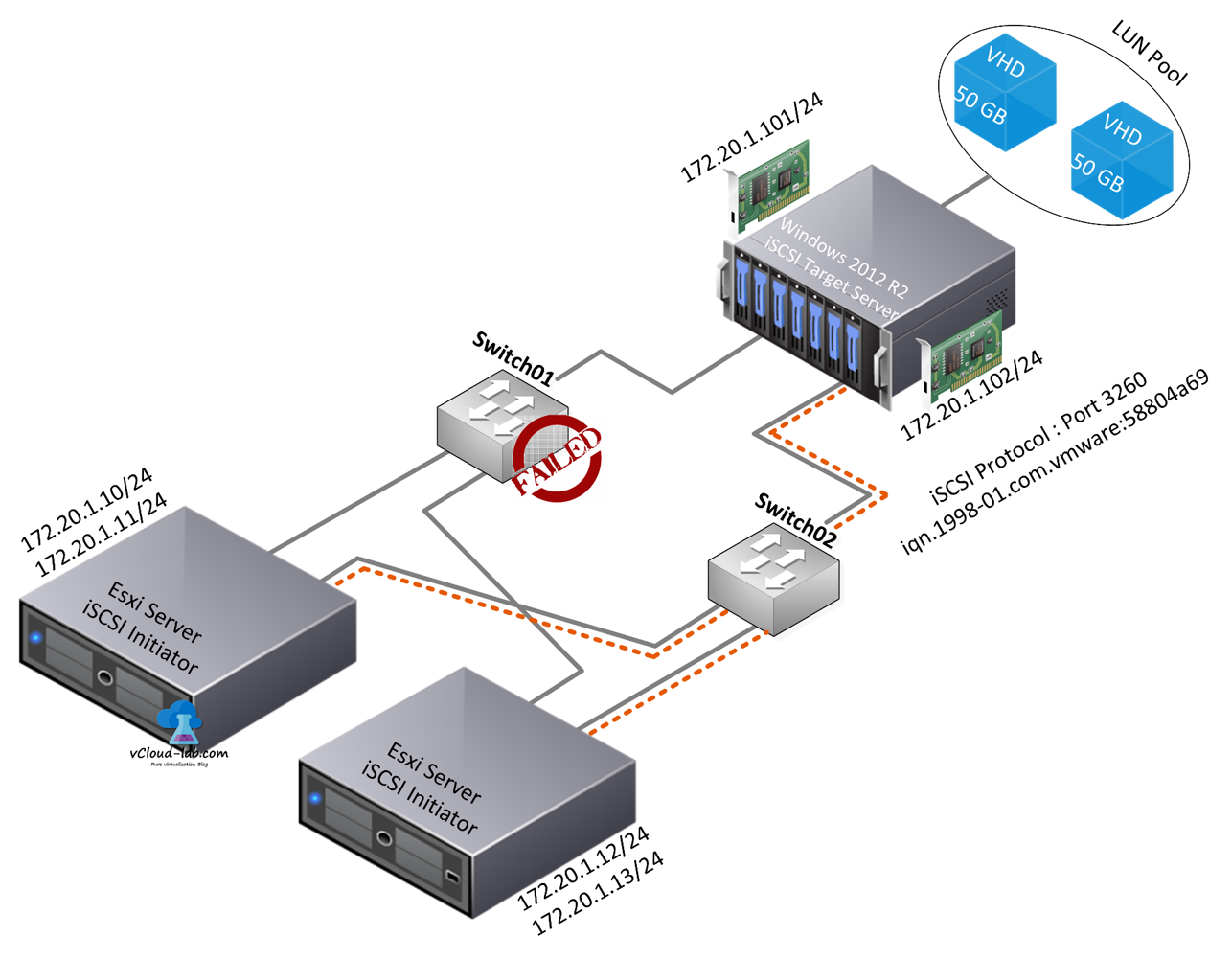
VMWARE ESXI INSTALL AND CONFIGURE SOFTWARE ISCSI STORAGE ADAPTER FOR
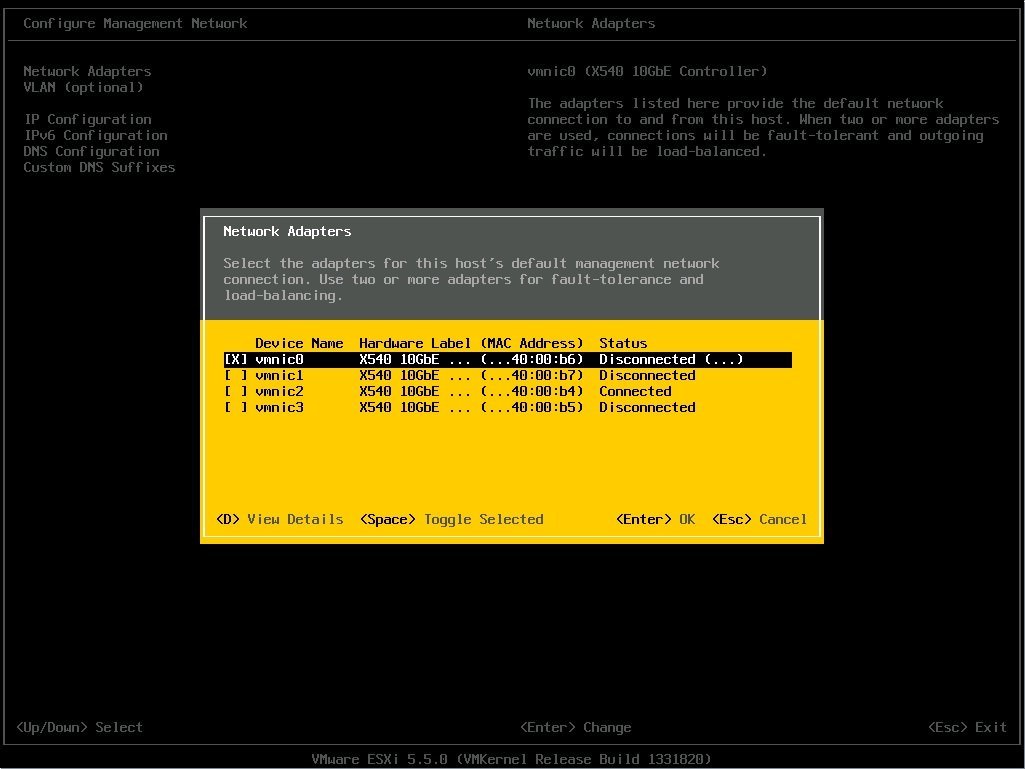
Configure Network Adapter Settings Oracle Server X5 2 Installation
Web Updated on 01 15 2021 ESXi requires one IP address for the management network To configure basic network settings use the vSphere Client or the direct console Use the vSphere Client if you are satisfied with the IP address assigned by the DHCP server Use the direct console for network configuration in the following cases
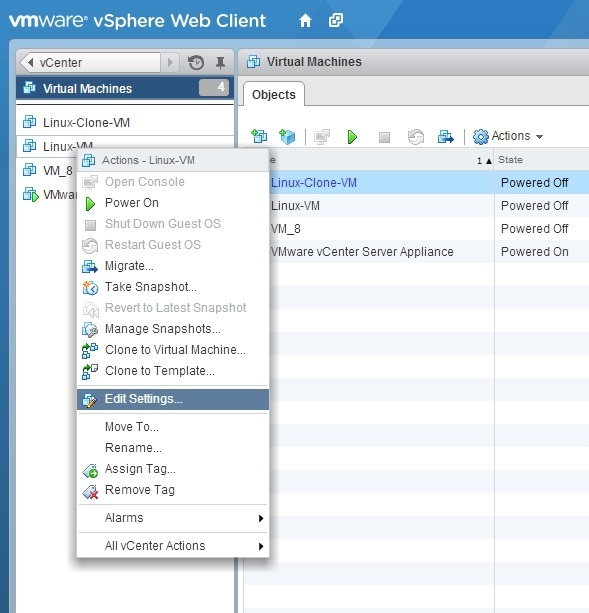
Web Mar 3 2021 nbsp 0183 32 Details Network adapter choices depend on the version number and the guest operating system running on the virtual machine This article discusses the different network adapter options available for virtual machines This article does not provide troubleshooting of VM network issues
Web Jul 19 2022 nbsp 0183 32 Procedure Click Networking in the VMware Host Client inventory and click Physical NICs Click on the network adapter that you want to view information about Edit Physical NICs in the VMware Host Client You can edit physical NIC speed by using the VMware Host Client Procedure
Web Nov 9 2023 nbsp 0183 32 ESXi recommended settings for speed and duplex while connecting to a physical switch port are listed below Keep in mine the hardware vendor is the best vendor to recommend specific parameters for NICs Auto Negotiate To configure the speed and duplex of the ESXi host network adapter using the vSphere Client
Web Updated on 01 03 2023 Consider these best practices when you configure your network To ensure a stable connection between vCenter Server ESXi and other products and services do not set connection limits and timeouts between the products Setting limits and timeouts can affect the packet flow and cause services interruption
Web Mar 9 2021 nbsp 0183 32 Purpose This article provides information on enabling and disabling link aggregation NIC Teaming Link Aggregation Control Protocol LACP and EtherChannel connectivity between ESXi ESX and Physical Network Switches Note There are a number of requirements which need to be considered before implementing any form of link Web Configuring Network Settings ESXi requires one IP address for the management network To configure basic network settings use the vSphere Web Client or the direct console Use the vSphere Web Client if you are satisfied with the IP address assigned by the DHCP server You are not satisfied with the IP address assigned by the DHCP server
Web Feb 25 2021 nbsp 0183 32 Click Manage gt Networking gt Virtual Switches Click on the vSwitch Click Manage the physical network adapters Select the appropriate unclaimed network adapter s and use the arrow to move the adapter s to Active Adapters Click Edit settings Select the correct Teaming policy under the Load Balancing field Click OK