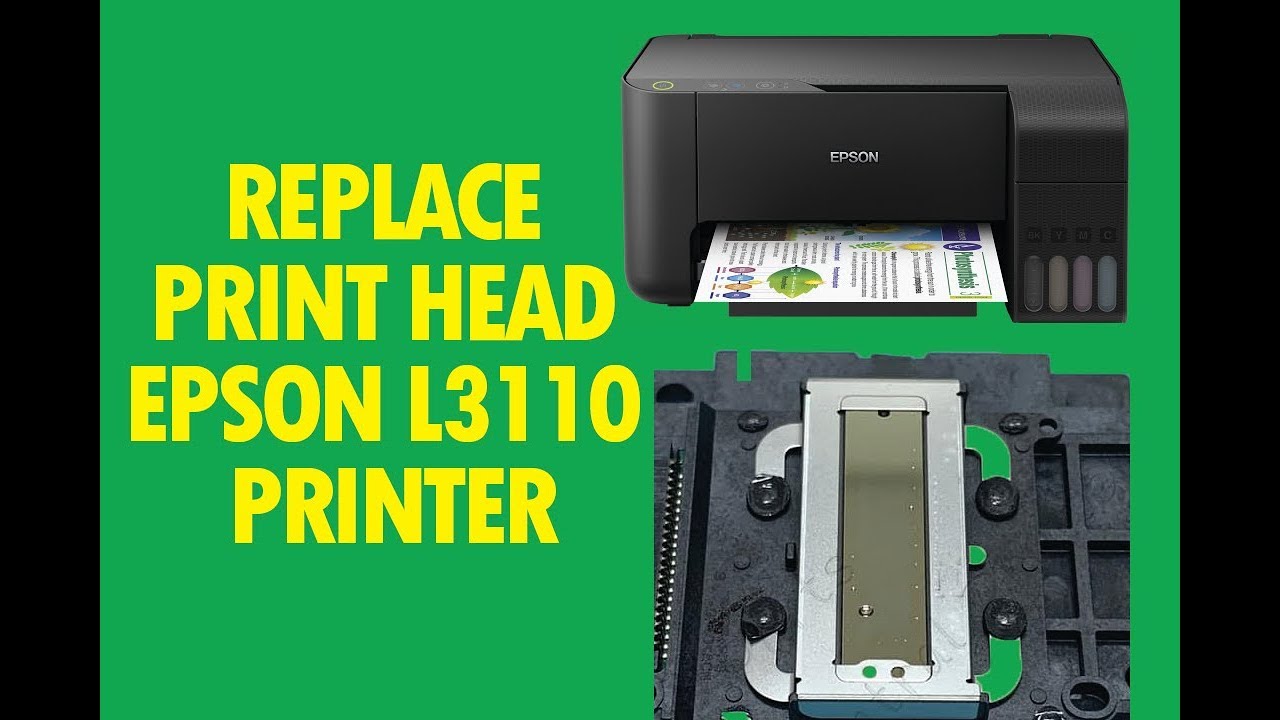
Epson L3110 Error Printing Replace Print Head Epson L3110 Printer YouTube How To FIX Printer Paper Jammed EPSON L3110 YouTube EPSON L3110 ERROR 031004 YouTube EASY REPLACE WASTE INK PAD EPSON L3110 PinoyTechs YouTube Epson L3110 Red Light Blinking Solution YouTube Web Incorrectly installed ink cartridge The ink cartridge is not installed correctly If the print head is at the home position press the ink button to move the print head to the ink cartridge replacement position Remove and reinsert the ink cartridge Then continue with ink cartridge installation
Web L3110 User s Guide Welcome to the L3110 User s Guide For a printable PDF copy of this guide click here 10 Double sided Printing Capacity Compatible Epson Papers Borderless Paper Type Compatibility Paper or Media Type Settings Printing Software Loading Paper in the Sheet Feeder Web Product Light Status You can often diagnose problems with your product by checking its lights Note The ink pads in the printer collect distribute and contain the ink that is not used on printed pages
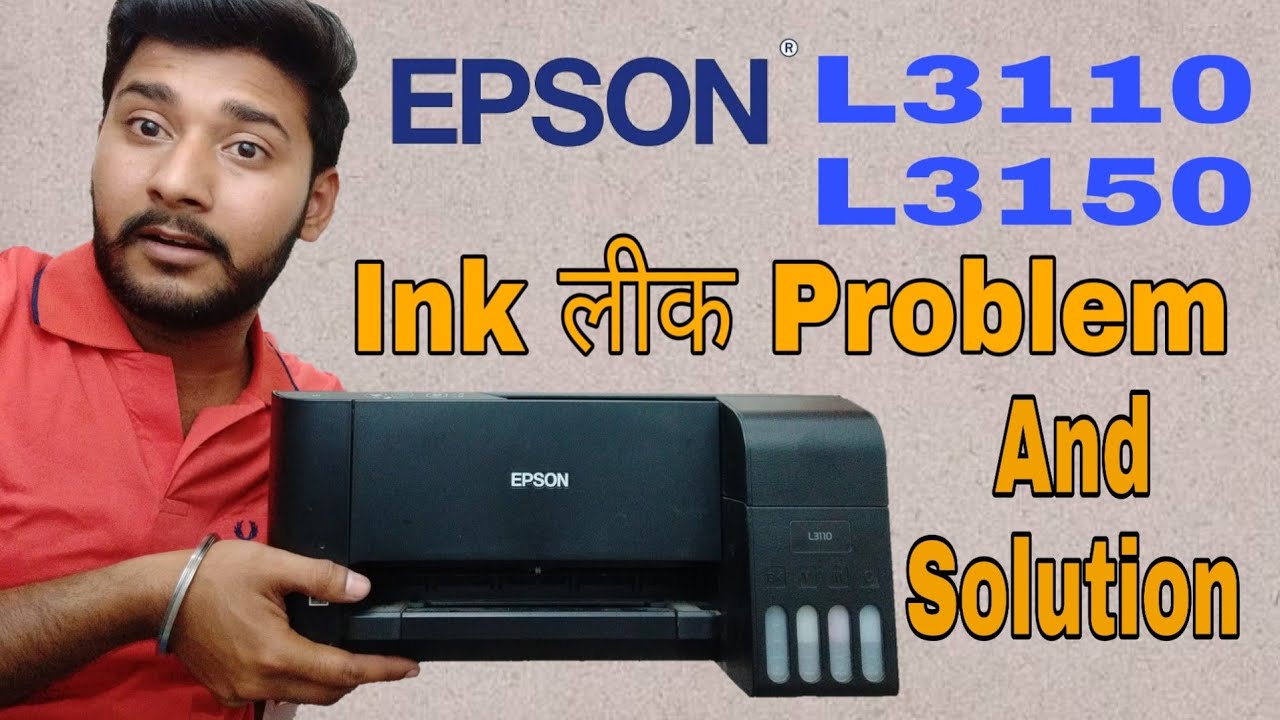
Epson L3110 Red Light Blinking Solution YouTube How To Fix Paper Jam Problem In Epson L3150 L3110 L4160 Printers How To FIX Printer Paper Jammed EPSON L3110 Paper Jam Epson L3210 Epson L3100 L3110 L3115 L3116 L3150 Red Light Blink Solutions How To Check Epson Printer Status Fix Problem L380 L3110 L3210 Epson L3110 L3150 Ink Leak Problem And Problem Solution In Detail How To Fix Ink Leakage On Epson L3110 L3210 Waste Ink Pad Ink How To FIX EPSON L3110 Ink PROBLEM Colors Missing In PRINT YouTube Epson L3110 Error Code 034004 YouTube
Epson L3110 Error Printing
 Epson L3110 Error Printing
https://i.ytimg.com/vi/XhCR8V03LdI/maxresdefault.jpg
Web View Product Specifications Epson L3110 Attention Your operating system may not be detected correctly It is important that you manually select your Operating System from above to ensure you are viewing compatible content Downloads FAQs Manuals amp Documentation Registration amp Warranty Options Contact Us Mobile Apps Epson iPrint
Templates are pre-designed files or files that can be used for numerous purposes. They can conserve effort and time by offering a ready-made format and design for producing different sort of material. Templates can be used for personal or professional tasks, such as resumes, invites, flyers, newsletters, reports, discussions, and more.
Epson L3110 Error Printing

Printer Epson L3210 Tidak Bisa Ngeprint Lampu Kertas Berkedip Bersamaan

How To Fix Paper Jam Problem In Epson L3150 L3110 L4160 Printers

How To FIX Printer Paper Jammed EPSON L3110 Paper Jam Epson L3210

Epson L3100 L3110 L3115 L3116 L3150 Red Light Blink Solutions
Epson L3110 L3150 Ink Leak Problem And Problem Solution In Detail

How To Fix Ink Leakage On Epson L3110 L3210 Waste Ink Pad Ink

Web Apr 24 2023 nbsp 0183 32 Open Setup Choose Wi Fi Settings Go with the Print Status Sheet option Press Yes It will print a network configuration page On Printers Without Display Panel On your printer s button panel push the i button and keep holding it for like 10 seconds See the network configuration page

Web Fixed Epson l3110 Not Printing Issues1 First check if the Epson L3110 printer is turned on 2 The interface cable must be securely connected between the p

Web Epson Printer Errors If your printer is displaying an error code or message on the control panel search for Error code on your product s FAQs tab Examples include Paper jam Replace maintenance box and Printer is Offline Search for your printer

Web Try one or more of these solutions Turn off the printer and computer Make sure that the printer s interface cable is securely plugged in Make sure that there is no packing material in the printer Turn off the printer and the computer and disconnect the printer s interface cable Then print an operation check page

Web If a problem occurs while printing an error message will appear in the status monitor window When you need to replace an ink cartridge click the How To button on the window and the status monitor will lead you step by step
Web Feb 15 2021 nbsp 0183 32 Epson L13110 Printer Won t Print Here is the Quick Solution Get Your L3110 Working Again Fast 1 Click the quot Windows quot icon 2 Click on quot Settings quot 3 Click quot Devices quot 4 Click on quot Printers and Scanners quot 5 Click on quot Epson quot Printer 6 Click quot Open queue quot 7 In printer queue click the quot Printer quot tab 8 Select quot Printing Preferences quot from Web Nov 6 2023 nbsp 0183 32 1 Download and install Driver Easy 2 Run Driver Easy and click the Scan Now button Driver Easy will then scan your computer and detect any problem drivers 3 Click the Update button next to your Epson printer to download the latest and correct driver for it then you can manually install it
Web Jul 3 2020 nbsp 0183 32 0 00 11 45 EPSON L3110 ERROR PRINTING AND SCANNING PROBLEM Biyahe Ni V 15K subscribers Subscribe Subscribed 14K views 3 years ago