Enable Uefi Secure Boot Msi Windows 11 How To Enable TPM 2 0 And Secure Boot In BIOS AMD RYZEN MSI Bios Can t Enable Secure Boot In Windows 11 Super User Uefi Secure Boot Icon My XXX Hot Girl How To Enable Secure Boot For MSI How To Enable How To Boot And Install Linux On UEFI PC With Secure Boot Tip DotTech May 15 2020 nbsp 0183 32 How to Enable or Disable Access to All Removable Storage Devices in Windows Users are allowed read and write access to all removable storage devices they connect to the
Dec 22 2021 nbsp 0183 32 How to Enable or Disable Remote Desktop Connections to a Windows 10 PC Information You can use the Remote Desktop Connection mstsc exe or Microsoft Remote Jun 8 2023 nbsp 0183 32 How to Enable or Disable Touchpad in Windows 10 Published by Shawn Brink Category Hardware amp Drivers 08 Jun 2023 How to Enable or Disable Touchpad in Windows
How To Boot And Install Linux On UEFI PC With Secure Boot Tip DotTech MSI UEFI BIOS C mo Activar El UEFI Secure Boot Para Proteger Tu PC How To Disable Secure Boot In BIOS CCBoot V3 0 Diskless Boot System Is Rewritten Uefi Secure Boot Code Available Now Xcp Ng And Xo Forum B550 GAMING CARBON WIFI Hangs On POST At Cold Boot Requires Power Securing Windows 10 With Secure Boot And Tpm Get Ready For Windows 11 MSI MPG Z790 CARBON WIFI Review Ces cl edu br Windows 11 Secure Boot Nawsys
Enable Uefi Secure Boot Msi
 Enable Uefi Secure Boot Msi
https://i.ytimg.com/vi/u9R5_nSkyVo/maxresdefault.jpg
01 Nov 2022 How to Enable or Disable Windows Security in Windows 10 The Windows Security app is a client interface on Windows 10 version 1703 and later that makes it is easier for you to
Pre-crafted templates offer a time-saving option for producing a diverse range of files and files. These pre-designed formats and designs can be made use of for numerous individual and expert projects, consisting of resumes, invites, flyers, newsletters, reports, discussions, and more, enhancing the content creation process.
Enable Uefi Secure Boot Msi

Feder lnej Diskrimin cie Ly ice Msi Click Bios Secure Boot Dvan s

MSI UEFI BIOS
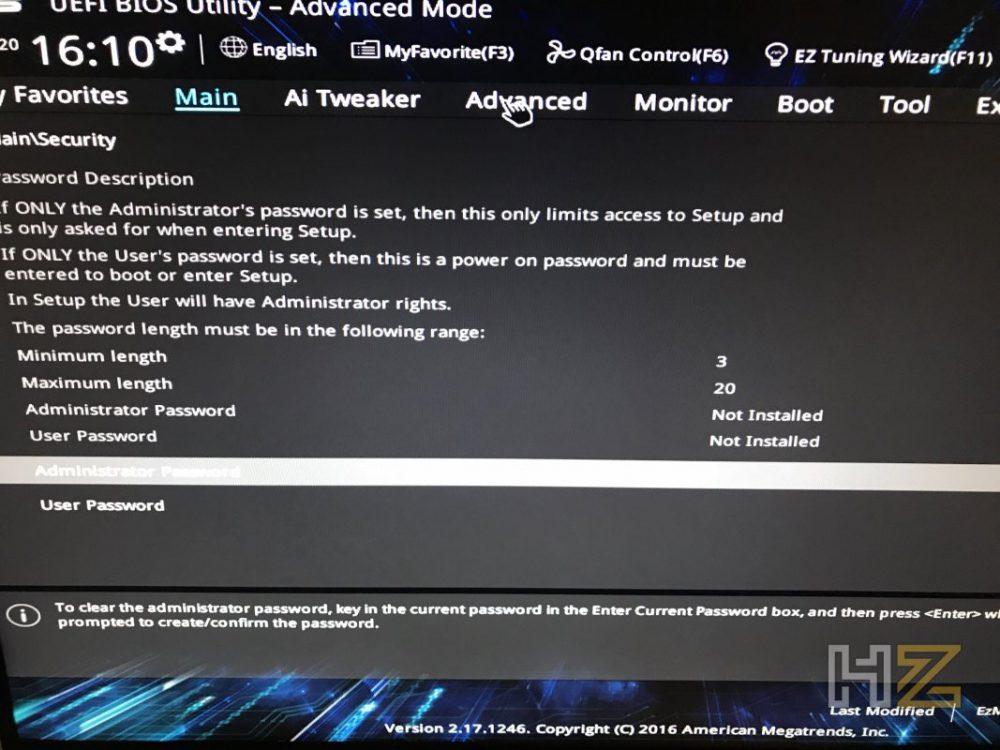
C mo Activar El UEFI Secure Boot Para Proteger Tu PC
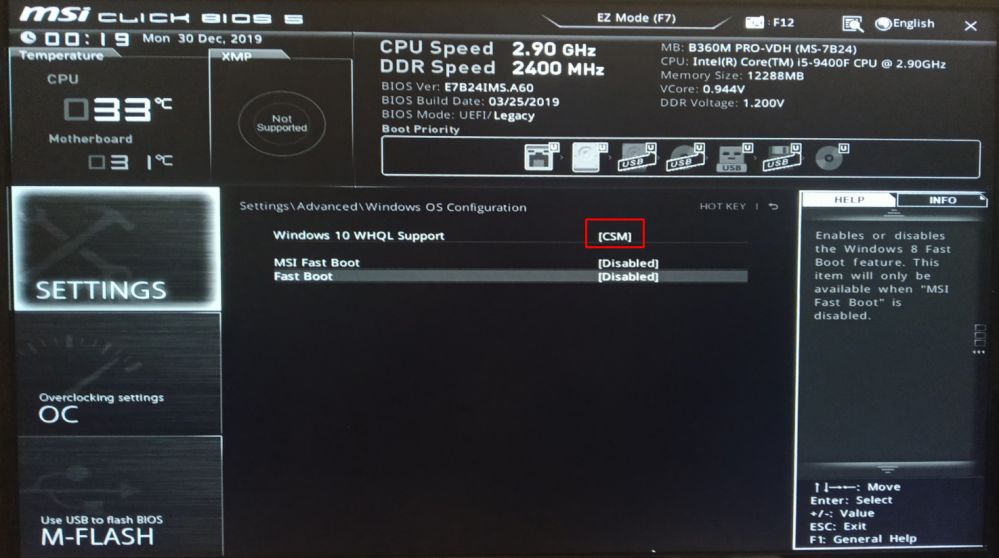
How To Disable Secure Boot In BIOS CCBoot V3 0 Diskless Boot System
B550 GAMING CARBON WIFI Hangs On POST At Cold Boot Requires Power

Securing Windows 10 With Secure Boot And Tpm Get Ready For Windows 11

Jun 24 2022 nbsp 0183 32 How to Add Delete Enable or Disable Startup Items in Windows 10 Information Startup items are the apps shortcuts folders drivers e

Aug 22 2020 nbsp 0183 32 To Enable or Disable SmartScreen Filter in Microsoft Edge using Group Policy The Local Group Policy Editor is only available in the Windows 10 Pro Enterprise and

Jan 25 2020 nbsp 0183 32 Enable or Disable MultiFinger Gestures for Synaptics Touchpad from Touchpad Notification Icon 1 Click tap on the touchpad notification icon on the taskbar if you have the icon
Oct 12 2020 nbsp 0183 32 Enable Disable or Force InPrivate Mode in Microsoft Edge Chromium Published by Shawn Brink Category Browsers amp Email 12 Oct 2020 How to Enable Disable or Force

enable sb to do 1 His large income enabled him to live in comfort 2 How
[desc-11] [desc-12]
[desc-13]