Enable Ssh On Wsl How To Enable SSH Commands In Windows InterWorks Linux Windows Microsoft Learn Linux Windows FA Q Microsoft Learn How To Install WSL 2 On Windows 10 11 And Server 2022 SSH PHP Wenyanet Web Jan 21 2023 nbsp 0183 32 From either PowerShell or the Command Prompt let s connect to the WSL distribution session e g Ubuntu 22 04 using its IP address via SSH ssh sungkim 172 18 181 124
Web Mar 2 2022 nbsp 0183 32 You will need to start PowerShell as Administrator First install the OpenSSH client and server Add WindowsCapability Online Name OpenSSH Client 0 0 1 0 Add WindowsCapability Online Name OpenSSH Server 0 0 1 0 Enable the SSH service and make sure the firewall rule is configured Web Nov 5 2021 nbsp 0183 32 Windows by default disabled the Windows Subsystem for Linux WSL and to use it it must be enabled To enable WSL you need to have a stable internet connection for its installation Step 1 Navigate to Control Panel gt Programs gt Turn Windows Features On Or Off Step 2 Check the Windows Subsystem for Linux and click OK The Windows
SSH PHP Wenyanet Enable SSH On Ubuntu 22 04 Jammy Jellyfish Linux Linux Tutorials IPCisco On LinkedIn cisco ccna cisconetworking SSH How To Enable SSH Password Authentication On Your DigitalOcean Droplet Accessing Your MYBOOK LIVE Device Via Ssh VVSE Blog What Is Passwordless SSH A Look At SSH Passwordless Authentication Modem New Webpage Intros The Benefits To Using Ubuntu And WSL On Windows 10 H gel Harter Ring Generator Cisco Router To Switch Configuration
Enable Ssh On Wsl
 Enable Ssh On Wsl
https://interworks.com/wp-content/uploads/2021/09/how_to_enable_SSH_commands_windows_blog_header.png
Web Aug 4 2020 nbsp 0183 32 Literally the best of all worlds How do you set up SSH ing into WSL2 on your Windows 10 machine First open an admin PowerShell prompt Start menu type PowerShell hold ctrl shift and hit enter type this gt Get WindowsCapability Online Name like OpenSSH Name OpenSSH Client 0 0 1 0 State Installed Name
Pre-crafted templates use a time-saving option for producing a varied variety of documents and files. These pre-designed formats and designs can be made use of for different personal and professional jobs, including resumes, invitations, leaflets, newsletters, reports, discussions, and more, enhancing the material development procedure.
Enable Ssh On Wsl

How To Enable Ssh Server On WSL Windows Subsystem For Linux YouTube

Enable SSH On Ubuntu 22 04 Jammy Jellyfish Linux Linux Tutorials
IPCisco On LinkedIn cisco ccna cisconetworking

SSH
Accessing Your MYBOOK LIVE Device Via Ssh VVSE Blog

What Is Passwordless SSH A Look At SSH Passwordless Authentication Modem
Web Jul 31 2020 nbsp 0183 32 Forward Ports into WSL2 Now from an Administrator Windows prompt that can be cmd exe or powershell exe it doesn t matter use the net shell quot netsh quot to add a portproxy rule Again change connectaddress to YOUR WSL2 ipaddress which is an internal address to your machine

Web Nov 14 2022 nbsp 0183 32 Steps to Install WSL WSL 2 in Windows 10 Step 1 Open Windows PowerShell as Admin Start menu gt PowerShell gt right click gt Run as Administrator and copy paste the following command dism exe online enable feature featurename Microsoft Windows Subsystem Linux all norestart

Web Jan 5 2023 nbsp 0183 32 The only way a remote computer can SSH into the WSL session is by creating a network port proxy rule on a Windows computer that maps port 22 to the WSL distro e g Ubuntu 22 04 session
Web Feb 27 2022 nbsp 0183 32 Allow your default WSL user to start the SSH server without typing a password sudo sh c quot echo USER ALL root NOPASSWD usr sbin service ssh start gt etc sudoers d service ssh start quot Verify that the previous works the command below should not ask for a password sudo usr sbin service ssh start
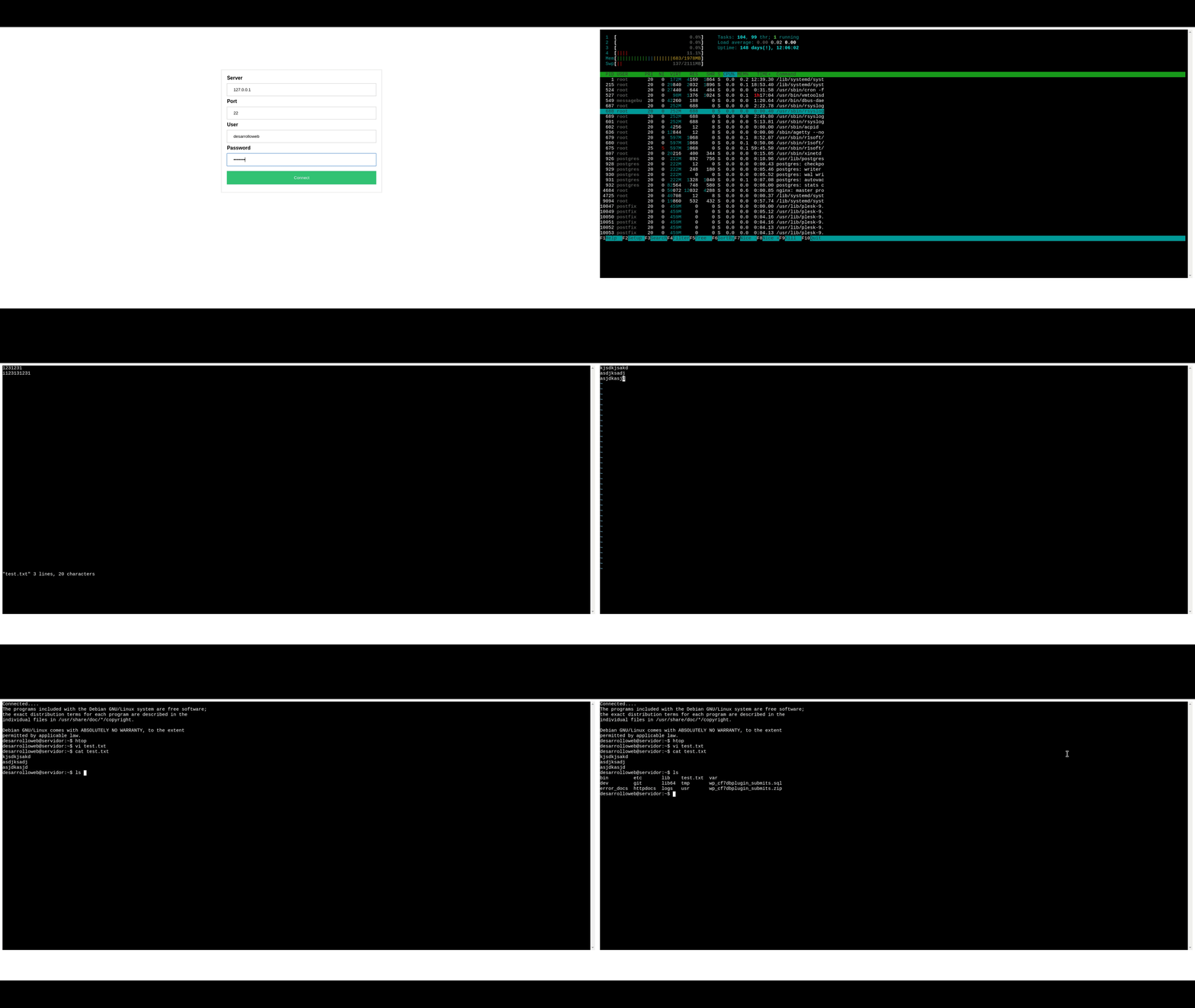
Web Nov 20 2023 nbsp 0183 32 This extension enables you to run WSL SSH or a development container for editing and debugging with the full set of Visual Studio Code features Quickly swap between different separate development environments and make updates without worrying about impacting your local machine
Web Oct 22 2019 nbsp 0183 32 I recently wrote an article for Smashing Magazine that covers how I set up my personal development environment to use the Windows Subsystem for Linux version 2 WSL 2 One of the things that I cover in that article is how to get SSH setup in WSL with Github I mention in that section that you can share SSH keys between Windows and Web How to SSH into WSL from Windows on the same machine Ask Question Asked 7 years 4 months ago Modified 2 years 4 months ago Viewed 175k times 74 I followed the instructions in this answer How can I SSH into Bash on Ubuntu on Windows 10 I m attempting to SSH from PuTTY in Windows on the same machine Using Port 22 which matches my
Web Jun 22 2020 nbsp 0183 32 The Solution Fortunately it s pretty simple keychain to the rescue Install keychain sudo apt get install keychain Edit your bashrc zshrc or whatever rc file that corresponds to your shell of choice and add the following to the bottom of your file