Enable Secure Boot No Bios Enable Secure Boot Chillblast How To Enable TPM 2 0 And Secure Boot To Upgrade To Windows 11 World ASUS BIOS Secure Boot Disable FunnyDog TV How To Enable Secure Boot In Dell Laptop In Windows 10 11 8 7 YouTube How To Install Linux On A Windows Machine With UEFI Secure Boot Linux Jan 25 2020 nbsp 0183 32 Enable and Configure or Disable MultiFinger Gestures for Precision Touchpad in Settings 1 Open Settings and click tap on the Devices icon 2 Click tap on Touchpad on the
Nov 29 2017 nbsp 0183 32 How to Enable or Disable Access to Windows Features in Windows 10 Information Some programs and features included with Windows such as Internet Information Services Nov 3 2020 nbsp 0183 32 Here s How The downloadable reg files below will modify the DWORD value in the registry key below
How To Install Linux On A Windows Machine With UEFI Secure Boot Linux How To Enter BIOS Change Boot Order And Secure Boot Lenovo Thinkpad Enable Secure Boot To Protect Systems From UEFI Rootkit CosmicStrand Re Enable Legacy Support On Bios HP Support Community 5378619 How To Disable Secure Boot Windows 10 Msi Click Bios 5 Baplifestyle How To Disable Secure Boot In BIOS CCBoot V3 0 Diskless Boot System Windows 11 Bios Settings Enable Tpm 20 Secure Boot Uefi CLOUD HOT GIRL Secure Boot Option Is Greyed Out In ASUS BIOS How To Enable Secure How To Disable Secure Boot In BIOS In HP G6 YouTube
Enable Secure Boot No Bios
 Enable Secure Boot No Bios
https://s3-eu-central-1.amazonaws.com/euc-cdn.freshdesk.com/data/helpdesk/attachments/production/103002286962/original/1gOPewZkl07jzbWzNQYobO46kfIIKFmAYA.png?1666618482
Mar 16 2023 nbsp 0183 32 2 Enable Microsoft Edge Desktop Search Bar for All Users This is the default setting A Click tap on the Download button below to download the file below and go to step 4
Templates are pre-designed files or files that can be used for numerous functions. They can conserve time and effort by supplying a ready-made format and design for producing different kinds of material. Templates can be utilized for personal or expert tasks, such as resumes, invitations, flyers, newsletters, reports, presentations, and more.
Enable Secure Boot No Bios
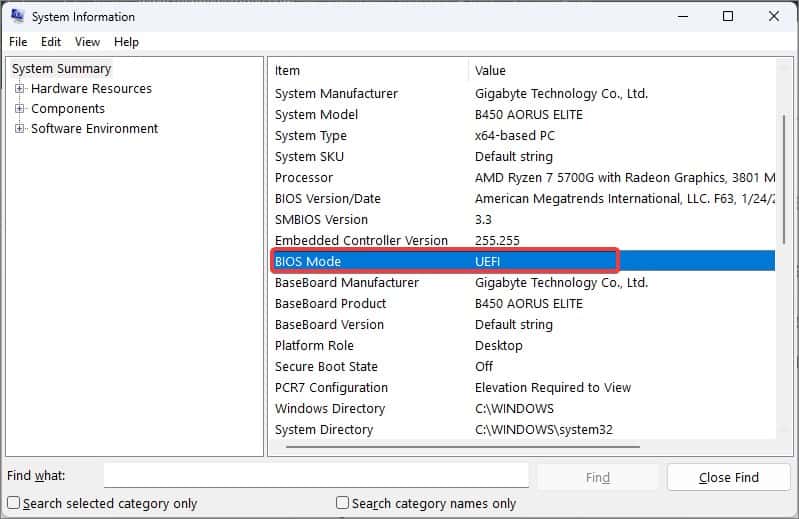
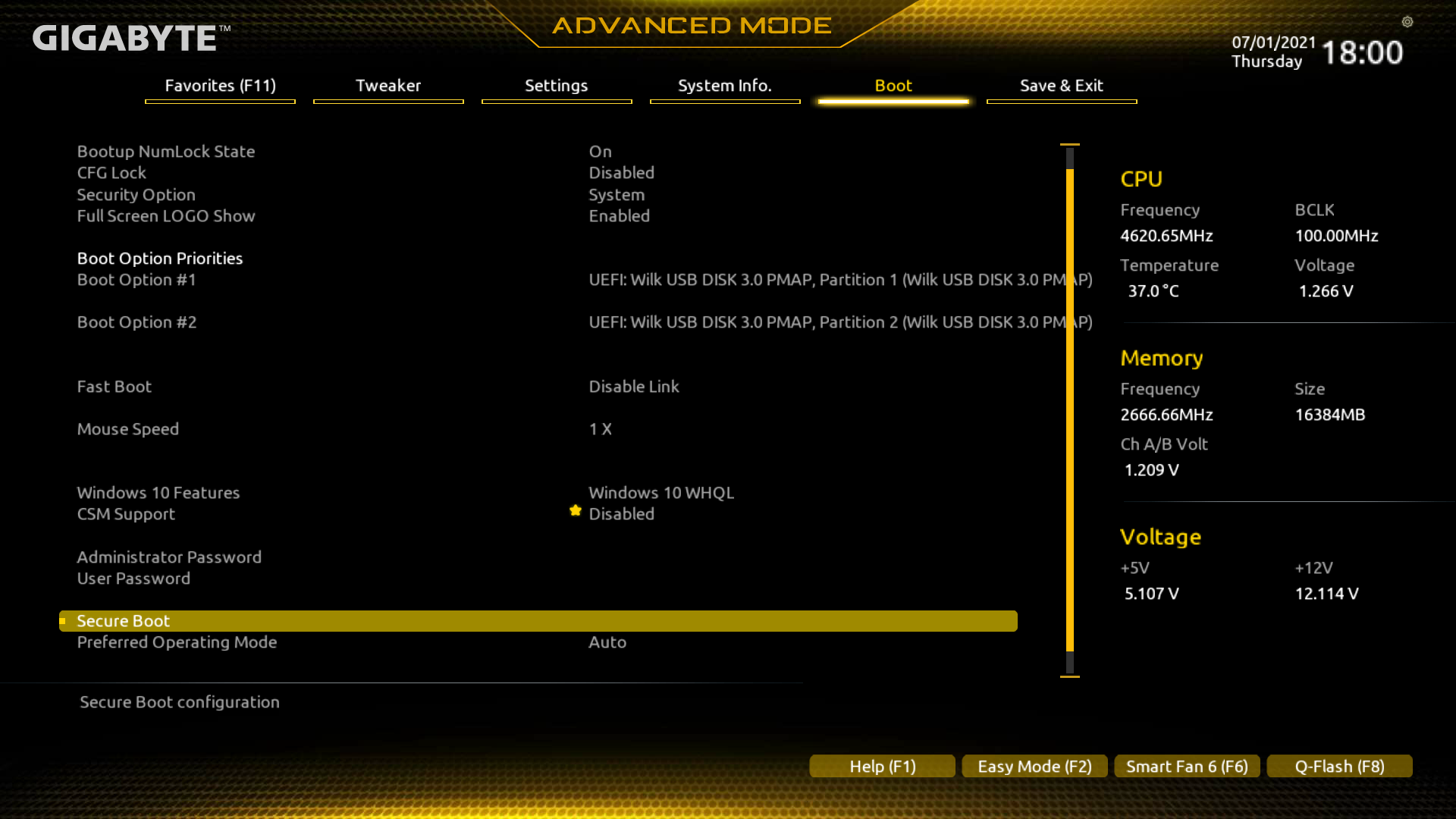
How To Enable Secure Boot On Gigabyte
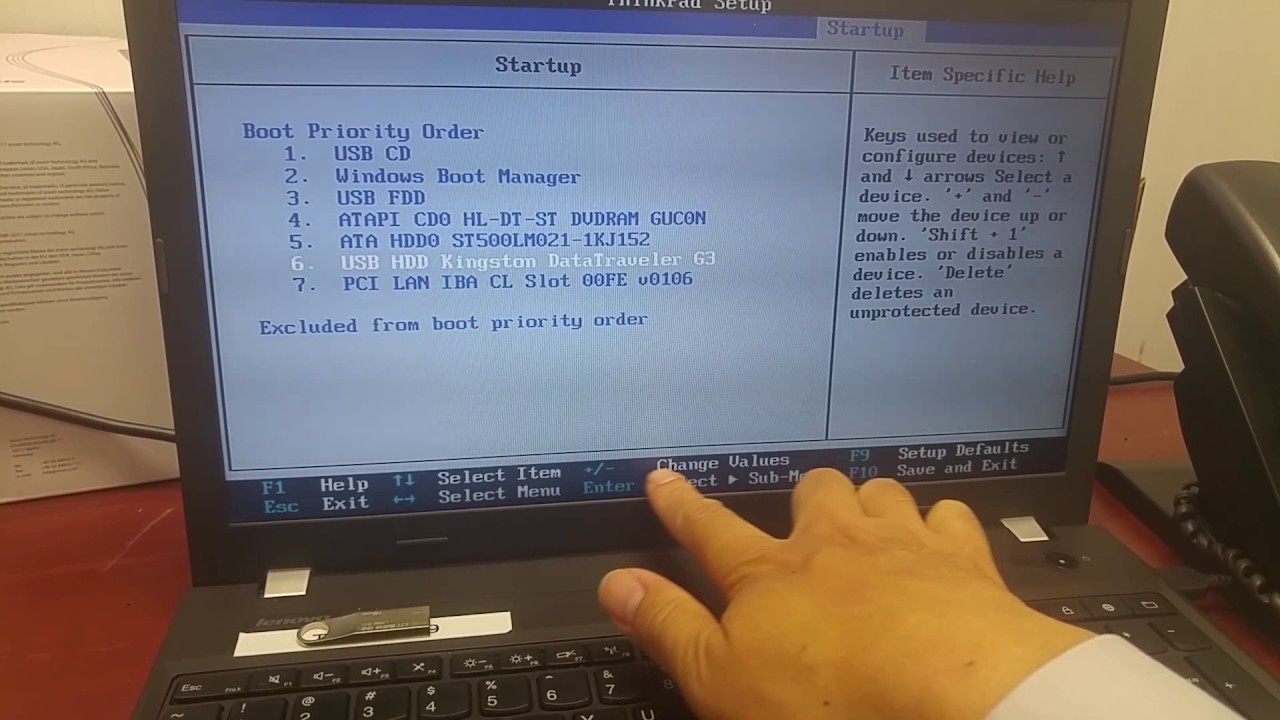
How To Enter BIOS Change Boot Order And Secure Boot Lenovo Thinkpad
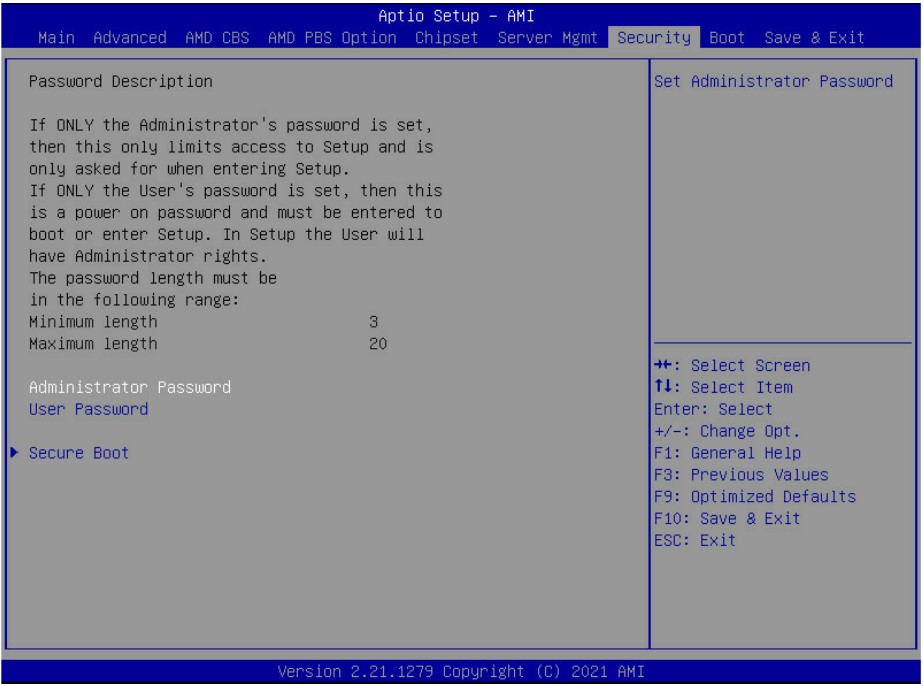
Enable Secure Boot To Protect Systems From UEFI Rootkit CosmicStrand

Re Enable Legacy Support On Bios HP Support Community 5378619
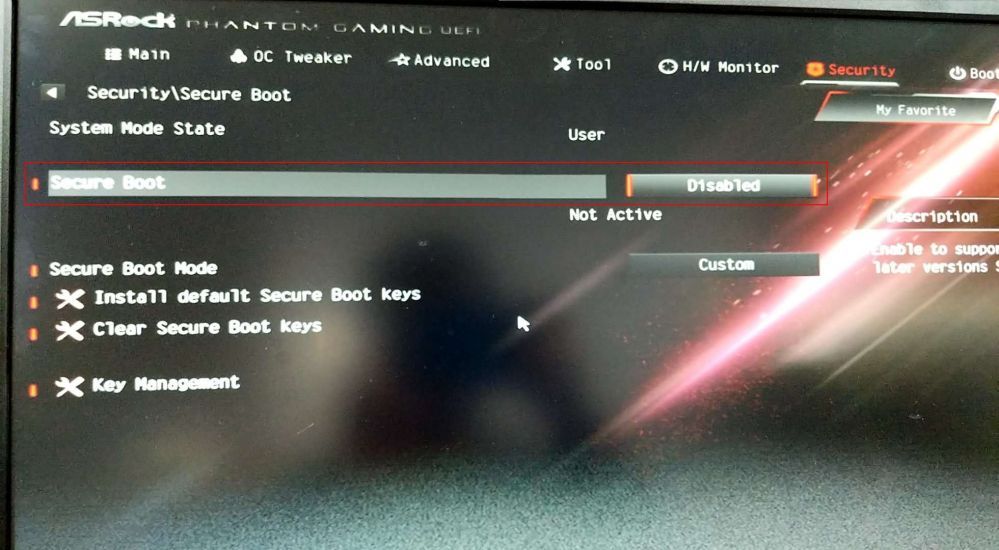
How To Disable Secure Boot In BIOS CCBoot V3 0 Diskless Boot System

Windows 11 Bios Settings Enable Tpm 20 Secure Boot Uefi CLOUD HOT GIRL
Apr 10 2020 nbsp 0183 32 How to Enable or Disable Touch Screen in Windows 10 A touchscreen or touch screen is an input device that enables you to interact directly with what is displayed rather
Oct 12 2020 nbsp 0183 32 If you like you can use the InPrivateModeAvailability policy to enable disable or force the InPrivate mode feature in Microsoft Edge for all users on the computer This tutorial

Dec 22 2021 nbsp 0183 32 To Enable or Disable Remote Desktop Connections to this Computer in System Remote Settings 1 Open the Control Panel icons view and click tap on the System icon

Nov 8 2021 nbsp 0183 32 How to Enable or Disable Adaptive Brightness in Windows 10 Displays especially on laptops and tablets may utilize ambient light sensors to detect surrounding levels of light

Aug 29 2017 nbsp 0183 32 How to Enable or Disable Microsoft Edge about flags Page in Windows 10 Information Microsoft Edge is a new web browser that will be avail
[desc-11] [desc-12]
[desc-13]