Enable Secure Boot Gigabyte Bios Intel How To Enable Secure Boot On Gigabyte Motherboards AMD And Intel Gigabyte Secure Boot Error Enable Secure Boot For Windows 11 Error Enable Secure Boot Chillblast Gigabyte Confirms Its Intel And AMD Motherboards Support Windows 11 Enable Secure Boot In Gigabyte Motherboard Convert SSD HDD MBR To GPT Aug 29 2017 nbsp 0183 32 How to Enable or Disable Microsoft Edge about flags Page in Windows 10 Information Microsoft Edge is a new web browser that will be avail
Oct 12 2015 nbsp 0183 32 Windows 10 introduces a new Energy Saver mode power option to help conserve the battery when the battery level reaches a specified percentage and the user is away This tutorial will Jan 25 2020 nbsp 0183 32 Enable and Configure or Disable MultiFinger Gestures for Precision Touchpad in Settings 1 Open Settings and click tap on the Devices icon 2 Click tap on Touchpad on the left side select
Enable Secure Boot In Gigabyte Motherboard Convert SSD HDD MBR To GPT How To Change Legacy Boot In Gigabyte Bios YouTube Gigabyte Enable Secure Boot How To Enable TPM 2 0 And Secure Boot To Upgrade To Windows 11 World Secure Boot What Is It In The BIOS And How To Disable Secure Boot R gigabyte Is Secure Boot Activated Or Not X570 Aorus Master Amd Enable Secure Boot On GA Z97X UD3H solved Motherboards I Turned On Secure Boot And Created A Platform Key pk In The Bios And
Enable Secure Boot Gigabyte Bios Intel
 Enable Secure Boot Gigabyte Bios Intel
https://i.ytimg.com/vi/lwaIWu_41_0/maxresdefault.jpg
Mar 16 2023 nbsp 0183 32 2 Enable Microsoft Edge Desktop Search Bar for All Users This is the default setting A Click tap on the Download button below to download the file below and go to step 4 below
Pre-crafted templates provide a time-saving option for developing a varied series of files and files. These pre-designed formats and layouts can be used for numerous personal and expert projects, including resumes, invites, flyers, newsletters, reports, presentations, and more, simplifying the material creation process.
Enable Secure Boot Gigabyte Bios Intel

Bios Setting For Windows 10
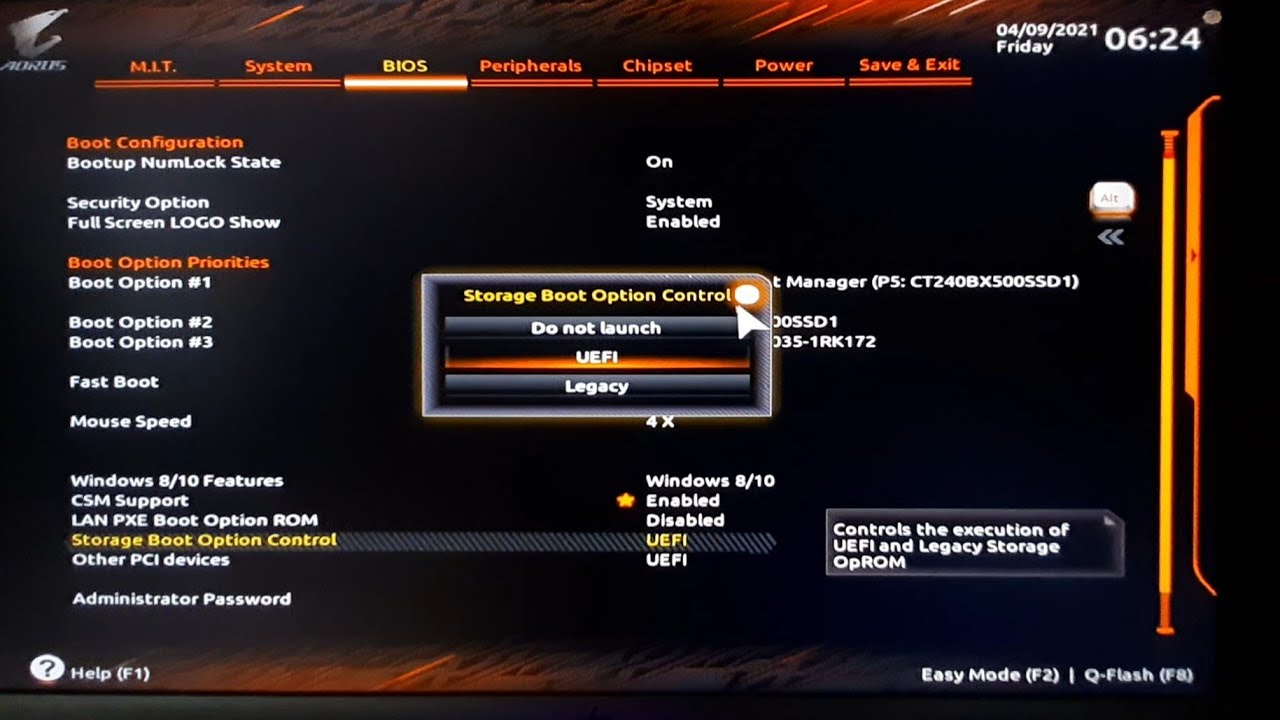
How To Change Legacy Boot In Gigabyte Bios YouTube

Gigabyte Enable Secure Boot
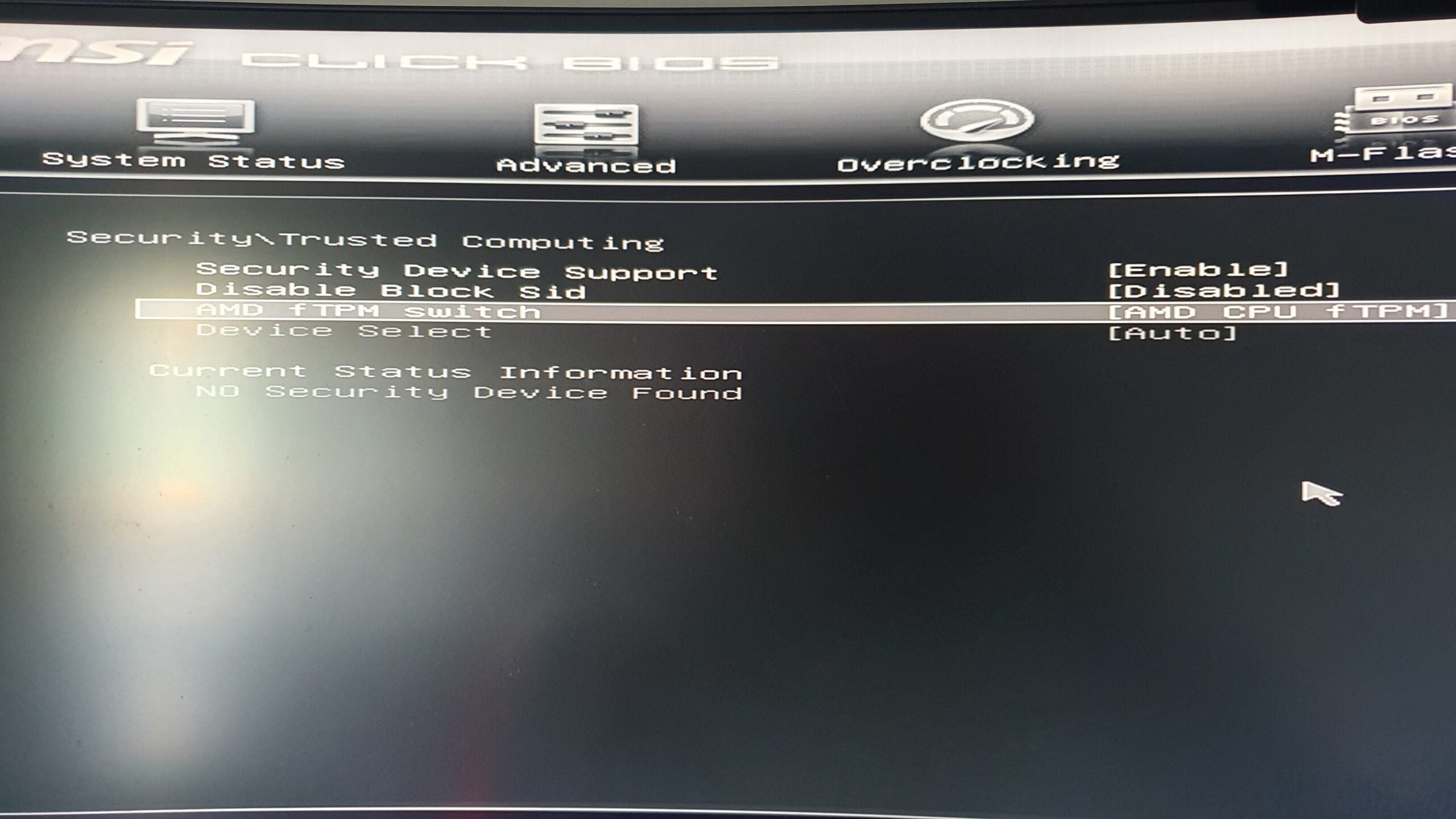
How To Enable TPM 2 0 And Secure Boot To Upgrade To Windows 11 World

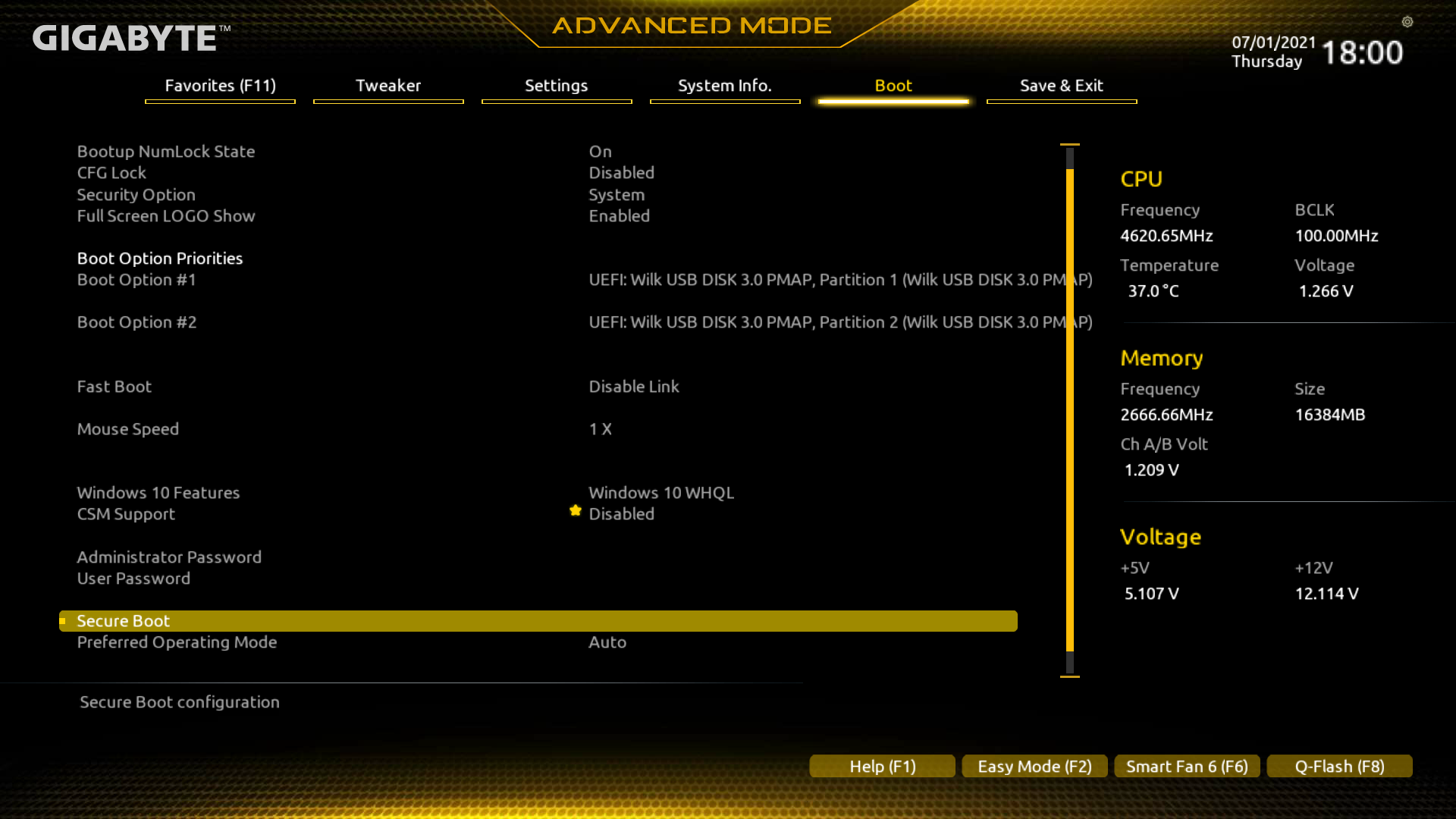
Secure Boot R gigabyte

Is Secure Boot Activated Or Not X570 Aorus Master Amd

Apr 10 2020 nbsp 0183 32 How to Enable or Disable Touch Screen in Windows 10 A touchscreen or touch screen is an input device that enables you to interact directly with what is displayed rather than using a

Oct 12 2020 nbsp 0183 32 How to Enable Disable or Force InPrivate Mode in Microsoft Edge Chromium Microsoft has adopted the Chromium open source project in the development of Microsoft Edge on the desktop
Dec 22 2021 nbsp 0183 32 To Enable or Disable Remote Desktop Connections to this Computer in System Remote Settings 1 Open the Control Panel icons view and click tap on the System icon

Nov 8 2021 nbsp 0183 32 How to Enable or Disable Adaptive Brightness in Windows 10 Displays especially on laptops and tablets may utilize ambient light sensors to detect surrounding levels of light The

Jun 24 2022 nbsp 0183 32 How to Add Delete Enable or Disable Startup Items in Windows 10 Startup items are the apps shortcuts folders drives etc that are set to run or open automatically at startup when a
[desc-11] [desc-12]
[desc-13]