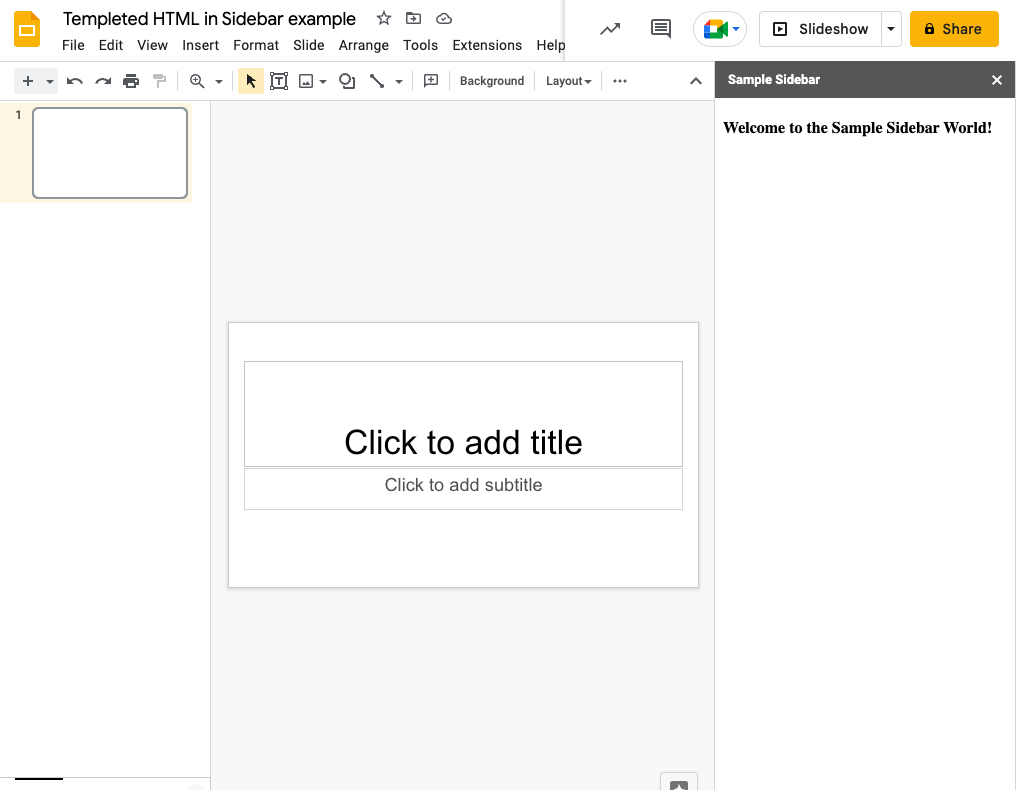
Embed Html In Word TUTORIAL How To Easily IMPORT HTML Objects Into PowerPoint YouTube Embed A Report In A Secure Portal Or Website Power BI Microsoft Learn Embed A Google Sheet On A Website In 2 Mins 8 Easy Steps Templated HTML In The Google Addon Sidebar Automagical Apps Blog How To Embed HTML Code In Your Google Slides Presentation PeterElSt Web Feb 25 2015 nbsp 0183 32 1 No it isn t possible Any code you wish to write in a Word document must be written in a format that Word supports such as last time I looked at it Visual Basic for Applications not as embedded HTML Share Improve this answer Follow answered Jun 26 2011 at 18 59 Quentin 917k 126 1215 1339 1
Web Jan 26 2010 nbsp 0183 32 Insert html tag into word document using Microsoft Office Interop word in asp Web When you want to embed the document switch to HTML editing and press Ctrl V or V on a Mac to paste the embed code Note Your blog editor might have a trick for switching to HTML editing For example in TypePad go to Blogs click the name of your blog and then click Compose
How To Embed HTML Code In Your Google Slides Presentation PeterElSt How To Embed Google Form How To Embed HTML Into Google Slides Easy Guide PresentationSkills me How To Embed Html In Powerpoint Li Creative How To Embed HTML In Microsoft Outlook How To Design A Scroll Animation On Your Own Using Lottie Tutorial Slider Revolution How To Embed HTML Code In Your Google Slides Presentation PeterElSt How To Embed HTML Into Google Slides How To Embed Linkedin Page Posts Feed On Your HTML Website For FREE
Embed Html In Word
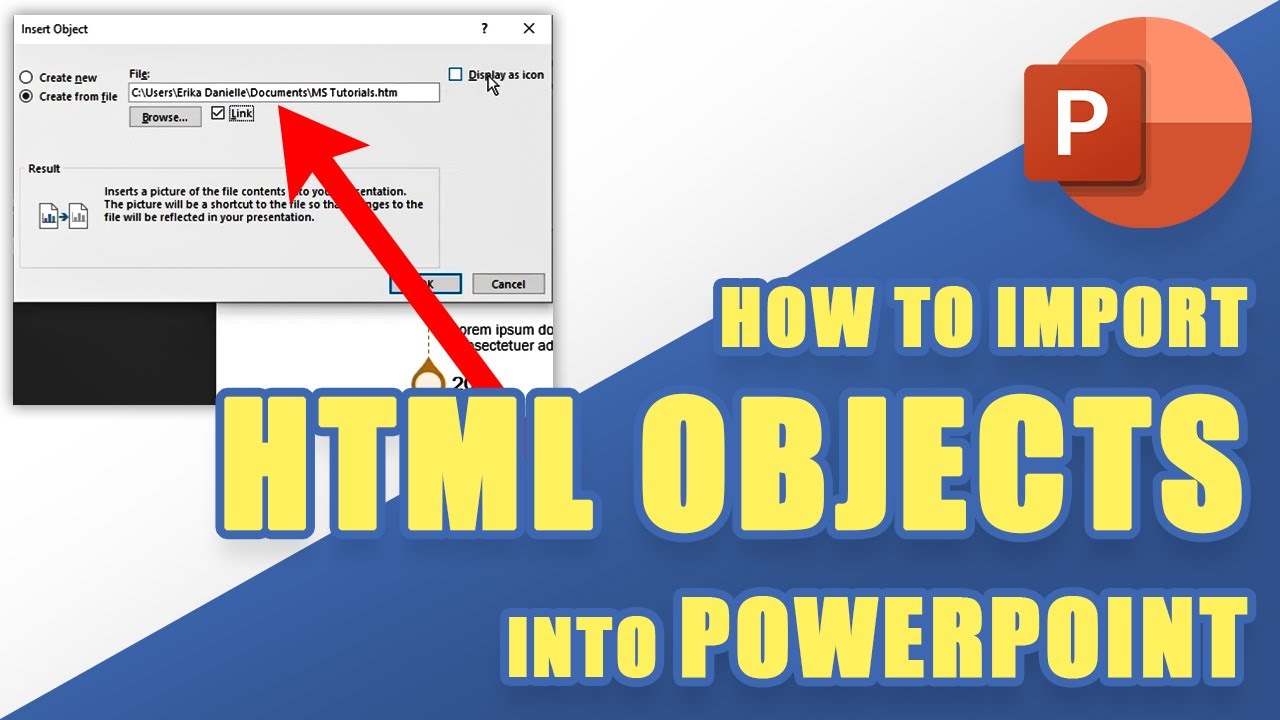 Embed Html In Word
https://i.ytimg.com/vi/dea8XawH6no/maxresdefault.jpg
Web From the Insert tab Text section choose Object Then choose Text From File Use the file type selector in the Insert File dialog box choose All Web Pages to locate the HTML file A Convert File box will be displayed choose Other encoding click OK The content will be imported into the current document
Templates are pre-designed files or files that can be used for numerous purposes. They can conserve time and effort by offering a ready-made format and layout for creating different kinds of content. Templates can be utilized for personal or expert tasks, such as resumes, invites, leaflets, newsletters, reports, discussions, and more.
Embed Html In Word
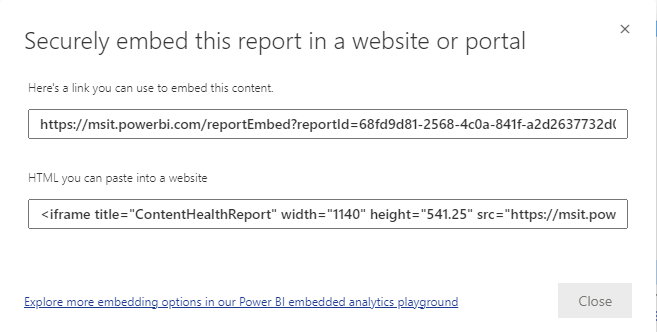
e me Bourgeon Deha Power Bi Report Embed Senior60
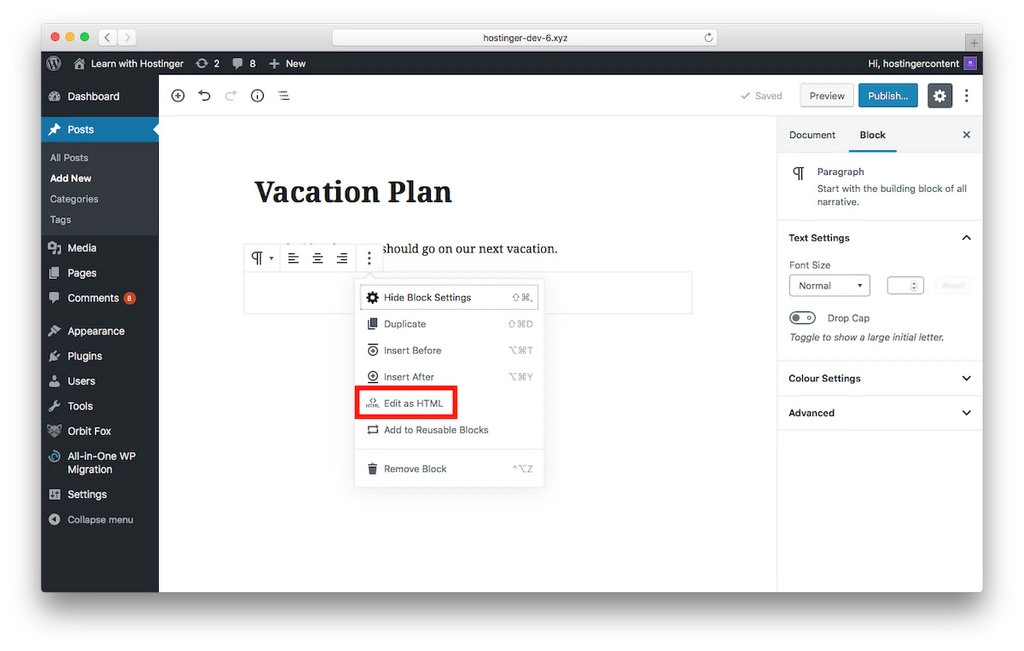
How To Embed Google Form

How To Embed HTML Into Google Slides Easy Guide PresentationSkills me
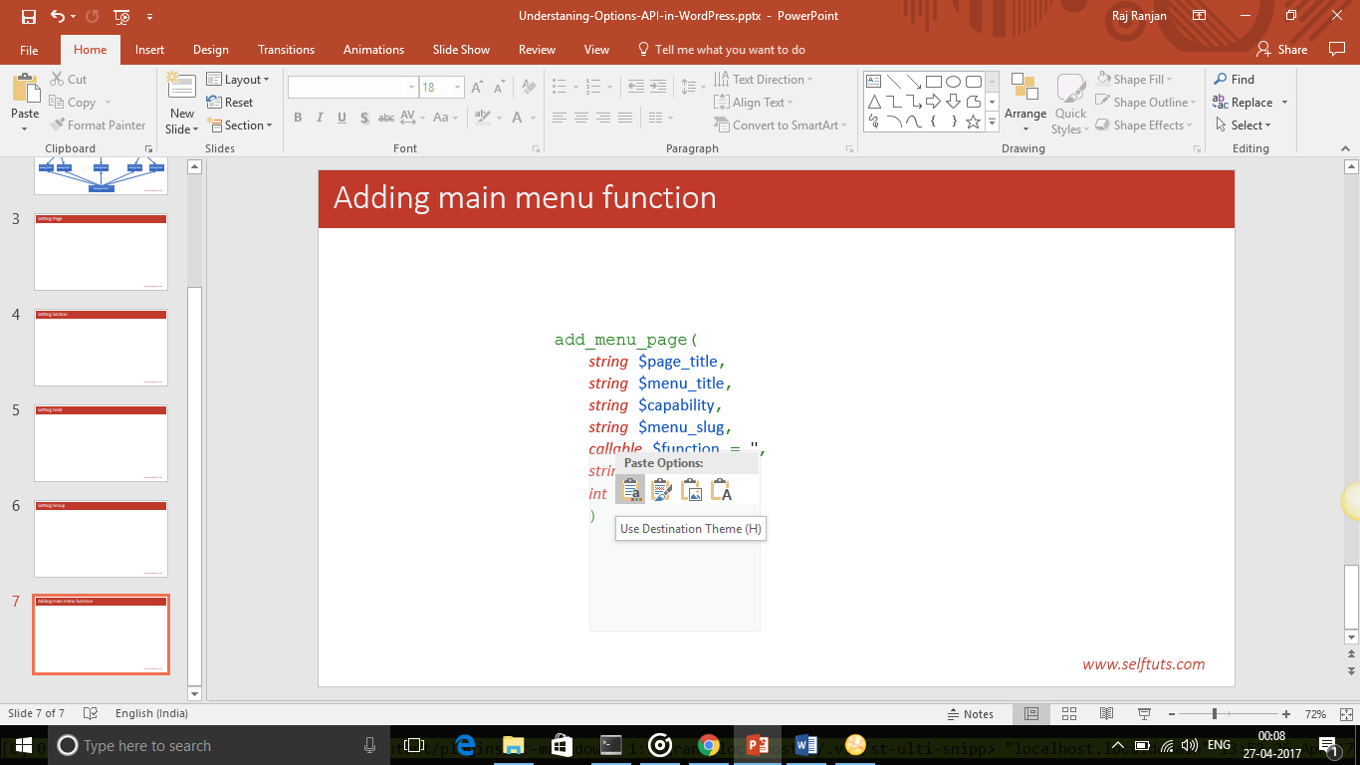
How To Embed Html In Powerpoint Li Creative
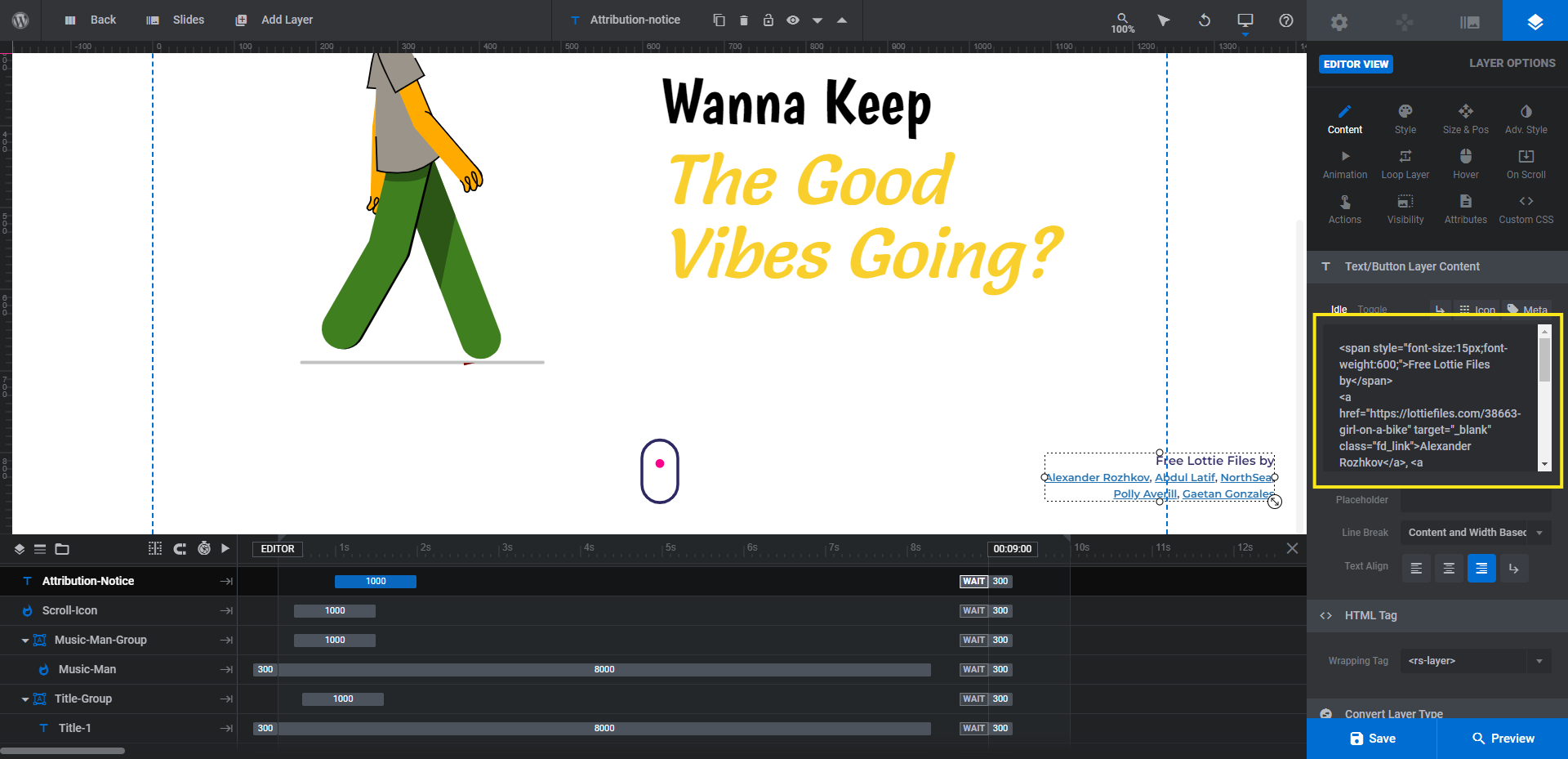
How To Design A Scroll Animation On Your Own Using Lottie Tutorial Slider Revolution

How To Embed HTML Code In Your Google Slides Presentation PeterElSt
Web Apr 20 2011 nbsp 0183 32 You can go to Insert gt gt Object gt gt Text from File gt gt select the file in html format gt gt Insert at the bottom right corner gt gt Insert as link This will allow you to update information in Word by simply pressing F9 when something on the page was changed and saved again in html format

Web 1 Answer You can copy the HTML code of the iframe to Word but the online map won t show up as Word can t display the output of HTML code like a web browser A web server doesn t display the HTML a web browser however does

Web Jun 18 2022 nbsp 0183 32 Open the target document in Microsoft Word and place the cursor where the source code will appear Select Insert In the Text group select Object In the Object dialog box select the Create New tab In the Object type list Select Microsoft Word Document In Word 2007 select OpenDocument Text Clear the Display as icon check
Web Embed or link to a file in Word Word for Microsoft 365 Word 2021 Word 2019 Word 2016 Accounting 2007 If you have an object in one file that you d like to put into another such as a doc or a dynamic chart embed or link to it Link or Embed a file To insert a copy of your file into another embed or link to it Go to Insert gt Object

Web MS Word is a definite no no for making html Use a free program like notepad Sam
[desc-11] [desc-12]
[desc-13]