Email Distribution List Template Excel 37 Free Email List Templates PDF MS Word Excel TemplateLab Stationery List For The Office Outlet Here Save 42 Jlcatj gob mx Office Supplies Inventory Template Printable Quotation Template In Excel And Doc How To Create Outlook Email Distribution List Foliover Web 1 Click Kutools Plus gt Create Mailing List See screenshot 2 In the Create Mailing List dialog box you need to check the fields as follows 2 1 In the Columns for Mailing List section check the corresponding fields as the columns of the mailing list you need
Web The first step in creating your email list from Excel is to prepare your list meaning that you use a header row to define the content in each column of your spreadsheet The common header values that are accepted by most email service providers include but are not limited to Email Email Address Name First Name and Last Name Web Dec 19 2023 nbsp 0183 32 1 Creating Mailing List in Excel Using Microsoft Word Mail Merge Microsoft Word offers a feature named Mail Merge We can use the feature to create a template of a mailing list after importing the data from Excel The data holds all the customers Names Company Names Company Addresses and Email Addresses
How To Create Outlook Email Distribution List Foliover Distribution List Template Excel Templates Master Distribution Matrix Template Forms Stamps Excel Workbook XLS Flevy Create Outlook Email Distribution List Applicationlop Contact List Templates 25 Free Printable Xlsx Docs PDF Formats Samples Examples Fall 2023 Additional Email Distribution List Google Sheets Email Distribution List Families Orde Day Care And Orde Day Care Satellite Create Outlook Email Distribution List From Excel Sysgas Of The Best Personal Asset List Template Printable Template Ideas
Email Distribution List Template Excel
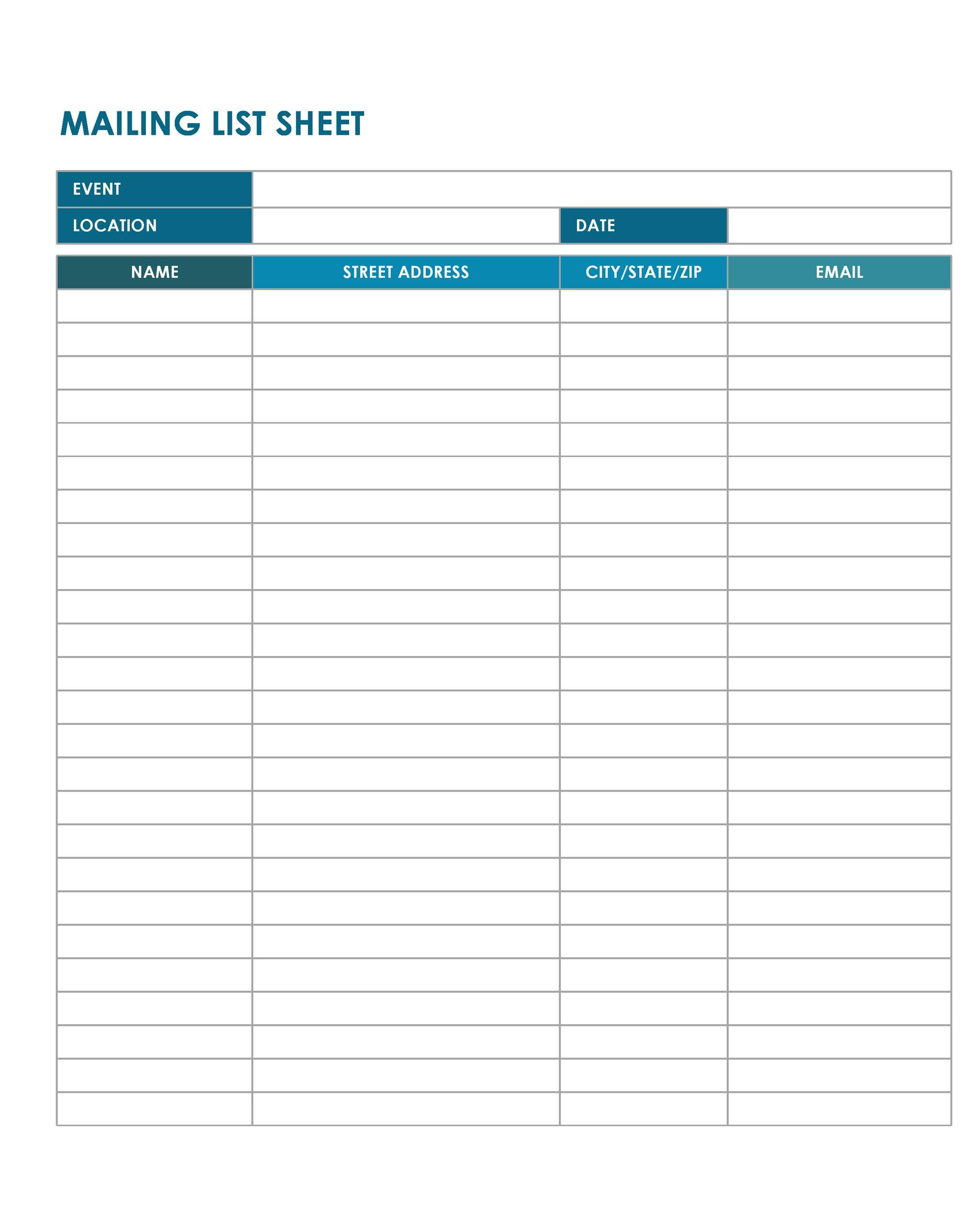 Email Distribution List Template Excel
https://templatelab.com/wp-content/uploads/2019/02/email-list-template-17.jpg
Web In Excel copy the names and email addresses from your Exccel data Create a contact folder in Outlook and name it Click Contacts in the navigation bar and select New Contact Group Click Add Members From Address Book Click in the Members area and paste the Excel data you copied in step 1
Templates are pre-designed files or files that can be utilized for various purposes. They can conserve time and effort by offering a ready-made format and layout for developing various sort of material. Templates can be used for personal or expert tasks, such as resumes, invitations, leaflets, newsletters, reports, discussions, and more.
Email Distribution List Template Excel
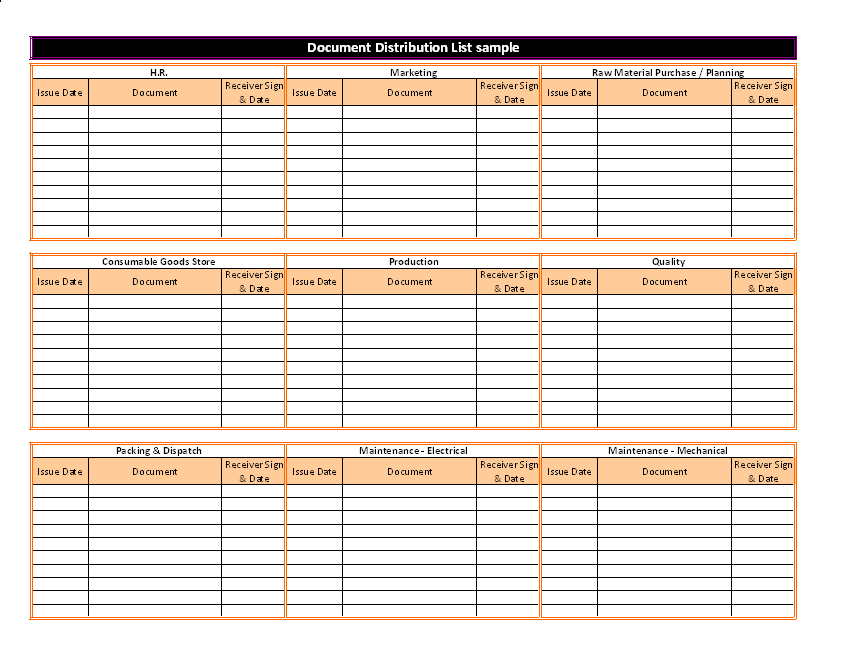
Document Distribution List Sample

Distribution List Template Excel Templates
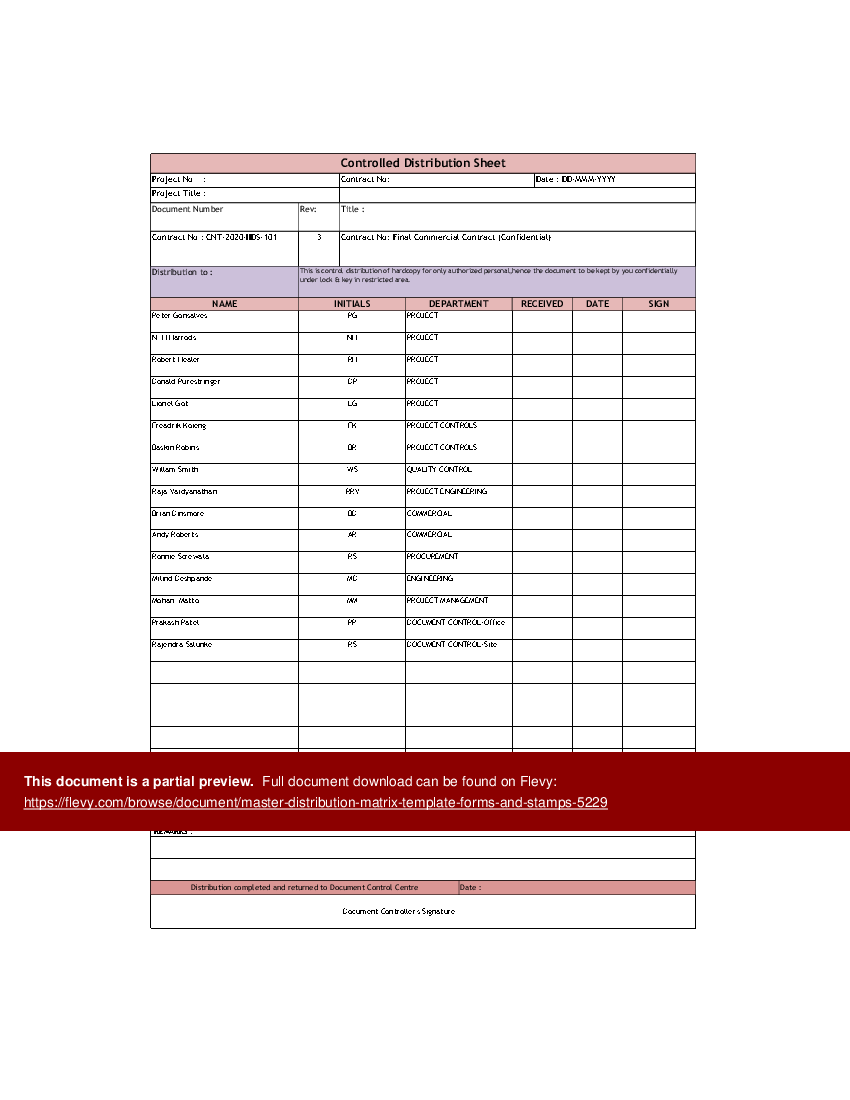
Master Distribution Matrix Template Forms Stamps Excel Workbook XLS Flevy
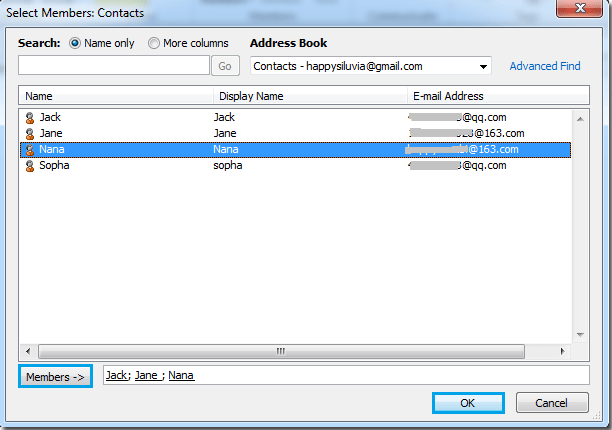
Create Outlook Email Distribution List Applicationlop

Fall 2023 Additional Email Distribution List Google Sheets

Email Distribution List Families Orde Day Care And Orde Day Care Satellite
Web 2 The benefits of using an email list template 3 Mailing List Templates 4 Creating your own email list template for business 5 Excel Mailing List Templates 6 Creating your own email list template for personal use 7 When to use an email list template 8 Final words on building an email list template

Web By following the simple steps outlined in this tutorial you can easily organize and manage your contacts for targeted email campaigns or general communications Key Points We discussed the steps to create an email distribution list in Excel including formatting the data and using the quot Mail Merge quot feature in Word

Web Utilizing Excel s functions for email list management Excel is a powerful tool for managing and organizing data including creating and maintaining email distribution lists Here are some functions and techniques that can help you effectively manage your email list in Excel Using the quot concatenate quot function to combine data Concatenating email
Web Save the mailing list as a new file in the CSV format and click Yes Next go to Outlook In People right click the Contacts folder you want to add the Excel list to and create a New Folder Type a name We ll place the Excel list in this folder to keep it separate from the other contacts Now click FILE Open amp Export and Import Export

Web When it comes to managing contacts and email distribution lists Excel and Outlook are two powerful tools that can work together seamlessly By importing your Excel data into Outlook you can easily create and manage distribution lists for your email communications Here s how you can do it
Web 1 Select and copy all email addresses in the worksheet you need to create a distribution list based on 2 Launch your Outlook application and shift to the Contacts view Then click New Contact Group under the Home tab See screenshot 3 In the Contact Group window please click Add Members gt From Outlook Contacts under the Contact Group tab 4 Web Mar 6 2018 nbsp 0183 32 1 How do I create a Distribution List with their name and email address from my Excel spreadsheet 2 How do add this new Distribution List to my Address Book so I can email to this entire list 3 How do I change the name of an existing list in my Address Book 4 How do I delete a list in my Address Book Thanks Melanie Kemp
Web Mar 9 2023 nbsp 0183 32 Customizable and adaptive mail merge templates Personalized merge fields depending on the recipient or context Dynamic attachments and images Mailing lists based on Excel tables quot Send immediately quot and quot send later quot scheduling