Edit Startup Menu Windows 10 Programs Running On Startup Windows 10 Spalasopa Startup Folder Not Working Windows 10 Colourzoom Microsoft s Innovative Windows 10 Core OS Spotted Again HP 250 G4 Notebook PC Boot Key F9 Bios Key F10 Startup Menu Windows 10 Giao H ng S 1 View 10 Startup Menu Windows 10 Boot Device Options Sharvely Web Jul 2 2022 nbsp 0183 32 Win 10 and 8 Press Ctrl Shift Esc gt select Startup tab and Status column To disable any application right click anywhere in its row gt Disable Exit Task Manager and reboot Win 7 Launch msconfig exe gt go to Startup tab gt
Web Jun 12 2020 nbsp 0183 32 To disable startup programs in Windows 10 right click the taskbar at the bottom of the screen and click Task Manager on the window that opens Next click on the Start Up tab at the top of the task manager window Click on the Status box to list all of the programs that start when your computer boots Web Sep 24 2020 nbsp 0183 32 If you want the full screen experience on a PC go to Settings gt Personalization gt Start and toggle on Use Start full screen And on a tablet you can go to Settings gt System gt Tablet mode and
View 10 Startup Menu Windows 10 Boot Device Options Sharvely HP 250 G4 Notebook PC Boot Key F9 Bios Key F10 Startup Menu Windows 10 Giao H ng S 1 Microsoft Acknowledges Windows 10 Cumulative Update KB4515384 Start Menu Bug Start Menu Down Arrows After Windows 10 I Apple Community View 10 Startup Menu Windows 10 Boot Device Options Sharvely Windows 10 Recent Menu Garryscript Parallels Desktop 12 More Than Windows 10 On A MacBook Windows 10 Startup Time Systemfas Top 15 Best Windows 10 Themes Of 2018 Blog Wise Tech Labs
Edit Startup Menu Windows 10
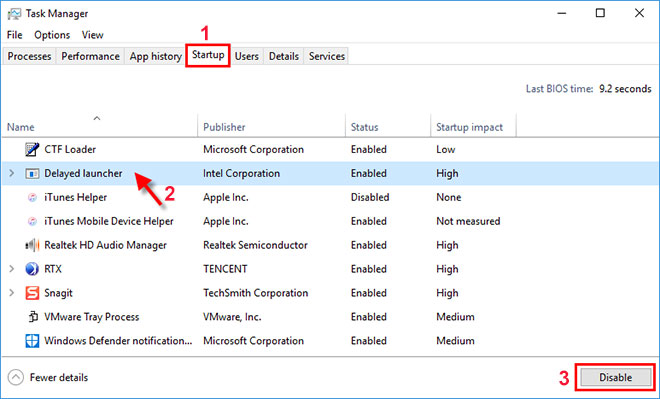 Edit Startup Menu Windows 10
https://www.isumsoft.com/images/computer/disable-startup-programs-in-windows-10-7/click-disable.jpg
Web May 10 2018 nbsp 0183 32 To manage your startup programs head to Settings gt Apps gt Startup This feature was added in Windows 10 s April 2018 Update If you don t see the Startup option in your Settings app you haven t installed the update yet Related You ll see a list of the programs configured to start up when you sign in
Pre-crafted templates offer a time-saving service for developing a varied variety of files and files. These pre-designed formats and designs can be made use of for different individual and expert projects, consisting of resumes, invites, flyers, newsletters, reports, presentations, and more, streamlining the material creation procedure.
Edit Startup Menu Windows 10
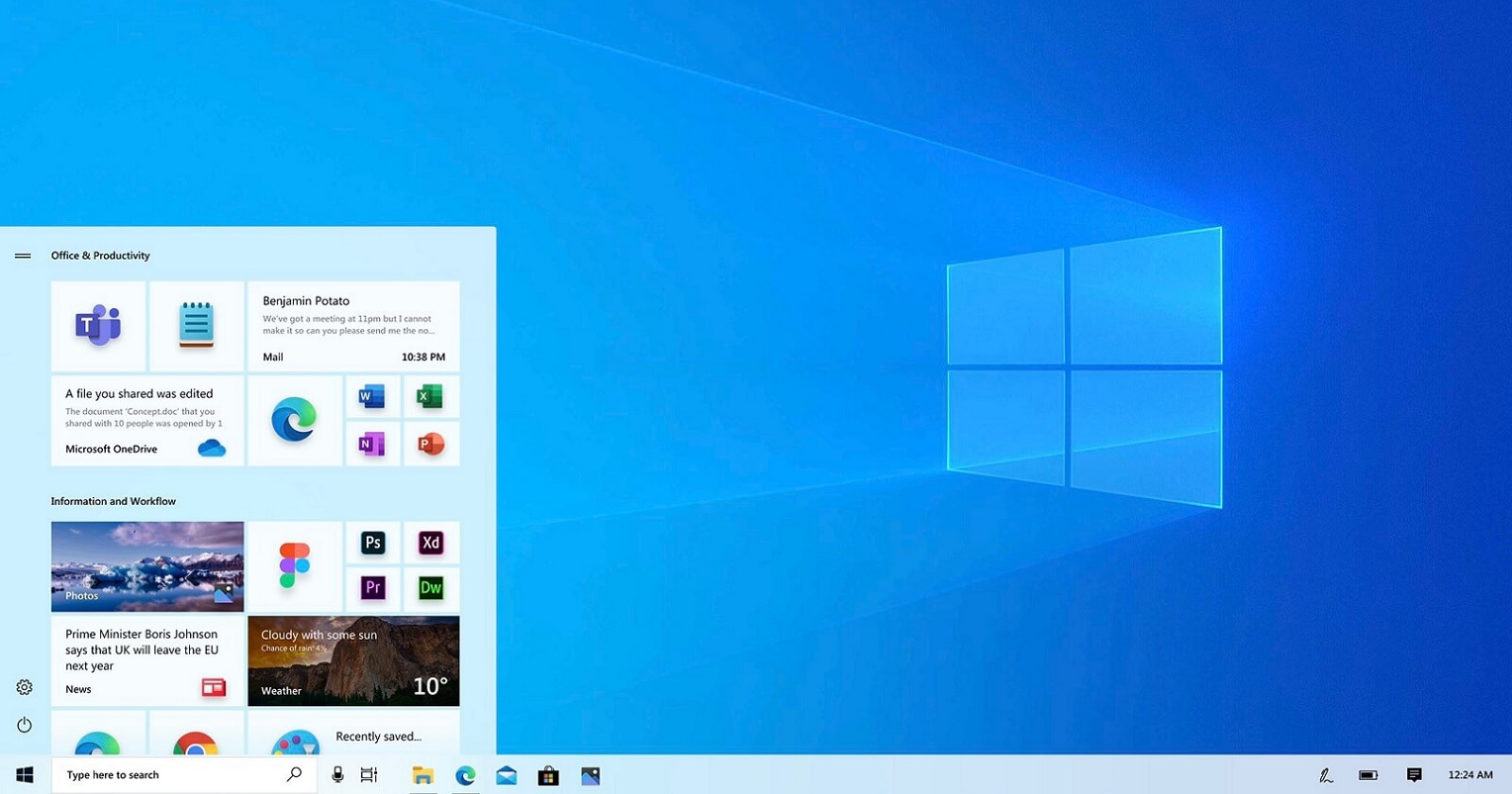
Windows 10 Start Menu Is Getting A New Option Under The Power Menu
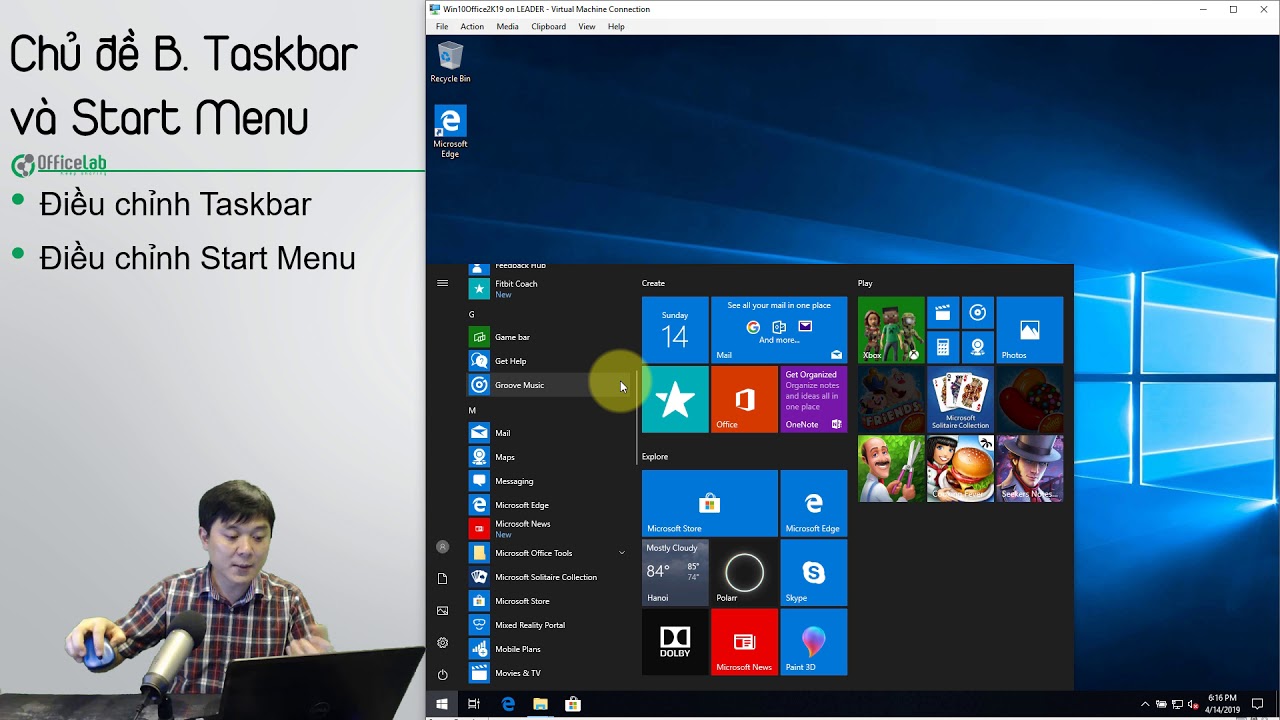
HP 250 G4 Notebook PC Boot Key F9 Bios Key F10 Startup Menu Windows 10 Giao H ng S 1
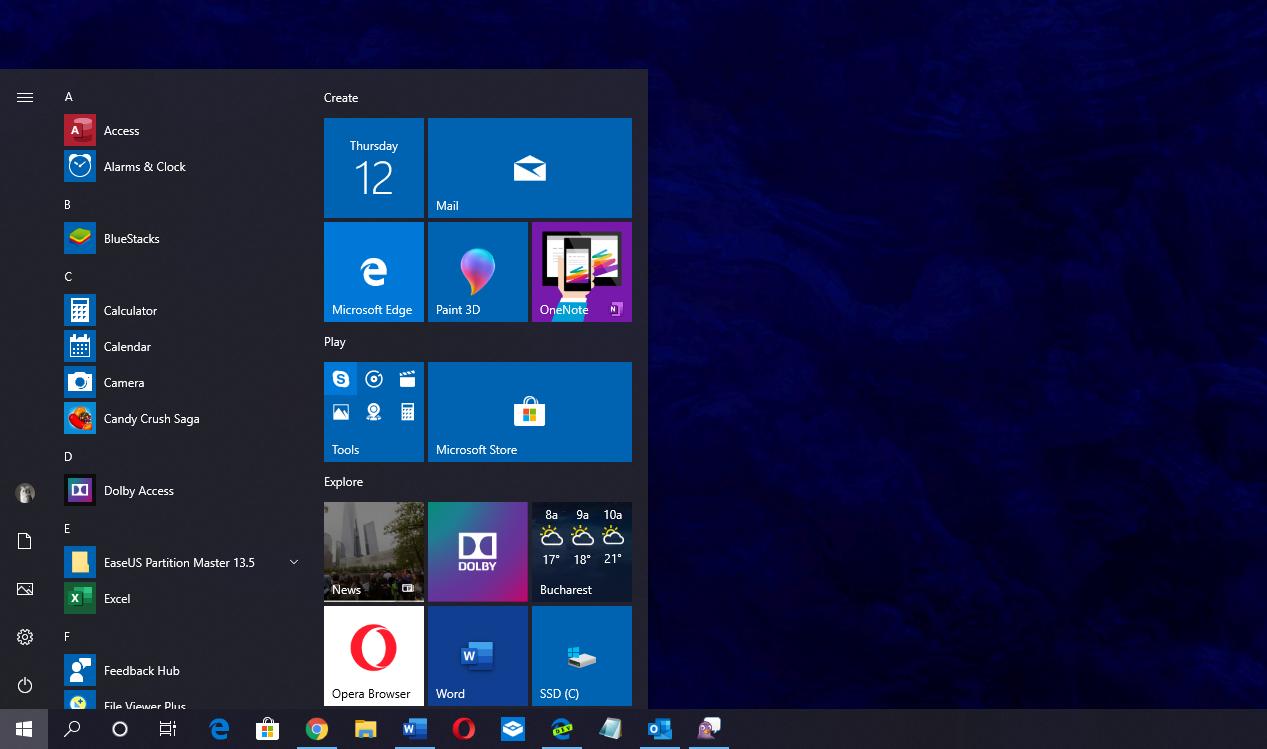
Microsoft Acknowledges Windows 10 Cumulative Update KB4515384 Start Menu Bug
Start Menu Down Arrows After Windows 10 I Apple Community
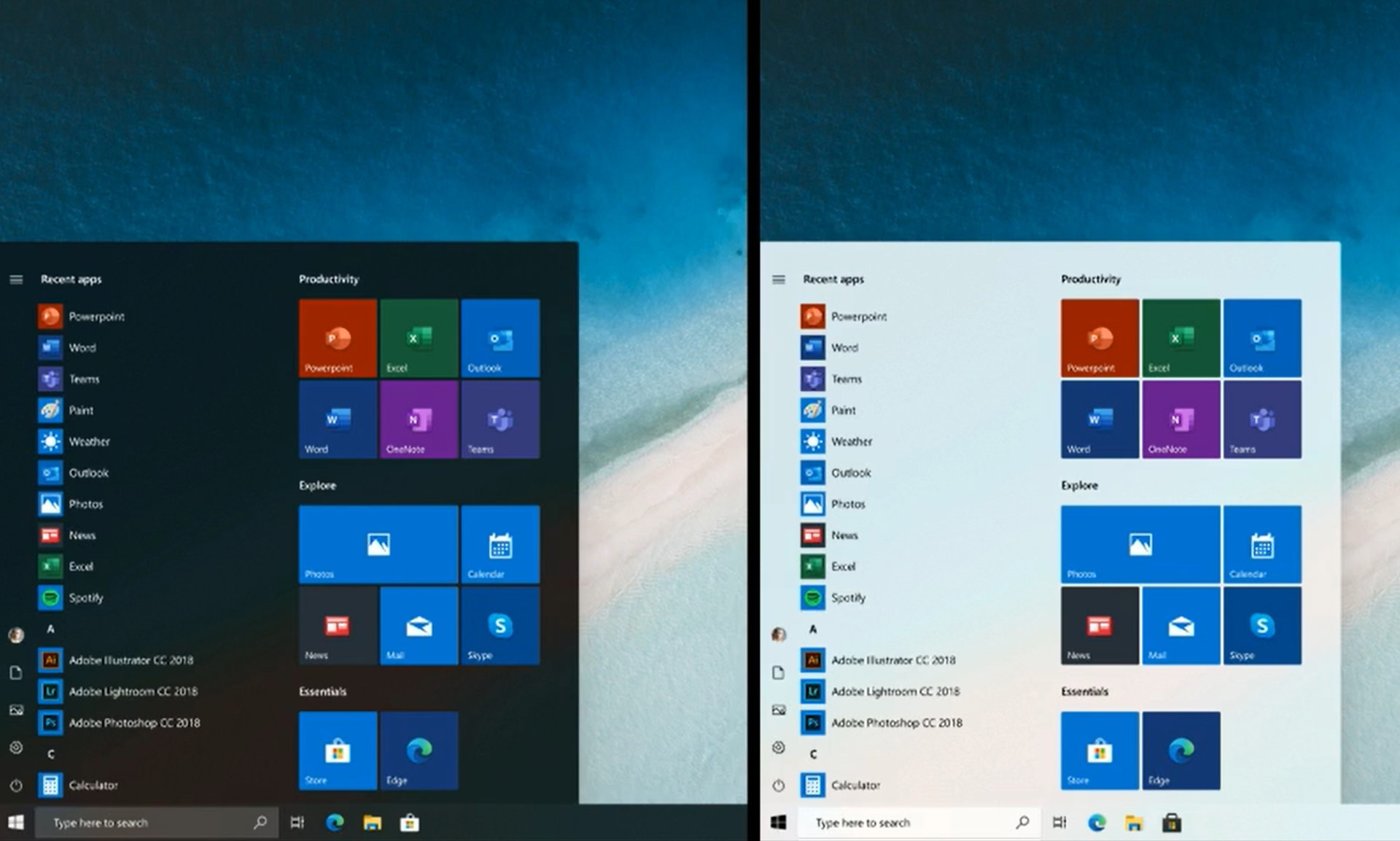
Windows 10 Recent Menu Garryscript
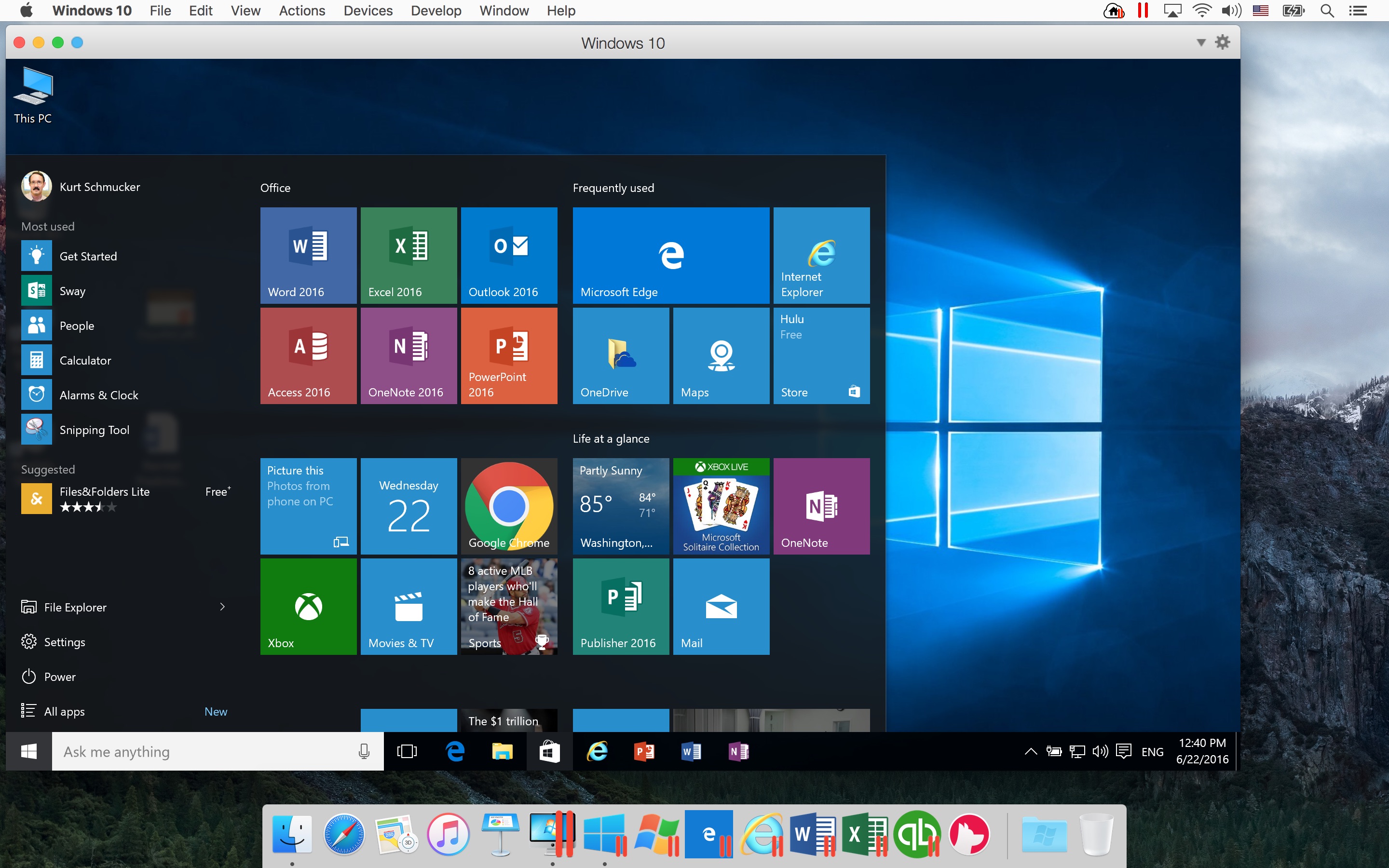
Parallels Desktop 12 More Than Windows 10 On A MacBook

Web You can change startup programs in Windows 10 the applications that start when you turn on your computer by adjusting your settings You can also disable startup programs in Windows
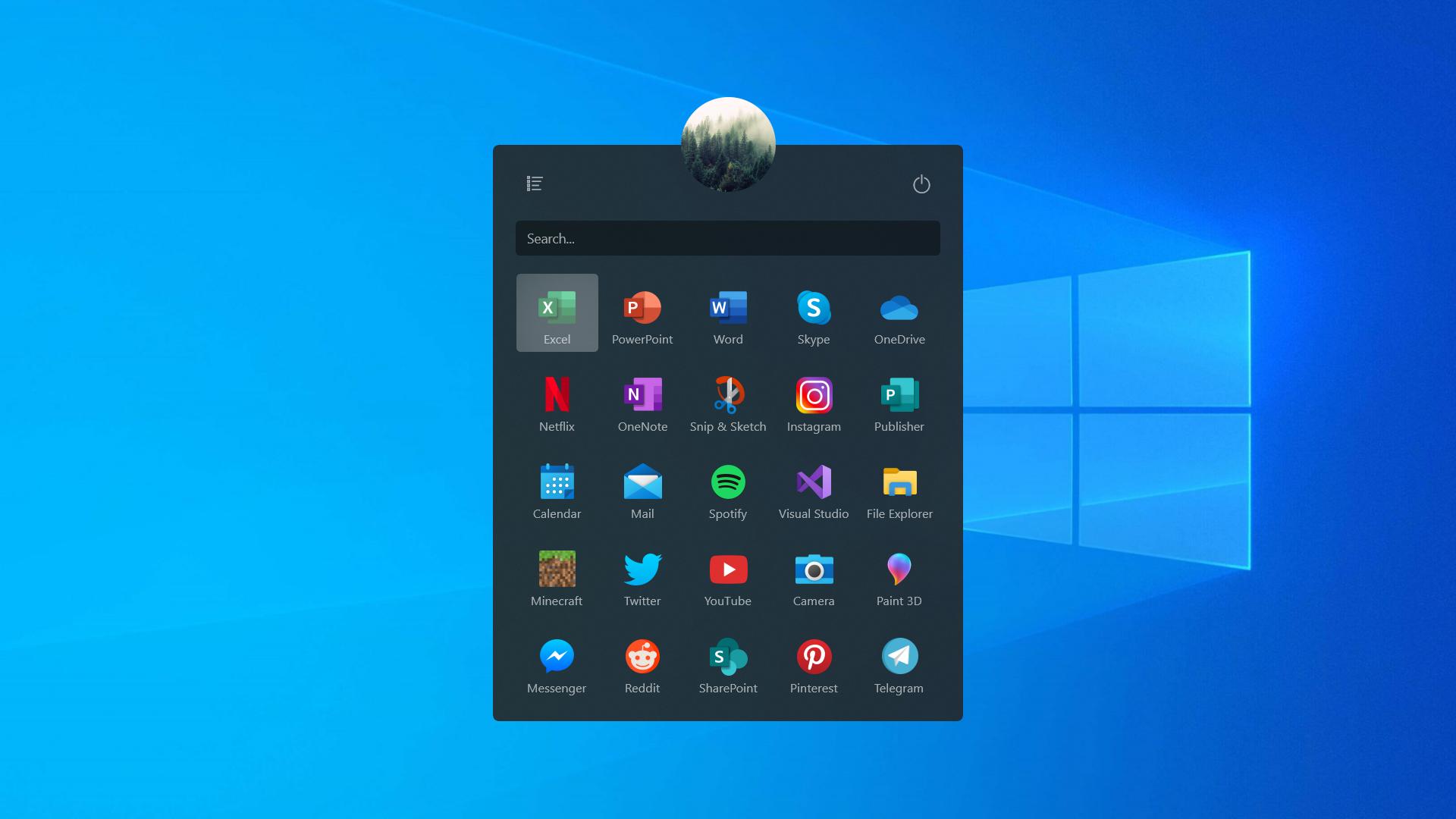
Web May 2 2017 nbsp 0183 32 Windows 10 finally brought back the Start menu and it s more customizable than ever Here s a quick rundown of all the different ways that you can make the Start menu your own Organize Edit Delete or Add New Items to the Apps List
Web Apr 25 2023 nbsp 0183 32 Take control of your Windows experience by organizing your startup programs today How to stop apps from opening on startup To change your Windows startup programs Select the Start button which looks like the Microsoft logo Select Settings On the left hand side of the window select Apps Select Startup at the bottom of

Web Nov 30 2022 nbsp 0183 32 Tips for Using the Windows 10 Start Menu Click the Start button in Windows 10 and all your installed apps are listed alphabetically as shortcuts Most of them appear

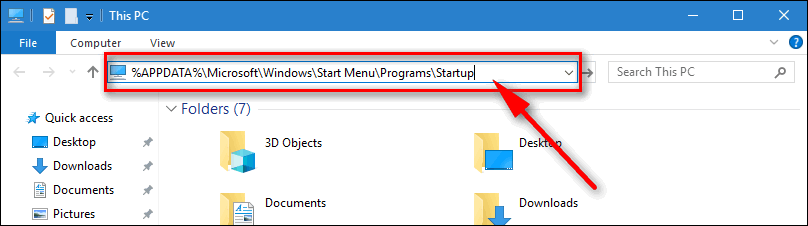
Web With the file location open press the Windows logo key R type shell startup then select OK This opens the Startup folder Copy and paste the shortcut to the app from the file location to the Startup folder See how to change which apps run automatically at startup SUBSCRIBE RSS FEEDS
[desc-11] [desc-12]
[desc-13]