Edit Startup Applications Ubuntu Command Line How To Check Your Ubuntu Version Using Command Line GUI C mo Administrar Sus Aplicaciones De Inicio En Ubuntu 6 Useful Linux Command Line Apps To Install How To Start A Service During A Server Restart On Linux Systran Box How To Run Script On Startup On Ubuntu 20 04 Focal Fossa Server Desktop There are many startup applications hidden by default They include system default daemons notifications such as backup monitor d bus ssh agent update notifier etc Besides editing the config file under etc xdg autostart you can make them visible in Startup Applications utility
To check whether the Apache service is enabled to run on startup use the following command sudo systemctl is enabled apache2 The output should return enabled if the service is set to run automatically on system startup To remove a program from running automatically when system boots disable its service using the following command Ask Ubuntu Where did the startup applications preferences program go Ask Question Asked 11 years 5 months ago Modified 2 years 1 month ago Viewed 68k times 24 I would like to change my startup applications Where can I find the program startup applications preferences program I m using gnome shell
How To Run Script On Startup On Ubuntu 20 04 Focal Fossa Server Desktop Simple Ubuntu Command How To Update Ubuntu In The Command Line Ubuntu Command Line Script Disk Operations User Linux Advance Ubuntu 22 04 Connect To WiFi From Command Line Linux Tutorials 12 Easy Steps To Speed Up Ubuntu Linux How To Update Ubuntu from The Command Line YouTube 5 Tips To Speed Up Ubuntu Desktop Even If You Have SSD Set Startup Applications Ubuntu 16 04 YouTube
Edit Startup Applications Ubuntu Command Line
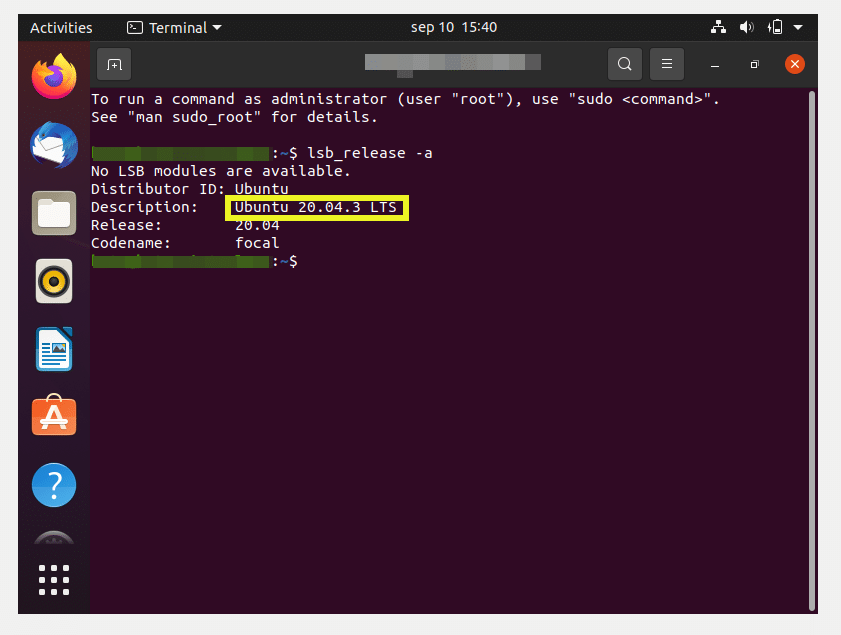 Edit Startup Applications Ubuntu Command Line
https://kinsta.com/wp-content/uploads/2021/12/lsb-release-a.png
How to Manage Startup Programs on Ubuntu Linux By Suparna Ganguly June 6th 2021 Each time you boot your Ubuntu Linux a number of application programs start loading automatically These are the Startup Programs Such programs include Skype Slack or other programs that you use on a regular basis
Templates are pre-designed documents or files that can be used for numerous functions. They can save time and effort by providing a ready-made format and layout for developing different kinds of content. Templates can be used for individual or expert jobs, such as resumes, invitations, leaflets, newsletters, reports, discussions, and more.
Edit Startup Applications Ubuntu Command Line
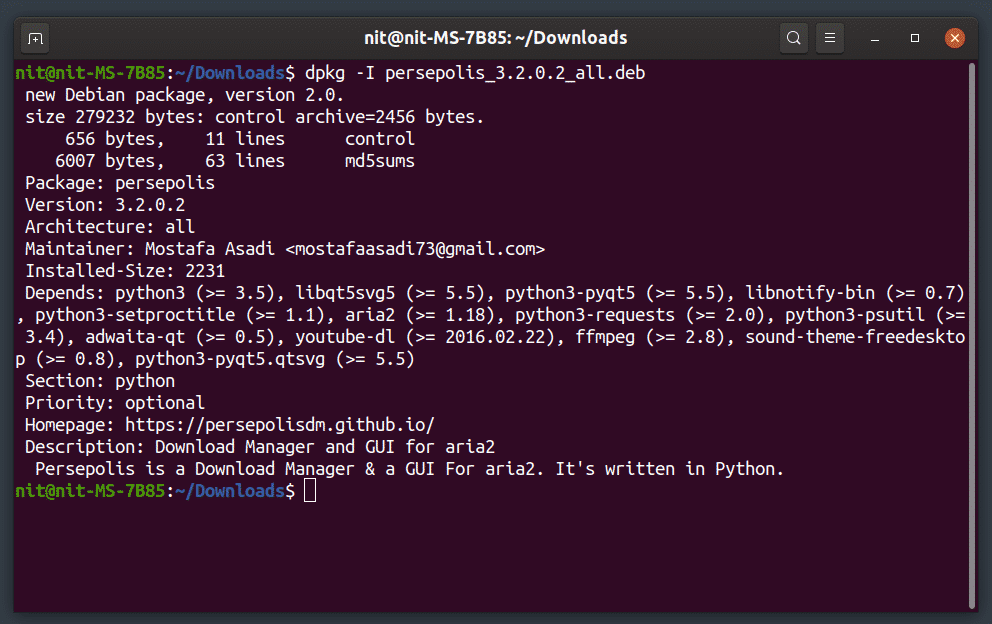
How To Manually Install A Deb Package Using Command Line In Ubuntu
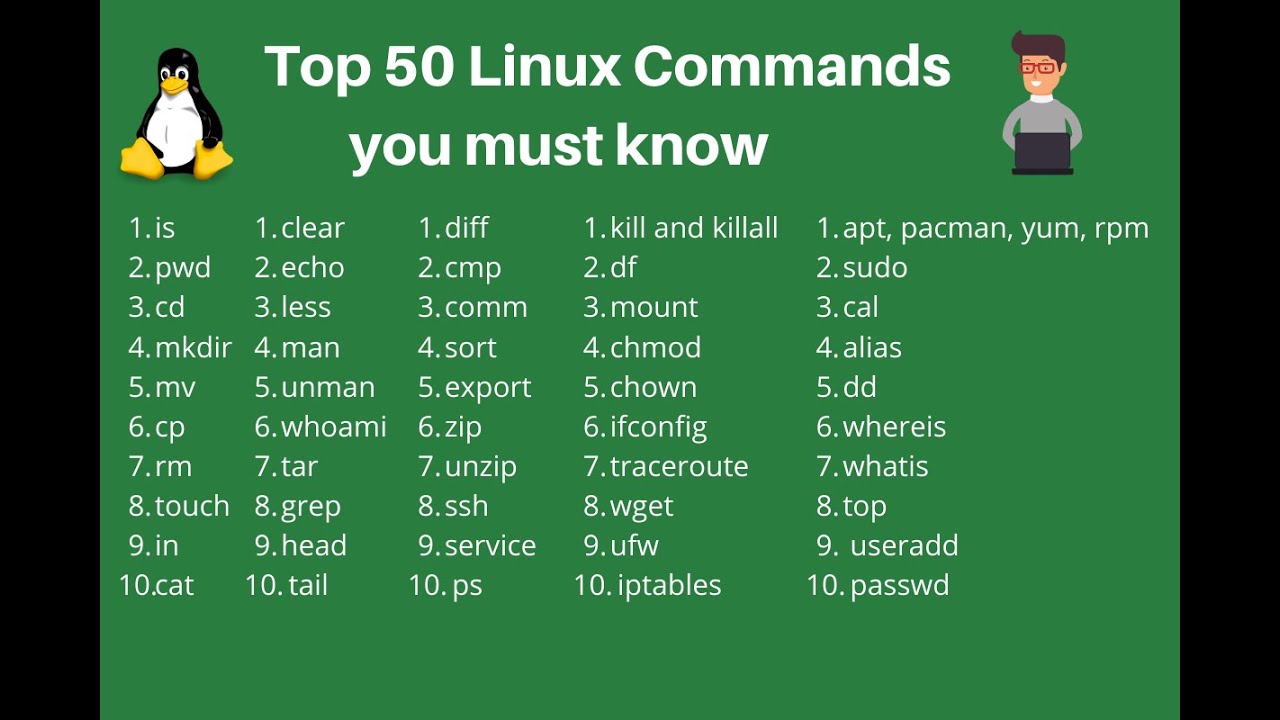
Simple Ubuntu Command

How To Update Ubuntu In The Command Line
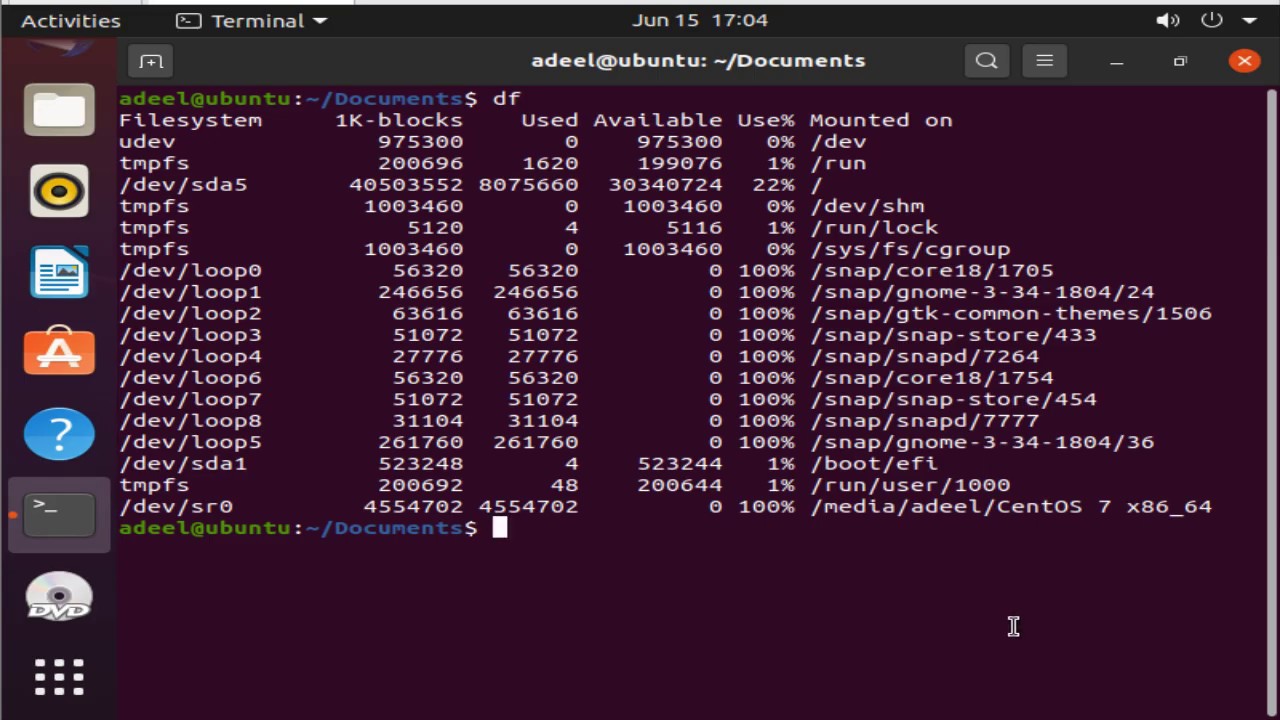
Ubuntu Command Line Script Disk Operations User Linux Advance
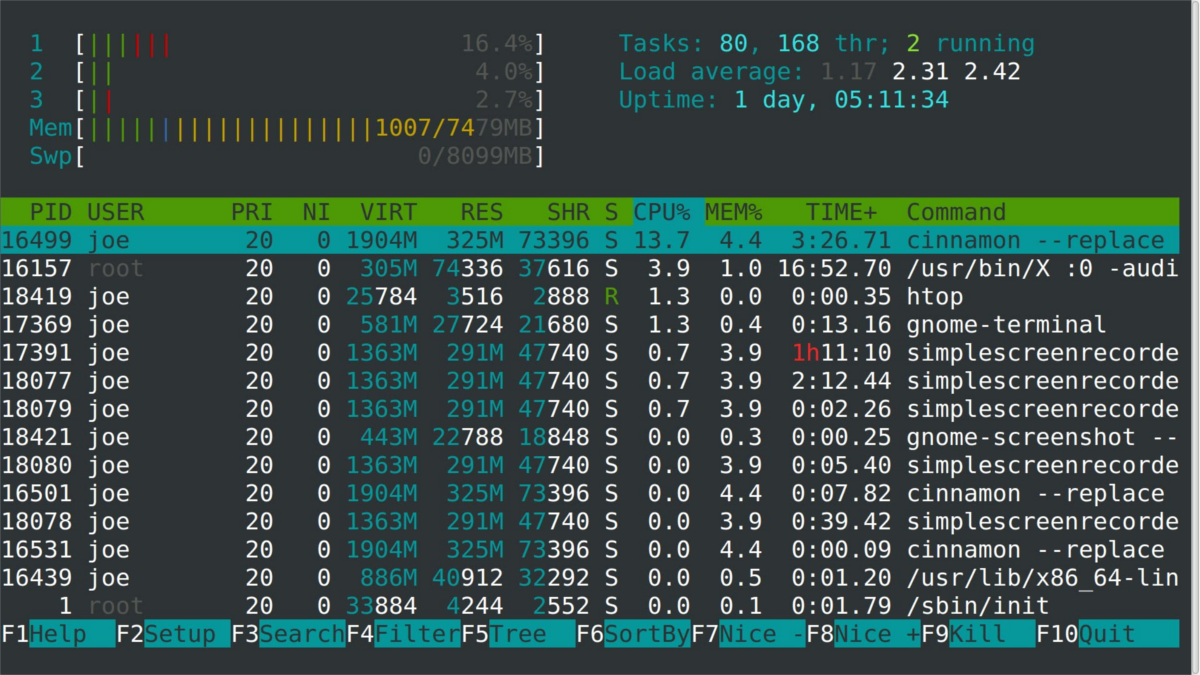
12 Easy Steps To Speed Up Ubuntu Linux
How To Update Ubuntu from The Command Line YouTube
How to add a program as a startup application from a terminal 1 answer Closed 7 years ago I have a shell script I want to configure my script to run automatically during startup I know how to do this from GUI But I wanted to do this from terminal How can I do this

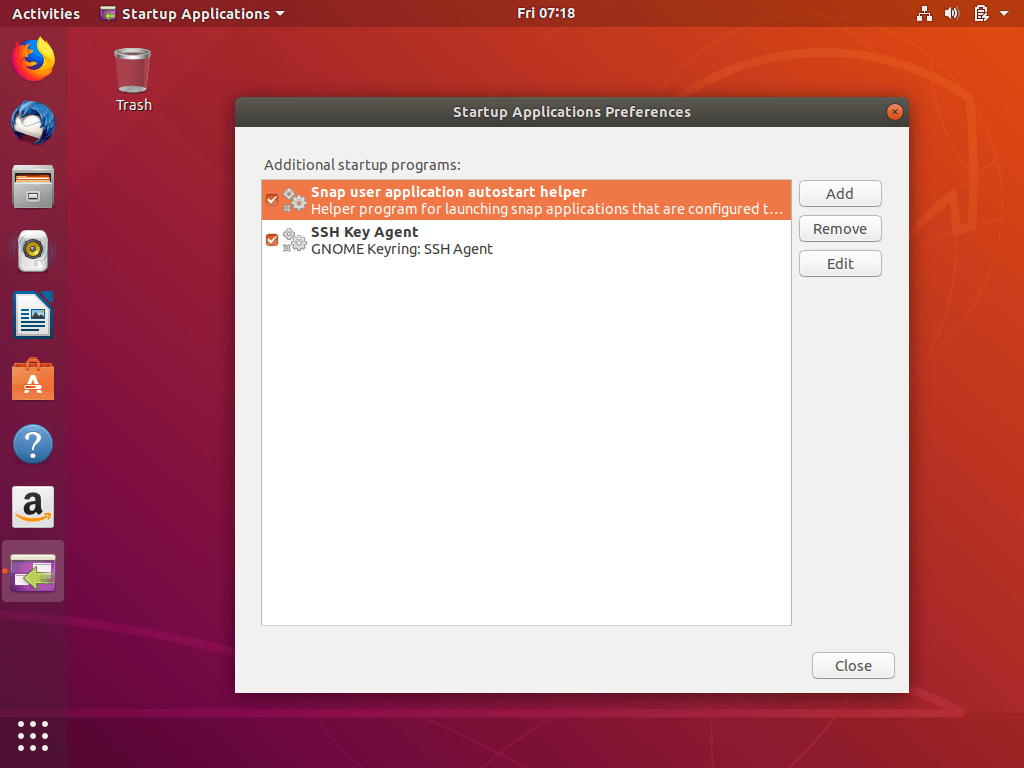
Managing startup applications in Ubuntu By default Ubuntu provides a Startup Applications utility that you could use You may also use a third party application like Stacer for managing the startup programs I ll discuss the built in utility first and then later in this tutorial I ll briefly touch on Stacer
Hit the super key on your keyboard type startup and hit Enter From the search results click the Startup Applications icon as shown in the following screenshot When it will open you will see the following window Here you will find all the startup applications already added to your system Step 2 Finding Commands for Applications

Startup Applications You can configure what applications should be started at login in addition to the default startup applications configured on the system Open Startup Applications via the Activities overview Alternatively you can press Alt F2 and run the gnome session properties command

Use the following config Desktop Entry Type Application Exec snap bin discord X GNOME Autostart enabled true Hidden false NoDisplay false Name Discord Comment description Icon iconpath Save the config and exit the editor Ctrl O and Ctrl X Then make this file executable like so chmod x config autostart discord desktop
You can mount the windows partition in Ubuntu install chntpw sudo apt get chntpw This program will allow you to edit the registry key in Windows You can then edit the following registry keys in order to edit which programs startup in windows Using Ubuntu s GUI I can add remove edit Startup apps from System Preferences Startup Applications menu Now if I only have SSH access to that machine how can I edit add these apps For any other command change the Name and the Exec line The Exec line should point to something you can run obviously In this case it s the vlc command
To launch the Startup Applications utility click Activities at the top left corner of your desktop Then type startup app in the search box that appears at the top From the search result click the Startup Applications icon as shown in the below screenshot to open the utility