Edit Existing Commit Message Git 50 Hilarious Git Commit Messages Git Commit Messages From Humorous Git Commit Message Style Guide Second Memory Git Commit Message Template A Beginner s Guide To Git How To Write A Good Commit Message Crayon Couronne Crocodile Git Correct Commit Message Stylo Magasin La Web Jan 8 2024 nbsp 0183 32 During this session we can modify each commit if required using the below commands pick p gt include the specific commit squash s gt merge the commit with the previous commit drop d gt remove the specific commit reword r gt include the commit and update the commit message
Web May 16 2020 nbsp 0183 32 In practice there are cases where it is helpful to modify an existing commit This can range from wanting to improve a commit message to adding additional code changes like fixes or tests This typically happens while working on a branch implementing a new feature We ll cover four common scenarios where we d like to modify the Web Feb 6 2024 nbsp 0183 32 We can modify the latest Git commit by simply using the amend option It replaces the most recent commit We can modify the commit message and update the files included in the commit as well Git considers the amended commit as a new commit Let s try the amend option using an example For simplicity let s update a file and
Crayon Couronne Crocodile Git Correct Commit Message Stylo Magasin La How Do You Correct A Commit Message In Git O Reilly How To Write A Useful Commit Message A Git Guide Innovation Vrogue Git Tip Committing With Verbose Mode Tekin co uk How To Write A Useful Commit Message A Git Guide Innovation Vrogue Git Commit M Changes Programmerhumor Conventional Messages Cheat Egit How To Edit Commit Message Of A Pushed Git Commit Stack Overflow Launch Git Comparison In Visual Studio Code From Command Line Using Git Initialize A GitHub Repo
Edit Existing Commit Message Git
 Edit Existing Commit Message Git
https://miro.medium.com/v2/resize:fit:1180/0*BVlH61W52QhuwAxo.jpg
Web Feb 8 2021 nbsp 0183 32 The git commit amend command allows you to change the most recent commit message Not pushed commit To change the message of the most recent commit that has not been pushed to the remote repository commit it again using the amend flag Navigate to the repository directory in your terminal
Pre-crafted templates offer a time-saving service for producing a diverse series of files and files. These pre-designed formats and designs can be made use of for various personal and professional tasks, including resumes, invitations, leaflets, newsletters, reports, presentations, and more, streamlining the content development procedure.
Edit Existing Commit Message Git
How To Write A Good Git Commit Message
How Do You Correct A Commit Message In Git O Reilly
How To Write A Useful Commit Message A Git Guide Innovation Vrogue
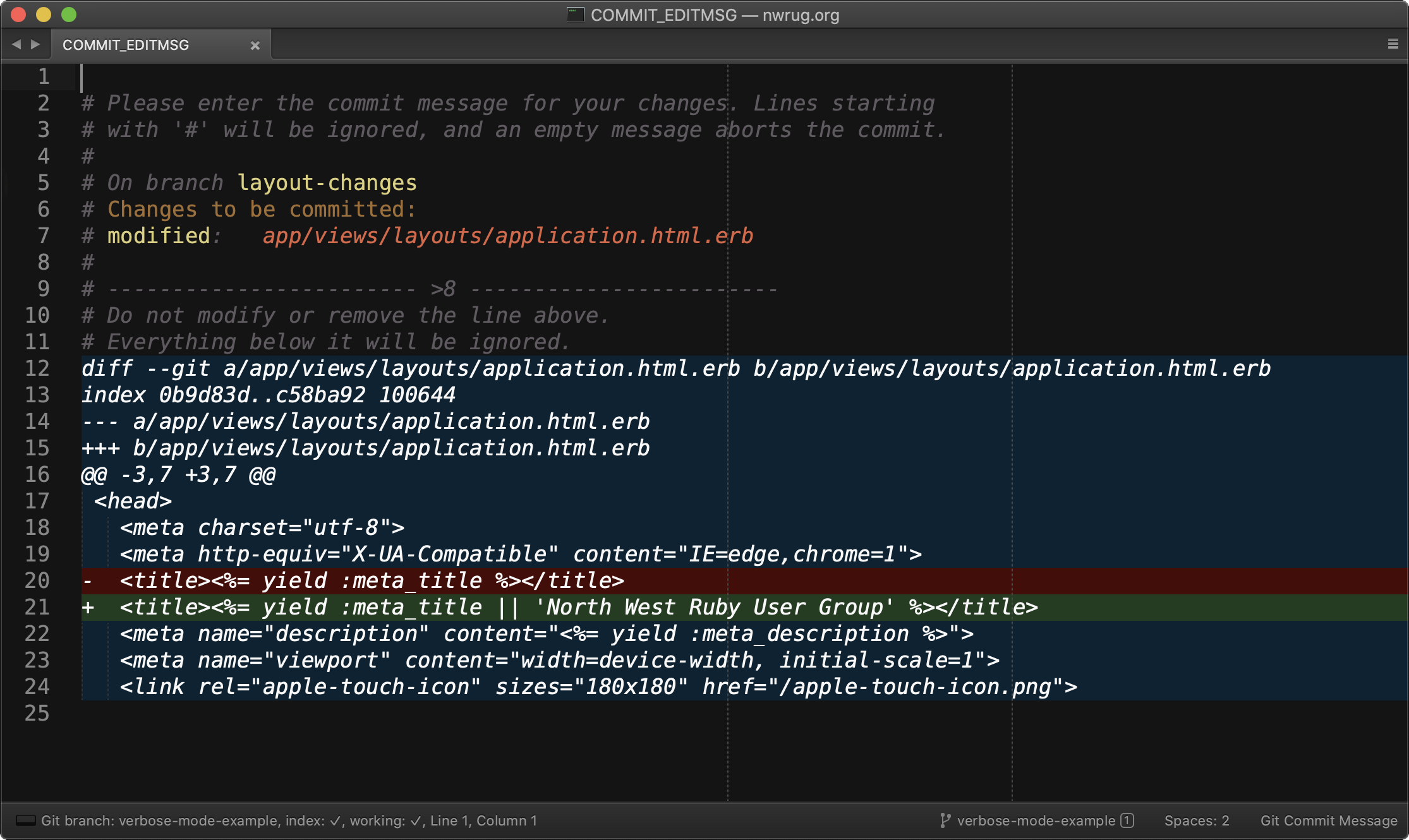
Git Tip Committing With Verbose Mode Tekin co uk
Git Commit M Changes Programmerhumor Conventional Messages Cheat

Egit How To Edit Commit Message Of A Pushed Git Commit Stack Overflow
Web Rewriting the most recent commit message You can change the most recent commit message using the git commit amend command In Git the text of the commit message is part of the commit Changing the commit message will change the commit ID i e the SHA1 checksum that names the commit
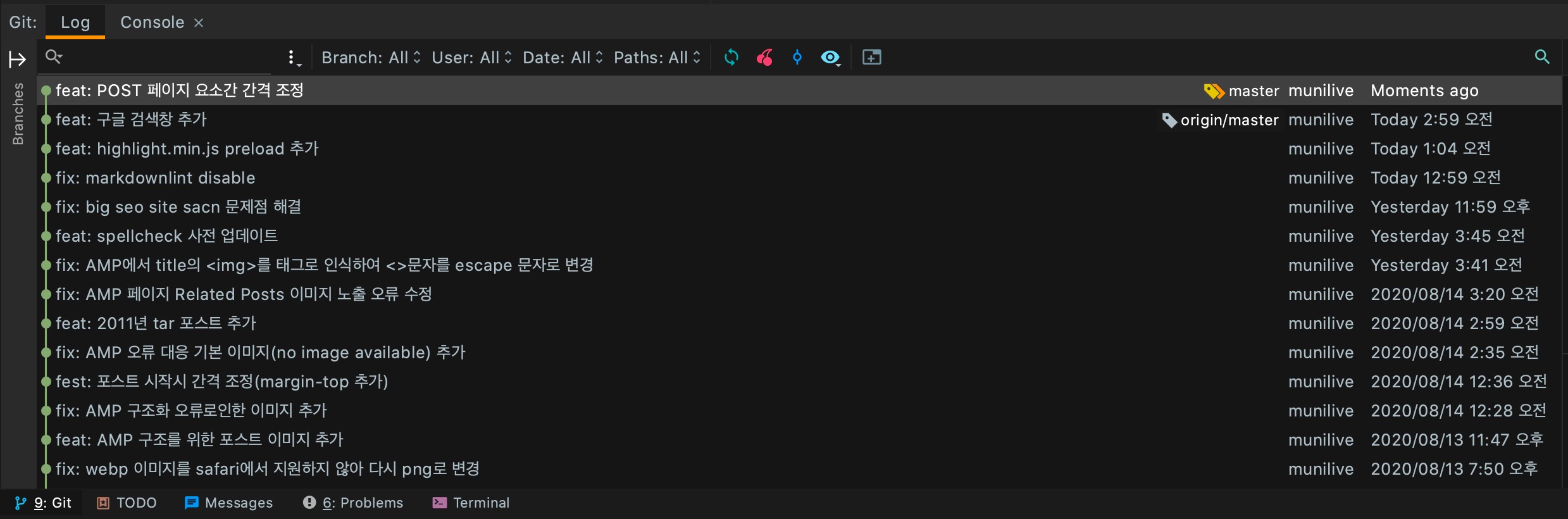
Web For example to modify commit bbc643cd run git rebase interactive bbc643cd Please note the tilde at the end of the command because you need to reapply commits on top of the previous commit of bbc643cd i e bbc643cd In the default editor modify pick to edit in the line mentioning bbc643cd
Web Jan 8 2024 nbsp 0183 32 1 Overview In this tutorial we ll see how to modify a Git commit message whether it s the most recent commit or an older one 2 Amend the Most Recent Commit Message We ll start with the easiest case Let s build a trivial commit that has a typo in its commit message

Web Apr 12 2023 nbsp 0183 32 So what if you want to modify an existing commit message Luckily this is simple to do in Git but the method may change a bit depending on some factors Fix Last Commit Not Yet Pushed to Remote This is the simplest case since there is no need to modify a remote repository you just need to modify your own

Web On the command line navigate to the repository that contains the commit you want to amend Type git commit amend and press Enter In your text editor edit the commit message and save the commit Use the git push force origin example branch command to force push over the old commit
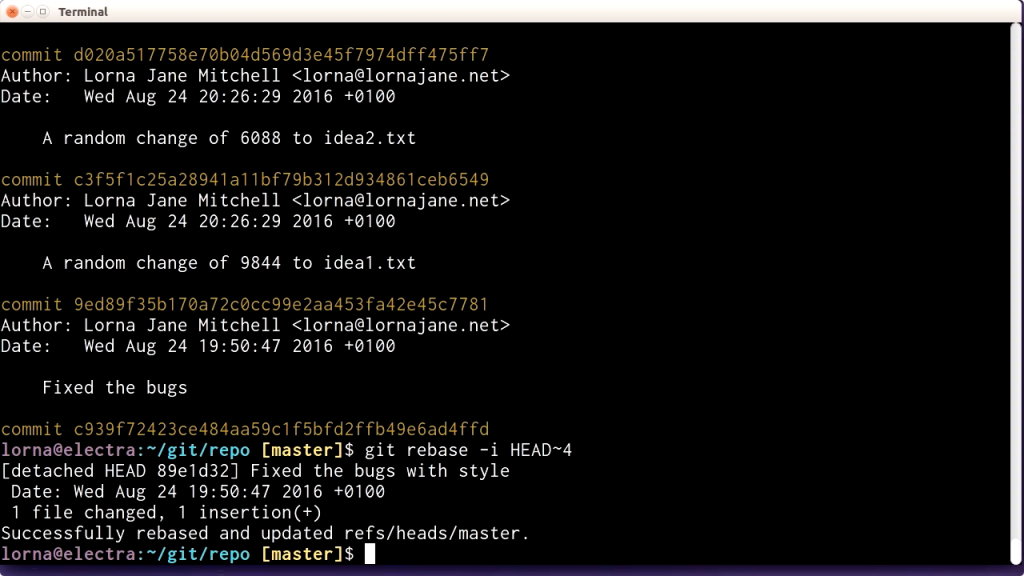
Web Feb 27 2019 nbsp 0183 32 7 Answers Sorted by 196 git rebase i lt commit hash you want to change gt This will open your default editor usually vi with a list of commits and actions for each one By default the action is pick For any commit you wish to change the message change pick to reword Save and quit in vi wq Web Firstly you should run the git rebase in the interactive mode git rebase i HEAD 10 Type quot Reword quot After the first step the editor window will show up the 10 most recent commits
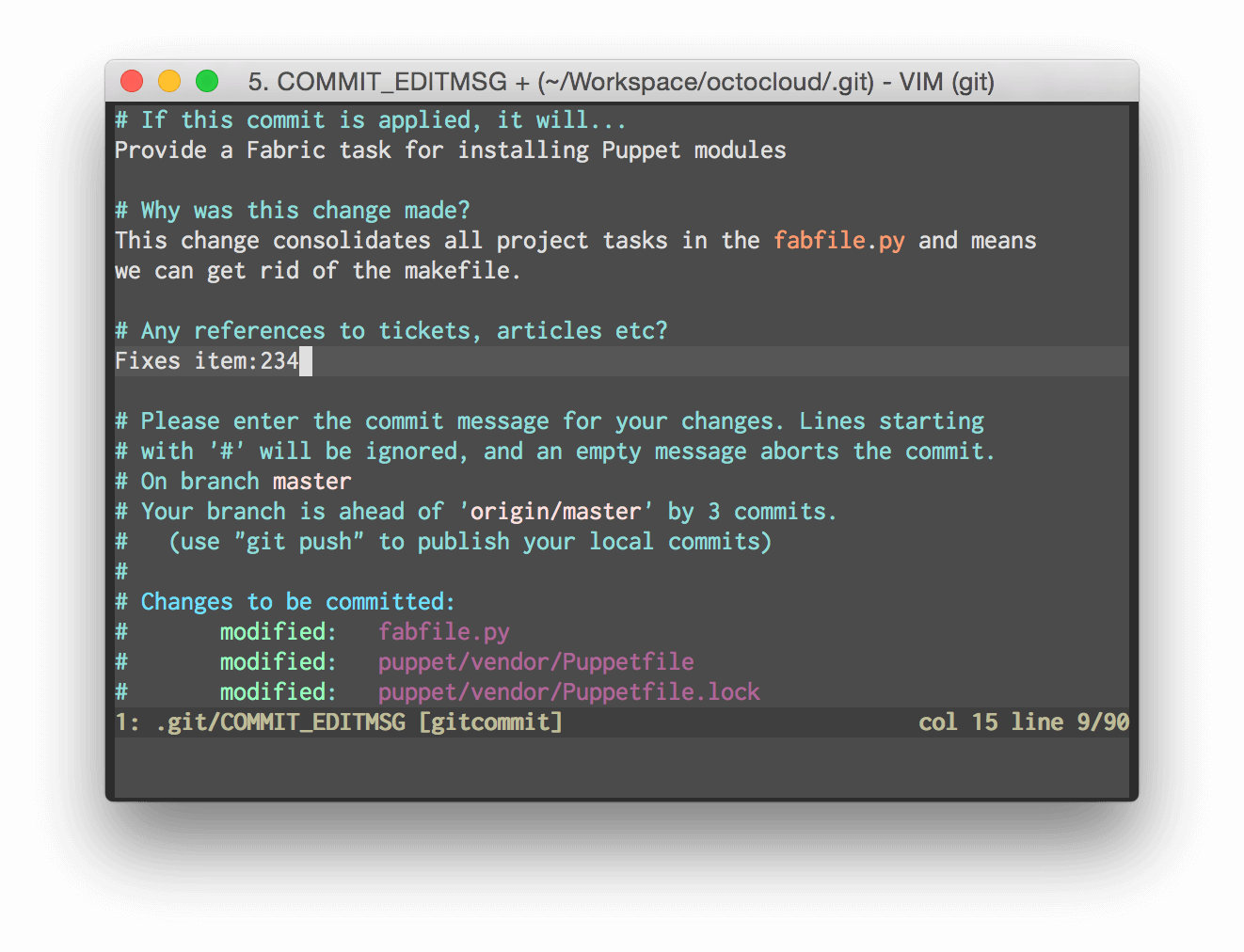
Web Oct 20 2018 nbsp 0183 32 How to edit a commit in Git Ask Question Asked 5 years 3 months ago Modified 10 months ago Viewed 8k times 0 I wanted to change a commit in Git for which I googled and found this command git commit amend When I pass this command I get a screen which look something like this