Dropbox App Dropbox App Dropbox App Dropbox App Dropbox App Dropbox App Icon 189970 Free Icons Library I have a shared folder with read write access for both of us It has worked great for years to share files Two days ago she copied 8 files to the folder for me and on my end only 2 were
The Dropbox Community team is active from Monday to Friday We try to respond to you as soon as we can usually within 2 hours If you need more help you can view your support options Dropbox app will not open When I open the app it just opens the file explorer I have already checked the Taskbar and it s not showing up there I have also checked the taskbar setting and
Dropbox App Icon 189970 Free Icons Library Dropbox App Dropbox App Icon Dropbox App Install Dropbox App On Computer Bodysas How To Use Dropbox App For Android Snolocker How To Download Dropbox App Robots Online Download Download Dropbox App For Desktop Dropbox App Issue R XboxSupport
Dropbox App
 Dropbox App
https://aem.dropbox.com/cms/content/dam/dropbox/dmep/en-us/assets/articles/dropbox-vs-loom/capture-screen-recording-tray-1440x1440.png
Click the Dropbox icon in your system tray Click the gear icon Choose quot Pause Syncing quot from the menu 3 Copy the files from your external storage device into the Dropbox folder
Templates are pre-designed files or files that can be utilized for numerous functions. They can conserve time and effort by providing a ready-made format and layout for creating various type of material. Templates can be used for personal or expert projects, such as resumes, invitations, leaflets, newsletters, reports, discussions, and more.
Dropbox App
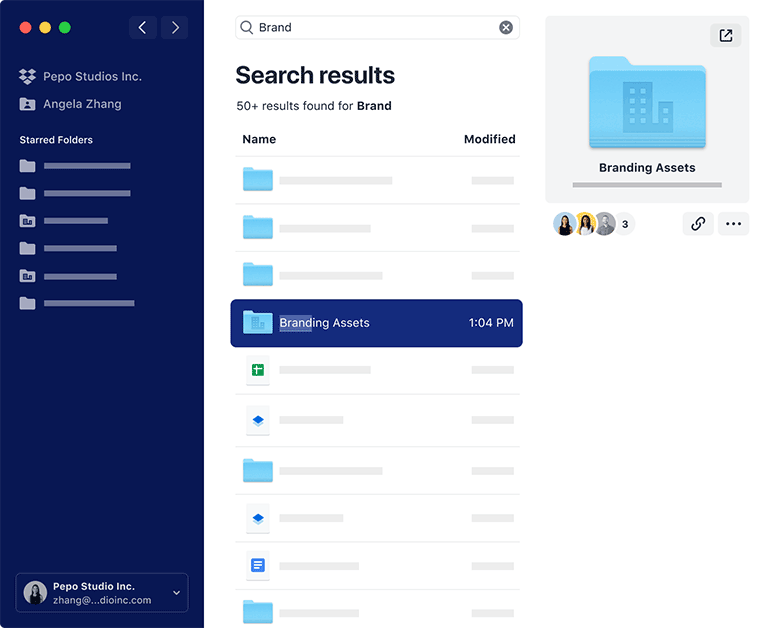
Dropbox App

Dropbox App

Dropbox App Icon

Dropbox App
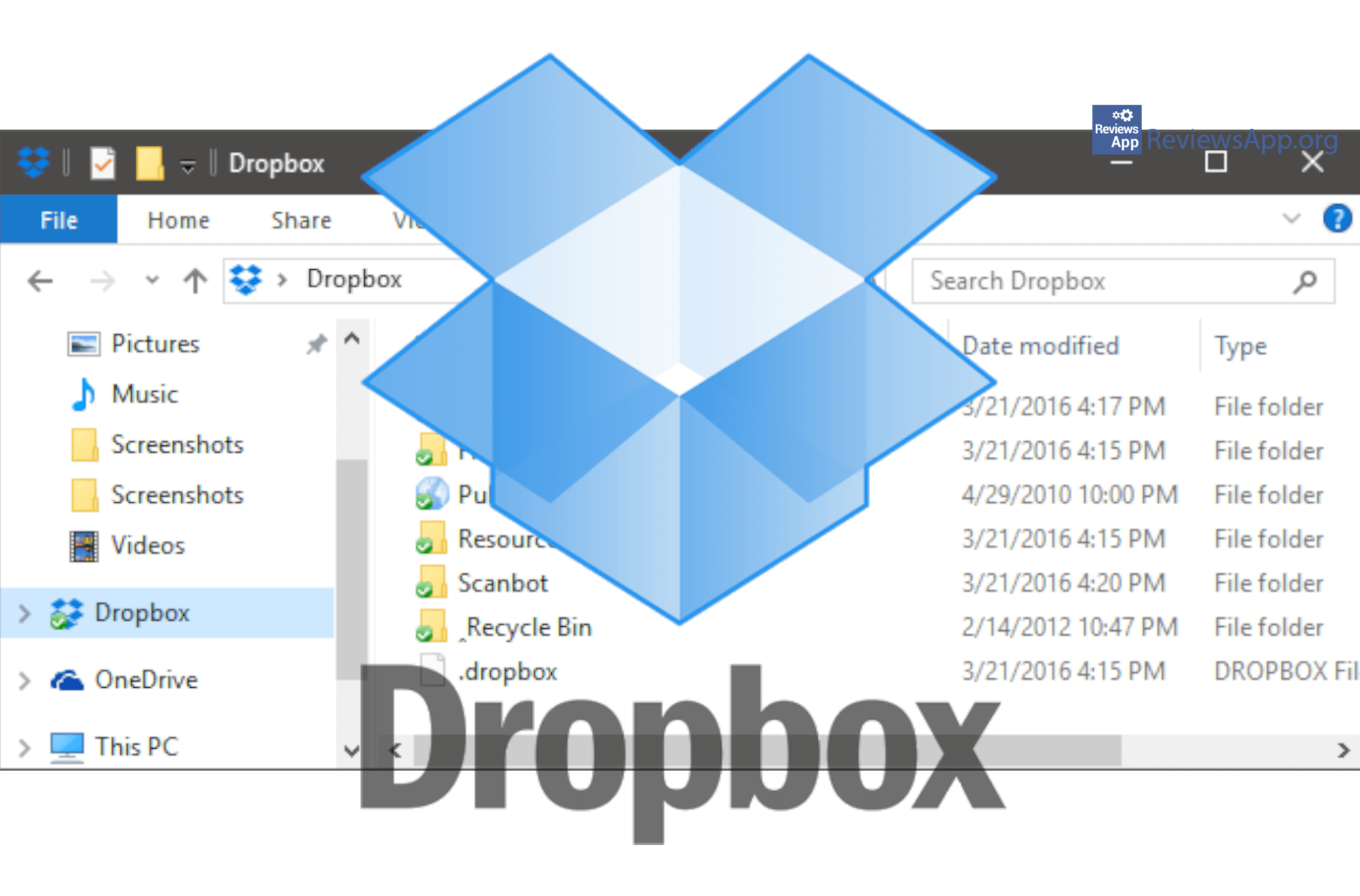
How To Use Dropbox App For Android Snolocker
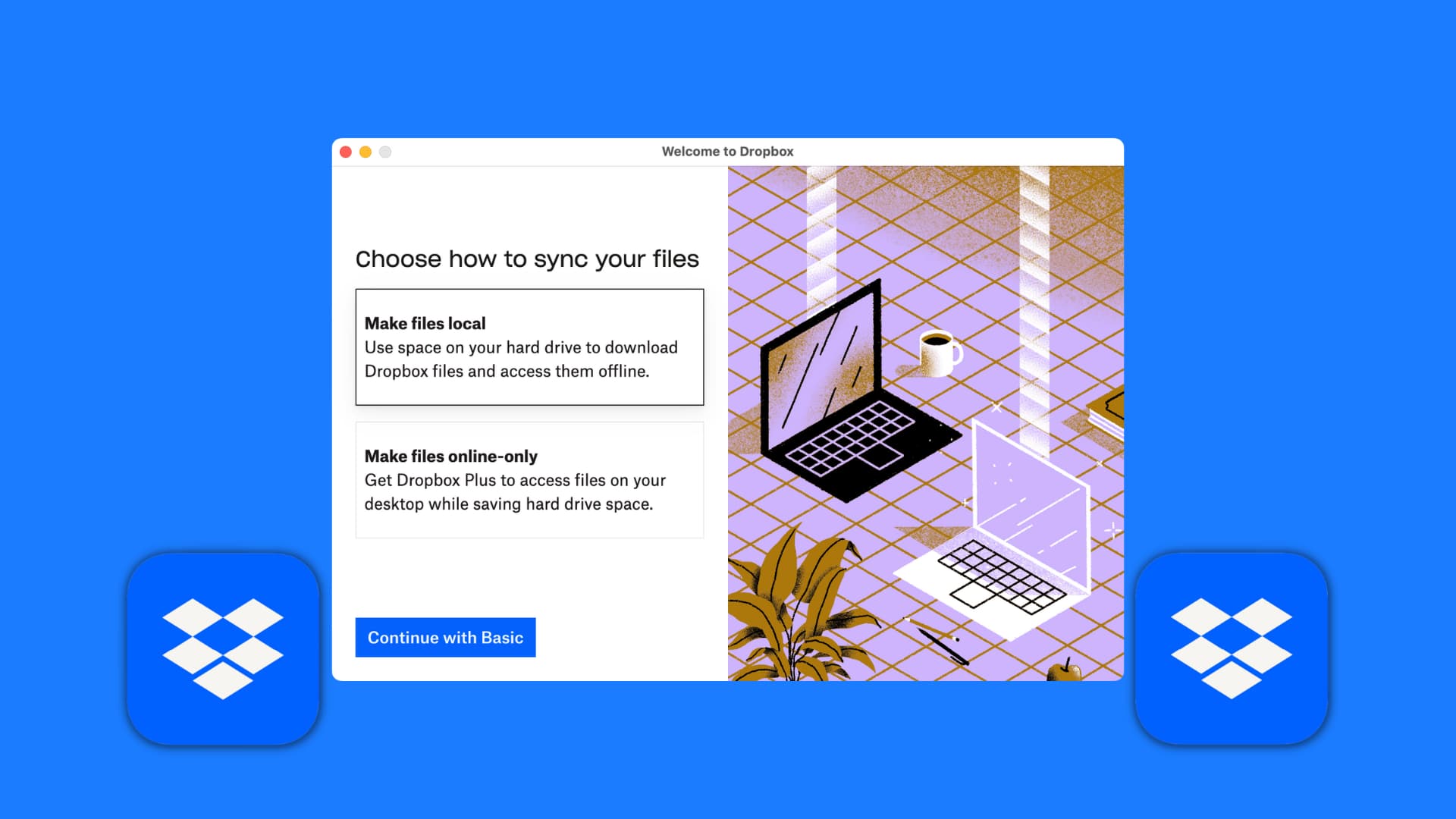
How To Download Dropbox App Robots
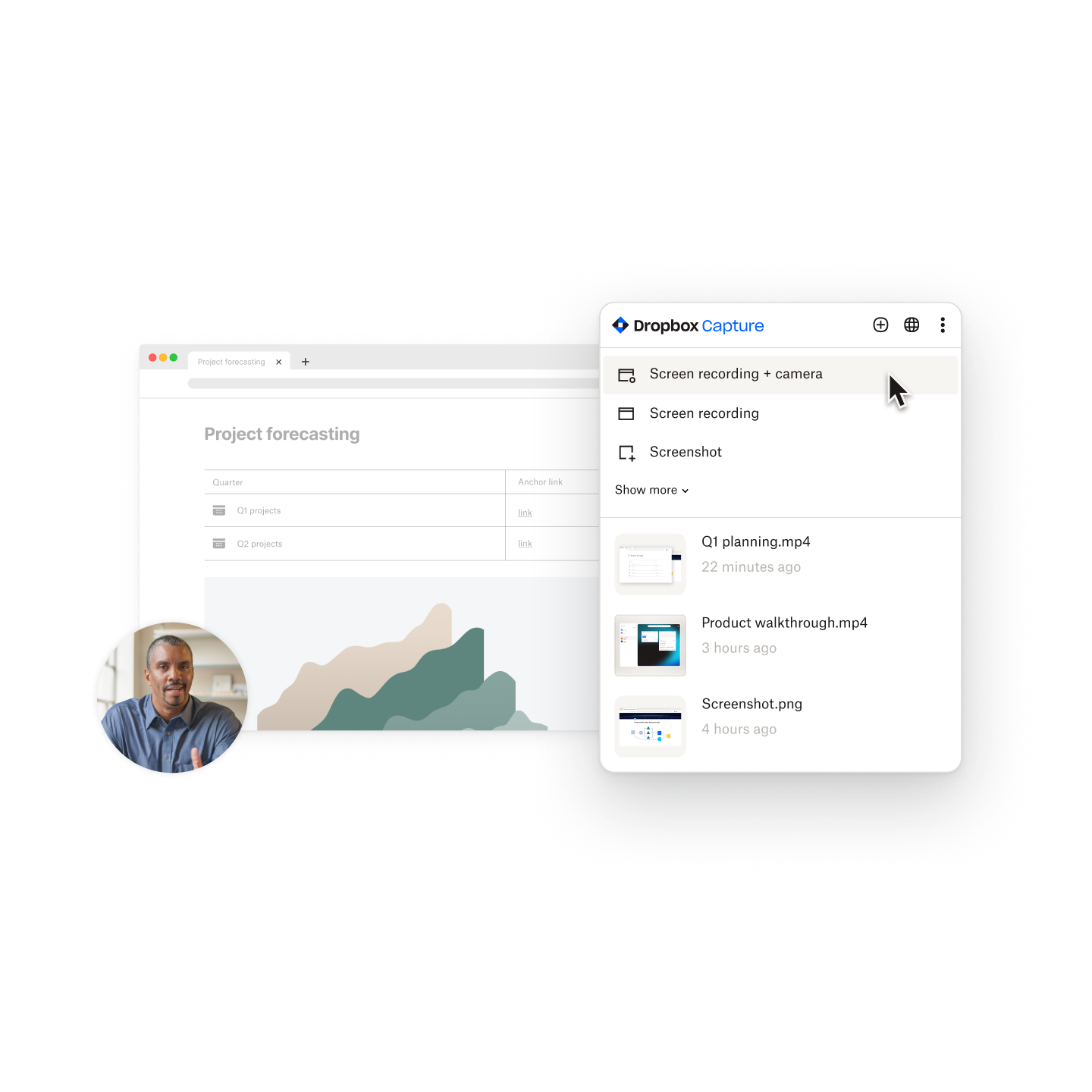
I have DropBox 83 4 152 and it s up to date My files are syncing with no problem I can see them on my phone DropBox app I have restarted my computer If I uninstall DropBox and reistall it

4 Afterward Dropbox will prompt you to re register 5 Use the correct account s login credentials to connect Note that when you relink to a different Dropbox account now the app will detect
The Dropbox Community team is active from Monday to Friday We try to respond to you as soon as we can usually within 2 hours If you need more help you can view your support options
The Dropbox Lite app in the Microsoft Store is not the same as the full desktop client that you download from the Dropbox website It operates more like a mobile client It does t sync files

The Dropbox Community team is active from Monday to Friday We try to respond to you as soon as we can usually within 2 hours If you need more help you can view your support options
[desc-11] [desc-12]
[desc-13]