Drop Down Boxes In Word Not Working FIX Can t Remove Highlighting In Word Remove Highlighting In Word Not Working YouTube Photo Explosion Deluxe 5 Tutorial Fasrmusic Drop Down Menu In Word Developer The Best Developer Images Dragon Dictate For Pc Free Download Lokasinmetrics Steps To Create Word Drop Down List In 2020 WEB Dec 1 2020 nbsp 0183 32 Using Word 365 I entered a drop down box into a document I added entries to the list and it works fine but it looks like this That word quot Select quot is all that is
WEB You can use a drop down list box in a Microsoft Office InfoPath form template to present a list of mutually exclusive choices to a user The list is hidden until the user clicks the arrow to the right of the drop down list WEB Feb 2 2021 nbsp 0183 32 In this video we ll be showing you how to create a drop down list in Word Drop down lists force the user to select an option from a list that you made befor
Steps To Create Word Drop Down List In 2020 How To Add Music In Imovie For Iphone Germandelta How To Change The Default Dictionary In Word 2016 June29 Microsoft Word Is Not Working On Windows 10 Passlbritish Excel Drop Down List For Cell Value Printable Forms Free Online Noobposters blogg se Why Is Spell Check In Word Not Working On Mac Engineering Plotter Drawing Pdf Positivebinger Linking Text Boxes In Word Bporecipes Ctrl Z Not Working In Windows 11 10 How To Fix It MiniTool
Drop Down Boxes In Word Not Working
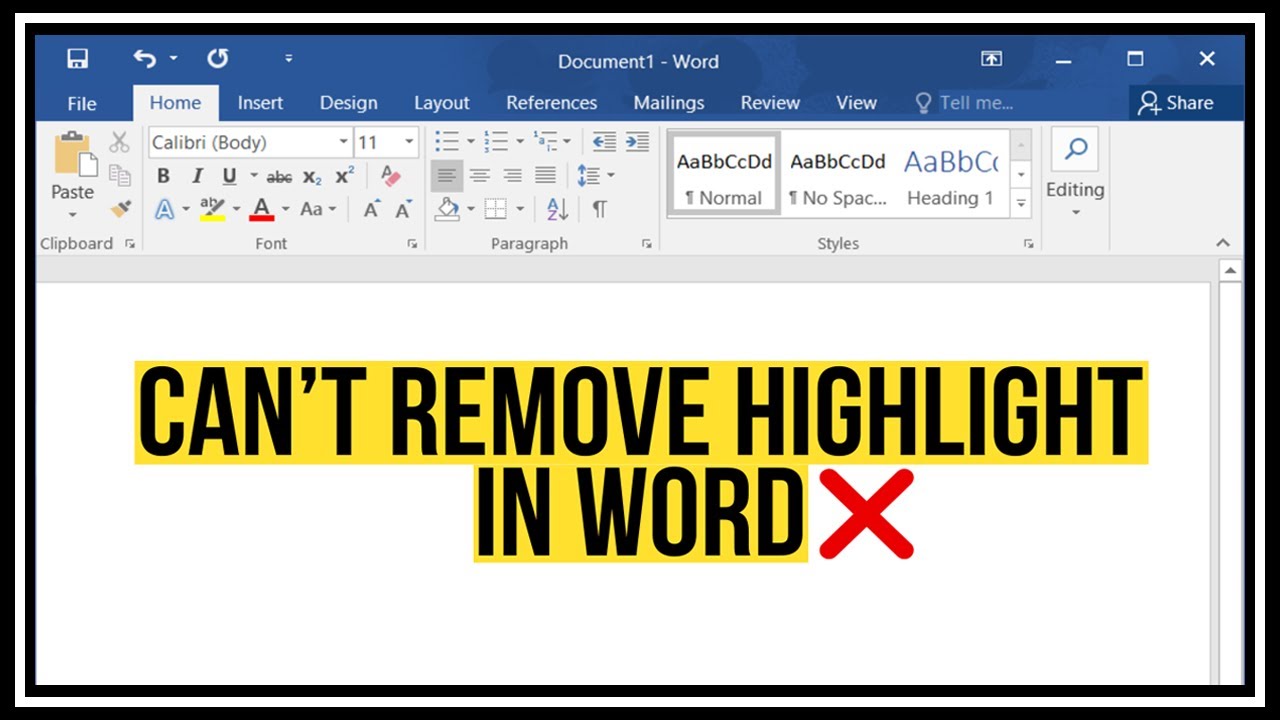 Drop Down Boxes In Word Not Working
https://i.ytimg.com/vi/13ej2AieCec/maxresdefault.jpg
WEB Drop down list box Like any other list a drop down list box offers users a list of choices However with drop down list boxes the list entries are hidden until the user clicks the control Users can select only one item
Templates are pre-designed documents or files that can be used for various functions. They can conserve effort and time by supplying a ready-made format and design for developing different kinds of material. Templates can be utilized for individual or expert jobs, such as resumes, invitations, flyers, newsletters, reports, discussions, and more.
Drop Down Boxes In Word Not Working

Dragon Dictate For Pc Free Download Lokasinmetrics

How To Add Music In Imovie For Iphone Germandelta

How To Change The Default Dictionary In Word 2016 June29
Microsoft Word Is Not Working On Windows 10 Passlbritish
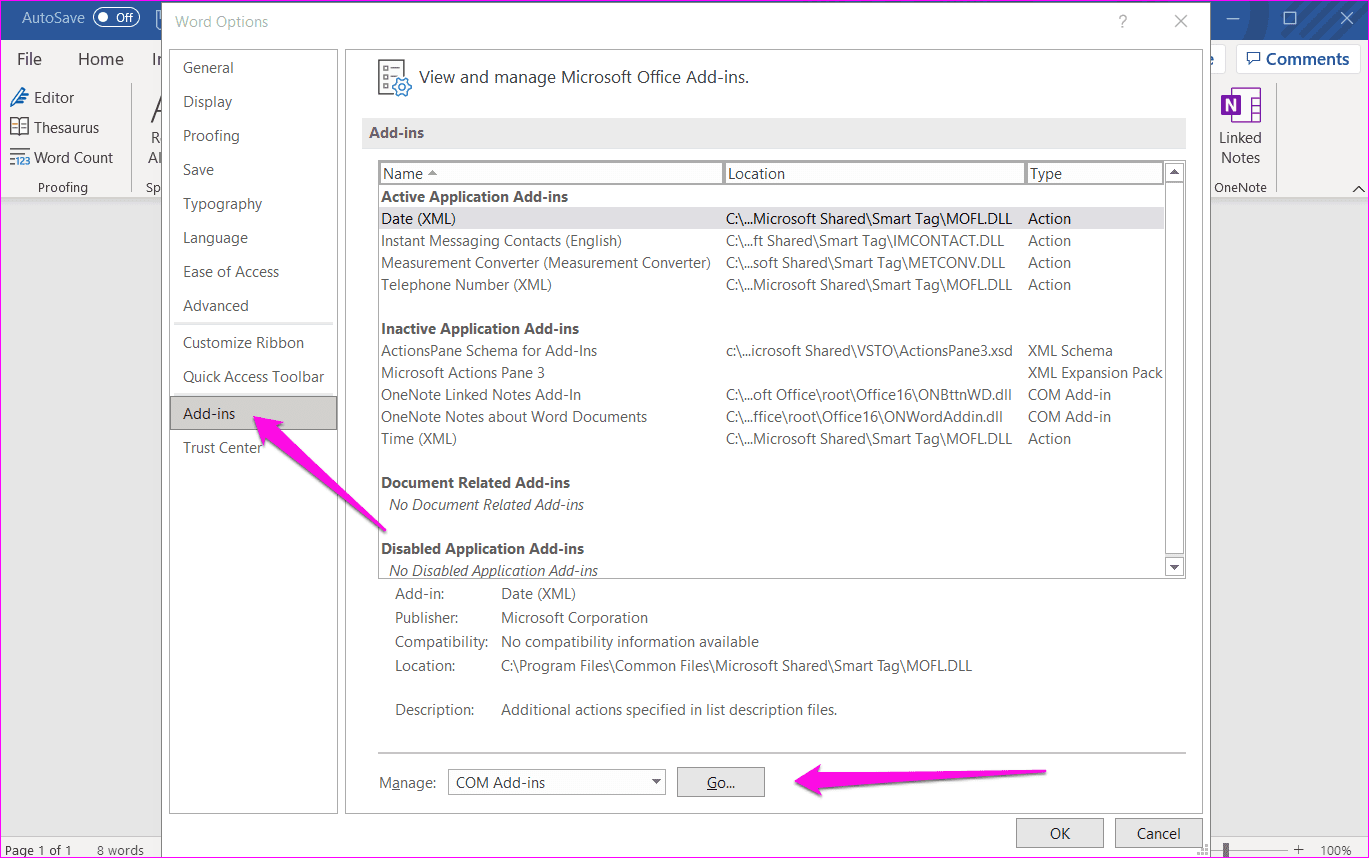
Noobposters blogg se Why Is Spell Check In Word Not Working On Mac
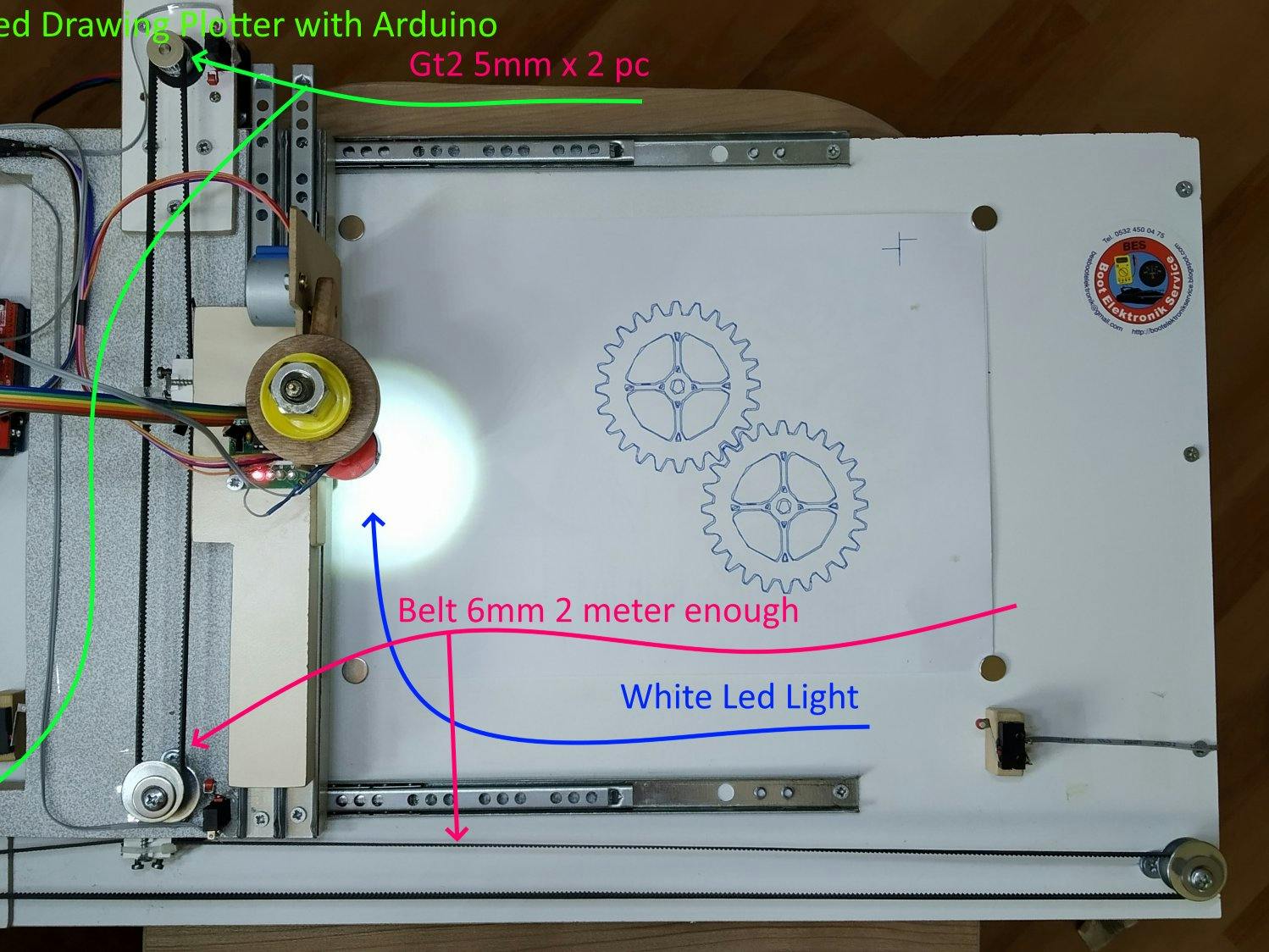
Engineering Plotter Drawing Pdf Positivebinger
WEB Oct 16 2020 nbsp 0183 32 Since the Drop down list Content Control is not present to insert in the Word document on Mac I assume the Drop down list is inserted in the Word document from

WEB May 8 2024 nbsp 0183 32 I ve been following the instructions to add a drop box field to my Word document One suggestion was to add quot insert form field quot with quot customize ribbon quot The
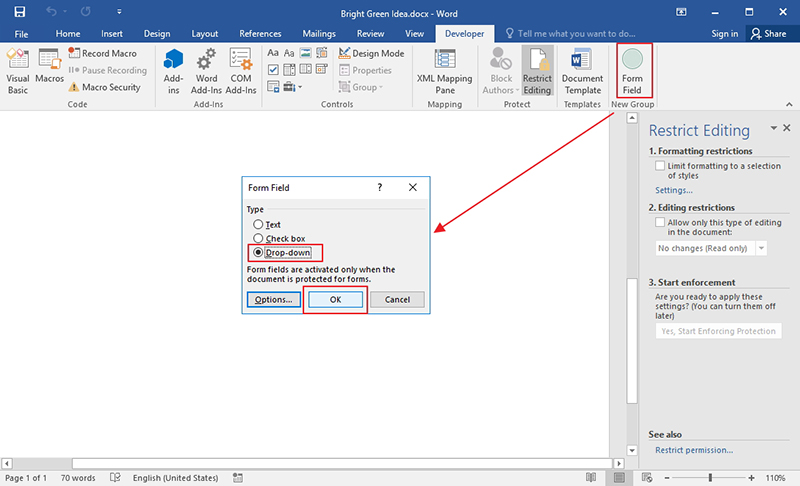
WEB Jun 15 2022 nbsp 0183 32 To add a drop down list to your Microsoft Word document click the Developer tab at the top and then select Drop Down List Content Control This drop down list will be empty by default and you ll

WEB Jan 9 2024 nbsp 0183 32 Drop down boxes in Word documents are not something you see every day but they can be incredibly useful Whether you re creating a form for others to fill out
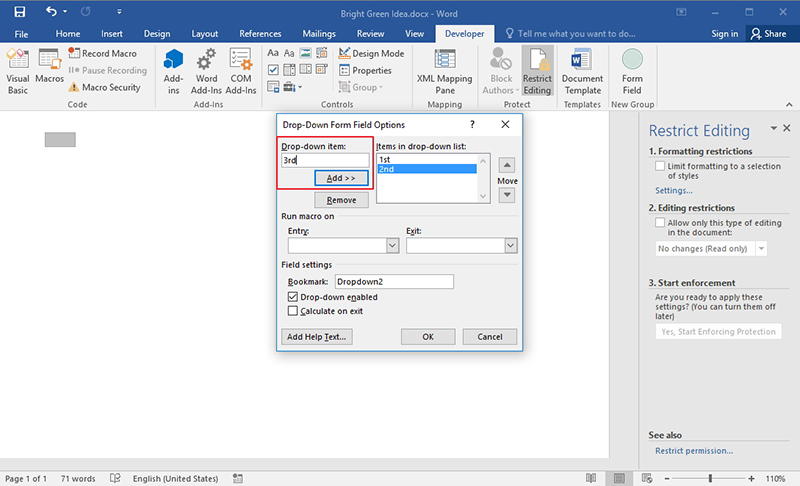
WEB Drop down list box Like a combo box a drop down list box enables users to select a value in a list that is hidden on the form by default However with a drop down list box users cannot add items to the list
WEB Oct 27 2020 nbsp 0183 32 In some cases the arrow of drop down list disappears because the option called In cell dropdown is not checked Select the drop down list cells and click Data gt WEB Apr 12 2019 nbsp 0183 32 Use Microsoft Word s Developer Tools to insert drop down boxes in your documents
WEB Apr 18 2012 nbsp 0183 32 If I click on the Menus Edit Language Font Layout Color dropdowns appear But as soon as I try to move the mouse to select one they disappear I m sure