Drag Down Formula Google Sheets Ipad Google If Then Formula Porsend How To Drag Function Formula On Google Sheet Mobile YouTube Drag Down Formula In Excel Shortcut Google Docs And Sheets Add Limited IPad Pro Support Still No Multitasking IMore How To Skip Rows In An Excel Formula OneMint Verkko On your iPhone or iPad open a spreadsheet in the Google Sheets app In a column or row enter text numbers or dates in at least two cells next to each other To highlight
Verkko 8 syysk 2023 nbsp 0183 32 7 ways to drag down your formulas in Google Sheets Practical Sheets 5 59K subscribers Subscribe 0 No views 1 minute ago In this tip we will learn several Verkko 27 hein 228 k 2020 nbsp 0183 32 To enter the feature either press Ctrl H or navigate to the Edit entry in the upper menu and navigate to Find and replace Now in the Find field enter
How To Skip Rows In An Excel Formula OneMint How To Sum And Subtract In Google Sheets Android Authority Google Sheets Application Opening By Apple Pencil On The IPad Screen Editorial Photography Excel Using Macro To Drag Down Formula If Cell E3 Not Blank Stack Overflow Excel Formula And Drag Down Stack Overflow How To Add A Check Box In Google Sheets Stormgagas Seahorse Worm1 By FractalMonster On DeviantArt Kite Chart In Excel Microsoft Excel Tips Excel Tutorial Free Excel Help Excel IF Easy Ipad de Google E Tablolar Ara ubu u Eksik Ne Yapmal
Drag Down Formula Google Sheets Ipad
 Drag Down Formula Google Sheets Ipad
https://blog.sheetgo.com/wp-content/uploads/2021/05/SPLIT-FORMULA-GOOGLE-SHEETS-1-GOOD.png
Verkko 6 marrask 2019 nbsp 0183 32 Learn how to create array formulas in Google Sheets that will drag formulas down automatically googlesheets tutorial
Templates are pre-designed documents or files that can be used for numerous purposes. They can conserve time and effort by offering a ready-made format and layout for creating different type of content. Templates can be used for personal or expert tasks, such as resumes, invites, leaflets, newsletters, reports, discussions, and more.
Drag Down Formula Google Sheets Ipad
Google Sheets Apps Download
How To Sum And Subtract In Google Sheets Android Authority

Google Sheets Application Opening By Apple Pencil On The IPad Screen Editorial Photography

Excel Using Macro To Drag Down Formula If Cell E3 Not Blank Stack Overflow
How To Add A Check Box In Google Sheets Stormgagas

Seahorse Worm1 By FractalMonster On DeviantArt

Verkko On your iPhone or iPad open a spreadsheet in the Google Sheets app Tap the cell where you want to add the formula To pick from a list of functions tap Function
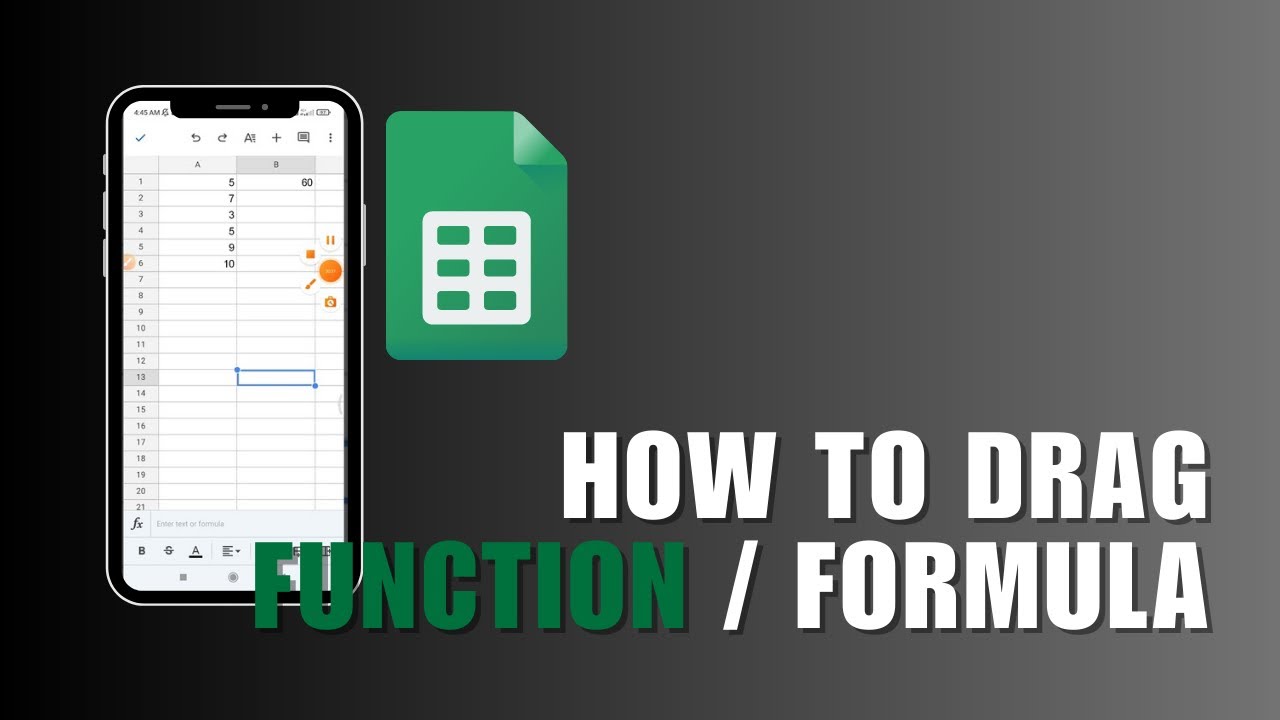
Verkko Below are some examples where you can use fill down in Google Sheets to be more efficient and get the work done faster each of these examples is also covered in detail

Verkko On your iPhone or iPad open a spreadsheet in the Google Sheets app In a column or row enter text numbers or dates in at least two cells next to each other To highlight

Verkko 7 helmik 2022 nbsp 0183 32 How to drag a formula down on Google Sheets mobile app or use AutoFill iPhone Android shorts
Verkko You can create view and edit Google spreadsheets as well as Microsoft Excel 174 files with the Google Sheets app for iPhone and iPad Here are some things to help you
Verkko To make the formula bar bigger or smaller click the bottom of it then drag it up or down Note You can also use keyboard shortcuts to change the size Click the Verkko 25 syysk 2023 nbsp 0183 32 Below are the steps for how to drag the formula down in Google Sheets to the entire column also works for rows Select the cell that already has the
Verkko 3 maalisk 2023 nbsp 0183 32 Option 1 Dragging The Top Cell to Replicate Formulas Highlight the first cell in your column that includes the formula then select the fill handle small blue