Dpkg Repack Example 15 Dpkg Command Examples In Linux Cheat Sheet GoLinuxCloud Sub process usr bin dpkg Returned An Error Code Virtualiment CyberKeeda DPKG Cheat Sheet Getting Started With Dpkg On Debian Based Linux Distros LaptrinhX Recreate Debian Binary Packages With Dpkg repack OSTechNix Jul 20 2020 nbsp 0183 32 dpkg subprocess admindir must be inside instdir for dpkg to work properly Some extra information all the commands are executed with root privilege and in the folder
Feb 16 2023 nbsp 0183 32 dpkg error dpkg frontend is locked by another process Ask Question Asked 6 years 2 months ago Modified 2 years 5 months ago Nov 8 2017 nbsp 0183 32 How to install deb package using Dpkg to specific directory Ask Question Asked 7 years 8 months ago Modified 3 years 5 months ago
Recreate Debian Binary Packages With Dpkg repack OSTechNix What Does dpkg Warning While Removing Directory usr local Not Empty Installing Programs Using DPKG YouTube Useful Dpkg reconfigure Commands RS1 Linux Tools Getting To Grips With The Dpkg Command An Introduction To Managing Dpkg 10 Practical Common Examples Of Dpkg Command UNIX Cafe Cara Memperbaiki Dpkg Was Interupted NetNux How To Place Special Or Photo Request Planet Express How To Fix A Dpkg Read only Error On Linux Mint Systran Box
Dpkg Repack Example
 Dpkg Repack Example
https://www.golinuxcloud.com/wp-content/uploads/dpkg-status-package-1.png
Apr 5 2018 nbsp 0183 32 I think you are getting them now because you deleted the scripts from quot var lib dpkg info quot One of the solutions might be extracting manually them from the deb file
Templates are pre-designed documents or files that can be utilized for different functions. They can conserve time and effort by supplying a ready-made format and design for producing various type of material. Templates can be used for individual or expert projects, such as resumes, invitations, leaflets, newsletters, reports, presentations, and more.
Dpkg Repack Example
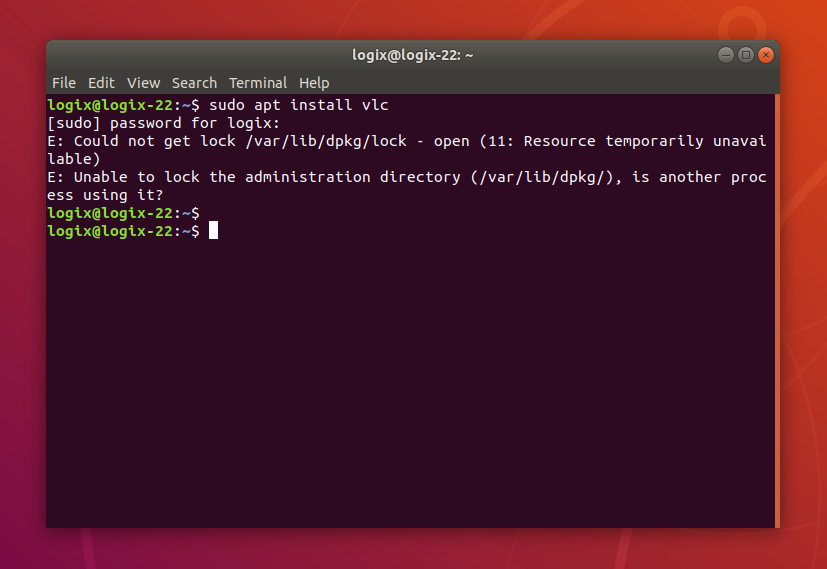
You Need To Get Rid Of Problems Updating Dpkg Parsing Errors Windows

What Does dpkg Warning While Removing Directory usr local Not Empty

Installing Programs Using DPKG YouTube
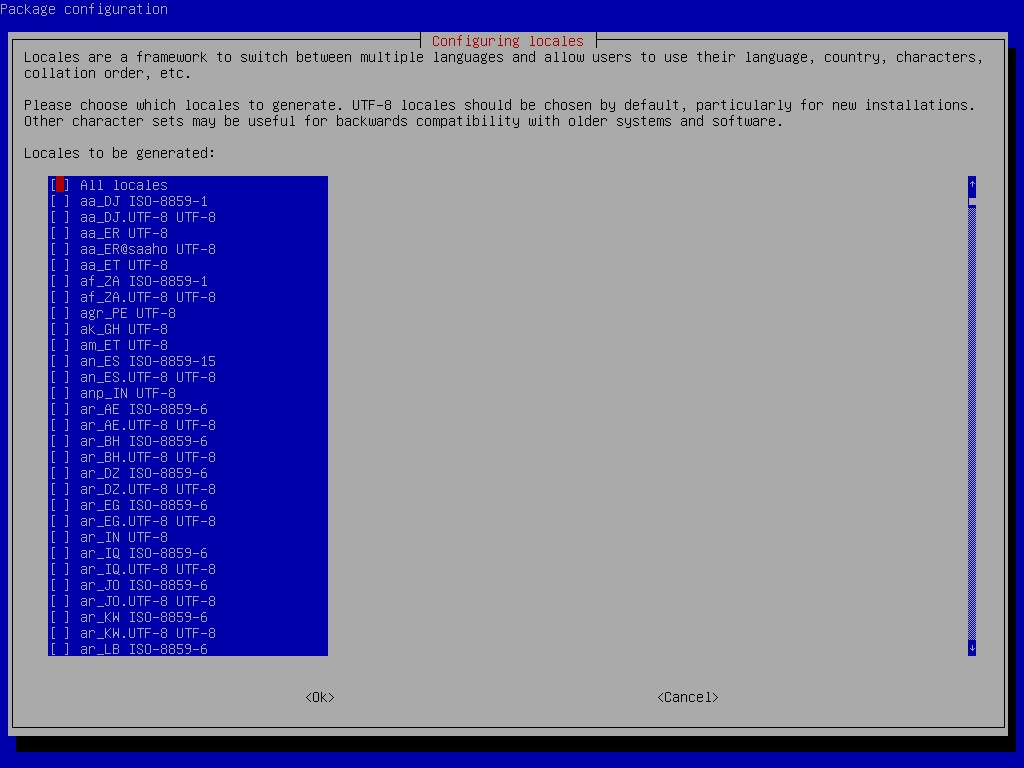
Useful Dpkg reconfigure Commands RS1 Linux Tools

Dpkg 10 Practical Common Examples Of Dpkg Command UNIX Cafe

Cara Memperbaiki Dpkg Was Interupted NetNux

Errors were encountered while processing systemd E Sub process usr bin dpkg returned an error code 1 I was getting a similar message about systemd shim earlier but managed to fix

Sep 20 2016 nbsp 0183 32 31 Try using sudo lsof var lib dpkg lock to see which process has locked the updater You can also use ps ax grep dpkg or ps ax grep apt however there is also the

Sep 22 2022 nbsp 0183 32 I tried running sudo dpkg configure a which gave this error and other suggestions such as sudo apt autoclean amp amp sudo apt autoremove and I tried reinstalling the

Jan 19 2011 nbsp 0183 32 dpkg r packageName Where dpkg can be executed from a script without the equivalent of a quot y quot switch apt requires this to avoid user input The consequences are that
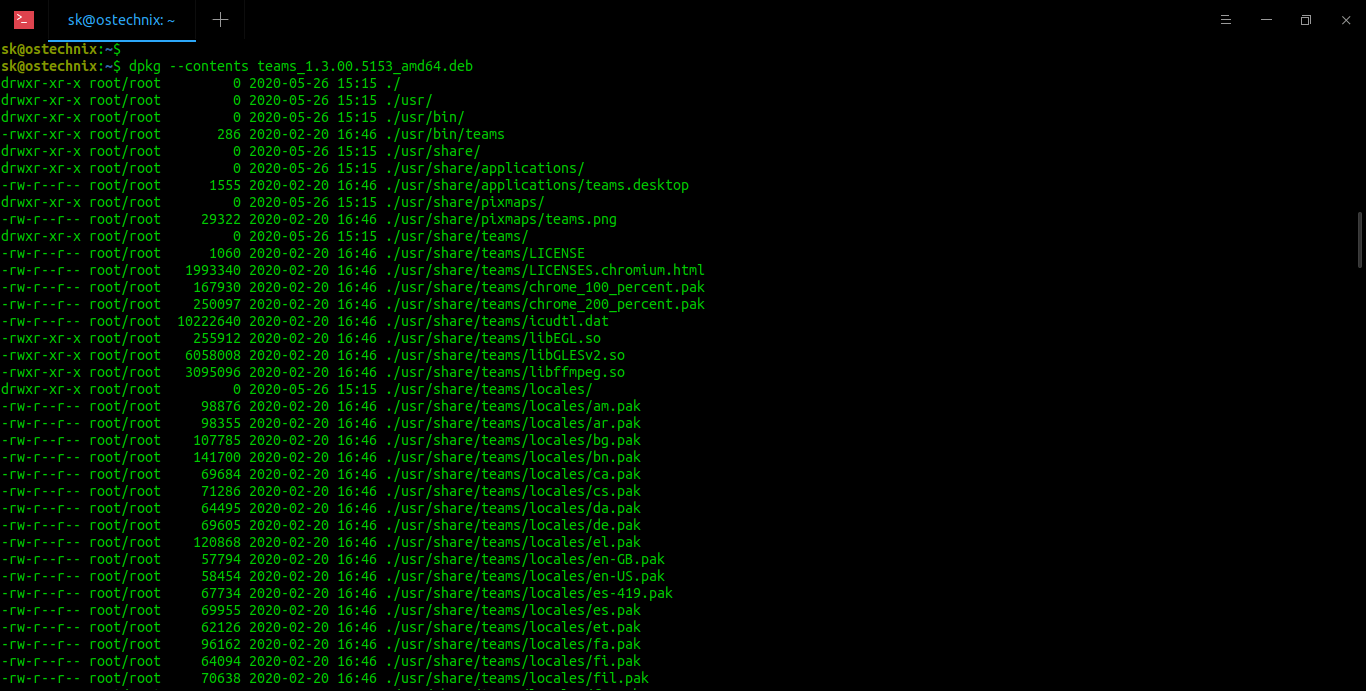
Jan 5 2016 nbsp 0183 32 13 sudo apt get autoremove sudo apt get purge remove amp amp sudo apt get autoclean sudo apt get f install sudo apt get update sudo apt get upgrade amp amp sudo apt get
[desc-11] [desc-12]
[desc-13]