Dpkg List Installed Dpkg Can t Update Local Installed App From Software Center Using Deb Dpkg Reconfigure Exim4 Config Is Broken Or Not Fully Installed Leadingbom How To List Info Of Installed Package How To List The Installed Software Packages On Ubuntu ImagineLinux Dpkg Reconfigure Locales Is Broken Or Not Fully Installed Fitnesslasopa Web Feb 19 2019 nbsp 0183 32 This means you can use dpkg command to list all the installed packages in Debian dpkg query l You can filter the output with grep again to search for a specific package Listing installed packages with dpkg So far you have dealt with applications installed with Debian s package manager What about Snap and Flatpak applications
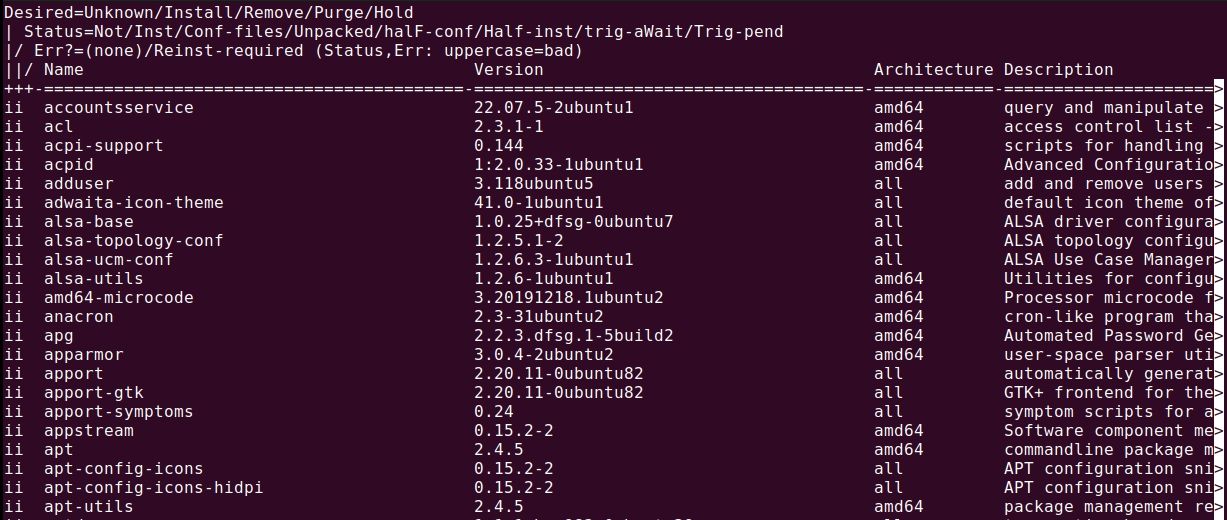
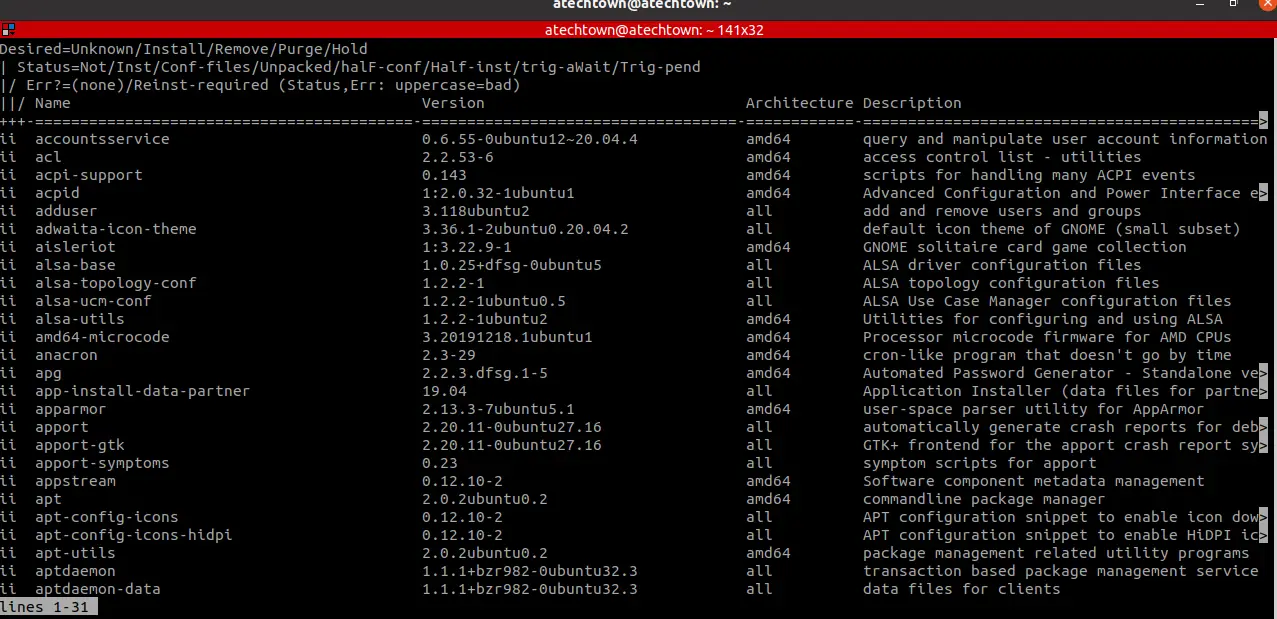
Web 7 Answers Sorted by 42 Simple and elegant sudo dpkg l more or sudo dpkg l less If you want to get the description of some specific packages say firefox sudo dpkg l grep firefox Here is my output of sudo dpkg l more Desired Unknown Install Remove Purge Hold Web Feb 13 2019 nbsp 0183 32 List Installed Packages with dpkg query If you are running an older Ubuntu version then you can use the dpkg query command to list the packages sudo dpkg query l less The command will show you a list of all installed packages including the packages versions architecture and a short description
Dpkg Reconfigure Locales Is Broken Or Not Fully Installed Fitnesslasopa GitHub Daald dpkg licenses A Command Line Tool Which Lists The Solved How To Install deb Package Using Dpkg To 9to5Answer How To List Installed Packages On Linux How To List Installed Packages On Ubuntu 22 04 VITUX Using Dpkg Selections To Backup And Install Packages You Need To Get Rid Of Problems Updating Dpkg Parsing Errors Windows Package Management How Do I List Installed Software With The Blue Print ADK83837 Clutch Control Cable Bilstein Group
Dpkg List Installed
 Dpkg List Installed
https://i.stack.imgur.com/zjVHV.png
Web Mar 29 2022 nbsp 0183 32 List Installed Packages To fetch a list of installed packages use the following command dpkg get selections grep v quot deinstall quot awk print 1
Templates are pre-designed files or files that can be utilized for various purposes. They can save time and effort by supplying a ready-made format and layout for developing various type of material. Templates can be utilized for personal or expert projects, such as resumes, invitations, flyers, newsletters, reports, presentations, and more.
Dpkg List Installed

Getting Started With Dpkg On Debian Based Linux Distros LaptrinhX
GitHub Daald dpkg licenses A Command Line Tool Which Lists The

Solved How To Install deb Package Using Dpkg To 9to5Answer
How To List Installed Packages On Linux

Using Dpkg Selections To Backup And Install Packages

You Need To Get Rid Of Problems Updating Dpkg Parsing Errors Windows

Web 6 Answers Sorted by 22 You have to run the same command there s no need to run it as root dpkg get selections gt InstalledPackages list Then you can cat InstalledPackages list

Web Jun 8 2016 nbsp 0183 32 To get a list of a specific package installed dpkg get selections grep postgres To save that list to a text file called packages on your desktop do this in your terminal dpkg get selections grep v deinstall gt
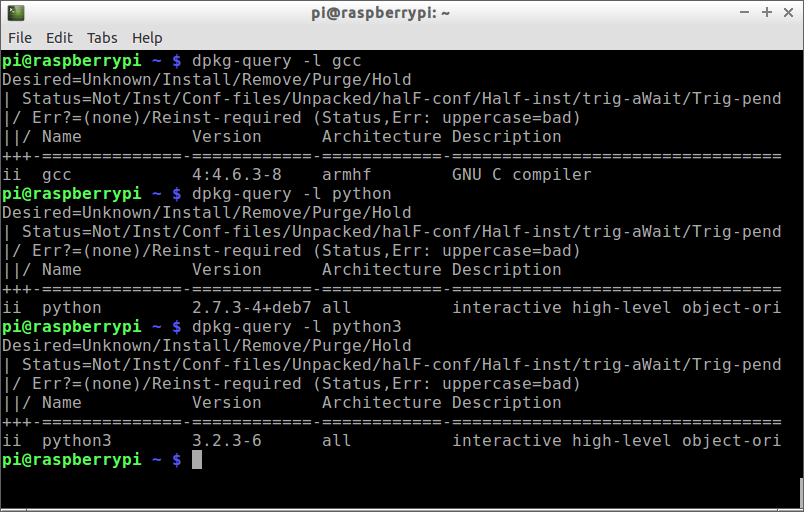
Web Jun 25 2023 nbsp 0183 32 list installed packages with dpkg command in Ubuntu Linux difference between apt and dpkg command list installed packages with rpm command in Redhat Linux list installed packages with yum command in Redhat Linux difference between rpm and yum command in Linux list installed packages with dnf command in Redhat Linux
Web Mar 9 2022 nbsp 0183 32 1 Add the package name to the apt list command to fetch a specific package from the list apt list lt package name gt installed Omit the installed tag to fetch a package regardless of installation 2 Combine apt list with the grep command to match a package by name

Web 4 Answers Sorted by 11 Getting the list of installed packages is simple dpkg get selections grep quot space install quot gt installed pkgs You can later reinstall the packages in the list using this command dpkg set selections lt installed pkgs sudo apt get
Web Dec 19 2016 nbsp 0183 32 There are multiple way on how to determine whether a specific package is already installed on your system The first dpkg command will list all currenlty installed packages on your system dpkg l From here we can search for a specific package by supplying the package name as an argument dpkg l hello Web Mar 18 2024 nbsp 0183 32 dpkg 1 Overview Linux based systems use client applications to help in package management Although some software packages are preinstalled by default Linux users can install other packages when needed In this tutorial we ll see five approaches to listing all the installed packages in Linux using apt dpkg snap dnf and flatpak 2
Web Mar 18 2024 nbsp 0183 32 Thus we can use the dpkg log file to list all installed packages in order of the installation date grep quot install quot var log dpkg log 2023 08 02 08 57 22 status installed gcc 10 base amd64 10 5 0 1ubuntu1 20 04 2023 08 02 08 57 23 status installed libstdc 6 amd64 10 5 0 1ubuntu1 20 04