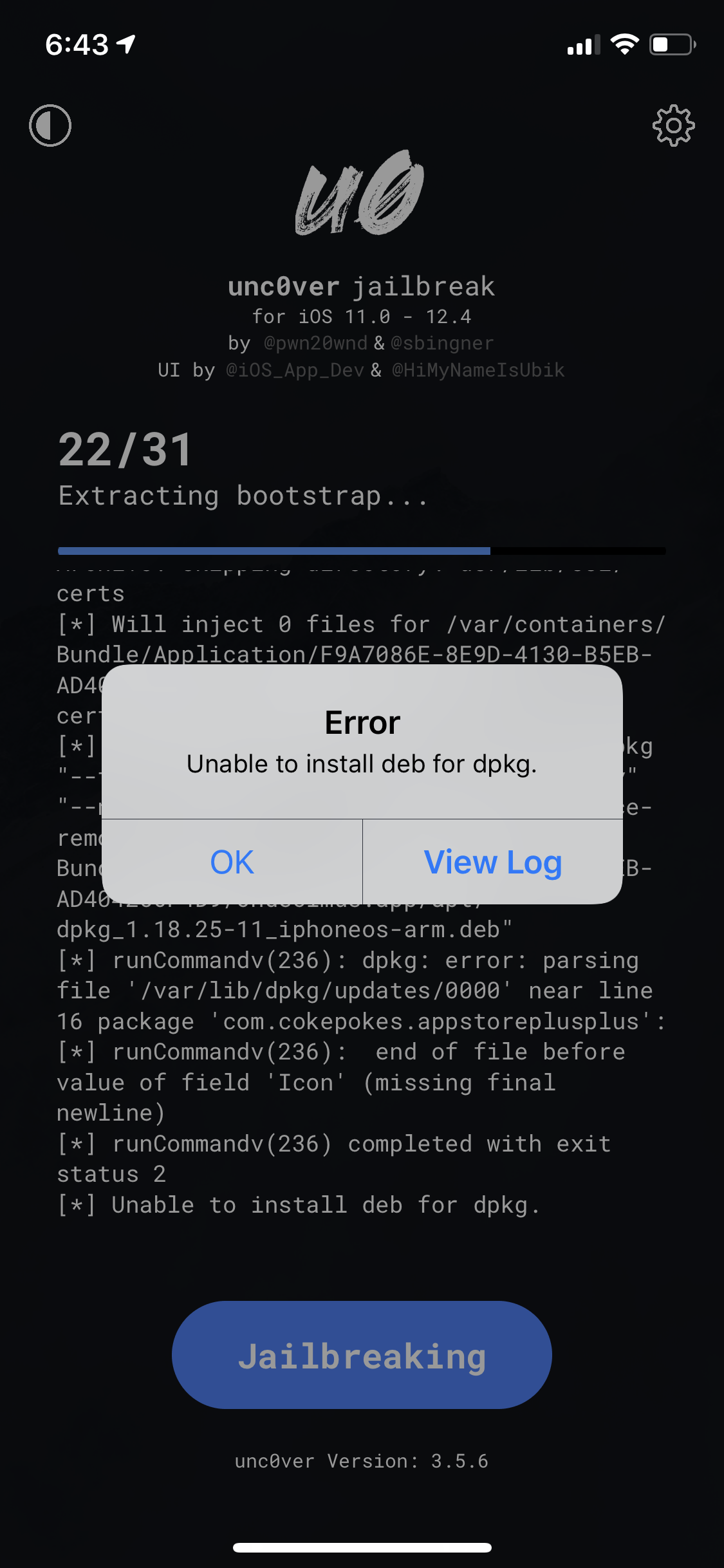
Dpkg Install Deb Without Dependencies Unable To Install Deb For Dpkg Ios 12 4 Issue 1411 Pwn20wndstuff Installation Error With deb Package Installation FLUKA User Forum Dpkg 10 Practical Common Examples Of Dpkg Command UNIX Cafe Unix Linux How To Extract And Install deb Without The Command Dpkg DPKG Criando Seu Pr prio deb E Instalando Com Dpkg YouTube In this tutorial we ll discuss how to install a package and its dependencies using the dpkg apt and gdebi commands on the command line We ll focus on the Debian and Ubuntu Linux
Installing the package without this specific dependency Most suggestions recommend apt download git dpkg ignore depends perl i git deb Unfortunately this does not install Or download the package and install it using dpkg with the option ignore depends For example if you want to install package foo without dependency bar dpkg ignore
DPKG Criando Seu Pr prio deb E Instalando Com Dpkg YouTube Ubuntu How To Let dpkg i Install Dependencies For Me YouTube Solved Install Dependencies For A Dpkg Package 9to5Answer Install Dependencies For A Dpkg Package 3 Solutions YouTube update alternatives Vs dpkg reconfigure 2 Solutions YouTube Getting Started With Dpkg On Debian Based Linux Distros LaptrinhX You Need To Get Rid Of Problems Updating Dpkg Parsing Errors Windows How To Install And Use TeamViewer On Linux Complete Guide How To Let Dpkg Install Dependencies Automatically DevsDay ru
Dpkg Install Deb Without Dependencies
 Dpkg Install Deb Without Dependencies
https://user-images.githubusercontent.com/52802742/63990736-34e99680-caf6-11e9-946e-adc16414a7c8.png
Manually installing missing dependencies can be a pain which is why tools like gdebi exist sudo apt get install gdebi sudo gdebi package deb This should resolve the dependencies and
Templates are pre-designed documents or files that can be utilized for numerous purposes. They can conserve effort and time by providing a ready-made format and layout for creating various sort of material. Templates can be utilized for individual or expert tasks, such as resumes, invitations, flyers, newsletters, reports, discussions, and more.
Dpkg Install Deb Without Dependencies
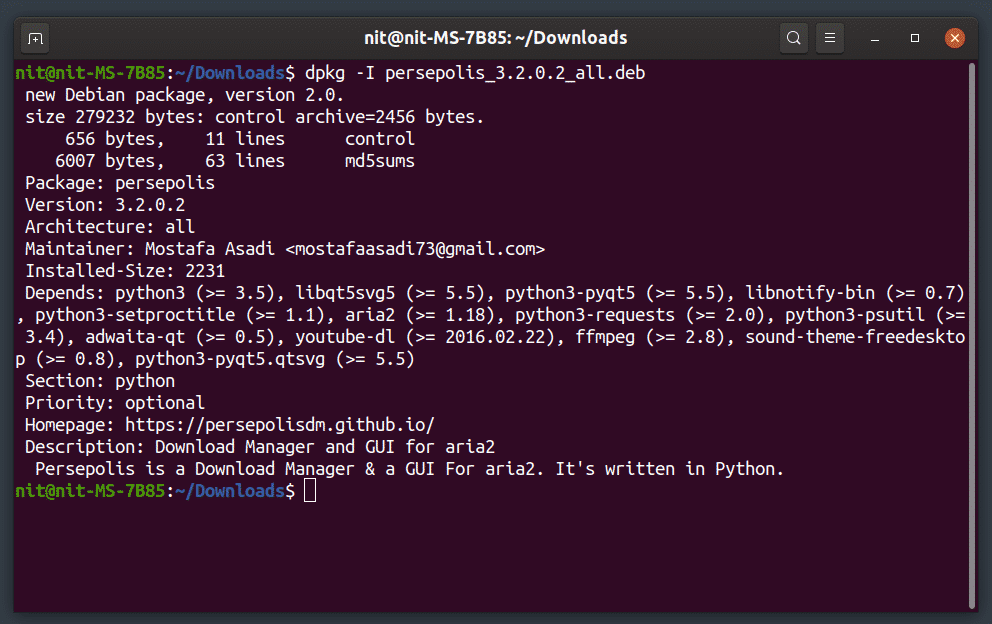
How To Manually Install A Deb Package Using Command Line In Ubuntu

Ubuntu How To Let dpkg i Install Dependencies For Me YouTube

Solved Install Dependencies For A Dpkg Package 9to5Answer

Install Dependencies For A Dpkg Package 3 Solutions YouTube

Getting Started With Dpkg On Debian Based Linux Distros LaptrinhX

You Need To Get Rid Of Problems Updating Dpkg Parsing Errors Windows
Following works on Ubuntu 14 04 sudo dpkg i package deb sudo apt get f install sudo dpkg i package deb The first dpkg i run marks dependencies

Dec 7 2012 nbsp 0183 32 Once downloaded you can move the deb files to a machine without Internet and install them sudo dpkg i deb

Sudo apt install path to package name deb With old apt get versions you must first move your deb file to var cache apt archives directory For both after executing this command it will
So far it seems that the best way to install packages without losing your head on Linux is to use apt get install lt package gt This is because the command pulls all dependencies along with it

Installing deb files can be accomplished using sudo apt install lt file gt deb If you re on an older distribution you will need to run this instead sudo dpkg i lt file gt deb sudo apt get install f
It used to be possible to install package deb with dpkg into one s home directory dpkg i package deb force not root root HOME The disadvantage to using dpkg like this is that To install dependencies with dpkg first download the deb file of the dependency package form a trusted source After that you can install it by executing the sudo dpkg i
I am running Debian jessie stable in order to understand how the deb package interacts with the system What is the correct way to extract and install a packge name deb without the