Download Apple Usb Driver Does Itunes Download Apple Usb Driver Twitter Apple Usb Driver Windows 7 Informationgood Plug N Play Usb Driver Gethouses Identified Bugs In The USB Drivers Stack Are Security Risks For Users HP USB Driver All in One Download Latest For Windows My Drivers Online Open System Information for me In the window that appears see if the USB device is listed below Hardware in the list on the left If the device appears but does not work review the device s documentation for further troubleshooting steps Reopen apps Quit and reopen any apps that use the device Restart your Mac Choose Apple menu Restart
Many users have encountered problems with the Apple Mobile Device USB Driver when they try to connect their iPhone or iPad to a Windows 10 PC This thread provides some possible solutions such as checking the Device Manager reinstalling iTunes or updating the driver Join the discussion and share your experience or ask for help Step 3 Visit this page of Apple and then download the iTunes setup file Once downloaded run the setup file to complete the installation This should install the required iPhone drivers If I use an internet cafe where can I get the driver from to load onto a usb to transfer to my computer Benny Perez says June 25 2019 at 7 48 am
HP USB Driver All in One Download Latest For Windows My Drivers Online Lsnp Unlocker How To Build A Gaming Hackintosh On The Cheap Software Cult Of Mac How To Download Update Apple Mobile Device USB Driver When It Is Missing Apple USB C Charge Cable 1m Studio7 Online Intenz v B rhol Vonz Usb Usb C Apple K l nleges Koordin ta Embody Free Picture Keyboard Laptop Usb Device Computer Data Apple USB Power Adapter 5W White Ba yap t B l m Menderes Apple Usb C Lightning Kablo Turp G c rt Bariyer
Download Apple Usb Driver
 Download Apple Usb Driver
https://pbs.twimg.com/media/EpcRpNVW8AMacz-.jpg
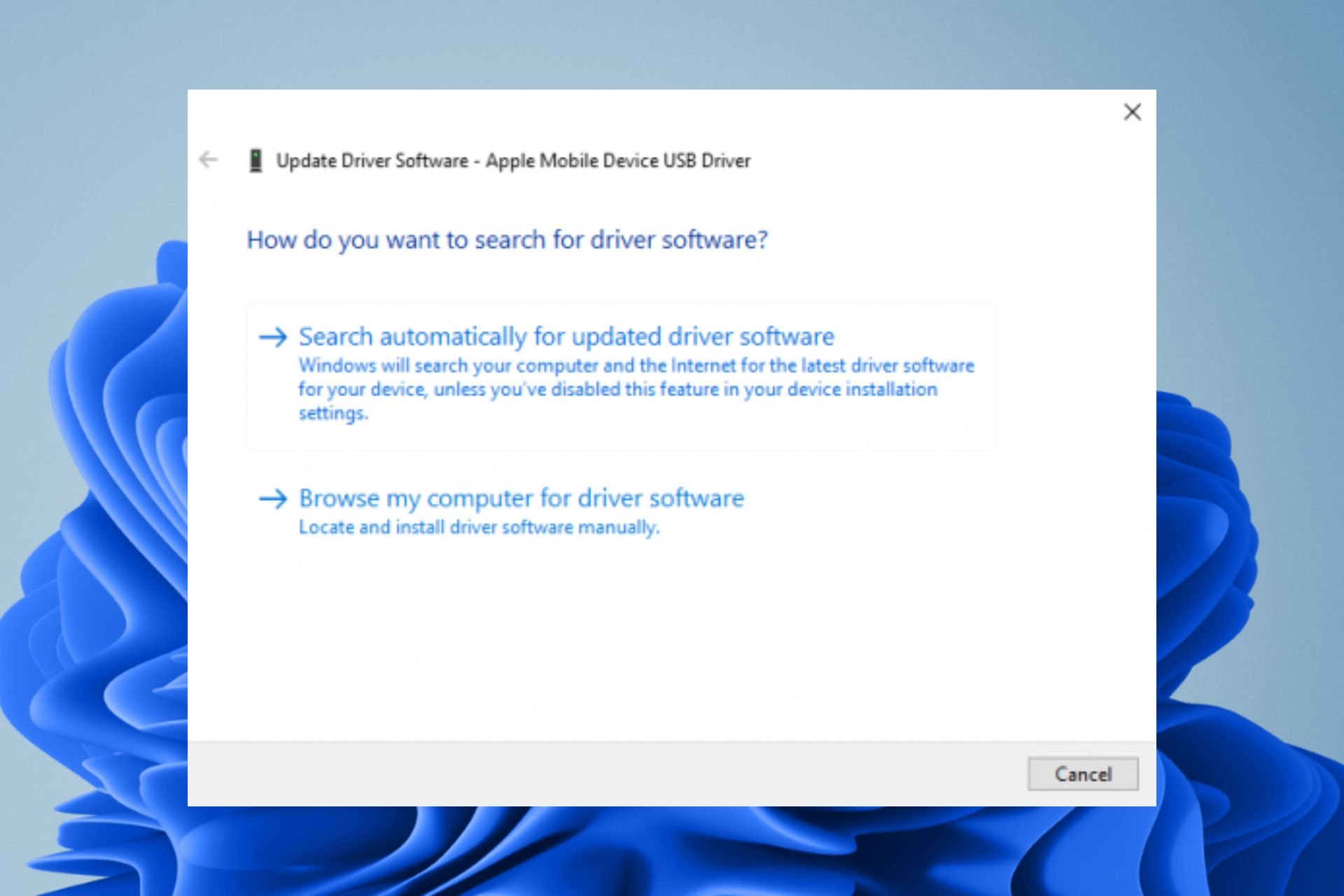
1 Press Windows X select Device Manager from the context menu 2 Navigate to Universal Serial Bus devices Double click it and locate the Apple Mobile USB Device driver 3 Right click the Apple Mobile Device USB Device select Update Driver 4 Select Search automatically for drivers 5
Templates are pre-designed files or files that can be used for numerous purposes. They can save effort and time by offering a ready-made format and layout for producing different type of material. Templates can be utilized for personal or professional tasks, such as resumes, invites, leaflets, newsletters, reports, discussions, and more.
Download Apple Usb Driver
Top 4 Apple Mobile Device Usb Driver In 2023 Ki n Th c Cho Ng i Lao

Lsnp Unlocker
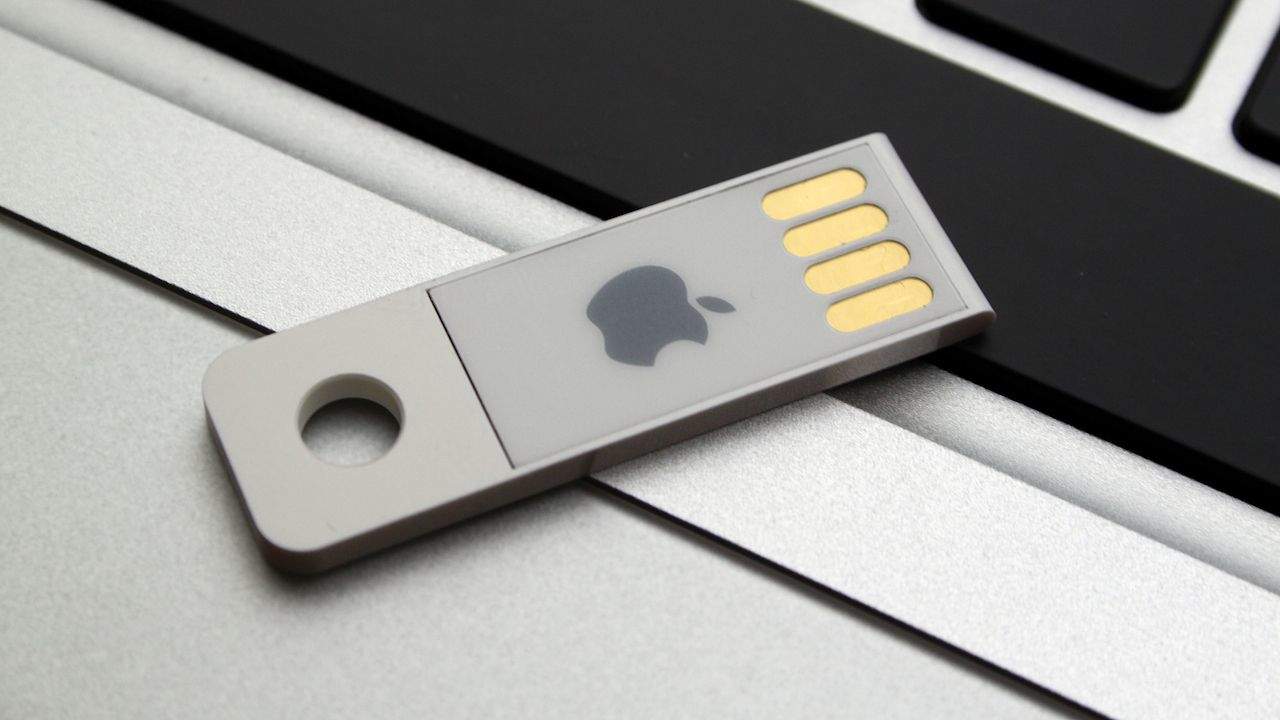
How To Build A Gaming Hackintosh On The Cheap Software Cult Of Mac

How To Download Update Apple Mobile Device USB Driver When It Is Missing
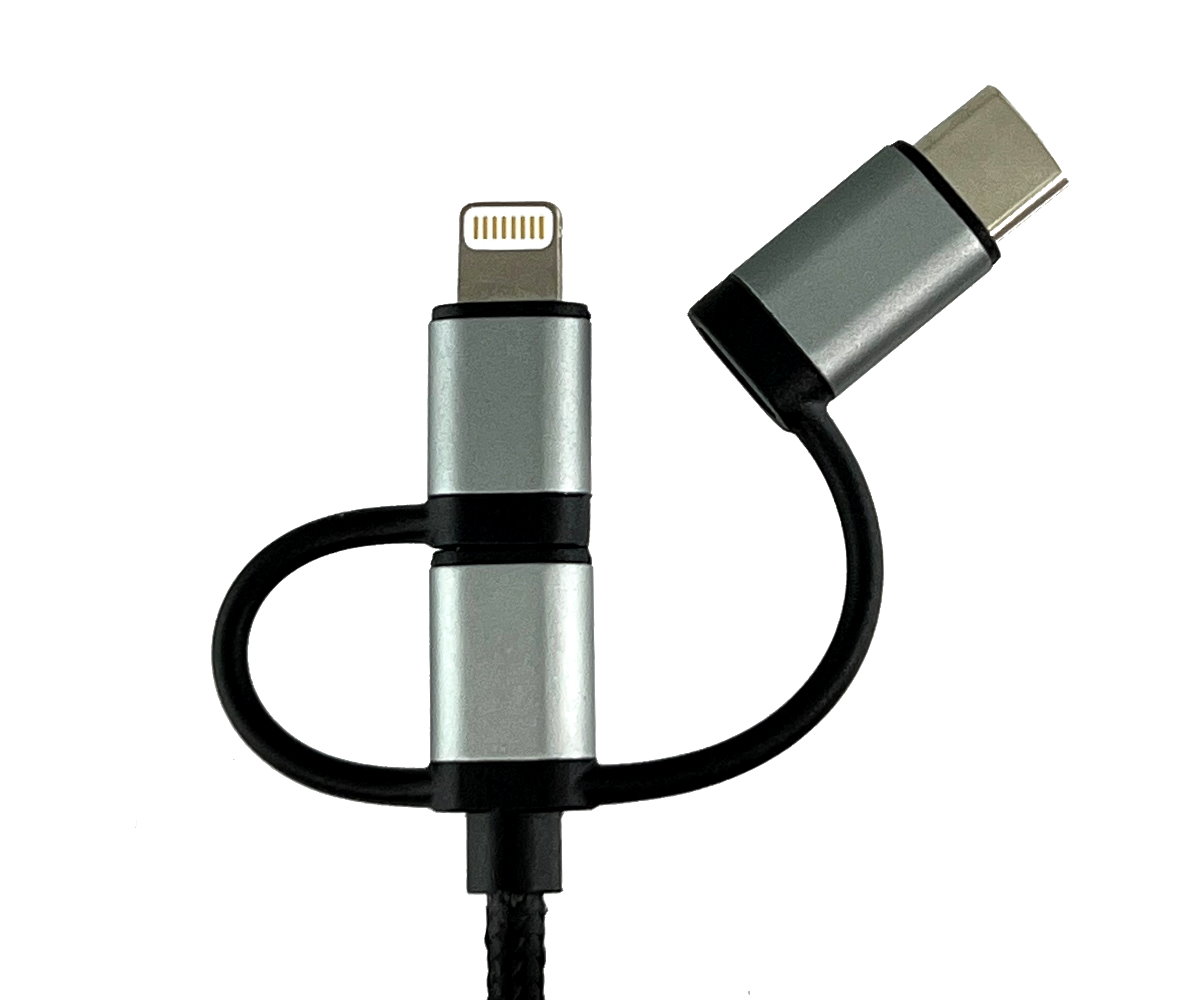
Intenz v B rhol Vonz Usb Usb C Apple K l nleges Koordin ta Embody

Free Picture Keyboard Laptop Usb Device Computer Data

Open Control Panel Device Manager Plug in your device Locate Universal Serial Bus Controllers Apple Mobile Device USB Driver It is also possible the device may show under Imaging Devices Portable Devices Other Devices or as an MTB USB Device Right click and select Update Driver Software Click Browse my computer for driver software

Browse and download apps for your Mac from your Mac Shop for apps by category read user reviews and buy apps in one simple step Safari Extensions
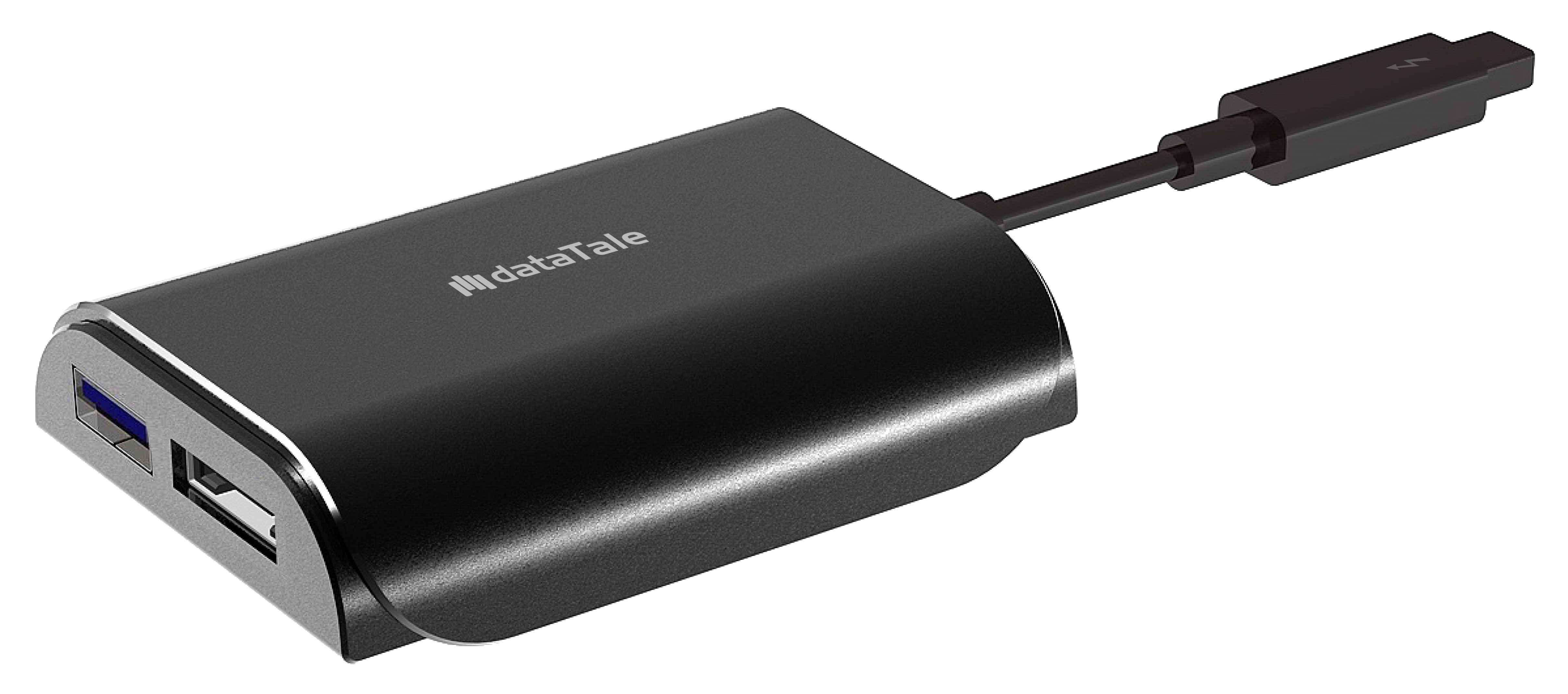
Way 1 Uninstall and Reinstall Apple Drivers in Device Manager In the first place if you wish to fix apple mobile device driver is not in Device Manager on Windows 10 just attempt to get rid of the Apple driver and then install the latest Apple USB driver in Device Manager

Method 1 Manually Download and Install iPhone Drivers Method 2 Use Bit Driver Updater to Automatically Get Latest iPhone Drivers Recommended Method 3 Run Windows Update to Install iPhone Drivers Method 4 Manually Download and Install iPhone Drivers with Device Manager

Method 1 Have Your Apple Mobile Device USB Driver Reinstalled by Updating Automatically Updating Your Apple Driver Once that you have experienced your Apple Driver lost on your computer then this is the first thing you need to do download and have it installed
1 Press the Windows key type device manager and click on Open 2 Scroll down to Universal Serial Bus Controllers Click on it to expand 3 Right click Apple Mobile Device USB Driver and select Update driver Note This driver can also be found under Imaging Devices Portable Devices or Other Devices section 4 Make sure that your device is open throughout the solution Press Windows R type devmgmt msc in the dialogue box and press Enter Once in the device manager expand Portable devices right click on your Apple device and click Update driver Now select the first option Search automatically for updated driver software
1 Open Device Manager 2 Expand category Universal Serial Bus Controller 3 Right click on the device and select Uninstall from the pop up menu You will be asked to confirm the uninstall Check the checkbox next to Delete the driver software for this device if you see it Click OK button then the driver will be uninstalled 4