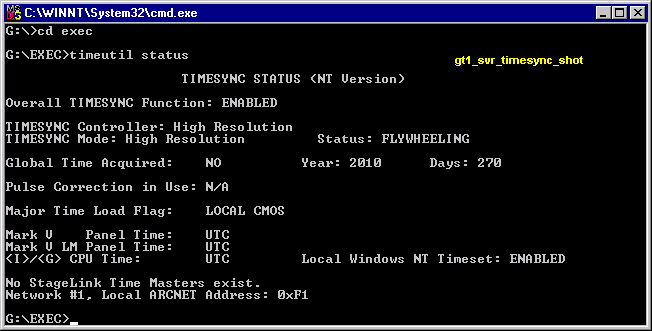
Dos Command To Check Directory Size Python Check If A File Or Directory Exists Datagy How To Check Directory Size In Ubuntu Command Line Buku Log Dindon DOS Command To Check GPS Timesync Status From GE Mark V Windows NT 4 0 HMI Show Folder Size In Windows 10 Fix Folder Size Not Showing 2023 Dir Command Examples Options Switches More The basic syntax of the du command is as follows du options directories and or files To get the total size of a directory use the s option for a summary and the
Press Windows Key R to open Run Type CMD in the field and hit enter Now execute this command in CMD This command will open the Folder options File size is easy Using an argument passed into a batch file or batch function This code assumes the path was passed as the first argument Code Select
Dir Command Examples Options Switches More How To Check Directory Size In Ubuntu Command Line Cer i Centrul Pentru Copii Escroc Cd Cmd Windows Fiabilitate P stor How To Change Directory In How To Check If A Directory Is Empty In Python StackHowTo List All Directories And Sort By Size Linux Tutorials Learn Linux Configuration Windows Command Copy Command Computerthang Commands To Check Filesystem In Linux Ubuntu How To Check The Disk Space In Ubuntu 20 04 And 20 10 DevsDay ru Bash List Directory Size In Descending And Ascending Order
Dos Command To Check Directory Size
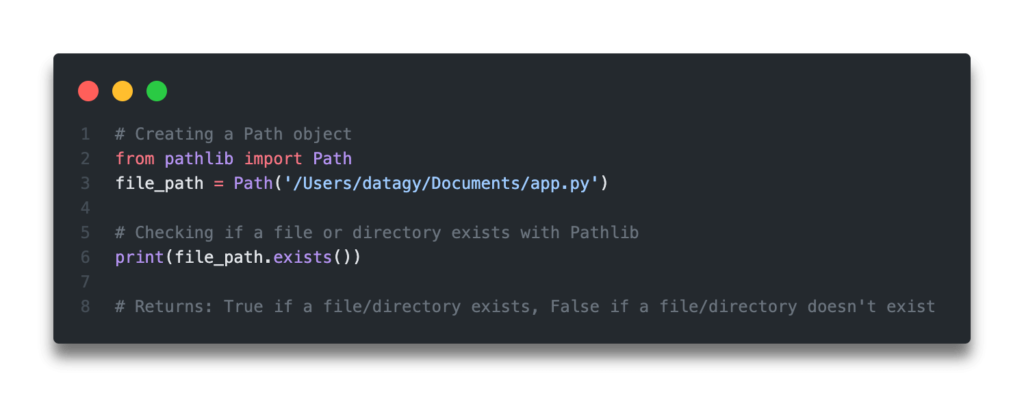 Dos Command To Check Directory Size
https://datagy.io/wp-content/uploads/2021/11/Quick-Answer-Python-Check-if-a-File-Directory-Exists-1024x397.png
It runs a DIR S on the current directory and returns the second last line which is the total size 15976 File s 2 900 344 439 bytes delims splits it down the
Pre-crafted templates offer a time-saving service for developing a varied series of files and files. These pre-designed formats and designs can be utilized for numerous individual and expert jobs, including resumes, invites, flyers, newsletters, reports, presentations, and more, improving the content development procedure.
Dos Command To Check Directory Size
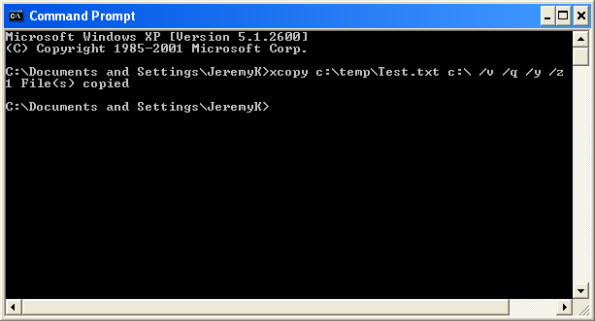
Dos Commands Run Program Free Programs Utilities And Apps Thepiratebayempire
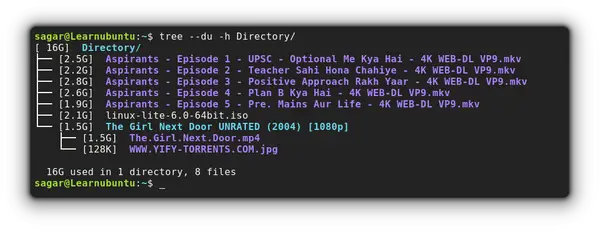
How To Check Directory Size In Ubuntu Command Line
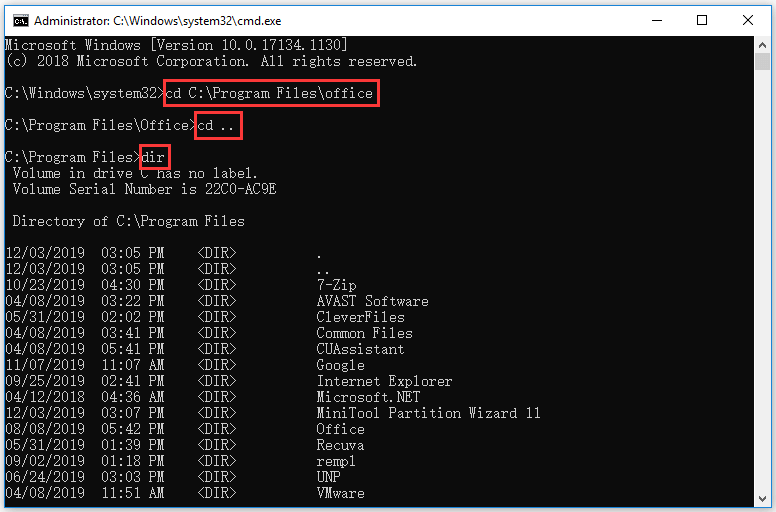
Cer i Centrul Pentru Copii Escroc Cd Cmd Windows Fiabilitate P stor How To Change Directory In

How To Check If A Directory Is Empty In Python StackHowTo

Windows Command Copy Command Computerthang

Commands To Check Filesystem In Linux Ubuntu
There s no Windows built in command to find directory size But there is a tool called diruse exe which can be used to get folder size This tool is part of XP

1 Answer Sorted by 1 Microsoft provides du Disk Usage utility as a part of the SysInternals suite You can run du exe To get statistics like Files 18
2 Answers Sorted by 0 I tested this on Powershell gci Downloads measure Length s To see the result in MB gci Downloads measure Length s Sum 1MB

The find command of cygwin utilities does this For your requirement find full paths of files in a directory tree that exceed a specific size say 10MB this gives the result find

Press Command I on your keyboard A window opens and shows the size of the file or folder MS DOS and Windows command line users The following
To get the straightforward total size of all files in the directory the following one line shell expression can be used assuming a GNU system find type d print0 Run dir in Command Prompt to list all of the files and folders in the current directory Dir also take special arguments to sort and select what kinds of files and
To round the result to two decimals run the following command 0 N2 GB f gci c iso measure Length s sum 1Gb You can use PowerShell to calculate