Does Git Checkout Create A New Local Branch How To Create New Branch And Merge In Github Recode Hive All Things Checkout In Git Programmer Hat How To Run UBCSailbot raye local pathfinding GitHub Wiki Git Rebase Git Topics Help GitLab CBSE 10th 12th Result 2022 How To Create A New Digilocker Account WEB If in one go you also want to create a new local branch you can use the quot b quot parameter git checkout b new branch By using the quot track quot parameter you can use a remote branch as the basis for a new local branch this will also set up a quot tracking relationship quot between the two git checkout b new branch track origin develop
WEB To create a new branch and switch to it at the same time you can run the git checkout command with the b switch git checkout b iss53 Switched to a new branch quot iss53 quot This is shorthand for WEB Dec 31 2019 nbsp 0183 32 To create and checkout out a new branch with a single command you can use git checkout b NEW BRANCH NAME This will automatically switch you to the new branch Checkout a New Branch or Reset a Branch to a Start Point
CBSE 10th 12th Result 2022 How To Create A New Digilocker Account Git Clone Branch Git Create Branch From Terminal Lasopachristian Creating A New Branch And Switching To It With Just One Command How To Create A New Branch And Checkout In Git YouTube Continuous Integration And DevOps Tools Setup And Tips Git Workflow Get Involved Rethinking Economics Git Branch Command To Create New Branch BEST GAMES WALKTHROUGH How To Create A New Local Branch In Git In Intellij IDEA Checkout New
Does Git Checkout Create A New Local Branch
 Does Git Checkout Create A New Local Branch
https://recodehive.com/wp-content/uploads/2021/04/Github-Tutorials-1024x576.jpg
WEB Oct 2 2021 nbsp 0183 32 You can do a checkout and create a new branch with all local and current changes transferred over Did you update some code in the wrong Git branch Here s how to save those local changes in a newly created Git branch and clean up the original branch in the process
Templates are pre-designed files or files that can be utilized for various purposes. They can conserve time and effort by offering a ready-made format and design for creating different type of material. Templates can be used for individual or professional tasks, such as resumes, invitations, leaflets, newsletters, reports, discussions, and more.
Does Git Checkout Create A New Local Branch

Git Support To Create Local Branch From Specific Remote Branch Issue
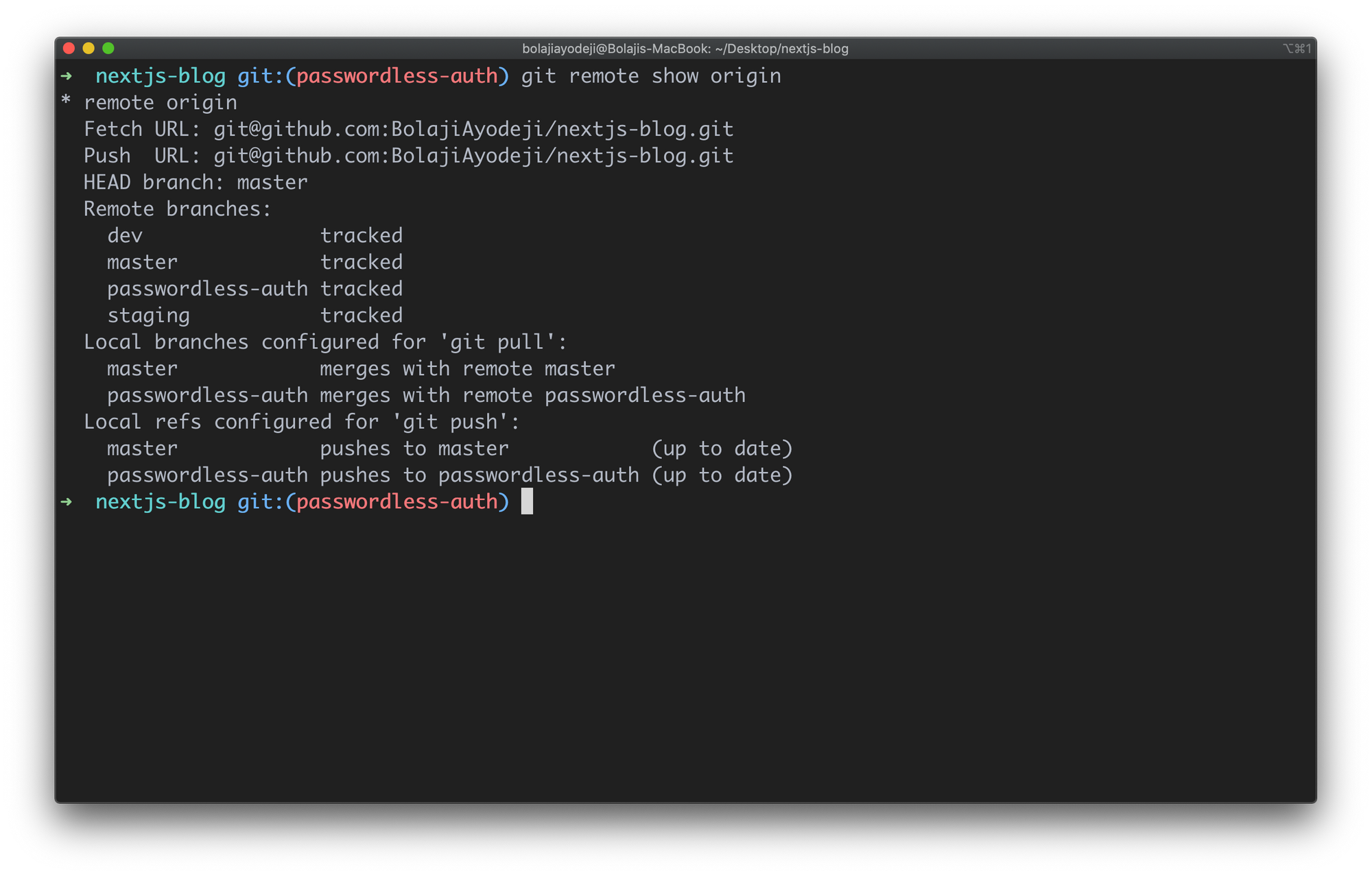
Git Clone Branch

Git Create Branch From Terminal Lasopachristian
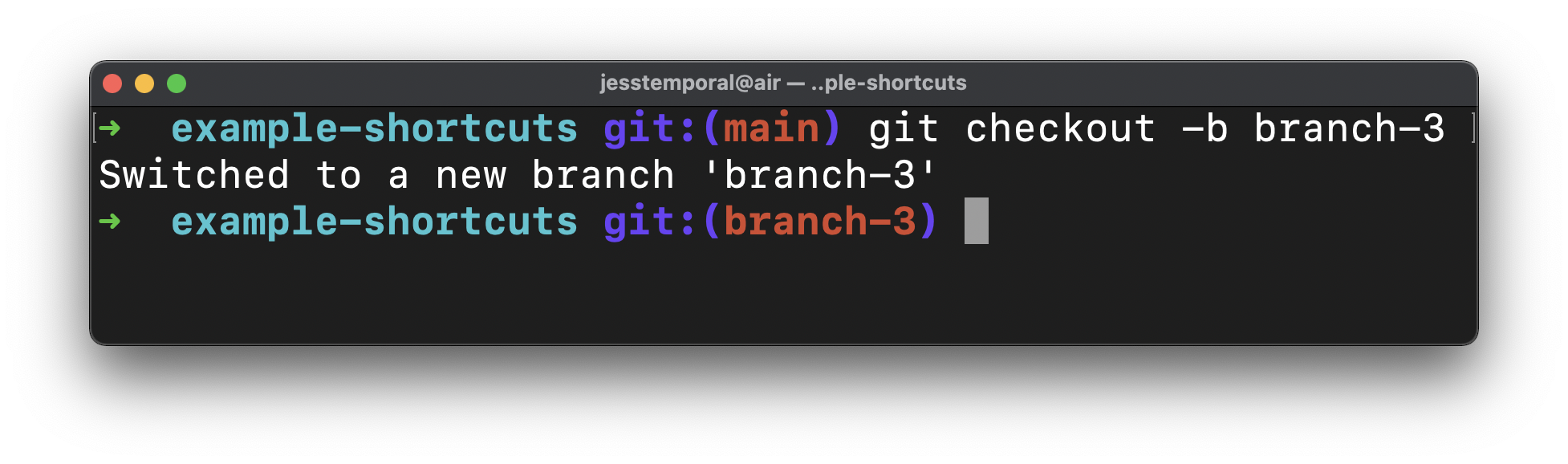
Creating A New Branch And Switching To It With Just One Command
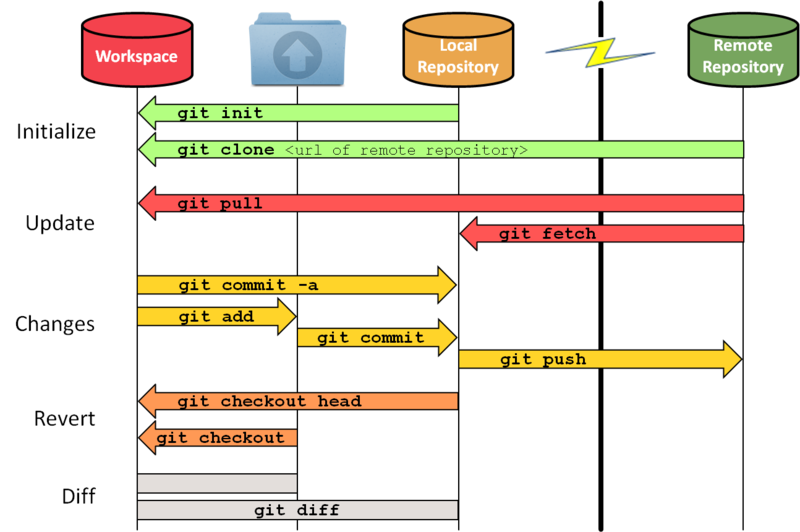
Continuous Integration And DevOps Tools Setup And Tips Git Workflow

Get Involved Rethinking Economics
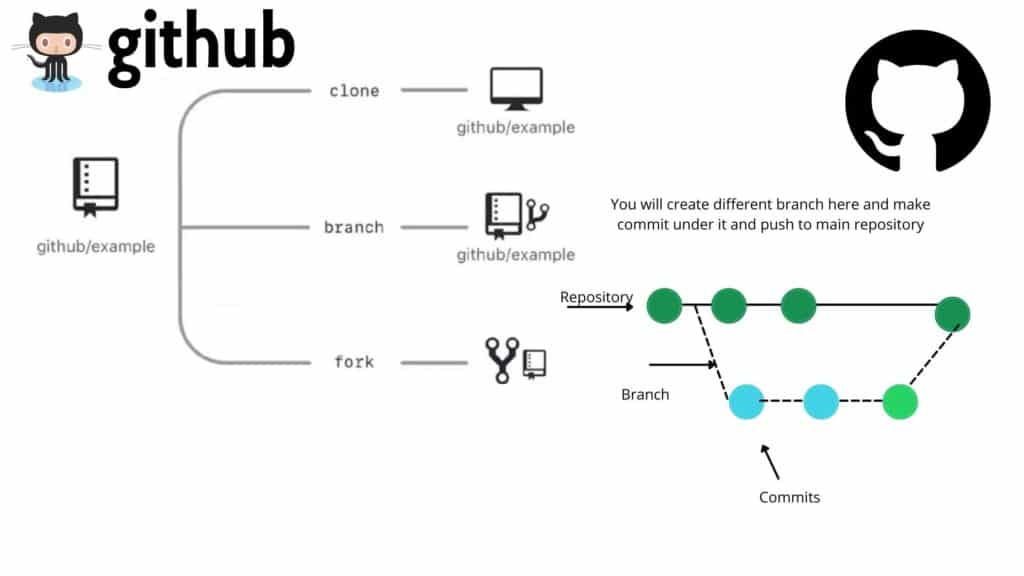
WEB Nov 5 2015 nbsp 0183 32 First you create your branch locally git checkout b lt branch name gt The remote branch is automatically created when you push it to the remote server So when you feel ready for it you can just do git push lt remote name gt lt branch name gt

WEB Jul 13 2022 nbsp 0183 32 We can create a new branch and switch to it using the git checkout command with the b option and lt branch name gt It looks like this git checkout b lt branch name gt Assume we want to create a new Git
WEB The git checkout command lets you navigate between the branches created by git branch Checking out a branch updates the files in the working directory to match the version stored in that branch and it tells Git to record all new commits on that branch

WEB May 4 2010 nbsp 0183 32 20 Answers Sorted by 8473 In Git 1 7 0 and later you can checkout a new branch git checkout b lt branch gt Edit files add and commit

WEB git checkout b foo or quot git switch c foo quot 1 git branch foo 2 git tag foo 3 creates a new branch foo which refers to commit f and then updates HEAD to refer to branch foo In other words we ll no longer be in detached HEAD state after this command
WEB Dec 17 2010 nbsp 0183 32 Git 2 23 introduces git switch and git restore to split the responsibilities of git checkout Creating a new branch from an existing branch as of Git 2 23 git switch c my new branch Switched to a new branch my new branch c is short for create and replaces the well known git checkout b WEB Dec 15 2020 nbsp 0183 32 If you already have a branch on your local machine you can simply check out or switch to that branch using the command git checkout lt branch name gt When you want to create a new branch from your main branch with the name dev for example use git branch dev this only creates the branch
WEB Feb 6 2024 nbsp 0183 32 The git checkout b lt BranchName gt command will create a new branch and switch to it Moreover this command will leave the current branch as it is and bring all uncommitted changes to the new branch