Does Disable Fullscreen Optimization Increase Fps How To Disable Enable Full Screen Optimization On Windows FPS Boost Tr pny Koruna Kab na Windows 10 Minimizing Games To Desktop Mover V zva How To Disable Fullscreen Optimization For Games On Windows 10 Fullscreen Vs Borderless Which Display Mode Is The Best Option How To Disable Fullscreen Optimization For Games On Windows 10 Check the box that says disable fullscreen optimizations Click apply That will likely solve your issues with that individual game but it s also possible to disable them system wide This is even easier to do as it doesn t require finding the game s executable Open the settings app Go to the gaming section
2 Press right click Features ompatibility Disable full screen optimization 3 In the same window press Change high DPI settings Redefining the high resolution zoom mode 4 Press Win button Go to graphics settings Turn on the param Reduce the latency and increase performance 5 Disable Fullscreen Optimization We recommended that you play in fullscreen and yet we re also telling you to turn fullscreen optimization off Well for us being in fullscreen is already way more optimized than windowed anyway So what s the point Fullscreen optimization is actually a feature of Windows
How To Disable Fullscreen Optimization For Games On Windows 10 How To Enable Or Disable Fullscreen Optimizations In Windows 11 Cost Optimization Strategies LedgerGurus Fix Grounded Low FPS Drops On PC Increase Performance Low FPS Plutonium Project FIX UltraWide HUD And Unlock FPS Borderless Fullscreen Steam Solo FIX UltraWide HUD And Unlock FPS Borderless Fullscreen Steam Solo How To Disable Fullscreen Optimization In Windows 10 How To Fix Roblox Crashing On Windows 11
Does Disable Fullscreen Optimization Increase Fps
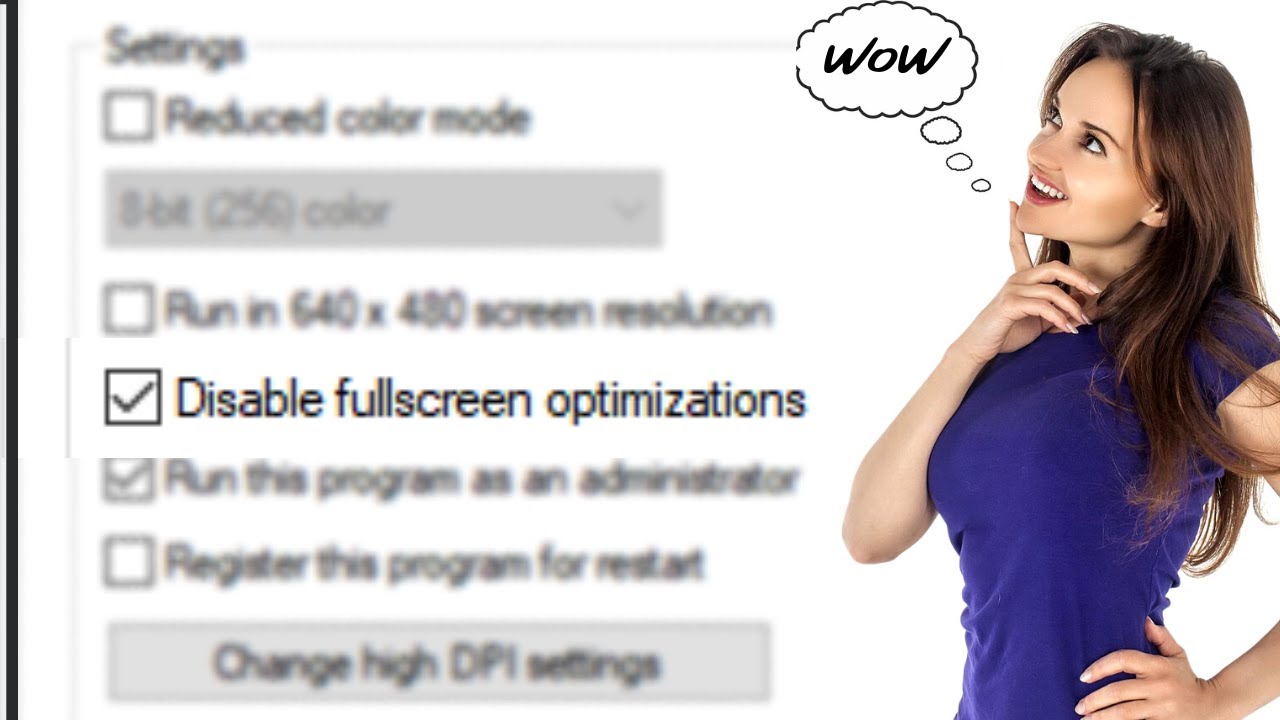 Does Disable Fullscreen Optimization Increase Fps
https://i.ytimg.com/vi/G-hksuPA1rc/maxresdefault.jpg
Right click on the launcher file and select Properties Alternatively you can use the ALT ENTER keyboard shortcut to bring up the file s properties Click on the Compatibility tab and click on
Pre-crafted templates provide a time-saving service for creating a diverse variety of documents and files. These pre-designed formats and layouts can be made use of for different personal and expert jobs, consisting of resumes, invites, flyers, newsletters, reports, discussions, and more, improving the content development process.
Does Disable Fullscreen Optimization Increase Fps
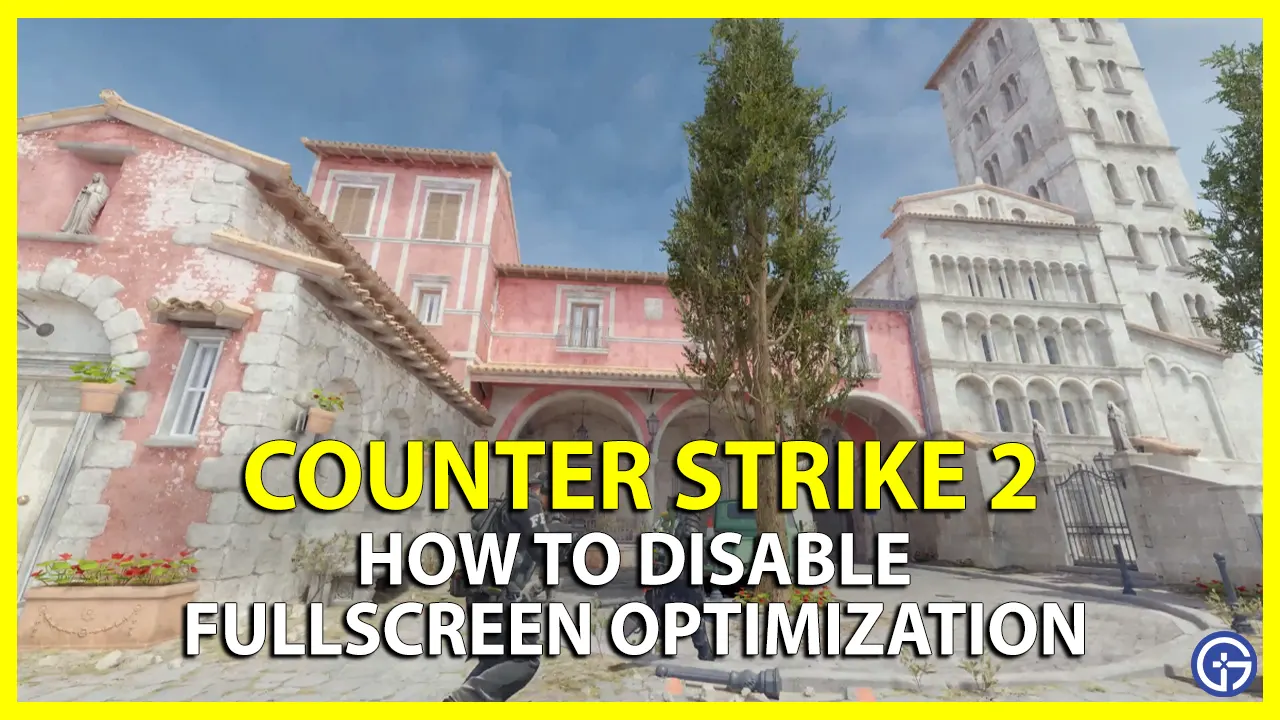
CS2 FPS Guide How To Disable Fullscreen Optimization For Boost
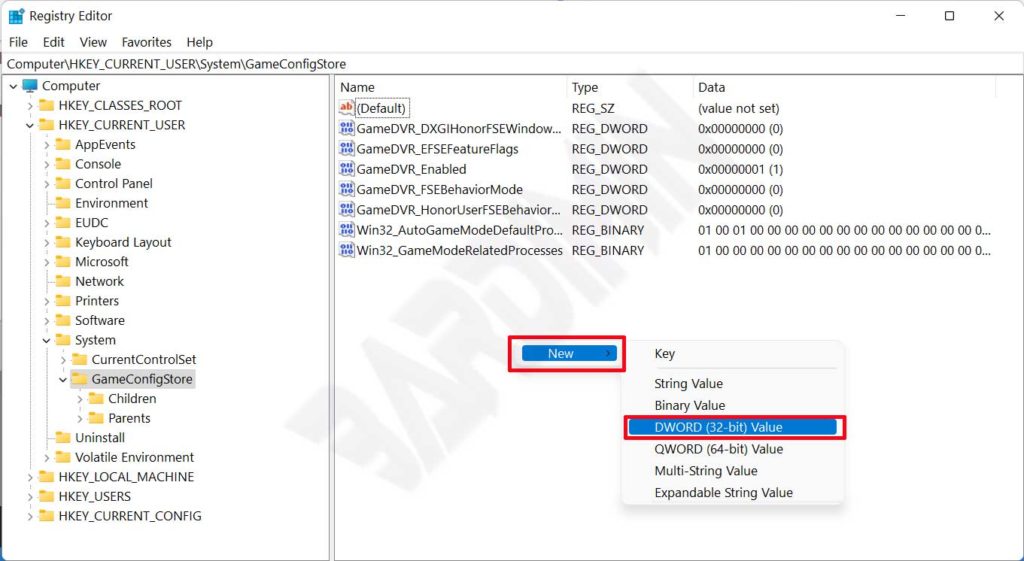
How To Enable Or Disable Fullscreen Optimizations In Windows 11

Cost Optimization Strategies LedgerGurus

Fix Grounded Low FPS Drops On PC Increase Performance
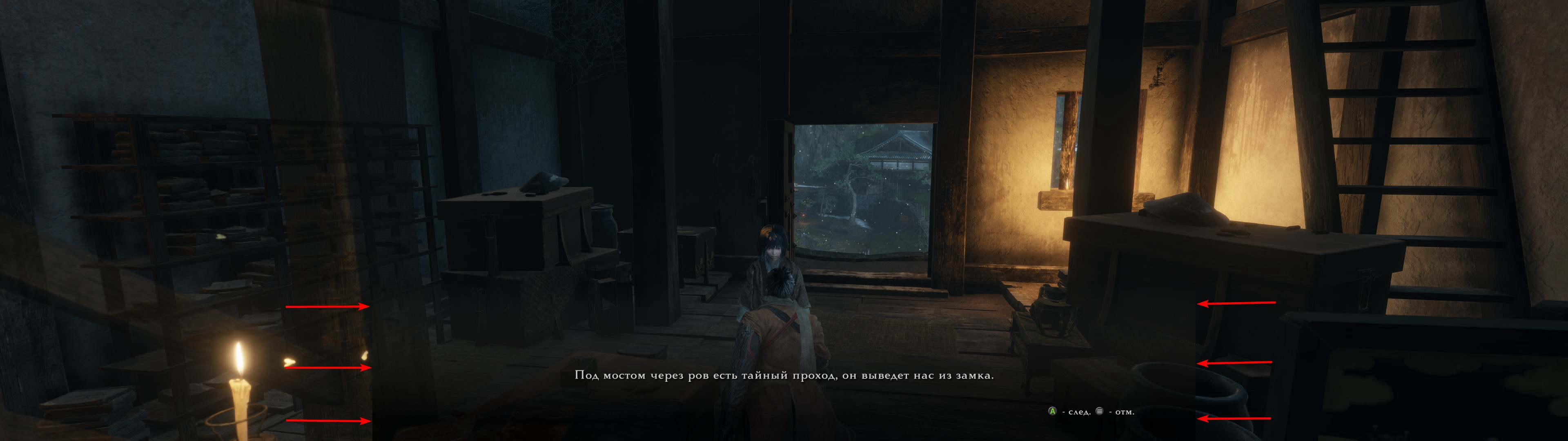
FIX UltraWide HUD And Unlock FPS Borderless Fullscreen Steam Solo
FIX UltraWide HUD And Unlock FPS Borderless Fullscreen Steam Solo

Yes It eliminates problems with performance overlay not working and improves input lag for me I like exclusive fullscreen so I turn fullscreen optimizations off for every single game I play 12 NvidiatrollXB1 5 yr ago Stupid question like I mentioned earlier I didn t even know this was a thing How does one do this 4 Finnbhennach

1 Right click or press and hold on the EXE file of the app or game and click tap on Properties 2 Click tap on the Compatibility tab see screenshot below 3 Check disable or uncheck enable default Disable fullscreen optimizations for what you want 4 Click tap on OK Option Two

Disable fullscreen optimizations actually has an effect on latency at least on some scenarios Discussion So i wanted to share my findings after doing a bit of experimenting

Disabling Fullscreen Optimization To Increase FPS Fullscreen optimization is a Windows 10 11 feature that promises to enhance your gaming experience by running your game in a highly optimized windowed borderless mode The borderless window fills the entire screen

Click on the button labeled as Change settings for all users on the bottom part of the mini window Under the section labeled as Settings Check the option labeled as Disable fullscreen
Below are the instructions on how to disable Fullscreen Optimizations for a game Right Click on the Executable File exe and Select Properties Select the Compatibility Tab Under Settings Select Disable Fullscreen Optimizations Click Apply The best way to describe it is it forces applications to run in a optimized borderless window instead of exclusive fullscreen From my experience some programs games have issues when this is enabled stuttering frame drops CTDs for example and prior to 1809 17763 you could disable it globally by disabling Game Mode
Have any1 run any tests on these two settings What should I do with them cause I can really understand what is their usefulness Ive tried both settings and I can say it helped improve my FPS and performance in general Disabling full screen optimizations can help you when playing Overwatch in full screen if you have any problems with it