Docker Sudo Apt Get Command Not Found Como Corrigir Sudo Apt get Comando N o Encontrado All Things Windows Easily Fix Sudo Apt get Command Not Found Issue Techisours Sudo Apt get Command Not Found 14 04 Sudo Apt get Command Not Found Ask Ubuntu Linux Sudo Apt get Command Not Found Sneppets Web Apr 20 2003 nbsp 0183 32 Ask Question Asked 1 year 2 months ago Modified 1 year 2 months ago Viewed 2k times 0 Inside my docker container whenever I try to execute the following command sudo apt get update It fails with the following error lab f482bded4be2 sudo apt get update Hit 1 http security ubuntu ubuntu focal security InRelease
Web May 2 2018 nbsp 0183 32 Ask Question Asked 5 years 11 months ago Modified 5 years 8 months ago Viewed 15k times 4 I have a problem when trying to run docker build This is the command I run docker build t lt name gt The Dockerfile contains the following first lines FROM ubuntu xenial RUN apt get y update RUN apt get y install fix missing sudo Web Barnaba X 153 1 1 4 locate apt get should turn up usr bin apt get If not see if the file is actually there Then check the PATH echo PATH Tell us what you find Jos Jul 3 2014 at 18 37 Jos Good shot locate apt get turns back nothing
Linux Sudo Apt get Command Not Found Sneppets Amazon Linux apt get Command Not Found The Citrus Report Apt Get Command Not Found BuildVirtual How To Fix The Sudo Command On Your Mac LEMP How To Find Mac Os Version Using Command Mokasinhonest Apt get Command Not Found Here s How To Fix That Comment R parer Sudo Apt get Commande Introuvable Comment R parer Sudo Apt get Commande Introuvable Sudo Apt Get Command Not Found Suse Linux
Docker Sudo Apt Get Command Not Found
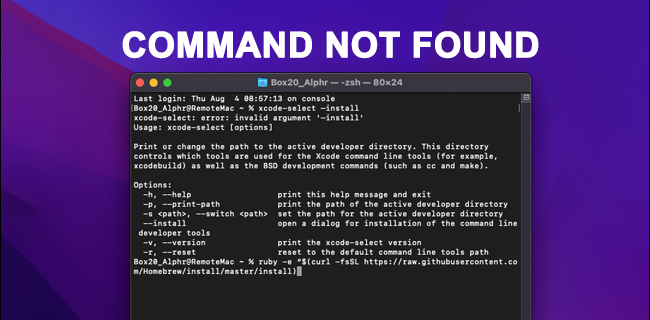 Docker Sudo Apt Get Command Not Found
https://windows.atsit.in/wp-content/uploads/2022/08/como-corrigir-sudo-apt-get-comando-nao-encontrado.jpg
Web Mar 19 2024 nbsp 0183 32 1 Install Docker Most of the time an incorrect installation of Docker on your system causes the bash docker command not found error In this instance installing Docker fixes the issue However if your system has docker installed and still showing the error first run sudo apt autoremove docker
Pre-crafted templates use a time-saving service for producing a varied variety of documents and files. These pre-designed formats and designs can be made use of for numerous personal and professional tasks, including resumes, invitations, flyers, newsletters, reports, presentations, and more, streamlining the material creation process.
Docker Sudo Apt Get Command Not Found
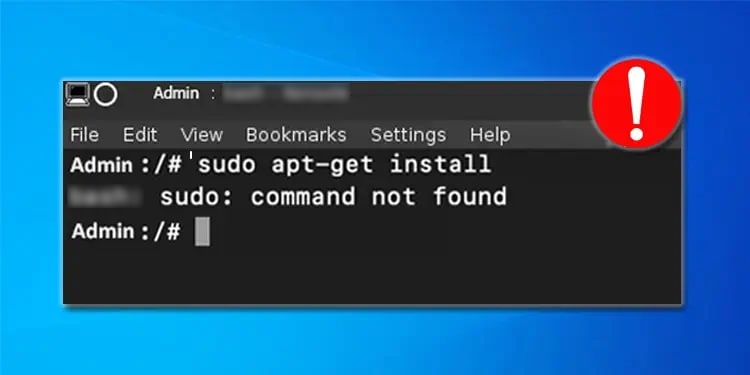
Sudo Apt get Befehl Nicht Gefunden So Beheben Sie Das Problem Tech News

Amazon Linux apt get Command Not Found The Citrus Report
Apt Get Command Not Found BuildVirtual

How To Fix The Sudo Command On Your Mac LEMP

Apt get Command Not Found Here s How To Fix That

Comment R parer Sudo Apt get Commande Introuvable
Web Try apt get update amp amp apt get install y build essential curl git libfreetype6 dev libpng12 dev libzmq3 dev pkg config python dev python numpy python pip software properties common swig zip zlib1g d If you wish to not run as root see the Docker documentation on the User command edited Sep 6 2021 at 20 38
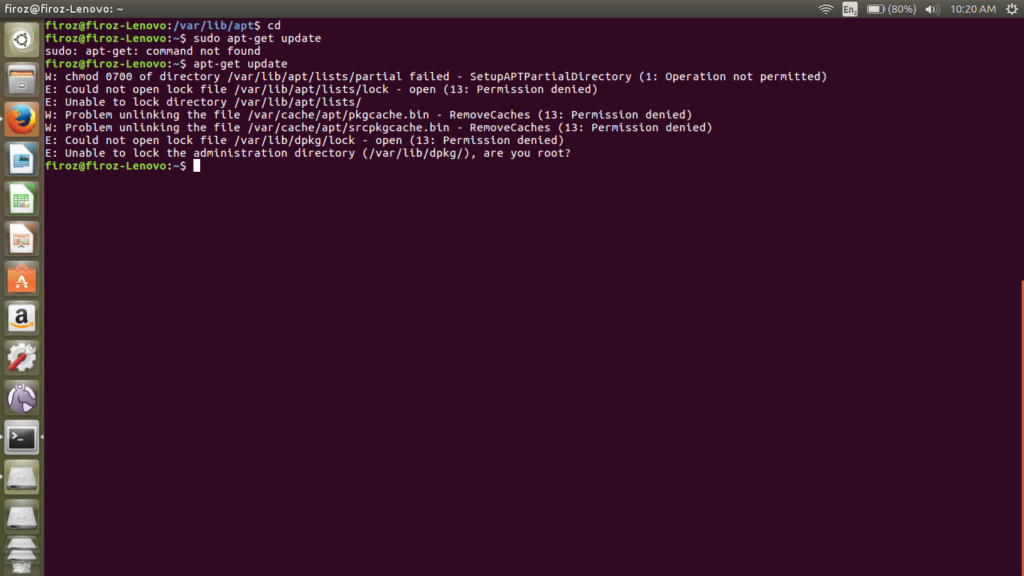
Web May 21 2015 nbsp 0183 32 sudo apt get install docker ce below is yet another way to issue the install command sudo curl sSL https get docker sh sudo curl sSL https test docker sh get dev pipeline version here is a typical output ubuntu 16 04

Web Jan 5 2023 nbsp 0183 32 Table of Contents Introduction You re using the wrong command Use the right package manager Dockerfile example Using Ubuntu Image in Docker Directly install and run a container with Ubuntu Install Ubuntu using a

Web Dec 30 2023 nbsp 0183 32 If you encounter the bash sudo command not found error it indicates that the sudo command is absent in the Docker image To address this issue you have several options Directly Use the Root User Instead of relying on sudo execute commands directly as the root user For instance docker exec it your container id bin bash

Web Dec 4 2020 nbsp 0183 32 Command docker not found but can be installed with sudo snap install docker version 19 03 11 or sudo apt install docker io version 19 03 8 0ubuntu1 20 04 1 See snap info docker for additional versions
Web Dec 12 2018 nbsp 0183 32 Ren 153 1 1 8 Add a comment 3 Answers Sorted by 3 Apt is not available for MacOS There are other options such as Homebrew or Macports This question has been asked and answered on our Unix sister site https unix stackexchange questions 80711 how to install ap Share Improve Web Nov 24 2023 nbsp 0183 32 One common cause of the apt get command not found error is the absence of the apt get package especially on minimal installations To ensure apt get is installed run sudo apt update If apt get is missing you will
Web Mar 19 2024 nbsp 0183 32 Follow these steps based on your Linux distribution Ubuntu Debian sudo apt update sudo apt install docker io installing docker in debain CentOS RHEL sudo yum install docker Installing Docker in Rhel CentOS Arch Linux sudo pacman S docker Add Docker to PATH