Docker Desktop Doesn T Launch Docker Desktop Always Starts Although Disabled Docker Desktop For Docker Desktop System Requirements Windows MacOS KindaCode Docker Inc Ver ffentlicht Docker Desktop F r Linux Mit Extensions New In Docker Desktop 4 14 Greater Visibility Into Your Containers Filesharing Not Enabled Volume Sharing Is Not Enabled On The How to Fix Network Errors with Docker and Windows Containers Last week I run into this annoying problem when I tired to run the Net samples for Docker Step 7 23 RUN dotnet restore Running in ce2d8740cf2e Restore completed in 389 74 ms for C app dotnetapp dotnetapp csproj Restore completed in 220 85 ms for C app utils utils csproj
No need to install docker desktop it only generates problems and makes things slower in windows If you install Docker this way you will never ever again run into that problem For DockerDesktop 4 5 0 this is the accepted answer Maybe the reason it was downvoted was because it is poorly written I have tried to edit it but the edit queue is full
Filesharing Not Enabled Volume Sharing Is Not Enabled On The Docker Desktop Ya Est Disponible Para Linux NICALINUX Docker Desktop Integrations Launched EnterpriseTalk Docker Desktop CLI Button Behaviour Stack Overflow What Is Docker Docker Desktop App Zombiestashok Docker Desktop 4 15 Improved Usability And Performance Unified 5 Docker Desktop Alternatives HackerNoon Introducing The Docker Desktop WSL 2 Backend Docker
Docker Desktop Doesn T Launch
 Docker Desktop Doesn T Launch
https://global.discourse-cdn.com/docker/original/3X/4/6/465273888c7ae143bbce890fb46b4f2b8153f184.png
I experienced this issue on Ubuntu 22 04 jammy After installing Docker Desktop following the instructions on the official documentation and meeting system requirements including having virtualiza
Pre-crafted templates use a time-saving solution for developing a varied variety of documents and files. These pre-designed formats and layouts can be utilized for different personal and expert projects, including resumes, invitations, flyers, newsletters, reports, presentations, and more, streamlining the material development procedure.
Docker Desktop Doesn T Launch

Docker Desktop Alternative By Infologistix For Free
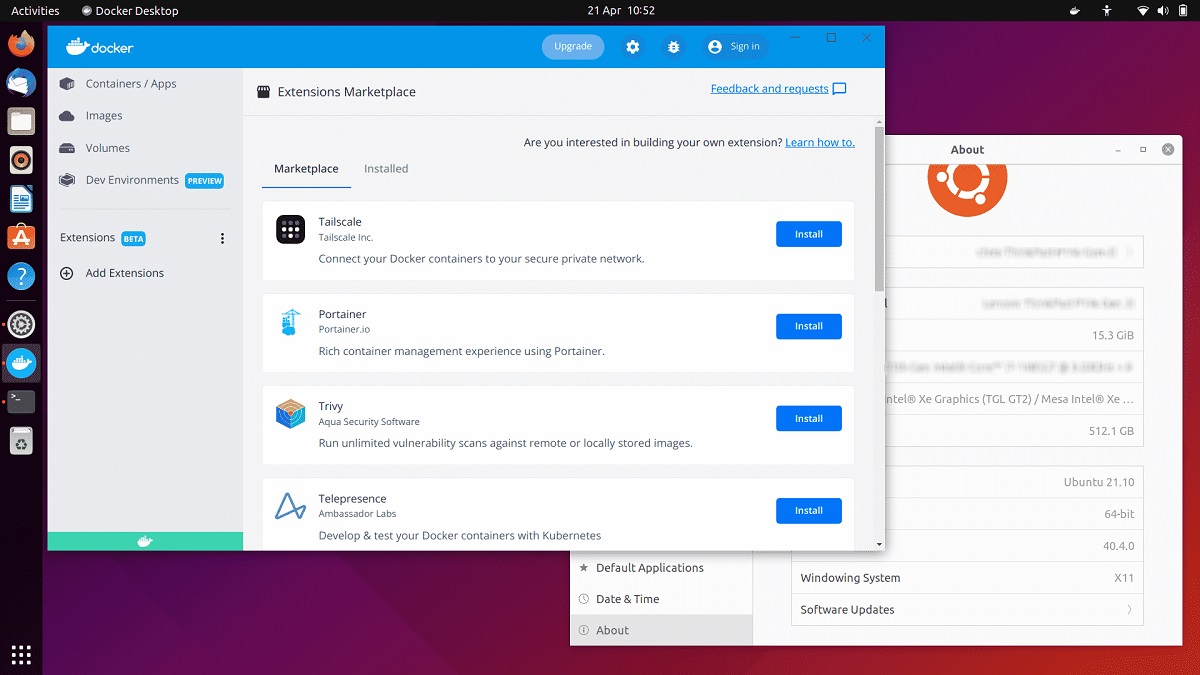
Docker Desktop Ya Est Disponible Para Linux NICALINUX

Docker Desktop Integrations Launched EnterpriseTalk

Docker Desktop CLI Button Behaviour Stack Overflow

Docker Desktop App Zombiestashok
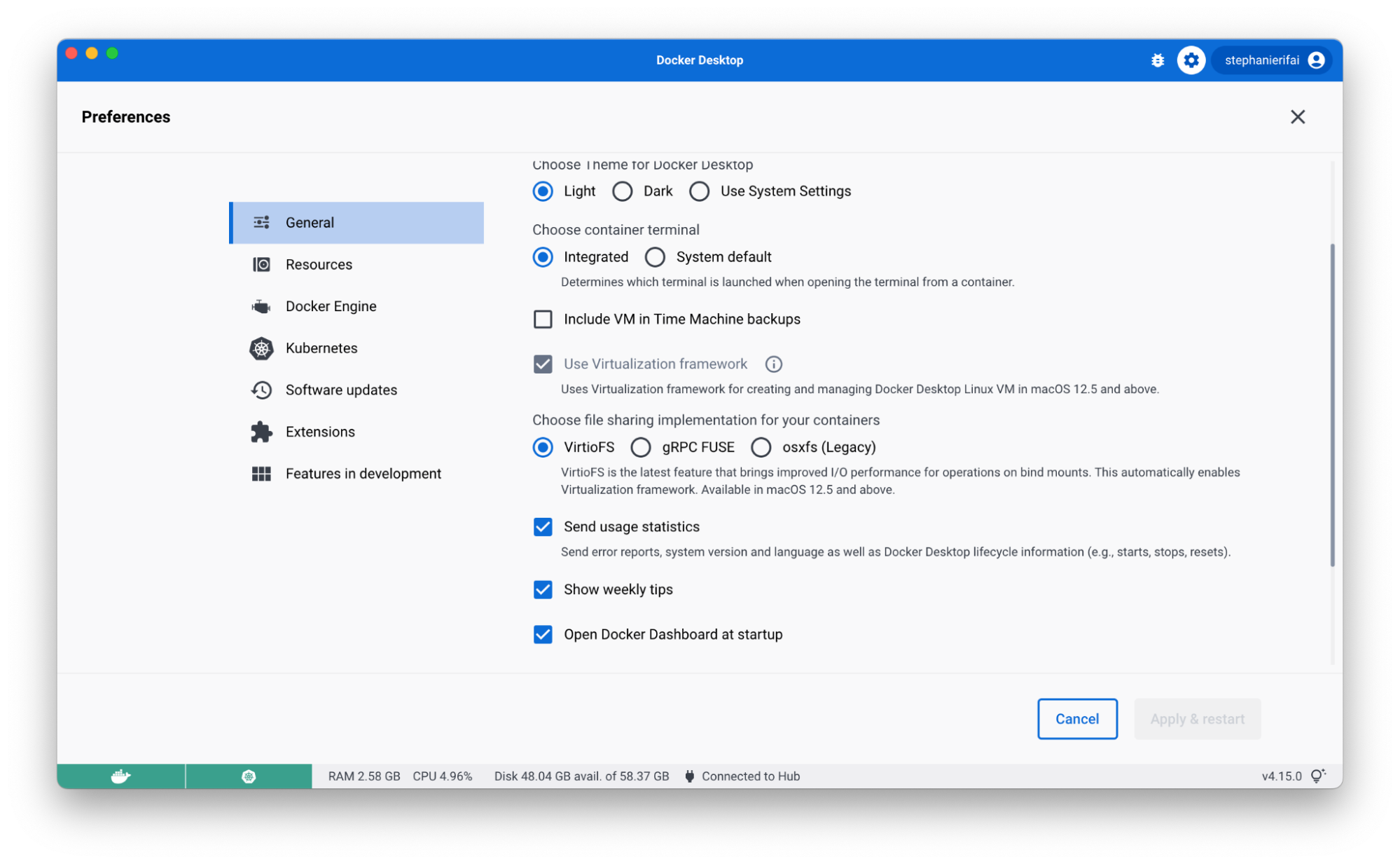
Docker Desktop 4 15 Improved Usability And Performance Unified

Issue Type Docker Failed to Start OS Version Build Windows 10 10 0 18363 Build 18363 App Version Client Docker Engine Community Cloud integration 1 0 9 Version 20 10 5 API version 1 41 Go version go1 13 15 Git commit 55c4c88 Built Tue Mar 2 20 14 53 2021 OS Arch windows amd64 Context default Experimental true Steps to reproduce Install Docker and try to run Linux

I m using Docker Desktop for Windows It suddenly does not start The Docker Desktop exe process is running idle in the background But there s no GUI not even the tray icon It happened about same time on two machines running Windows 10

Select the Docker menu and then Troubleshoot Select the Troubleshoot icon near the top right corner of Docker Dashboard The Troubleshoot page contains the following options Restart Docker Desktop Get support Users with a paid Docker subscription can use this option to send a support request Other users can use this option to diagnose any
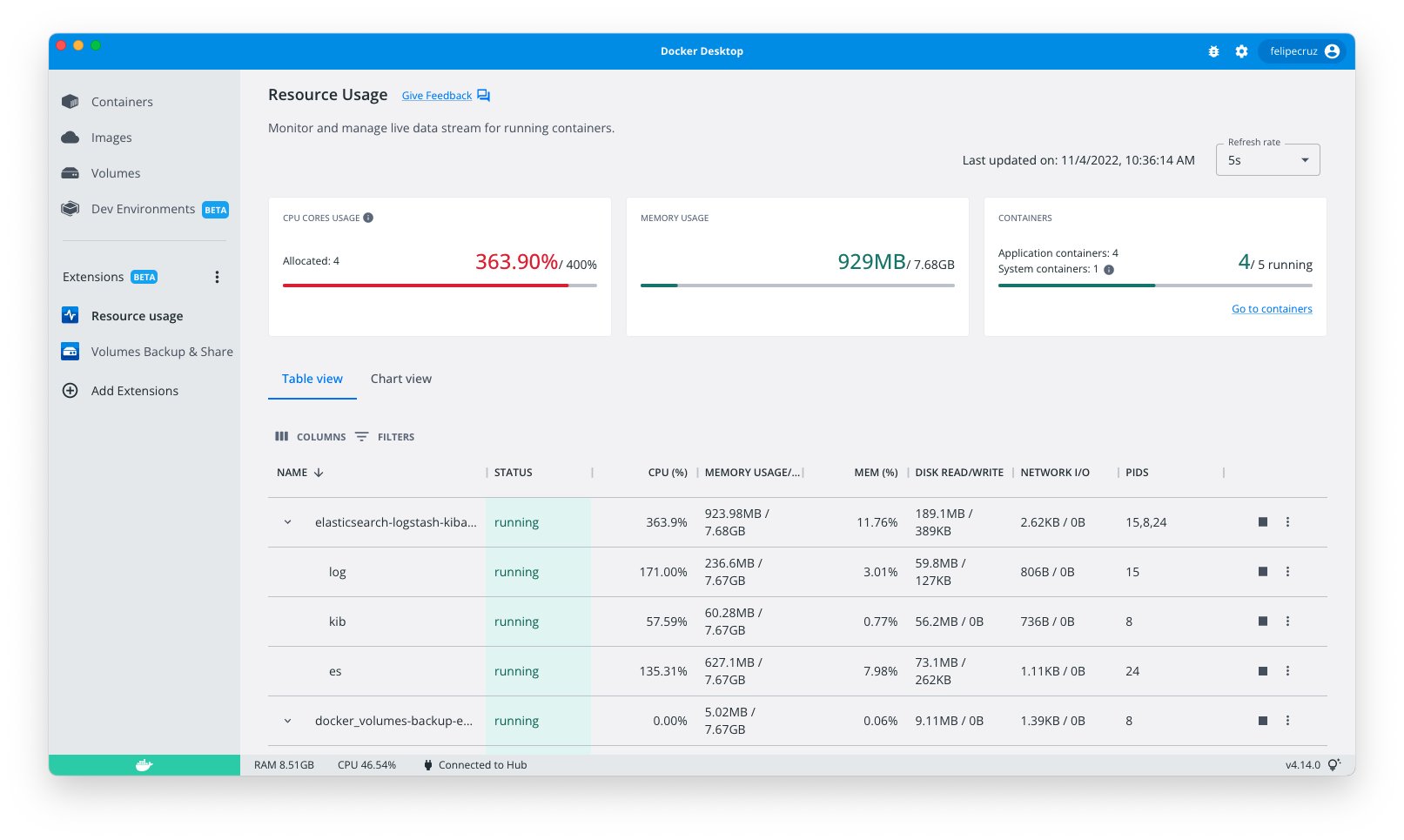
Reset Docker Desktop to factory defaults waited around 15 minutes if nothing happened and status remained Docker Desktop is resetting to default Then proceed to run the following command in PowerShell with administrator rights wsl exe unregister docker desktop and wsl exe unregister docker desktop data Uninstall Docker Desktop Reboot

Manuals Docker Desktop Troubleshoot and diagnose Workarounds for common problems Workarounds for common problems Reboot Restart your PC to stop discard any vestige of the daemon running from the previously installed version
Navigate to the downloaded folder cd C Users username Downloads Run the executable by just typing Docker Desktop Installer exe For me the problem of not starting is because of Corporate Windows setup This steps may help 1 On you windows machine enable Hyper V and Containers check boxes If you look at the command there are a few flags after the command docker run to get the container running A simple explanation for them is d runs the application in the background p 80 80 provides the mapping from the host port to the container port You can learn more about port mapping here docker getting started is the container image being used
Step 1 Run Docker Services Type and search Services in the windows search box or open run then type services msc and click Ok Then you will see a list of services available Go to Docker and check whether Docker Desktop Service is running or not If it is not running then right click and click on Start