Docker Compose Install Requirements Txt How To Install Python Libraries Using Requirements txt YouTube How To Install Docker Compose YouTube Python How To Get My Docker File To Copy Requirements txt And Expose Install Docker Engine And Docker Compose On Ubuntu Server IT From Docker Compose Install via requirements txt means using this image build step command RUN pip3 install r requirements txt Editable install means using the RUN pip3 install e command I ve experienced that install via requirements txt resulted in images that do not run whereas using editable install resulted in images that do work as expected
Step 1 Put Dockerfile docker compose yaml and requirements txt files to the project directory Step 2 Paste to Dockefile code below FROM apache airflow 2 1 COPY requirements txt RUN pip install r requirements txt The Compose Specification lets you define a platform agnostic container based application Such an application is designed as a set of containers which have to both run together with adequate shared resources and communication channels Computing components of an application are defined as services A service is an abstract concept implemented
Docker Compose How To Install Python Packages With Requirements txt Docker Compose Traefik HackerNeo How To Install Requirements Txt In Linux Systran Box Linux Docker Compose How To Install Requirements Txt In Kali Linux Systran Box Python Docker Image Build Install Required Packages Via Requirements Docker Compose install Install Docker Compose Docker Documentation
Docker Compose Install Requirements Txt
 Docker Compose Install Requirements Txt
https://i.ytimg.com/vi/Tu_HcflONZM/maxresdefault.jpg
1 This is how my current folder structure looks like I am present in the FinTechExplained Python Docker folder My Dockerfile looks like this FROM python 3 8 slim buster WORKDIR src COPY requirements txt requirements txt RUN pip install no cache dir r requirements txt COPY CMD python main py
Pre-crafted templates use a time-saving solution for creating a varied series of documents and files. These pre-designed formats and layouts can be utilized for different personal and professional jobs, consisting of resumes, invites, flyers, newsletters, reports, presentations, and more, enhancing the material creation process.
Docker Compose Install Requirements Txt

Docker Compose install

How To Install Python Packages With Requirements txt
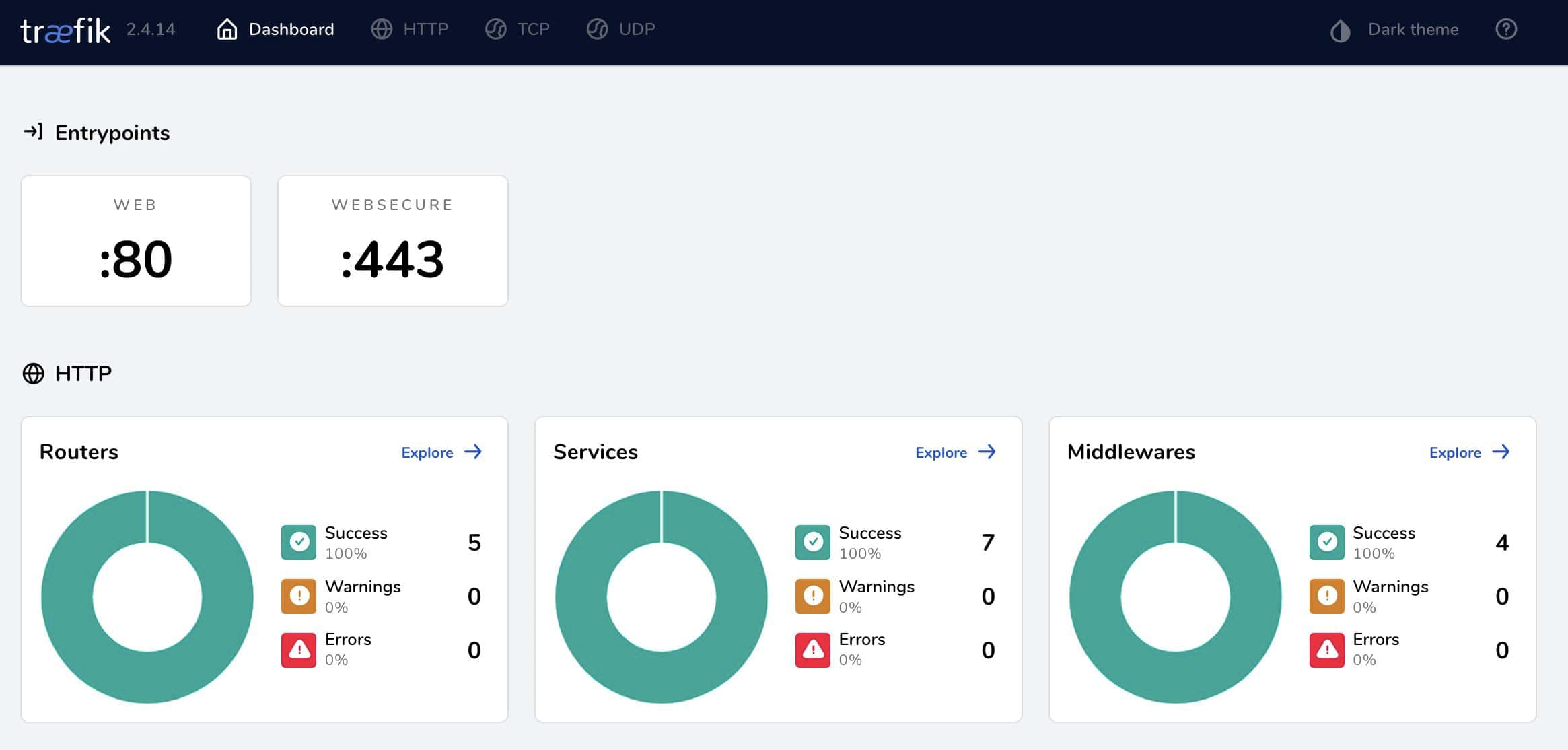
Docker Compose Traefik HackerNeo

How To Install Requirements Txt In Linux Systran Box

How To Install Requirements Txt In Kali Linux Systran Box

Python Docker Image Build Install Required Packages Via Requirements
The easiest and recommended way to get Docker Compose is to install Docker Desktop Docker Desktop includes Docker Compose along with Docker Engine and Docker CLI which are Compose prerequisites Docker Desktop is available on Linux Mac Windows

To install the Compose plugin on Linux you can either Set up Docker s repository on your Linux system Install Compose manually Note These instructions assume you already have Docker Engine and Docker CLI installed and now want to install the Compose plugin For Compose standalone see Install Compose Standalone Install using the repository

Step 1 Installing Docker Compose To make sure you obtain the most updated stable version of Docker Compose you ll download this software from its official Github repository First confirm the latest version available in their releases page At the time of this writing the most current stable version is 1 29 2 The following command will download the 1 29 2 release and save the

Create another file called requirements txt in your project directory and paste the following code in flask redis Step 2 Create a Dockerfile The Dockerfile is used to build a Docker image The image contains all the dependencies the Python application requires including Python itself
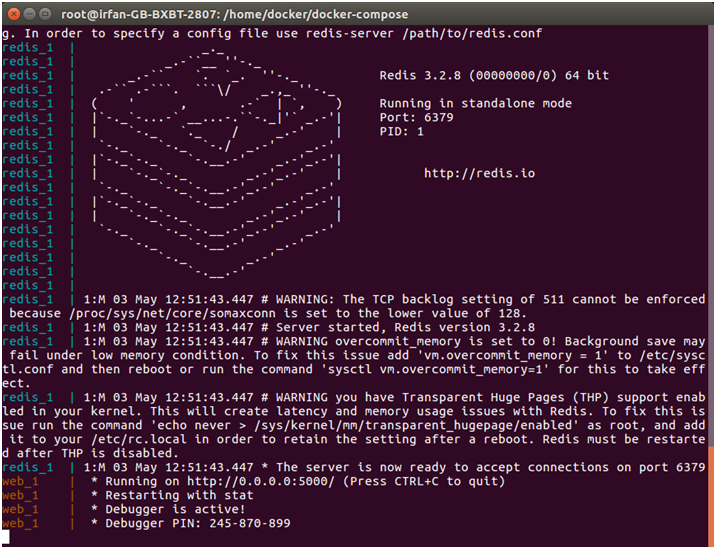
Open a terminal change directory to a directory that you want to work in and run the following command to clone the repository git clone https github docker python docker Initialize Docker assets Now that you have an application you can use docker init to create the necessary Docker assets to containerize your application
To install Python dependencies Then when you run docker compose build it checks if the requirements txt file has changed and installs the dependencies from scratch if so creating a Adding packages from requirements txt The following example adds few python packages from requirements txt from PyPI to the image Note that similarly when adding individual packages you need to use the airflow user rather than root Attempts to install pip packages as root will fail with an appropriate error message Note
For my project I need to create a docker container to run my PyTorch project I need to install the pip dependecies in order for it to run I placed these dependencies in the requirements txt