Display Category Wordpress Plugin Pueblos De Indios Innoa Devtools Club Astra Premium Sites Plugin Is A WordPress Facebook Slideshow Themify Vibrant Abstract Colors Dance Backiee Category Labels Block WordPress Plugin WordPress 01 May 2021 How to Change Screen Resolution of a Display in Windows 10 The screen resolution of a display determines how much information is displayed on the screen It is measured horizontally and vertically in pixels At lower screen resolutions such as 640 x 480 fewer items will fit on the screen but they will appear larger
Aug 1 2021 nbsp 0183 32 How to Change Brightness of Built in Display in Windows 10 If you have a laptop or tablet with a built in display you might need to occasionally change the screen brightness level For example if you want to use your laptop outdoors on a sunny day you might need a brighter screen to see the display clearly Or if you re in a dark room you might want to make the May 22 2020 nbsp 0183 32 How to Calibrate Display Color in Windows 10 Windows comes with the Display Color Calibration wizard tool You can improve the color on your display by using Display Color Calibration to make sure that colors appear accurately on your screen This tutorial will show you how to calibrate a monitor using the Display Color Calibration wizard tool in Windows 10 You
Category Labels Block WordPress Plugin WordPress Featured Images For Categories Help For WordPress Interactive Map How To Show WooCommerce Categories In Your Menu ACF Getting Started With ACF Custom User Registration Fields For WooCommerce Learn 360 How To Create A Horizontal Timeline Post Timeline WordPress Plugin Create Interactive Map Product Category Showcase For WooCommerce Plugin WordPress
Display Category Wordpress Plugin
 Display Category Wordpress Plugin
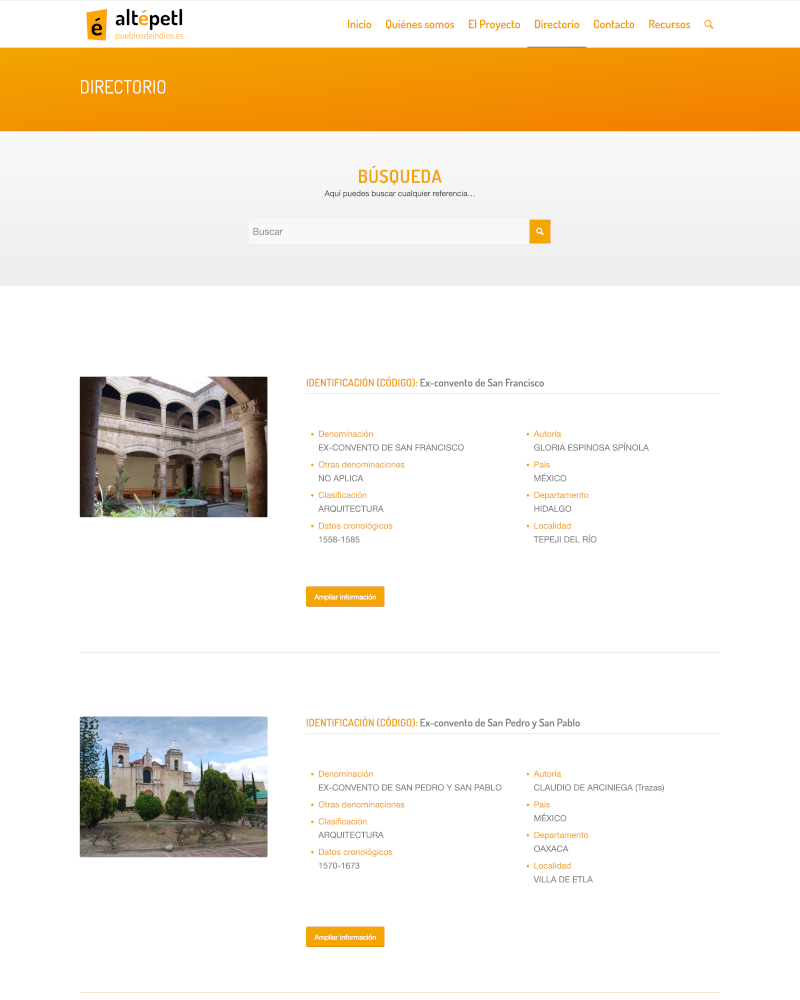
https://innoa.com/wp-content/uploads/2022/11/p-pueblosdeindios.png
Apr 18 2021 nbsp 0183 32 Display Switch is used to change the presentation mode of the main display of your Windows 10 PC to project on either the PC screen only duplicate on second display extend across all displays or second screen only
Templates are pre-designed files or files that can be used for numerous functions. They can save time and effort by offering a ready-made format and layout for producing different sort of material. Templates can be utilized for personal or professional projects, such as resumes, invitations, flyers, newsletters, reports, presentations, and more.
Display Category Wordpress Plugin

Category Labels Block WordPress Plugin WordPress
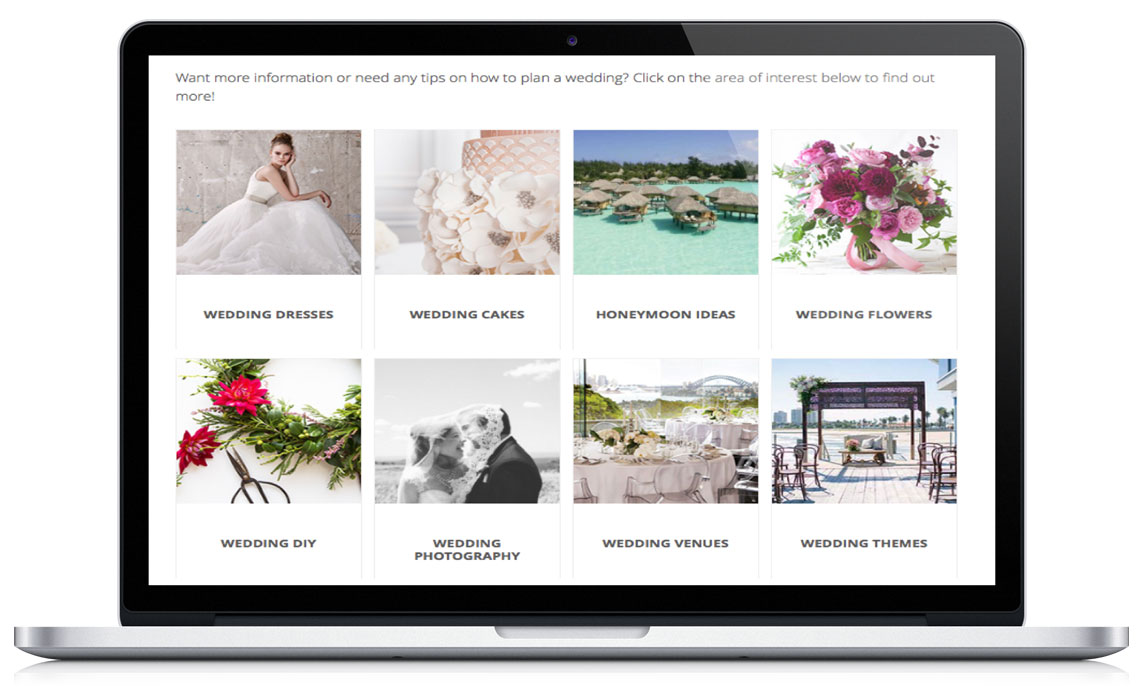
Featured Images For Categories Help For WordPress
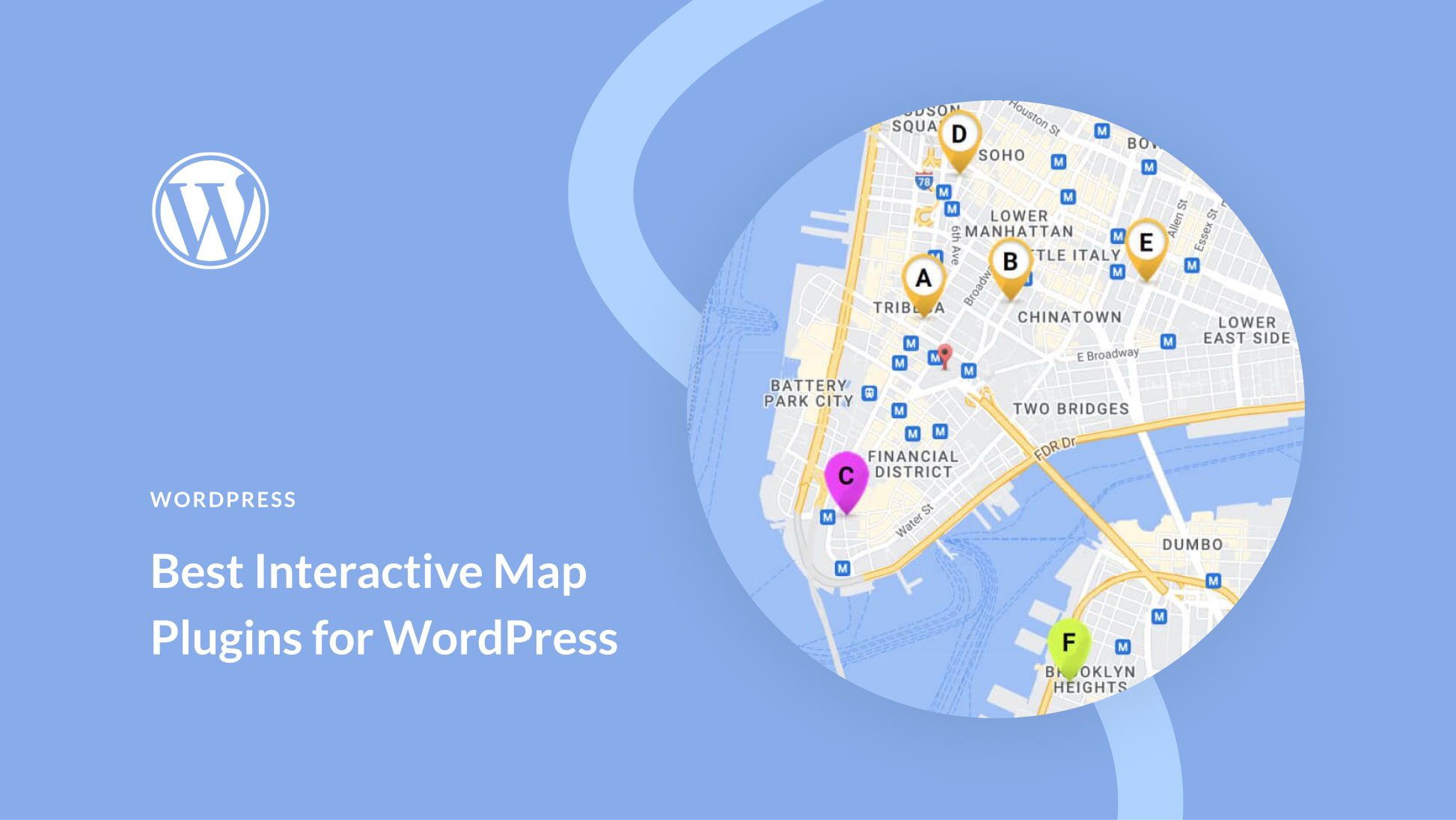
Interactive Map
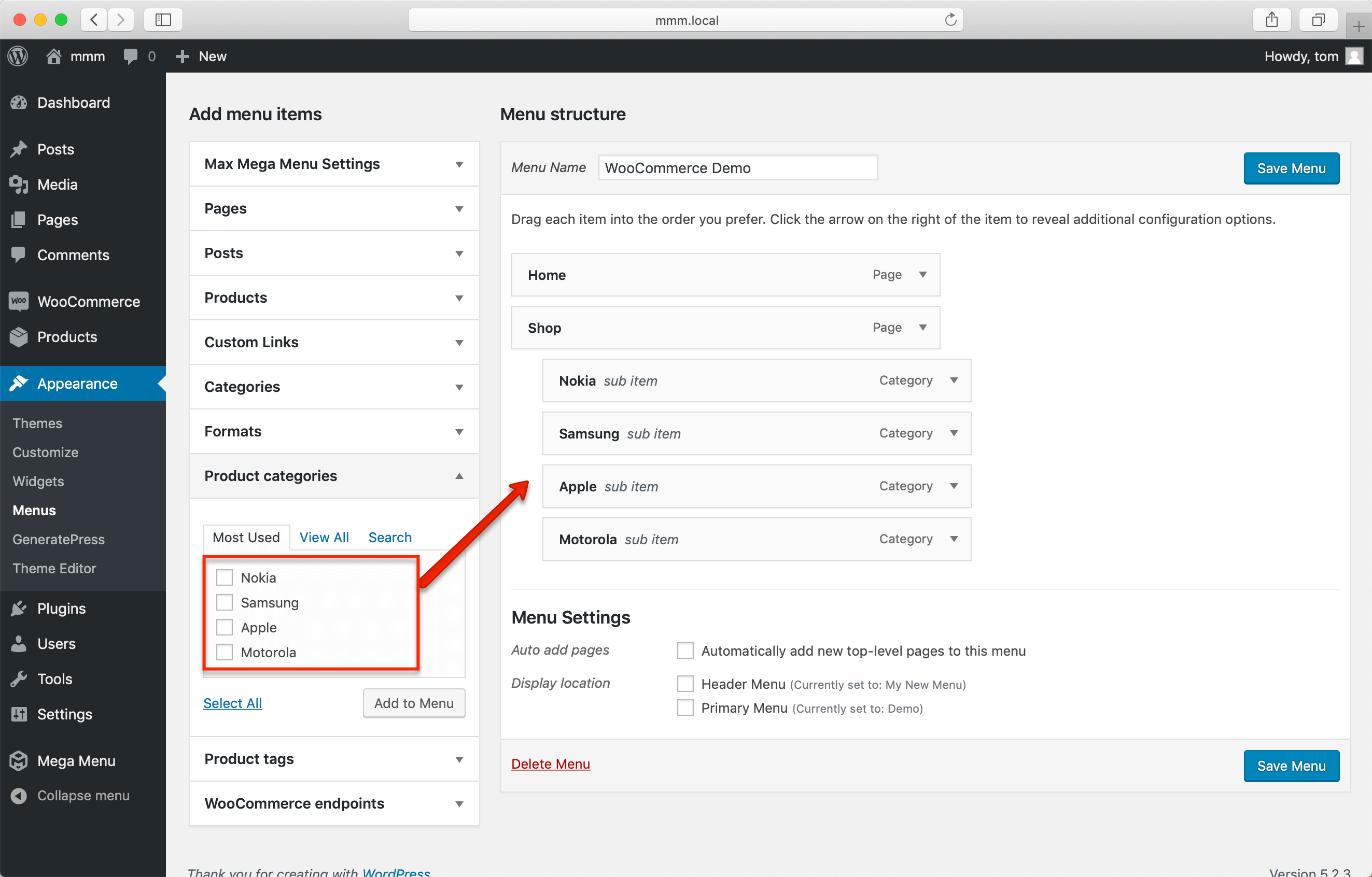
How To Show WooCommerce Categories In Your Menu

Custom User Registration Fields For WooCommerce Learn 360

How To Create A Horizontal Timeline Post Timeline WordPress Plugin
May 1 2021 nbsp 0183 32 How to Rearrange Multiple Displays in Windows 10 You will see the Rearrange your displays option available in Settings gt System gt Display when Windows 10 detects more than one display currently connected

Nov 8 2021 nbsp 0183 32 How to Enable or Disable Adaptive Brightness in Windows 10 Displays especially on laptops and tablets may utilize ambient light sensors to detect surrounding levels of light The adaptive brightness feature in Windows monitors ambient light sensors to detect changes in ambient light and automatically adjust the display brightness as needed to match surrounding

Nov 7 2021 nbsp 0183 32 How to Change Display Orientation in Windows 10 Published by Shawn Brink Category General Tips 07 Nov 2021 How to Change Display Orientation in Windows 10 In Windows 10 you can change the display orientation to landscape portrait landscape flipped or portrait flipped

Oct 17 2020 nbsp 0183 32 How to Enable or Disable Toolbars on Taskbar in Windows Windows includes a special application desktop toolbar called the taskbar that shows on the bottom of a display screen by default The taskbar allows you to find see open and switch between your a

Mar 3 2020 nbsp 0183 32 How to Hide or Show All Icons on Your Desktop in Windows 10 Information The desktop is the main screen area that you see after you turn o
[desc-11] [desc-12]
[desc-13]