Disable Write Protection Usb Registry How To Disable Write Protection USB YouTube How To Remove Disable USB Write Protection YouTube How To Remove Write Protection From USB And SD Card 2022 How To Fix Write Protected USB Drive Disk Errors Or Remove Disable Or How To Remove Write Protection On A USB Drive In Windows Support Disabling write protection allows you to make changes i e write to files instead of just view i e read them Is It Possible to Remove Write Protection Removing write protection involves clearing the read only attribute and it s completely possible to do this for files folders and entire storage devices
Enable or Disable USB Write Protection contains two registry files to enable or disable USB Write Protection USB Write Access on your computer Enable or Disable USB Write Protection Hardware Manually enabling or disabling write protection requires you to locate a switch physically on the USB drive similar to how we used to disable write protection on floppy disks showing our age Look on the drive for that switch For example Enable or Disable USB Write Protection Software
How To Remove Write Protection On A USB Drive In Windows Support Anii Adolescen ei Stadiu C iva How To Remove Usb Write Protection In How To Enable disable Write Protection From Pen Drive Or Flash Drive How To Remove Write Protection From USB Flash Drive Using Cmd Best And How To Remove Write Protection On USB Drive 2016 YouTube Remove Write Protection From ANY USB Drive YouTube 3 Ways To Remove Write Protection On SD Cards In Windows How To Enable Or Disable Write Protection On USB Drive Using Regedit How To Enable Disk Write Protection On USB And SD Card In Windows
Disable Write Protection Usb Registry
 Disable Write Protection Usb Registry
https://i.ytimg.com/vi/N4mdDtix_64/maxresdefault.jpg
Disable writing to USB drives Launch Regedit exe and navigate to HKEY LOCAL MACHINE SYSTEM CurrentControlSet Control StorageDevicePolicies If the StorageDevicePolicies key does not exist already you need to create it Create a new DWORD value named WriteProtect Double click WriteProtect and set its data to 1 Exit the Registry Editor
Templates are pre-designed documents or files that can be used for various functions. They can save time and effort by offering a ready-made format and design for producing various sort of material. Templates can be utilized for individual or expert projects, such as resumes, invites, leaflets, newsletters, reports, discussions, and more.
Disable Write Protection Usb Registry

How To Remove Write Protection From USB Drive In Windows 10
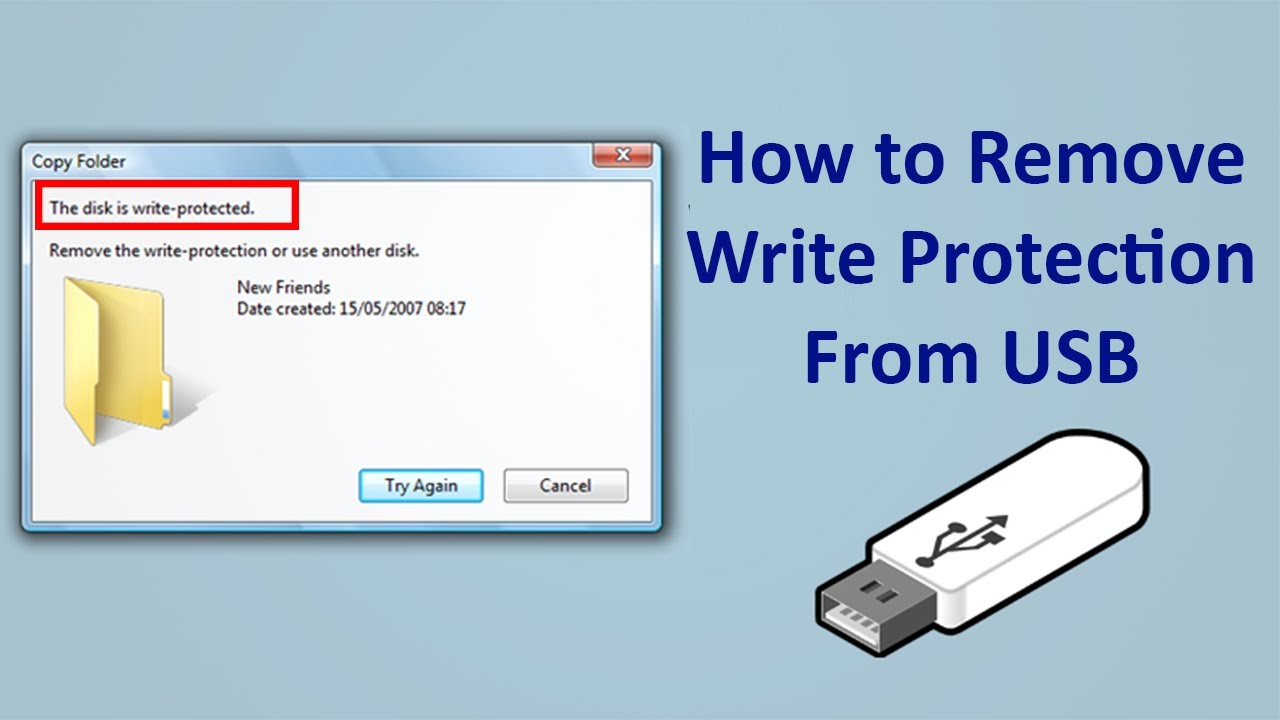
Anii Adolescen ei Stadiu C iva How To Remove Usb Write Protection In

How To Enable disable Write Protection From Pen Drive Or Flash Drive
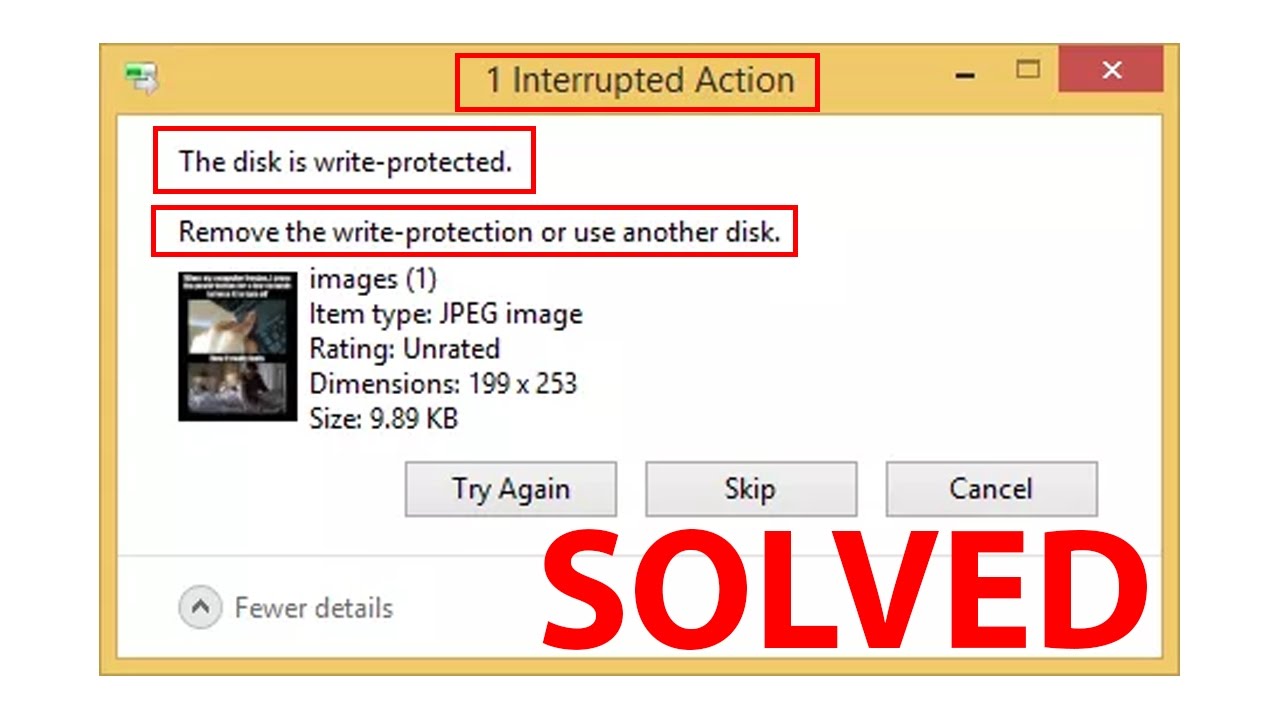
How To Remove Write Protection From USB Flash Drive Using Cmd Best And

Remove Write Protection From ANY USB Drive YouTube
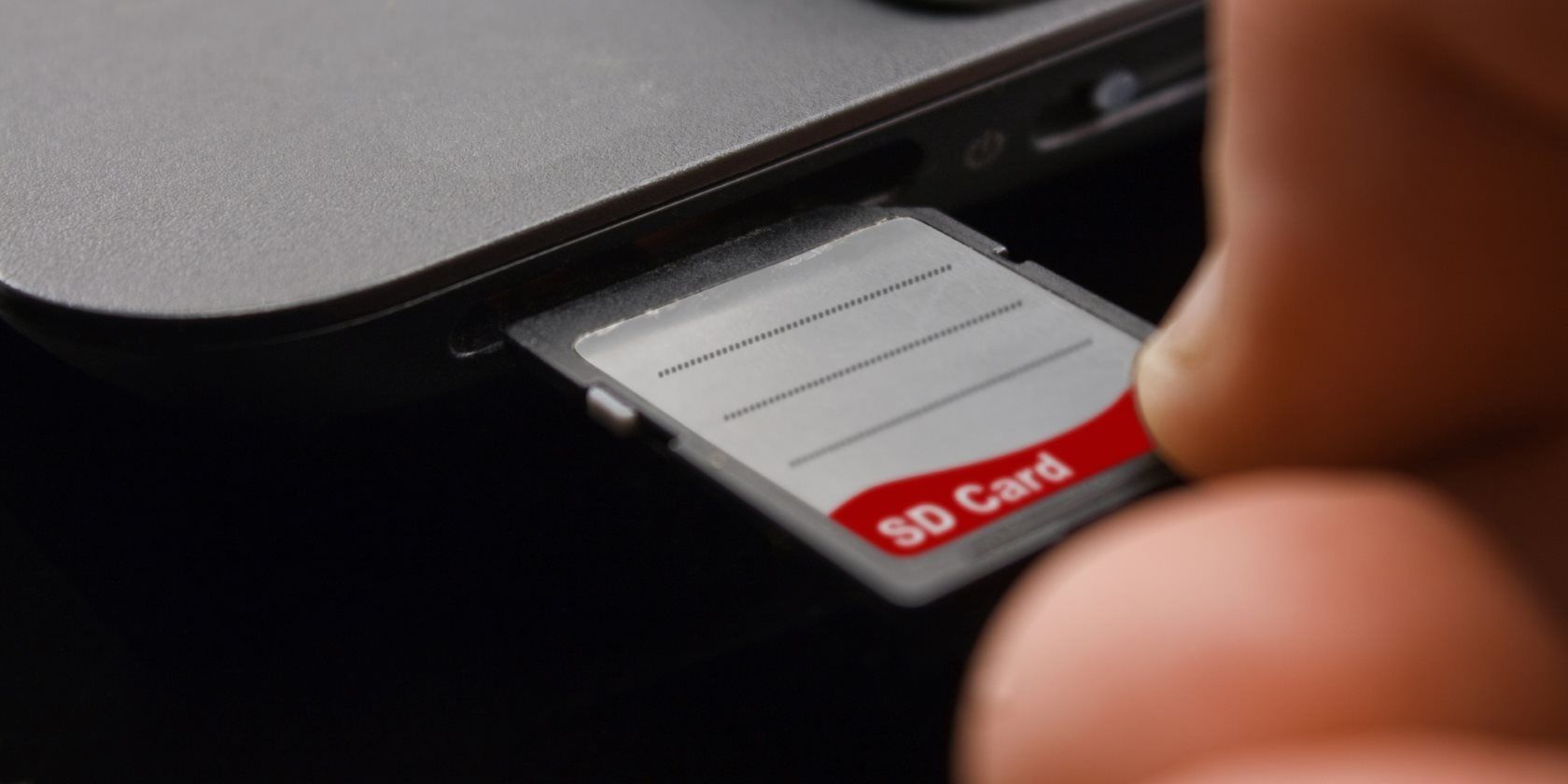
3 Ways To Remove Write Protection On SD Cards In Windows

Change write protection through the Windows registry Turn off BitLocker protection Fix USB flash drive issues with chkdsk Format the USB flash drive Protecting individual files Write protection hardware switch Some USB flash drives have a write protection switch on the side or bottom

You can try toggling the lock switch on your storage device or use the DiskPart utility to disable the read only attribute and clear the write protection Advanced users can use the Registry Editor to remove write protection by creating a DWORD entry and modifying its value data to disable write protection

Enable or Disable write protection in a USB stick using the Registry So there are two broad ways of going about this Firstly in some USB drives there s a switch you can flip you
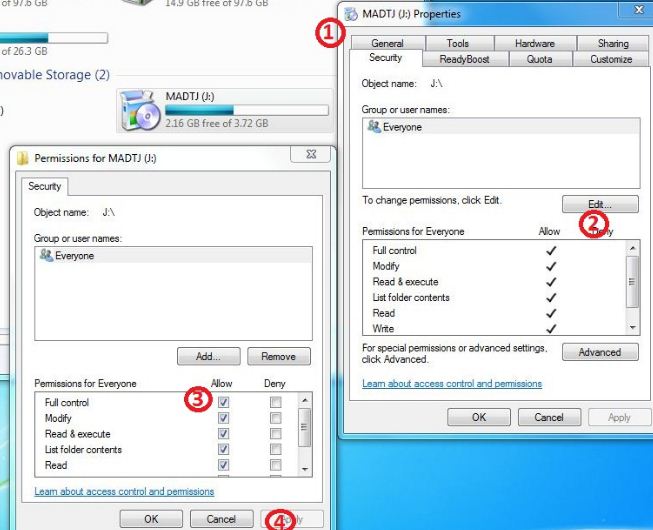
Use Diskpart to Remove Write Protection From USB Drives There are many ways to remove write protection from USB drives in Windows One popular method is to change a Registry key but this is scary to some people A less intimidating method is to use diskpart Insert the USB drive into a USB port on your computer Press Windows key X

Option One Enable or Disable Write Protection for USB Drive or Memory Card with Physical Switch Option Two Enable or Disable Write Access for All Removable Disks in Group Policy Option Three Enable or Disable Write Protection for Disk using Diskpart Command Option Four Enable or Disable Write Protection for USB Drives using a REG file
Online tools to disable write protection Format a USB key To remove the write protection simply open your Start menu and click on Run Type in regedit and press Enter This will open the registry editor The next step is to navigate to the following path HKEY LOCAL MACHINE SYSTEM CurrentControlSet Control StorageDevicePolicies Method 1 Check physical write protection switch if available Some USB flash drives have a physical switch which allows you to lock or unlock write protection The location of a switch on a USB flash drive will be different Make sure the lock switch is slid up to unlock position
Use the Windows key R keyboard shortcut to open the Run command Type regedit and click OK to open the registry Browse the following path HKEY LOCAL MACHINE SYSTEM CurrentControlSet Control