Disable System Protection Windows 10 Cmd Fix Enable System Protection Windows 10 11 8 7 How To Turn On How To Use System Protection In Windows 11 YouTube How To Turn On OFF System Protection In Windows 10 How To Enable CARA MEMBUAT SYSTEM PROTECTION WINDOWS 10 YouTube How To Create A Restore Point Enable System Protection In Windows 10 Jan 19 2020 nbsp 0183 32 How to Enable or Disable Dark Mode for All Websites in Microsoft Edge Chromium Microsoft has adopted the Chromium open source project in the development of Microsoft
02 Jan 2024 How to Enable or Disable Passwordless Sign in for Microsoft Accounts in Windows 10 Windows Hello is a more personal more secure way to get instant access to your Windows Dec 22 2021 nbsp 0183 32 How to Enable or Disable Remote Desktop Connections to a Windows 10 PC You can use the Remote Desktop Connection mstsc exe or Microsoft Remote Desktop app to
How To Create A Restore Point Enable System Protection In Windows 10 How To Enable Or Disable System Protection For Drives In Windows 11 How To Enable Or Disable System Protection For A Drive In Windows 11 Using Windows 10 System Protection For Surface Tablets Love My Surface How To Enable System Protection In Windows 10 Create System Protection Shortcut In Your Windows 10 Technoresult How To Enable System Protection In Windows 10 11 GadgetRevo Windows Security Download Windows 11 Pasewo Datarecovery How To Disable System Integrity Protection SIP In MacOS
Disable System Protection Windows 10 Cmd
 Disable System Protection Windows 10 Cmd
https://i.ytimg.com/vi/XzZTPKLEKug/maxresdefault.jpg
Dec 7 2020 nbsp 0183 32 Enable or Disable Use of Windows Hello Biometrics in Local Group Policy Editor The Local Group Policy Editor is only available in the Windows 10 Pro Enterprise and
Templates are pre-designed documents or files that can be utilized for different purposes. They can save effort and time by offering a ready-made format and layout for developing different sort of material. Templates can be utilized for personal or expert tasks, such as resumes, invites, flyers, newsletters, reports, discussions, and more.
Disable System Protection Windows 10 Cmd

How To Enable System Restore In Windows 10 EasyPCMod

How To Enable Or Disable System Protection For Drives In Windows 11

How To Enable Or Disable System Protection For A Drive In Windows 11

Using Windows 10 System Protection For Surface Tablets Love My Surface
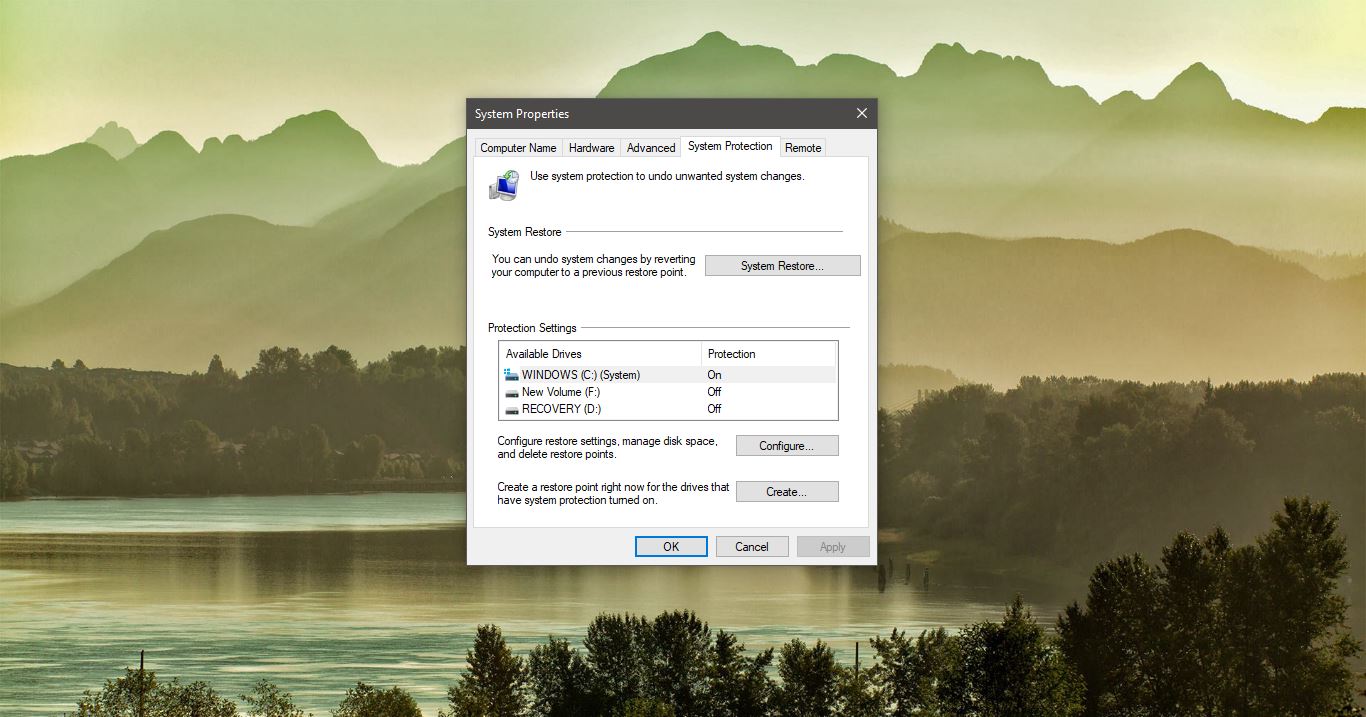
Create System Protection Shortcut In Your Windows 10 Technoresult

How To Enable System Protection In Windows 10 11 GadgetRevo

Jun 24 2022 nbsp 0183 32 How to Add Delete Enable or Disable Startup Items in Windows 10 Startup items are the apps shortcuts folders drives etc that are set to run or open automatically at startup

Oct 12 2020 nbsp 0183 32 If you like you can use the InPrivateModeAvailability policy to enable disable or force the InPrivate mode feature in Microsoft Edge for all users on the computer This tutorial

Aug 5 2020 nbsp 0183 32 How to Enable Disable or Force Sign in to Microsoft Edge Chromium Published by Shawn Brink Category Browsers amp Email 05 Aug 2020 How to Enable Disable or Force Sign

Dec 7 2020 nbsp 0183 32 How to Enable or Disable Developer Tools in Microsoft Edge Chromium Microsoft has adopted the Chromium open source project in the development of Microsoft Edge on the

Apr 25 2021 nbsp 0183 32 Enable or Disable Automatically Lock Computer in Local Security Policy This option is only available in the Windows 10 Pro and Enterprise editions All editions can use
[desc-11] [desc-12]
[desc-13]