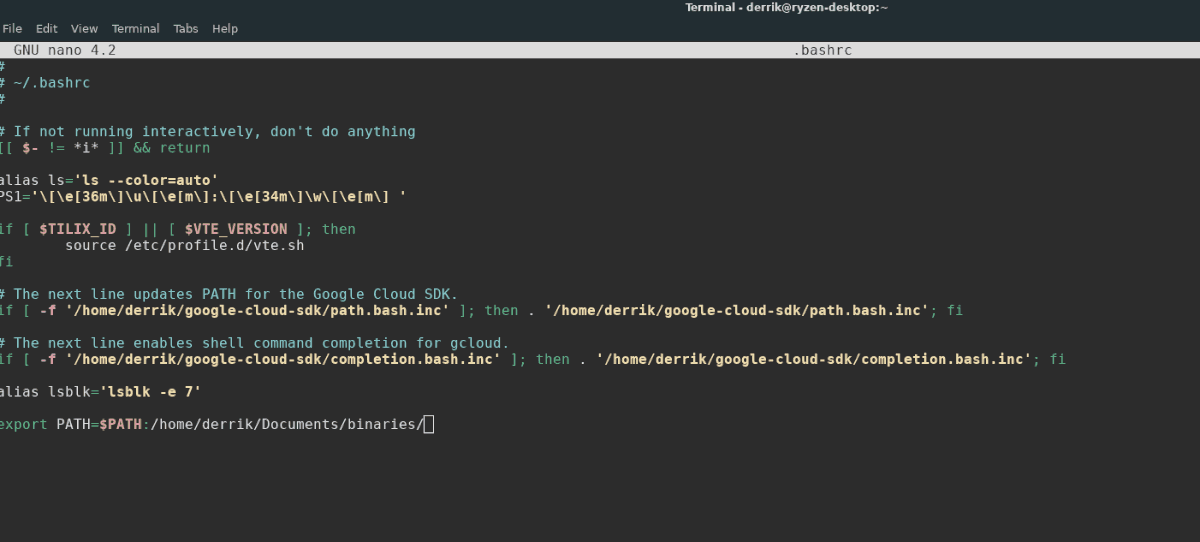
Directory Path In Linux How To Add Directory Path To PATH Variable In Linux Linux Tutorials Linux Directory Structure And Important Files Paths Explained How To Go To HOME Directory Directly In Linux Or Ubuntu Step By Step The Linux Directory Structure Explained Relative And Absolute Paths In Linux Tjelvar Olsson Simply add place with the file to the PATH variable with the following command export PATH PATH place with the file You should now be able to execute the script anywhere on your system by just typing in its name without having to include the full path as you type it Set your PATH permanently
PATH is an environment variable that instructs a Linux system in which directories to search for executables The PATH variable enables the user to run a command without specifying a path This article will explain how to add a directory to PATH temporarily or permanently as well as how to remove it in Linux Prerequisites Access to the terminal The process to add a new directory to the PATH variable in Linux is essentially this export PATH PATH your directory Where your directory is the absolute path to the concerned directory Let s say you download and extract Maven to the home directory and you want to add its bin directory to the PATH
Relative And Absolute Paths In Linux Tjelvar Olsson How To Change Directory In Ubuntu Linux Via Command Line Or Terminal How To Create Directories From A Text File In Linux OSTechNix Find A Directory In Linux Linux Tutorials Learn Linux Configuration The Linux Find Directory Command Explained The Linux Find Directory Command Explained How To Check Path In Unix 3 Steps with Pictures WikiHow How To Create A User With A Custom Home Directory On Linux Linux Finding Of Directory Path In Linux By Burcu YARAR Oct 2022
Directory Path In Linux
 Directory Path In Linux
https://linuxconfig.org/wp-content/uploads/2021/03/02-how-to-add-directory-path-to-path-variable.png
Your Linux PATH is how you define the directories for which commands can be run globally In other words if you have an executable file in a directory that is configured to be in your PATH you
Pre-crafted templates offer a time-saving option for producing a varied range of documents and files. These pre-designed formats and layouts can be made use of for different individual and expert tasks, including resumes, invites, leaflets, newsletters, reports, discussions, and more, improving the material development procedure.
Directory Path In Linux
How To Add Directories To Path On Linux
How To Change Directory In Ubuntu Linux Via Command Line Or Terminal
How To Create Directories From A Text File In Linux OSTechNix
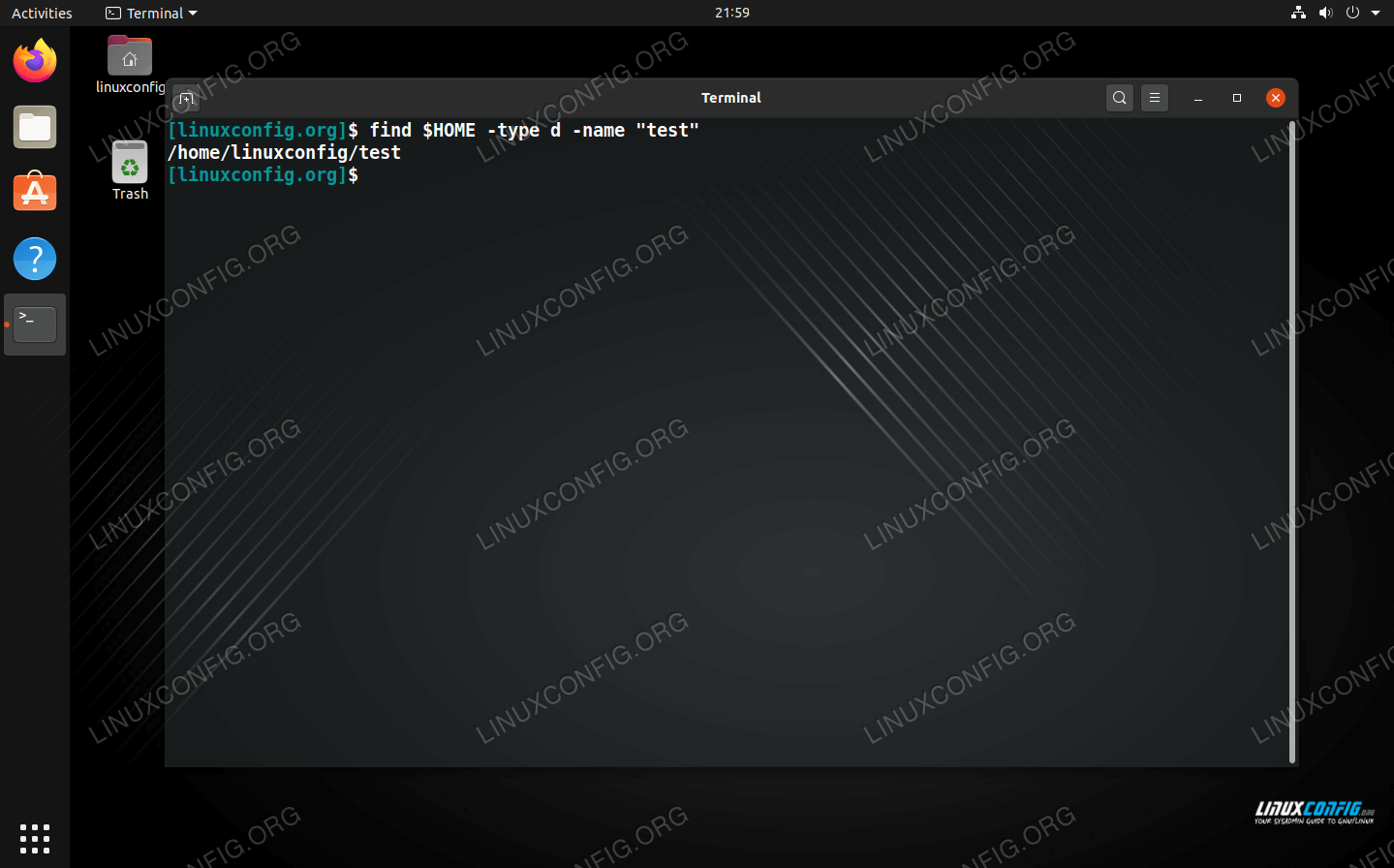
Find A Directory In Linux Linux Tutorials Learn Linux Configuration
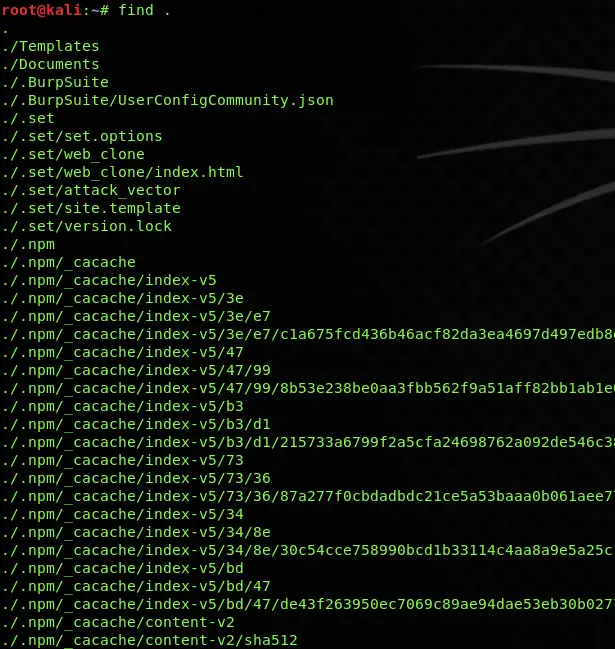
The Linux Find Directory Command Explained

How To Check Path In Unix 3 Steps with Pictures WikiHow

To add the directory to your PATH type in export PATH HOME bin PATH The export command will export the modified variable to the shell child process environments You can now run your scripts by typing the executable script name without specifying the full path to the file
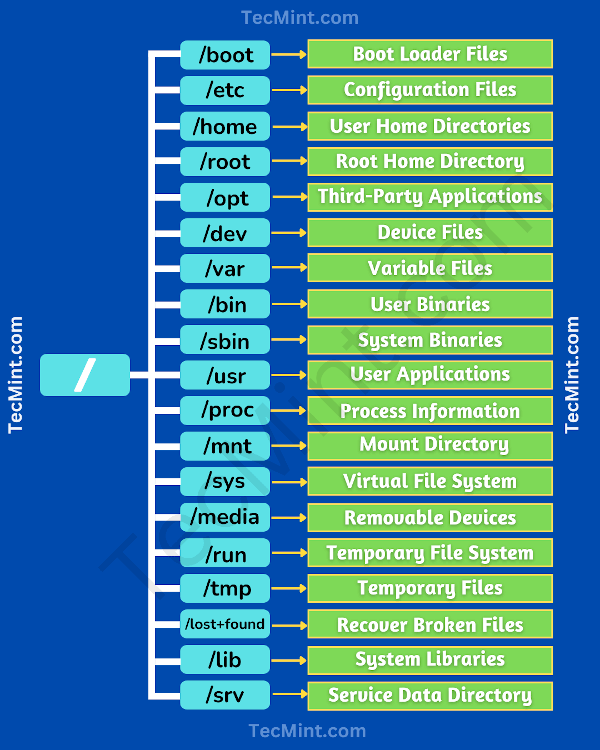
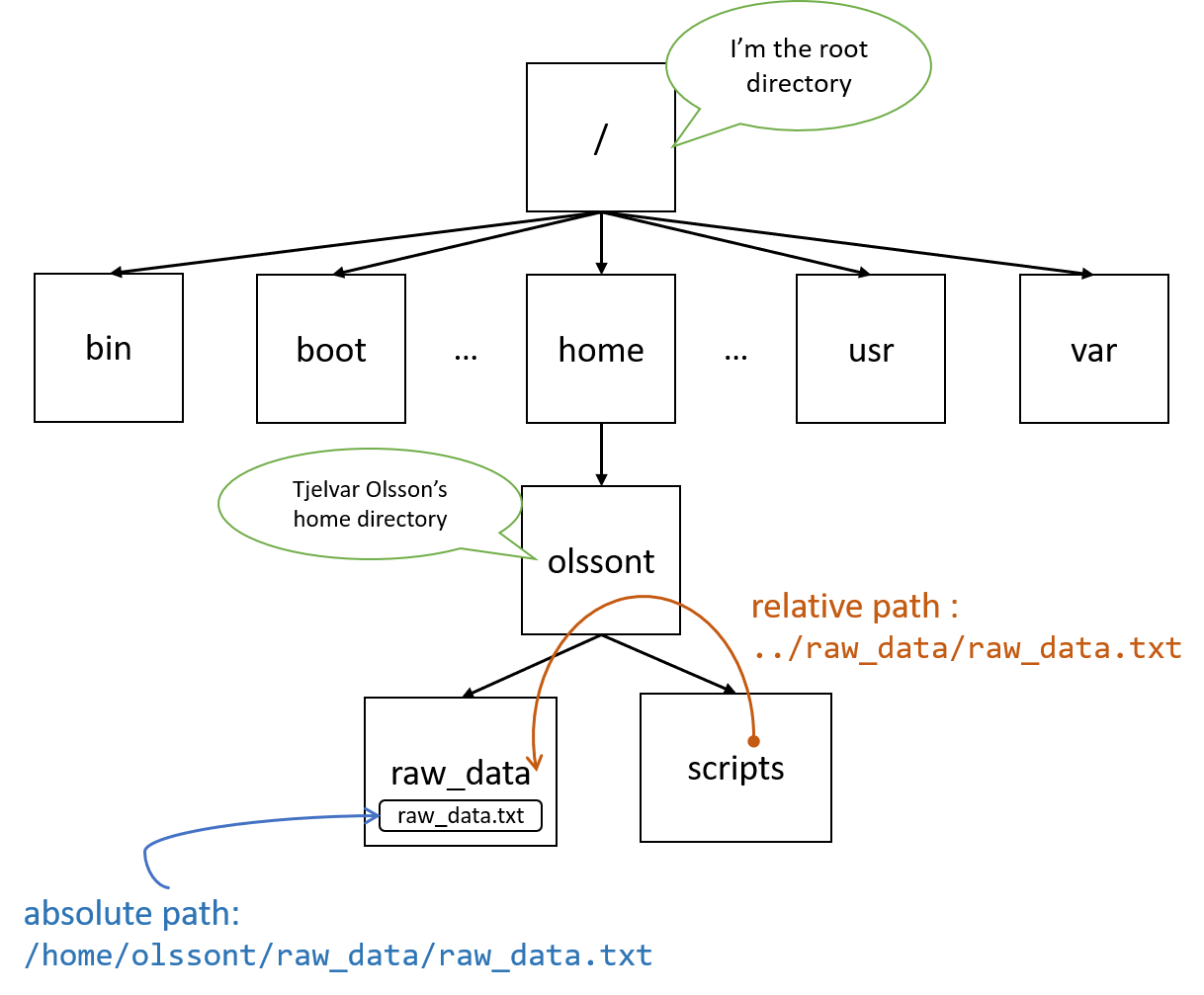
5 Answers Sorted by 60 Root directory current working directory and parent directory respectively Share Improve this answer Follow answered Jun 16 2010 at 11 29 Amardeep Using folder file html is the same as linking to folder file html Is there a use case where one would prefer one or the other Merc Apr 20 2021 at 17 59 Add a comment

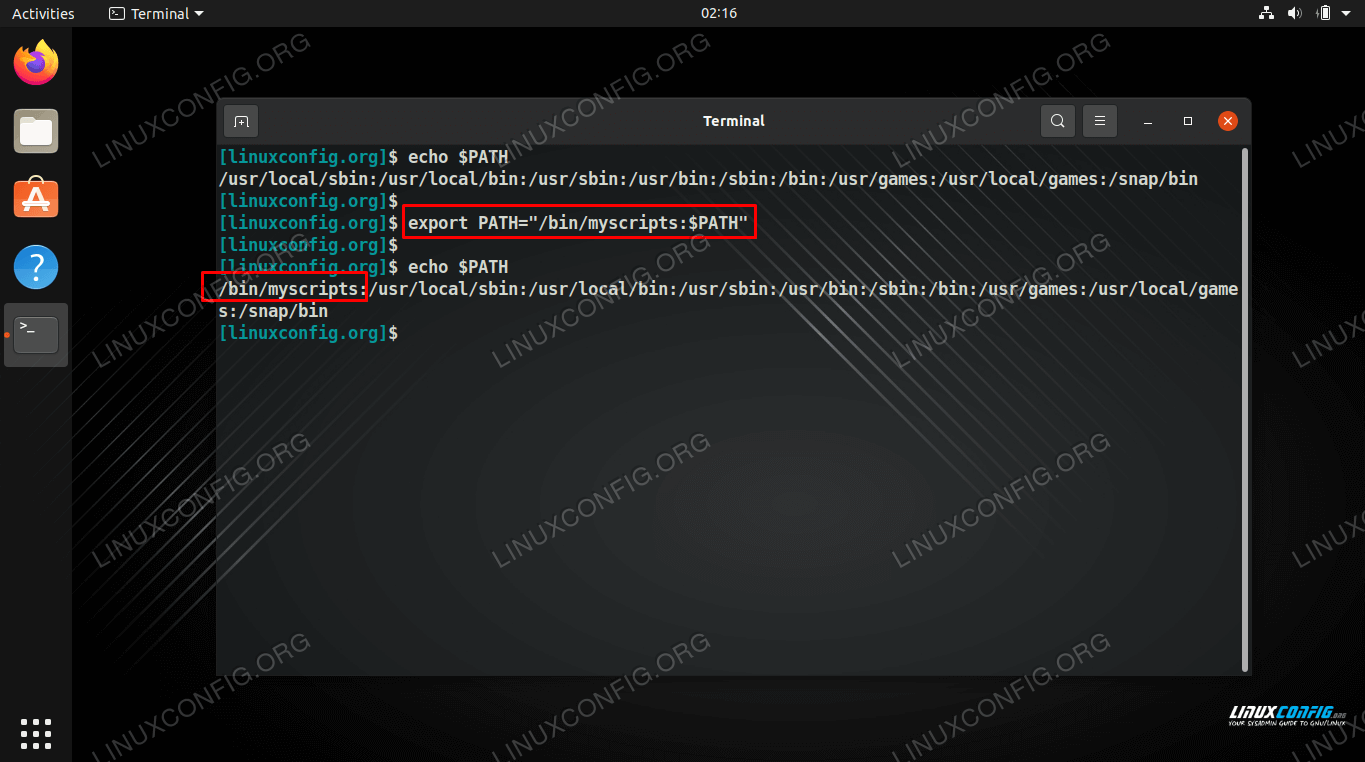
Step 1 Viewing the PATH Variable You can view the PATH variable with the following command echo PATH An unchanged PATH may look something like this file paths may differ slightly depending on your system Output usr local sbin usr local bin usr sbin usr bin sbin bin usr local games usr games

To add a directory to PATH for the current session use the following command syntax In this example we re adding the bin myscripts directory export PATH bin myscripts PATH You can verify afterwards that the directory has been added echo PATH bin myscripts
How to Add a Directory to PATH in Linux To see what s in your PATH right now type this into a terminal echo PATH As you can see the directories in this variable are separated by colon At present the shell searches the following directories for the binary executable files usr local sbin usr local bin usr sbin usr bin sbin bin
Tips Add to Path in Linux Installed a new software and want to run it from anywhere You need to modify the PATH variable Learn how to add to path in this quick tutorial Adding a path that s not actually a directory Adding a path that s already in PATH in the same form Adding a relative path since the actual directory searched would change as you change the current working directory Adding a path that s already in PATH in a different form i e an alias due to using symlinks or
Sep 13 2022 Abhishek Prakash Get Absolute File Path in Linux You can get the full path of a directory with the pwd command pwd But how do you get the absolute path of a file in Linux There are several ways to print the full path of files readlink realpath find combining ls and pwd Different ways to print full file path