Device For Boot Loader Installation Kali Linux Windows Option Not Available Grub Boot Loader Kali Linux Windows How To Remove Kali Linux From Dual Boot In Windows 10 Permanently How To Install The GRUB Bootloader For Kali Linux Systran Box Embedded Linux Boot Sequence Embedded Systems Kali Linux GRUB Installation Failed Dual Boot GNU Minimal Bash Manage storage manually backup your device sync and restore contacts or set up a nearby device Kids amp family Set up and manage parental controls on your device Learn how to
You can set up a screen lock to help secure your Android phone or tablet from unauthorized access Each time you turn on your device or wake up the screen you ll be asked to unlock You can download and install the Chrome web browser at no charge and use it to browse the web
Kali Linux GRUB Installation Failed Dual Boot GNU Minimal Bash Kali Linux Installing The GRUB Boot Loader Systran Box How To Install Kali Linux On VirtualBox Ubuntu And Steam On The Atari VCS Doolin Digital How To Dual Boot Kali Linux V2021 1 With Windows 10 Making A Live Bootable Kali Linux USB Drive With Persistence Download And Install Kali Linux AS Dual Boot For Free 2021 Complete Install Ubuntu 22 04 Jammy Alongside Windows 10 Dual Boot Kali Linux Installation Kali Linux 2020 3 Latest Version By Sai
Device For Boot Loader Installation Kali Linux
 Device For Boot Loader Installation Kali Linux
https://i.ytimg.com/vi/HQEBnYVVy1c/maxresdefault.jpg
Accessory or device out of sync If you get an email that one of your accessories or devices is out of sync and can t be found with the Find Hub app On an Android device signed in to your
Templates are pre-designed files or files that can be used for different functions. They can conserve effort and time by offering a ready-made format and design for producing various type of content. Templates can be used for individual or professional jobs, such as resumes, invitations, leaflets, newsletters, reports, presentations, and more.
Device For Boot Loader Installation Kali Linux
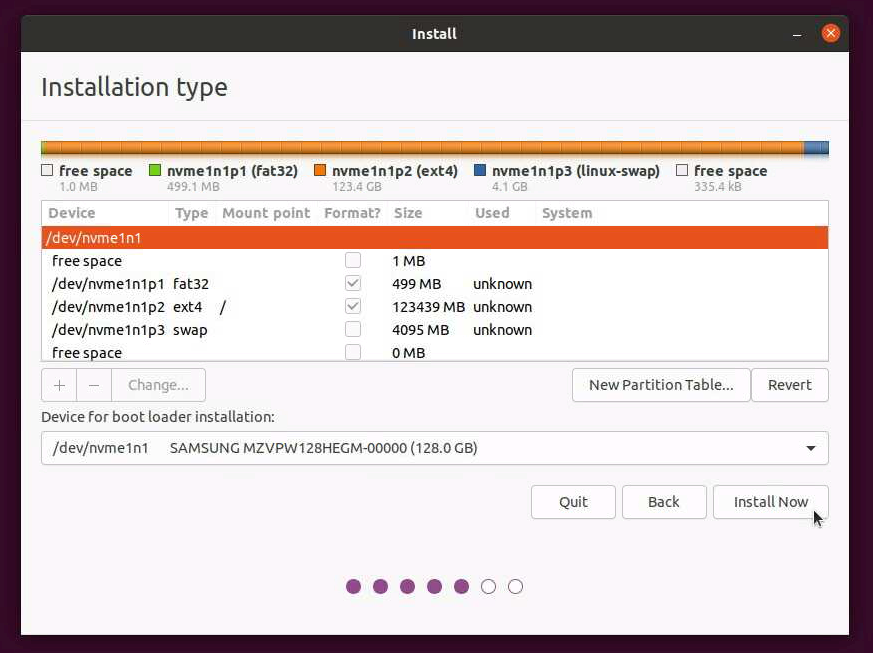
Boot Ubuntu Slim Bootloader 1 0 Documentation

Kali Linux Installing The GRUB Boot Loader Systran Box

How To Install Kali Linux On VirtualBox

Ubuntu And Steam On The Atari VCS Doolin Digital
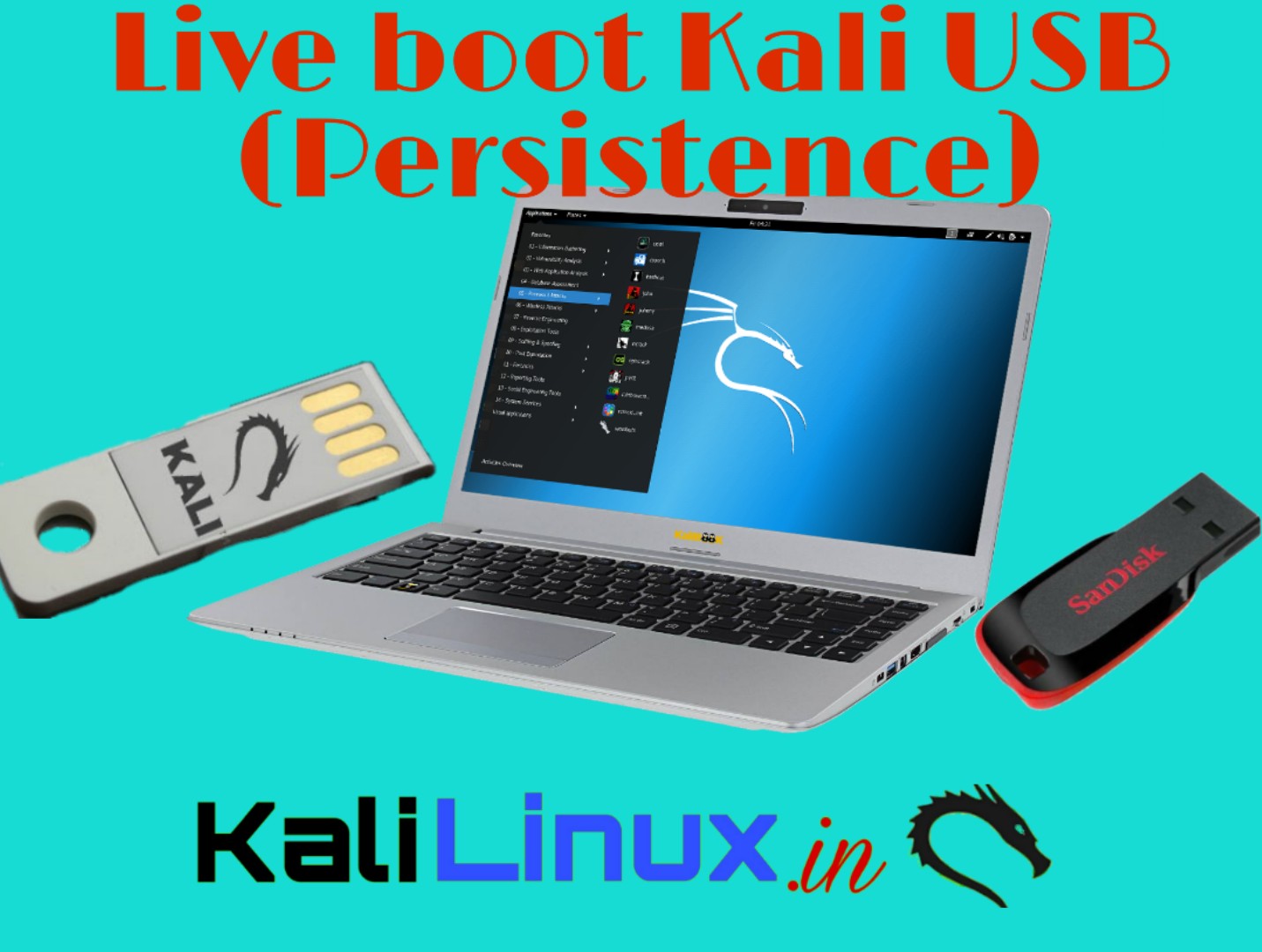
Making A Live Bootable Kali Linux USB Drive With Persistence

Download And Install Kali Linux AS Dual Boot For Free 2021 Complete

By default your device is set to the quot With network in high traffic areas only quot setting so that it stores encrypted recent locations with Google and helps find offline devices as part of a crowdsourced

Official Device Usage Study Help Help Center where you can find tips and tutorials on using Device Usage Study Help and other answers to frequently asked questions

How to install Chrome Important Before you download you can check if Chrome supports your operating system and other system requirements

On your device you can also manage your location shares through Find Hub Under Location Sharing tab on the top right select your profile Location Sharing settings If you stop a share
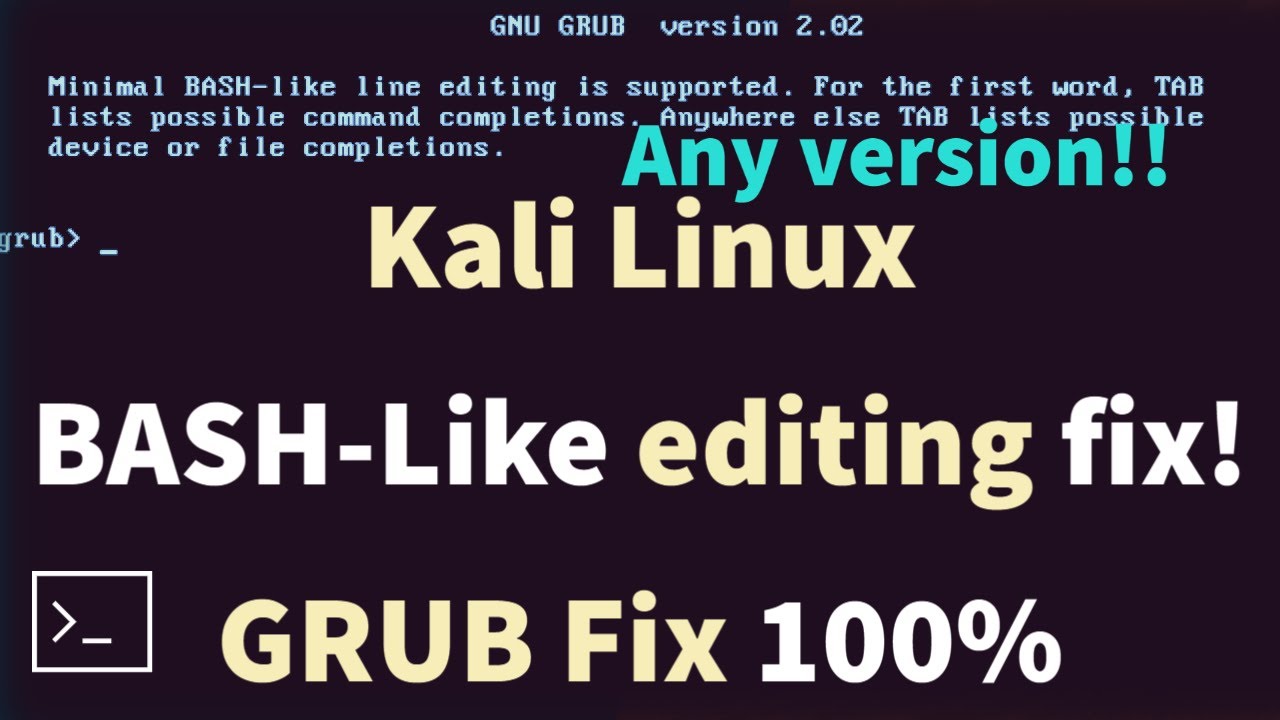
To download an app Open Google Play On your Android device open the Google Play app On your Computer go to play google Search or browse for an app or content Select an item
[desc-11] [desc-12]
[desc-13]