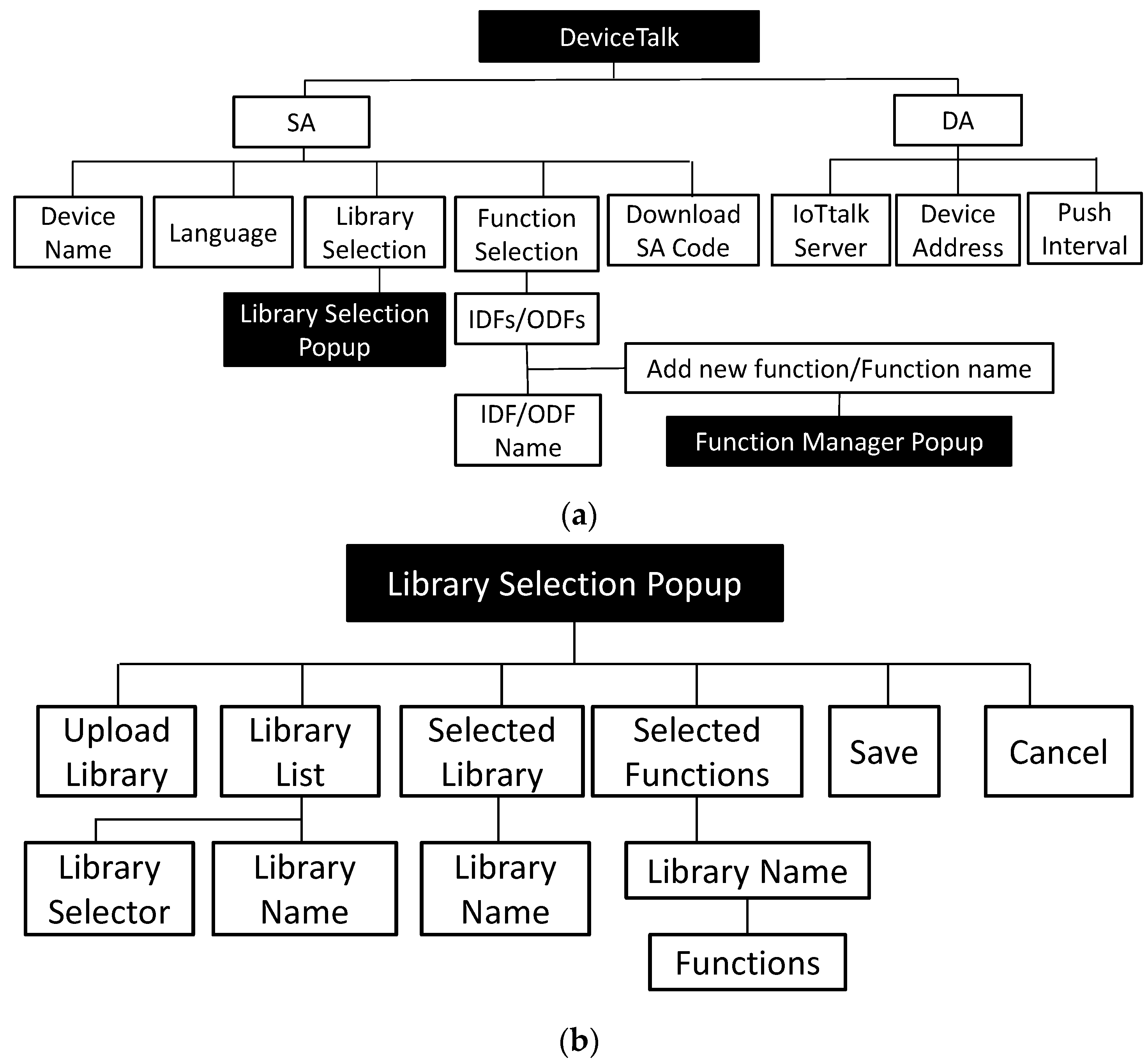
Device Code Example Authorize Code Step By Step To Display The Device Code By MSchmack Reseller Pricing Web Code X12 EDI 1373 Measurement Method Or Device Code Stedi Sensors Free Full Text DeviceTalk A No Code Low Code IoT Device Contact Us Automatically back up your device Important To help protect your backed up data use a PIN pattern or password screen lock instead of a swipe or Smart Lock
To download an app Open Google Play On your Android device open the Google Play app On your Computer go to play google Search or browse for an app or content Select an item Get manufacturer help for your device Fix Bluetooth problems on Android Get the most life from your Android device s battery Get to know your Android phone Learn how to use your Android
Contact Us The Code Fourgle Microsoft Graph Auth On HoloLens Device Code Flow Pete D Code format preview CODE Keyboard Typescript How To Register Different Implementations Of An Interface ISO 15223 1 FDA UDI Bob Binary Code Free Stock Photo Public Domain Pictures
Device Code Example
 Device Code Example
https://user-images.githubusercontent.com/37783519/167381441-b6ca3a43-abef-4725-a447-41e733613953.png
Mar 25 2020 nbsp 0183 32 no bootable device found uefi GUID gpt
Pre-crafted templates use a time-saving option for producing a varied series of files and files. These pre-designed formats and designs can be utilized for different individual and professional projects, consisting of resumes, invitations, flyers, newsletters, reports, discussions, and more, enhancing the content development procedure.
Device Code Example

Single source Code Contains Both Host Code runs On CPU And Device

The Code
Fourgle

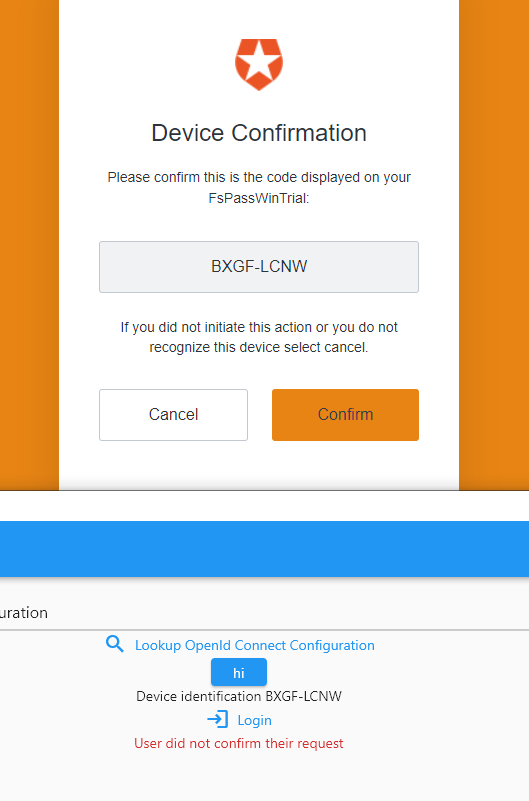
Microsoft Graph Auth On HoloLens Device Code Flow Pete D
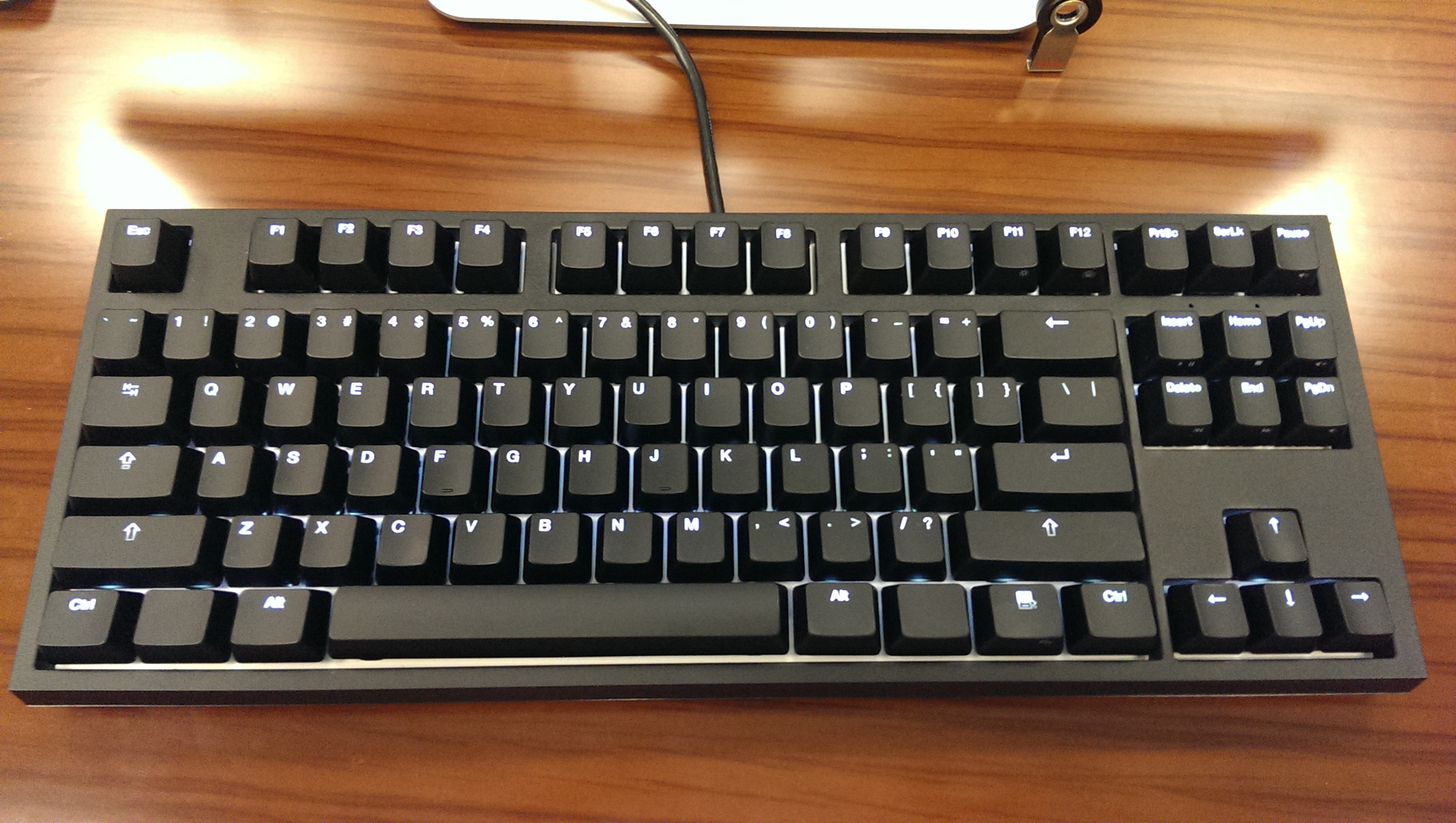
CODE Keyboard

Typescript How To Register Different Implementations Of An Interface
To protect your data from thieves and unauthorized access Android theft protection includes additional built in features that are designed to protect your data These include Failed

If you have issues when you download Chrome on your Windows computer use the alternate link to download Chrome on a different computer At the bottom of the page under Chrome
On your device go to the Apps section Tap Google Play Store The app will open and you can search and browse for content to download
Sign out on a device you no longer use To help keep your account secure sign out on devices that Are lost or you no longer own Don t belong to you Important If you don t recognize a

You can add another Google Account to your device if you have multiple accounts and choose which account you re using These instructions will work for the Google Play apps
[desc-11] [desc-12]
[desc-13]