Detect Other Names Why Is It So Difficult To Detect A Cyber Attack Awontis Define Detect Detect Meaning Detect Examples Detect Synonyms Detect How To Detect Ransomware Attack ManageEngine DataSecurity Plus Use Cases Instant Detect 13 Best WordPress Plugins To Detect Malicious Code In Your Site Using the form below select any number of criteria enter your preferences for each then click the SEARCH button Gender Usage language or place Letters Meaning and keywords Origin Length Sound and syllables Relations Community impression Popularity Famous namesake Name day Options Advanced search for names
Verb To discover through studying or searching discover find uncover unearth unmask catch determine locate reveal descry encounter expose disclose get turn up dig out dig up find out hunt out dredge up root out track down ferret out hunt down nose out run down hunt up learn of rout out Net view If any other computers are connected to your network their names will appear in the following command lines If it says The list of servers for this workgroup is not currently available that means Network Discovery might be disabled or there are no other devices connected to the same local network
13 Best WordPress Plugins To Detect Malicious Code In Your Site How To Detect MSpy On IPhone TechCult Detect Numbers In Text Decipad Help Center Detect dk What Is Anomaly Detector Azure AI Services Microsoft Learn XL Detect Detect Labquip Ireland AOPolaQZ6MeUQc XZXcEyeYYTbE1tUTyvED171Zmwncb s900 c k c0x00ffffff no rj Book Writing Tips Writing Help Super Powers List Magic Names Script Detect Namespace Codesandbox
Detect Other Names
 Detect Other Names
https://awontis.com/wp-content/uploads/2018/10/data-breach-1920.jpg
Run sudo apt get install nmap on Ubuntu or sudo dnf install nmap on Fedora Use nmap to scan your network and discover the IP addresses of connected devices You can perform a quick scan sn option or a deeper scan that includes probing the ports on the devices Think you know what s connected to your home network You
Templates are pre-designed files or files that can be utilized for various purposes. They can conserve effort and time by providing a ready-made format and design for creating different sort of content. Templates can be used for individual or expert jobs, such as resumes, invitations, leaflets, newsletters, reports, discussions, and more.
Detect Other Names

In 2023 Barcode Cool Names Actors

How To Detect MSpy On IPhone TechCult
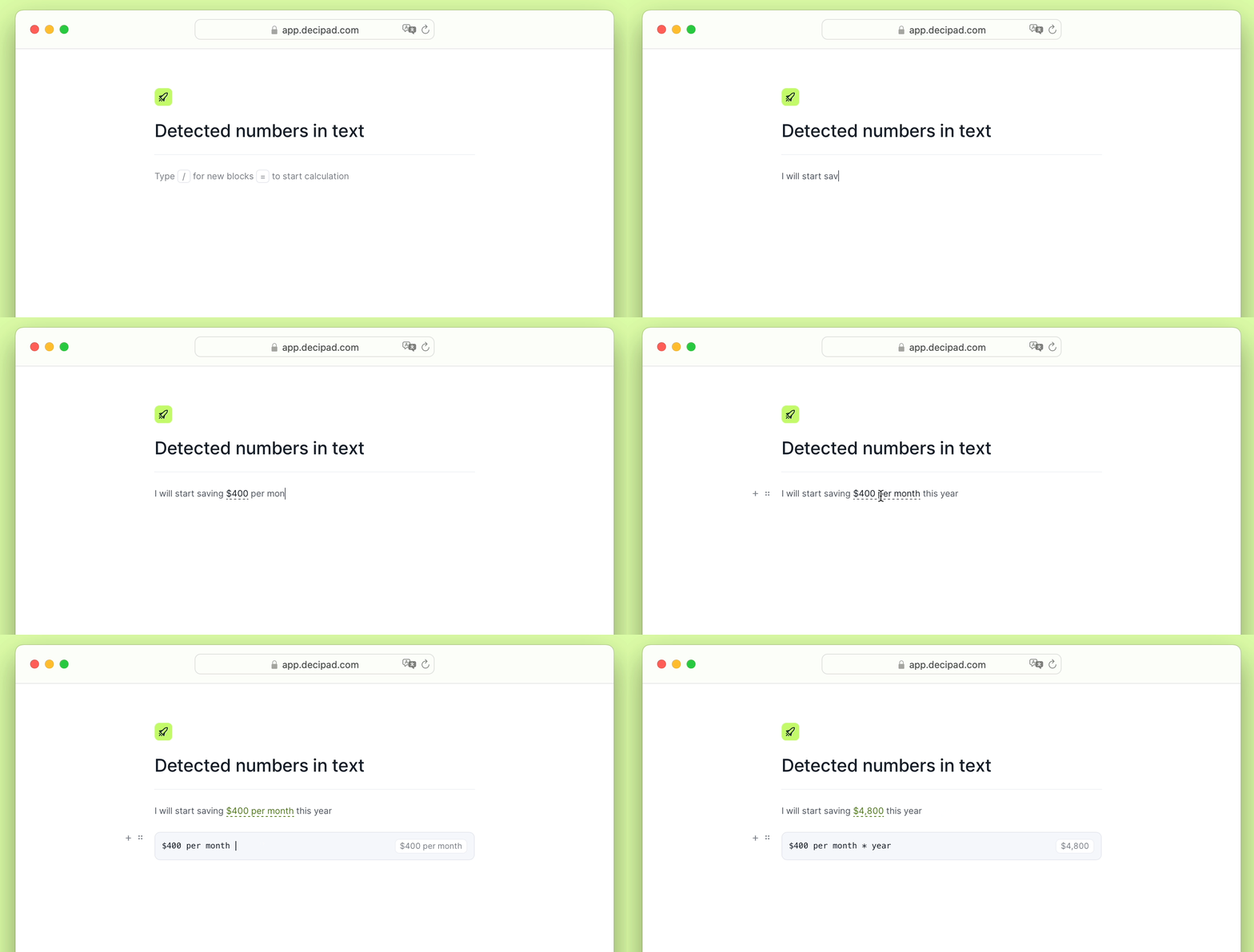
Detect Numbers In Text Decipad Help Center

Detect dk

XL Detect Detect Labquip Ireland

AOPolaQZ6MeUQc XZXcEyeYYTbE1tUTyvED171Zmwncb s900 c k c0x00ffffff no rj

Verb as in discover Compare Synonyms Synonyms Antonyms Strongest matches catch disclose distinguish encounter expose find identify notice observe recognize

To see this you will need to login to your router and navigate the options searching for Devices Here we can see the Device Name hostname and the IP Address of machines on our network

PimEyes is an online face search engine that goes through the Internet to find pictures containing given faces PimEyes uses face recognition search technologies to perform a reverse image search Find a face and check where the image appears online Our face finder helps you find a face and protect your privacy

7 Answers Sorted by 43 nmap sn 192 168 1 0 24 Put your network number in it It ll do a ping sweep of your network and report the reverse DNS s of the up machines

Net view Cannot View Network Devices Enable Windows Network Discovery Network Discovery is the feature that allows you to connect to several devices on the same network
At the moment the only way I can do it is by looking through the dhcp request logs which usually shows the names although I was wondering if there was a way to simply list all of the names on a network at once I ve tried nmap sP 192 168 1 which only seemed to give the manufacturer of the machines instead of the actual machine domain Some devices of your devices will have identifiable names but others may come up as an unknown or random string of letters and numbers Now take a count of your internet enabled devices to compare with the list you find to find out the unknown devices Method 2 Check Unknown Devices Using Terminal CMD
Type CMD in the search box and click Run as Administrator from the menu Enter the net view command to view devices connected to your network You will then see a list of devices connected to your network in the output