Desktop Icon Size Windows 7 How To Change Icon Size Windows 10 Tutorial YouTube What Size Is A Desktop Icon 81957 Free Icons Library How To Change Desktop Icons Size And Spacing In Windows 10 Webnots Desktop Icon Too Big Or Small Windows 7 8 10 Change Icon Size Windows 7 Ultimate Tips How To Change Desktop Icon Size YouTube Apr 19 2024 nbsp 0183 32 I can see all the contents of my work Onedrove Desktop folder synched however they dont show up on my actual desktop In Windows Explorer I have three different desktops
Mar 12 2024 nbsp 0183 32 By default you cannot create desktop shortcut for the Pre installed Microsoft applications or the programs you download from Microsoft store However you could follow the Dec 5 2022 nbsp 0183 32 How do I get Microsoft Teams as a desktop icon on Windows 11 Hi there I want to get a shortcut of Microsoft Teams on my desktop Usually I can just right click Teams from
Windows 7 Ultimate Tips How To Change Desktop Icon Size YouTube How To Change Your Icons Size On The Windows Desktop Homepage Windows How To Change The Icon Size In Windows 10 YouTube How To Change Desktop Icons Size And Spacing In Windows 10 Webnots How To Change Icon Of Desktop Icons In Windows 10 Windows 10 Vrogue How To Change Icon Sizes In Windows 10 Candid Technology Vrogue Change Icon Size Windows 7 EASY YouTube How To Change Desktop Icons Size And Spacing In Windows 10 Webnots Stuck At 1280 X 720 Resolution Tom S Hardware Forum How To Change
Desktop Icon Size Windows 7
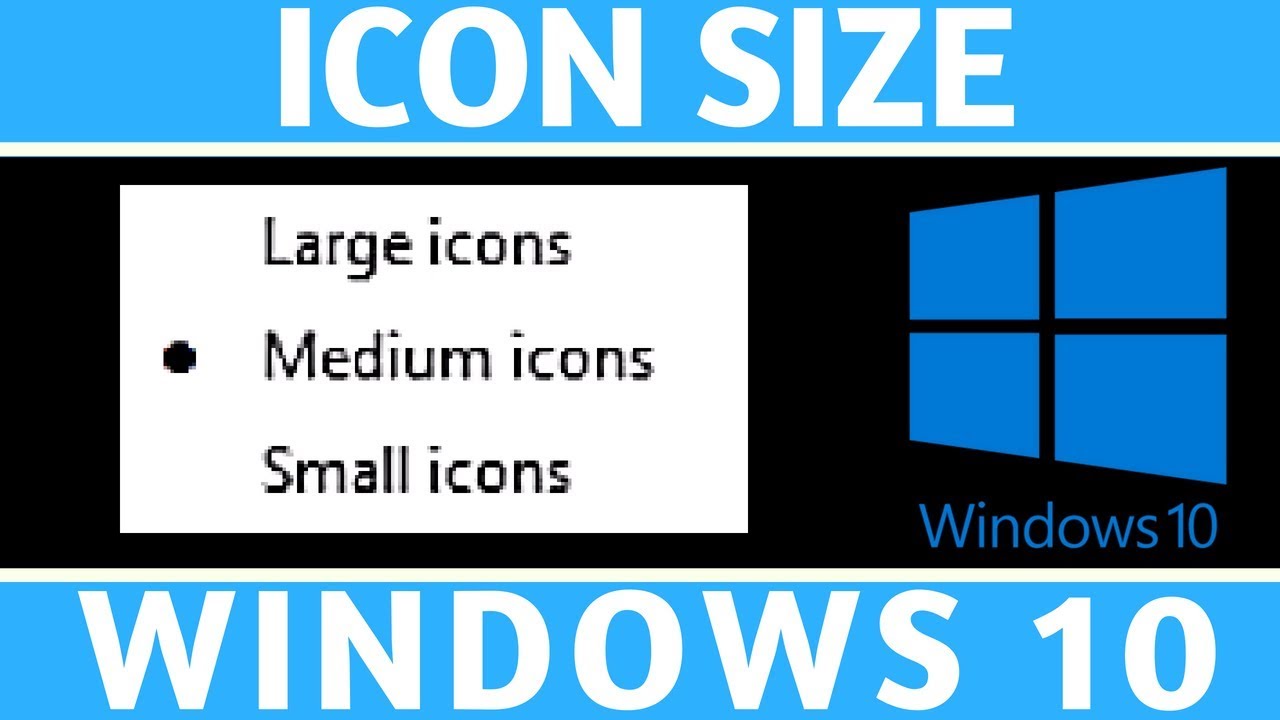 Desktop Icon Size Windows 7
https://i.ytimg.com/vi/2CZ4PhTD6Ok/maxresdefault.jpg
Hi We have tenants that did not approve the new Teams yet and would require the classic version Is there a link where I can download it Thanks Eric
Pre-crafted templates provide a time-saving solution for developing a diverse series of documents and files. These pre-designed formats and designs can be utilized for numerous personal and expert projects, consisting of resumes, invites, leaflets, newsletters, reports, presentations, and more, improving the material development process.
Desktop Icon Size Windows 7
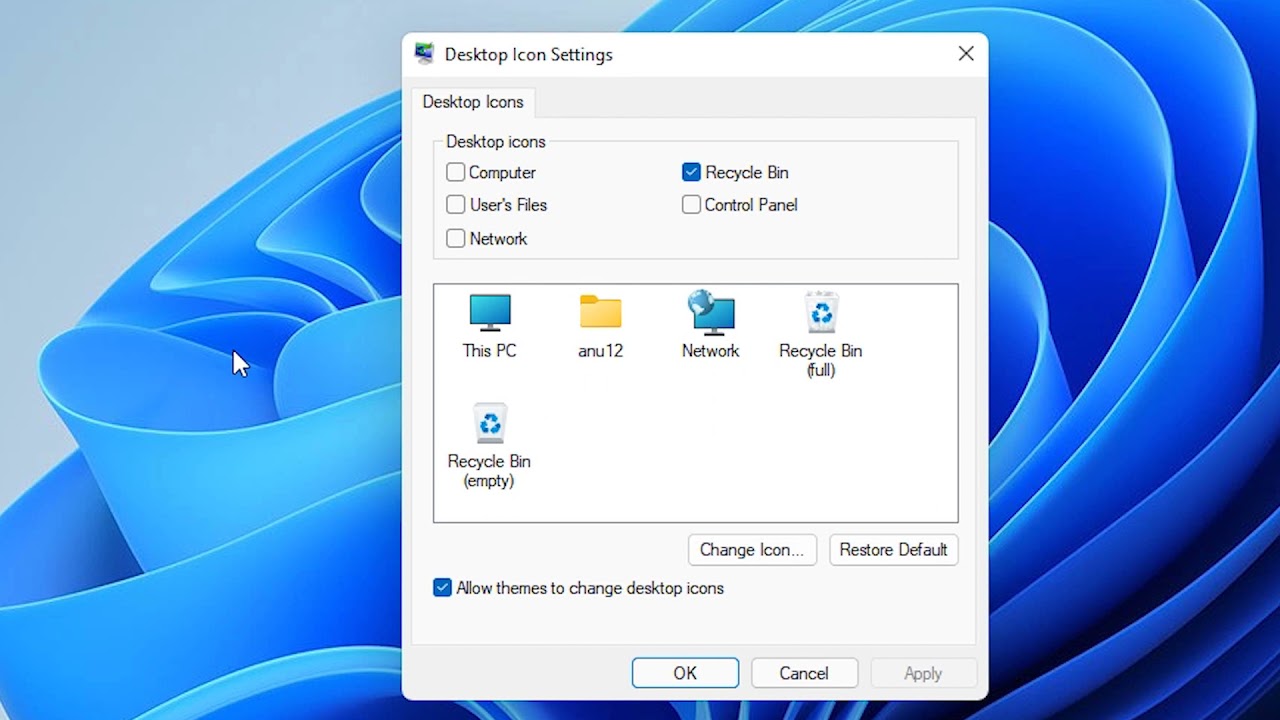
Change Desktop Icon Size Windows 7 Home
How To Change Your Icons Size On The Windows Desktop Homepage Windows
How To Change The Icon Size In Windows 10 YouTube
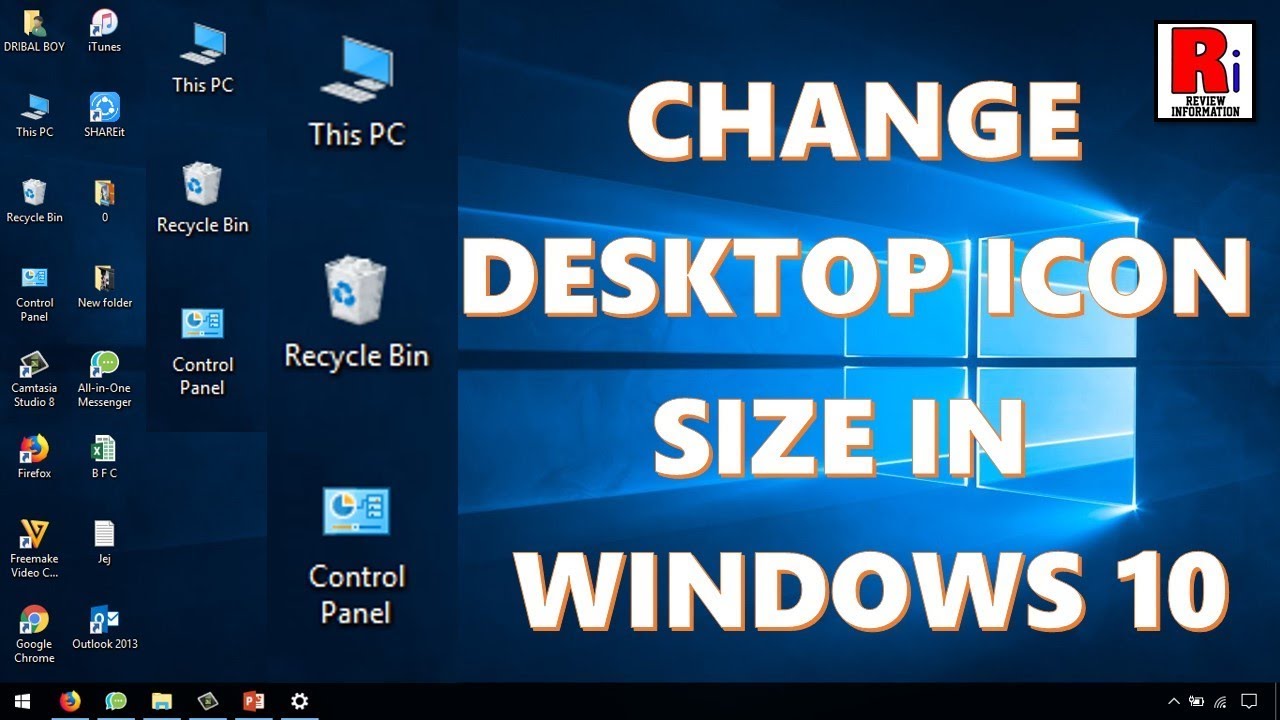
How To Change Desktop Icons Size And Spacing In Windows 10 Webnots
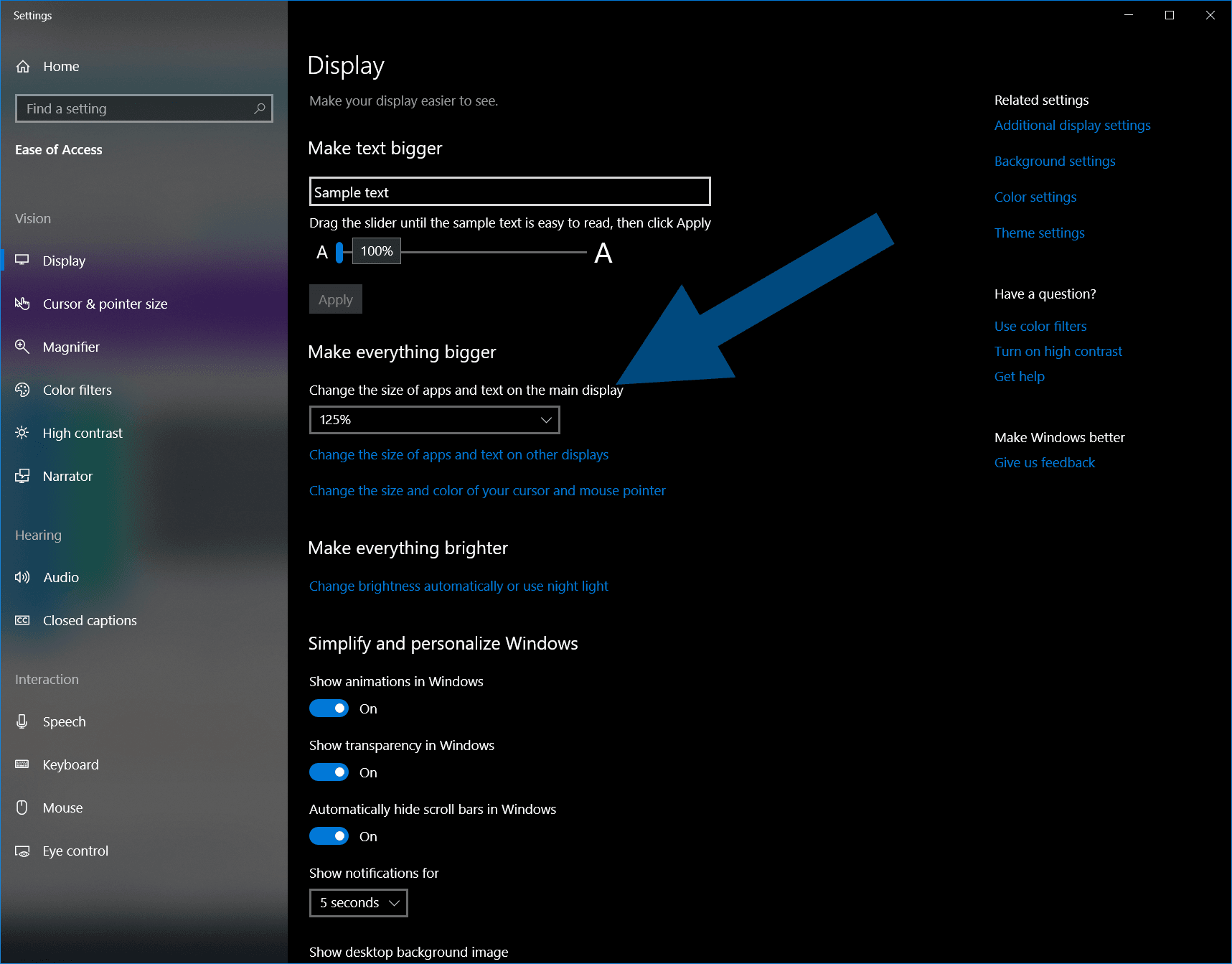
How To Change Icon Sizes In Windows 10 Candid Technology Vrogue
Change Icon Size Windows 7 EASY YouTube
Jan 3 2023 nbsp 0183 32 Windows Surface Bing Microsoft Edge Windows Insider Microsoft Advertising Microsoft 365 and Office Microsoft 365 Insider Outlook and Microsoft Teams forums are

Dec 3 2022 nbsp 0183 32 How do I download the desktop version of outlook I purchased a new hp laptop and purchased Office 2021 home and student with it I set up the laptop downloaded the office

Feb 17 2023 nbsp 0183 32 I currently have a subscription for Office 365 premium I am able to download office onto my laptop but I can only use MS Planner through the website It would be helpful

1 Windows Desktop Runtime Windows 2 Windows 3 Windows Desktop Runtime

Sep 28 2023 nbsp 0183 32 Your local physical desktop is not synced with OneDrive by default unless you choose to do so in the OneDrive settings In File Explorer there are two desktops that you can
[desc-11] [desc-12]
[desc-13]