Design Space Manual Cricut Design Space Manual Cricut Instructions Cricut Step Etsy How To Use Cricut Design Space Manual Lemony Fizz Creative Space Space Idea Studio Commercial Space Shopping Design Floor Space Spaces 9 Want to make the most of your Cricut cutting machine These Cricut Design Space tutorials tips tricks will help you make things faster easier and more
The Design Space menu is your way to navigate from primary screens within Design Space like Home and Canvas You can also get to all the other features of Design This is the best Cricut Design Space Tutorial you can find It has everything you need to know to master your Cricut all in a guide that you can print and keep with your machine If you have ever wanted a Cricut reference
Commercial Space Shopping Design Floor Space Spaces Buy CRICUT DESIGN SPACE THE UNOFFICIAL GUIDE A Detailed Manual To Convert Your Manual Dies On Cricut Design Space YouTube A Design Space For Gaze Interaction On HMDs Universit t Ulm D Space Manual By Leonardo Infante Issuu Crafts Space How To Use Cricut Design Space Manual Lemony Fizz Cricut Design Space Book Manual IMG Comfort
Design Space Manual
 Design Space Manual
https://i.etsystatic.com/15228071/r/il/865b81/2548336935/il_794xN.2548336935_afih.jpg
51 shares So you just got your Cricut and you re ready to learn how to use Cricut Design Space If this is you then you are in the right place In this Cricut Design Space tutorial I cover everything you need to know so
Pre-crafted templates provide a time-saving service for creating a diverse series of documents and files. These pre-designed formats and designs can be used for various personal and expert jobs, including resumes, invitations, leaflets, newsletters, reports, discussions, and more, improving the content production procedure.
Design Space Manual

Free Cricut Design Space Cheat Sheets In 2020 Cricut Free Cricut
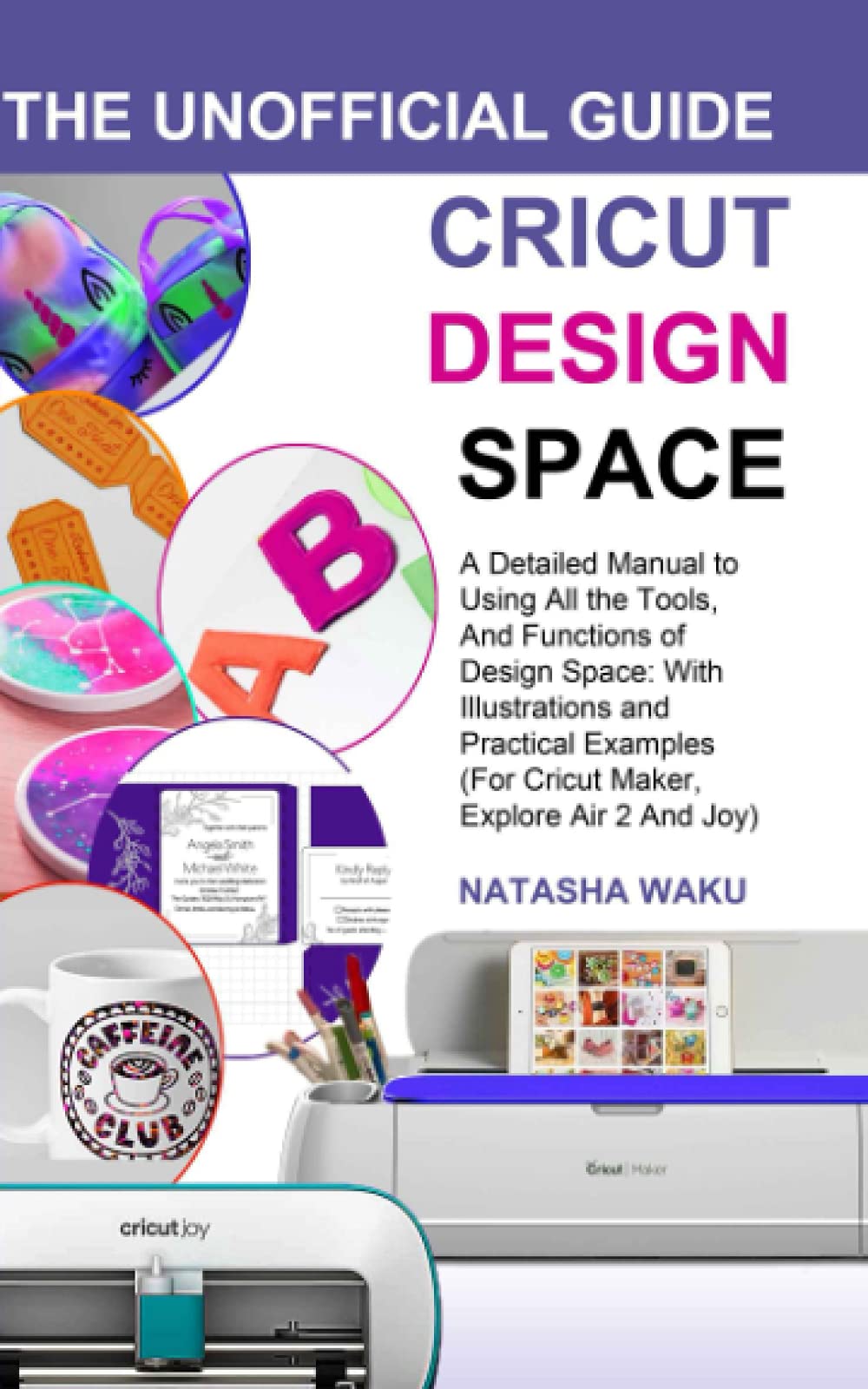
Buy CRICUT DESIGN SPACE THE UNOFFICIAL GUIDE A Detailed Manual To
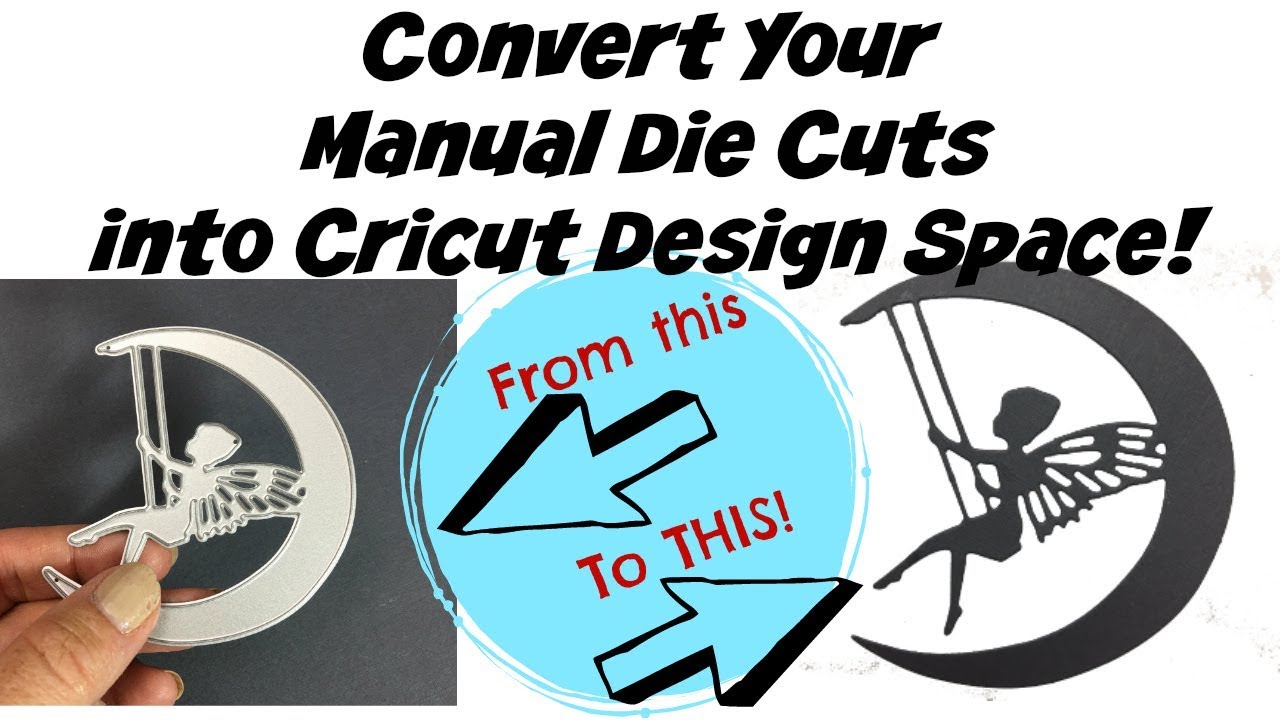
Convert Your Manual Dies On Cricut Design Space YouTube
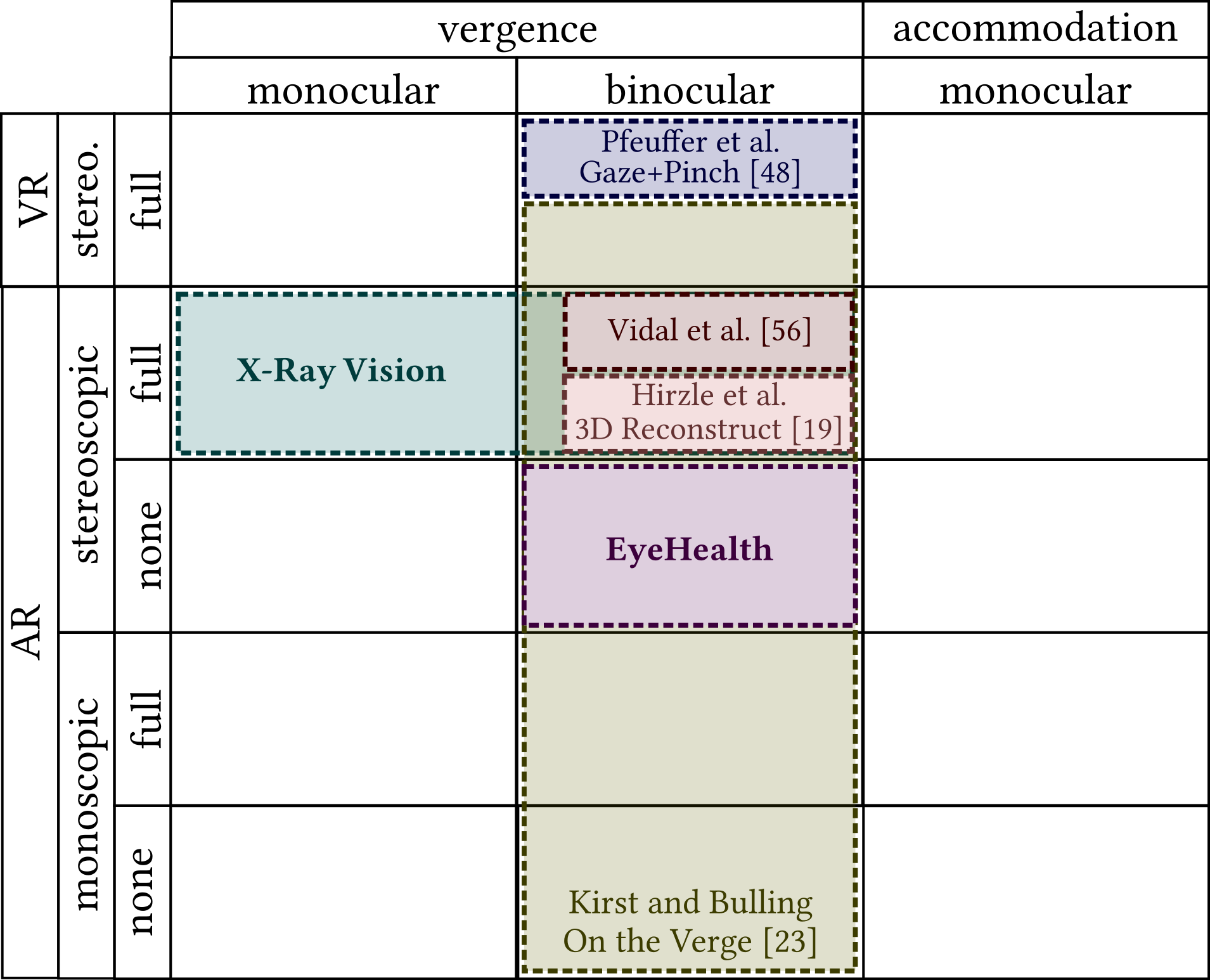
A Design Space For Gaze Interaction On HMDs Universit t Ulm

Crafts Space

How To Use Cricut Design Space Manual Lemony Fizz

Design Space Cutting machines Cricut Joy Machines Cricut Maker Cricut Venture Heat Presses Cricut Autopress Cricut EasyPress Cricut Hat Press Lighting

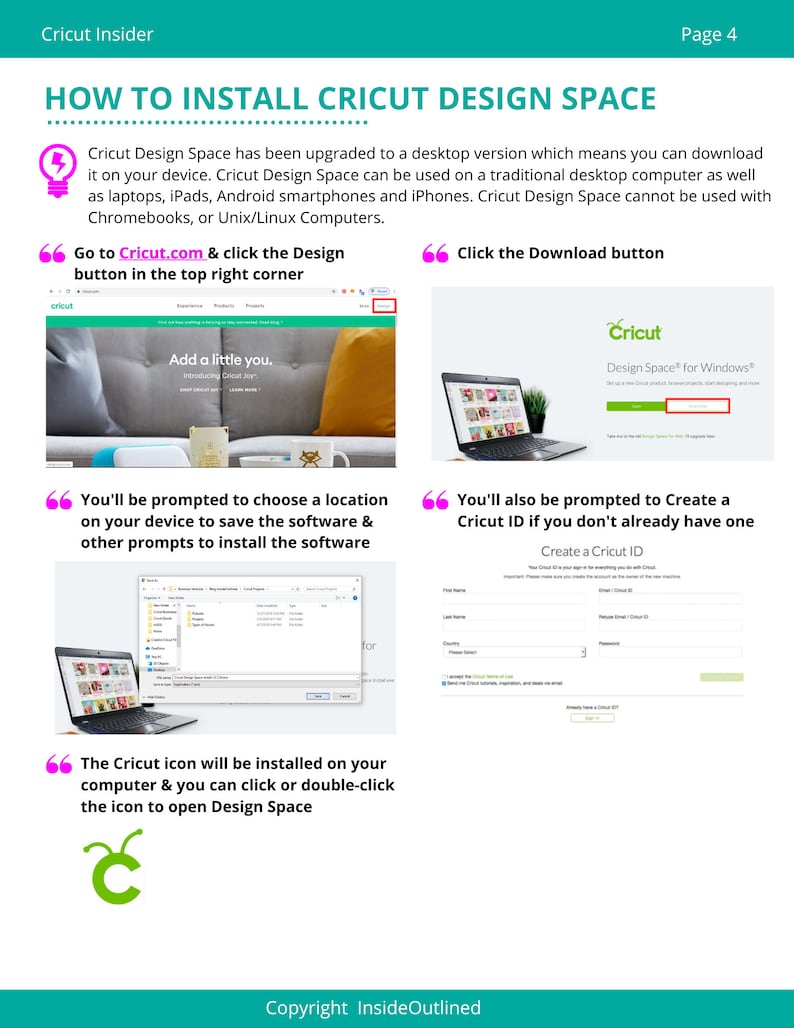
Design Space for Desktop Everything You Need To Know Downloading and Installing Design Space System Requirements Design Space Design Space for Desktop

5 This will download Cricut Design Space get you set up with and account and even prompt you to make your first cut 6 Congrats You have set up your Cricut machine

Design Space Jump right in and start creating with our easy to use design software Go to Design Space

Using Design Space Learn to navigate Design Space and use tools to create one of kind projects Select a link below for instructions tips and tricks
Cricut Design Space is the online platform where you can design and create amazing projects with your Cricut machine You can upload your own images and fonts or choose August 25 2022 In Cricut Whether you re a Cricut newbie or longtime user this Design Space guide answers all the most commonly asked questions about the software along
Design Space Canvas Overview Edited January 3 2024 The Canvas is where you will design your projects On the Canvas you can add and edit projects