Design Ruler Line Geometry Ruler Line Icon Protractor Ruler Vector Illustration Isolated Ruler Line Black Icon 548326 Vector Art At Vecteezy 10pcs Plastic Multi Function Curve Ruler Drawing Line Straight Sewing Are There Alternatives To Rules Wonkee Donkee Tools PNG The ruler combines a hip curve French curve and gridded straight ruler into one multi functional tool It is the perfect companion for creating adjustments when you are upcycling and altering ready to wear clothing The ruler has been upgraded to include new features and is made in the USA Dimensions Overall 20 8 Inches L 4 8 Inches W
To create vertical and horizontal guides simultaneously press Ctrl Windows or Command Mac OS as you drag from the target spread s ruler intersection to the desired location A vertical and horizontal guide created concurrently Note To reposition a ruler guide numerically select the guide and enter values for X and Y in the Control panel The Styling Design Ruler is the ultimate tool for designing and altering patterns This ruler is four rulers in one including French Curve Hip Curve Straight with 1 8 increments and has Cut Out Slots The clear and flexible design makes this ruler easy to use on any fabric Measuring 1 16 at the straight edge and 1 26 at the curved
PNG Geometry Ruler Line Icon Protractor Ruler Vector Illustration Isolated Ruler PNG 45 904 Ruler Template Images Stock Photos Vectors Shutterstock Ruler Clipart Blank Ruler Blank Transparent FREE For Download On Printable Classroom Ruler Printable Ruler Actual Size Ruler PNG Transparent Images PNG All Centimeters Clipart 20 Free Cliparts Download Images On Clipground 2022 Geometry Ruler Line Icon Protractor Ruler Vector Illustration Isolated
Design Ruler Line
 Design Ruler Line
https://thumbs.dreamstime.com/z/geometry-ruler-color-shadow-vector-icon-construction-tools-set-217860166.jpg
Shop for Dritz 4 in 1 Styling Design Ruler for altering patterns and garments Combines four rulers into one Instructions for common alterations included Free shipping on orders of 99 FAST FREE SHIPPING OVER 99 OR FLAT RATE 5 95 FAST FREE SHIPPING OVER 99 OR FLAT 5 95 Details Customer Service 1 800 331 7600
Templates are pre-designed files or files that can be used for various purposes. They can save effort and time by supplying a ready-made format and design for producing various kinds of material. Templates can be used for personal or expert projects, such as resumes, invitations, flyers, newsletters, reports, discussions, and more.
Design Ruler Line

Regla Graduada PNG

Geometry Ruler Line Icon Protractor Ruler Vector Illustration Isolated

Ruler PNG

45 904 Ruler Template Images Stock Photos Vectors Shutterstock
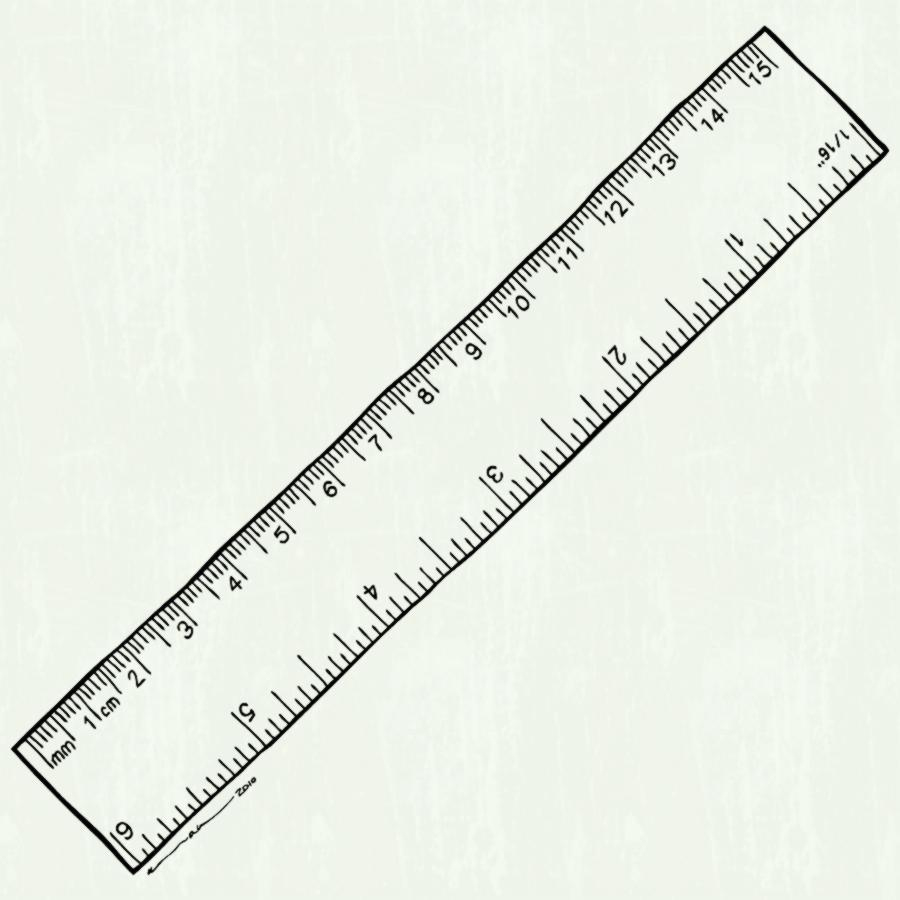
Printable Classroom Ruler Printable Ruler Actual Size

Ruler PNG Transparent Images PNG All

In summary our Online Ruler is a powerful easy to use and accurate measurement tool for your website With options to switch between centimeters and inches add custom lines calibrate with standard sizes and save user sessions it s an indispensable resource for a wide range of applications Reference Easily measure with our Online Ruler

Amazon Dritz Styling Design Ruler Rulers Accessories Clear 1Pack Arts Crafts Sewing Sewing Sewing Notions Supplies Sewing Tools Tape Measures Rulers Rulers Enjoy fast FREE delivery exclusive deals and award winning movies TV shows with Prime Try Prime and start saving today with Fast FREE Delivery 1799

How to use a design ruler Pick 8 colours that go well together in your opinion Use the middle size pattern and the biggest circle Start with the lightest colour and do 7 rounds with the circle Pick a new colour and do 6 rounds Continue in this pattern 7 rounds 6 rounds 7 rounds 6 rounds etc until you meet the colour you started with

Do you want to learn how to create a CSS ruler that can help you edit breakpoints and design responsive layouts In this tutorial you will find out how to use CSS variables calc function and grid layout to build a CSS ruler that works in any browser Follow along with the code examples and screenshots and unleash your creativity with CSS

Design Ruler is a clear acrylic ruler that features a grid background for perfect placement a center measuring guide a straight edge for drawing lines a metal edge for cutting and evenly spaced holes for paper piercing Ruler measures 12 inches See more Important information
Rulers Rulers are useful when you need to accurately place objects or guides in the Document View The intersection point where both vertical and horizontal rulers have a value of 0 is called the spread origin also known as the ruler origin To show or hide rulers From the View menu select Show Rulers A check mark is displayed next to the Rulers are horizontal and vertical lines that appear at the edges of your design canvas They help you measure the size of your elements and ensure that they are placed accurately Guides are also horizontal and vertical lines that you can add to your design canvas You can drag them from the rulers and place them anywhere on your canvas
Learn how to set up rulers and column guides to help you design and lay out objects with greater precision Credits Design by Katy McCabe