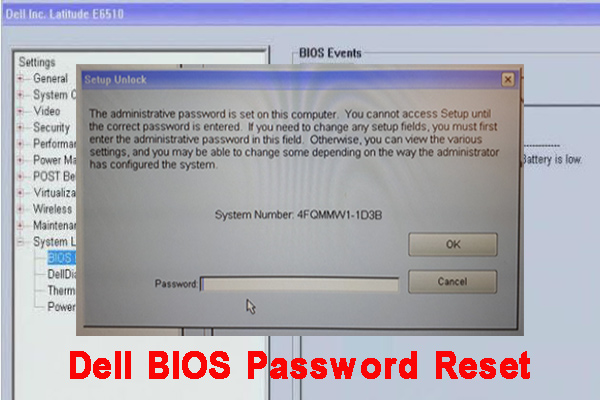
Dell Bios Key Reset Dell Bios Key Dell Laptop Bios How To Enter Dell Bios YouTube How To Reset BIOS Admin Password On Dell Laptop 4 Methods MiniTool Partition Wizard Dell Optiplex Boot From Usb Dell Boot Menu Key Dell Optilex Bios Key Dell Optiplex 5080 Pc Venue 11 Pro How To Enable Secure Boot Dell Palau Dell Bios Key Kuruzamat WEB Jul 19 2023 nbsp 0183 32 How to Reset BIOS Admin Password on Dell Laptop After investigating many posts and references we summarized the following 4 simple ways for resetting Dell default BIOS password You can try them in order or choose one that works best for you Way 1 Reset Dell BIOS Password Via the Service Manuals
WEB May 12 2022 nbsp 0183 32 The easiest way to clear the CMOS is from your computer s BIOS or UEFI setup menu To access the setup menu restart your computer and press the key that appears on your screen often Delete or F2 to access the setup menu WEB Mar 12 2024 nbsp 0183 32 We ll show you how to reset your BIOS from within the BIOS utility itself or by removing and reseating the CMOS battery on the motherboard If you can t access the CMOS battery you can also reset the BIOS by resetting the jumper near the battery
Dell Bios Key Kuruzamat Dell Inspiron 15 Bios Settings How To Restore The BIOS Or UEFI System Setup To Factory Defaults On A Dell Computer Dell India DELL 595B Bios Master Key Generator DJB3000 rar Weltyyanke DELL 595B Bios Master Key Generator DJB3000 rar How To Choose Whether Your Function Keys Are F1 F12 Keys Or Special Keys Dell Supportassist Linux What Is The Bios Key For HP Dell Lenovo Asus Acer Toshiba Msi Gigabyte Asrock And More Dell Optiplex 3020 Bios Key Bopqenine
Dell Bios Key Reset
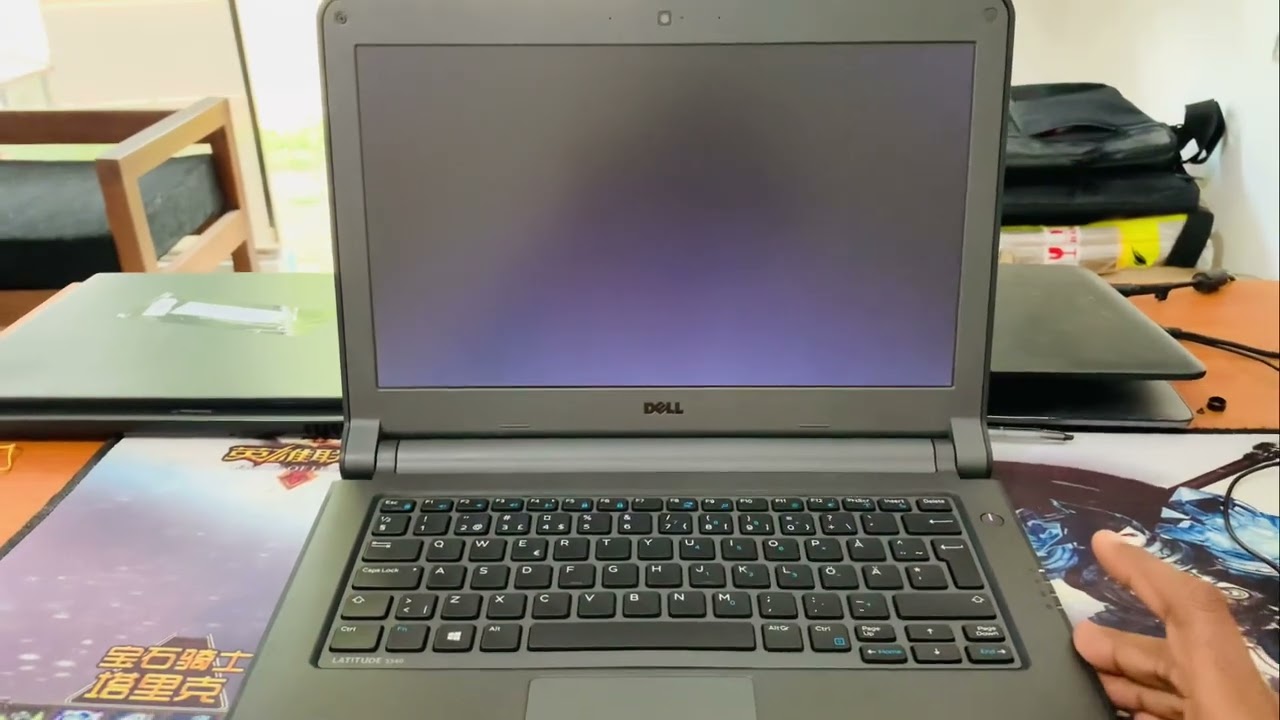 Dell Bios Key Reset
https://i.ytimg.com/vi/a724le0UNWk/maxresdefault.jpg
WEB Sep 19 2023 nbsp 0183 32 Dell BIOS Keys On a newer Dell computer try the F2 key while you see the Dell logo Alternatively try F1 Delete F12 or even F3 Older models might use Ctrl Alt Enter or Delete or Fn Esc or Fn F1 HP BIOS Keys Keys most commonly used on HP machines to enter setup include F10 and Esc
Templates are pre-designed documents or files that can be used for different purposes. They can conserve effort and time by supplying a ready-made format and design for producing various sort of content. Templates can be utilized for personal or professional tasks, such as resumes, invites, flyers, newsletters, reports, presentations, and more.
Dell Bios Key Reset
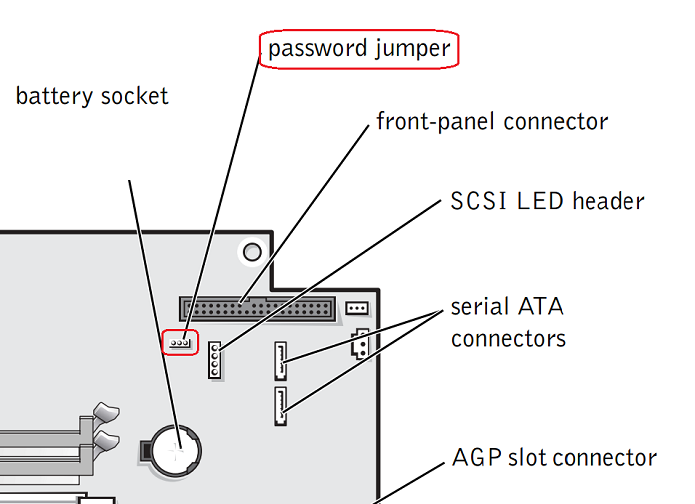
Z ska Sp Pr za Luxus Optiplex 3010 Motherboard Passwordjumper Vie ko Prototyp Mesto
Dell Inspiron 15 Bios Settings

How To Restore The BIOS Or UEFI System Setup To Factory Defaults On A Dell Computer Dell India

DELL 595B Bios Master Key Generator DJB3000 rar Weltyyanke

How To Choose Whether Your Function Keys Are F1 F12 Keys Or Special Keys

Dell Supportassist Linux

WEB Jun 13 2024 nbsp 0183 32 To access the BIOS or UEFI interface on your Dell computer Turn on or restart the computer At the Dell logo press the F2 key several times until Entering System Setup appears NOTE If the computer boots into
WEB May 27 2024 nbsp 0183 32 This article provides information about what is BIOS recovery and how to recover the BIOS on select Dell computers or tablets The BIOS recovery feature helps recover the computer from a Power On Self Test POST or a boot failure that is caused by a corrupt BIOS

WEB Apr 12 2016 nbsp 0183 32 First try disconnecting power to the PC and then removing the BIOS battery from the motherboard for 10 minutes This will typically reset the BIOS to factory defaults If this doesn t work download the same BIOS version from the motherboard manufacturer and re flash your mobo

WEB Nov 4 2019 nbsp 0183 32 Using your Service Tag download the BIOS for the XPS 13 Copy the file to a FAT32 USB key and rename it to BIOS IMG rcv Plug the key into the problem computer while it is turned off and reboot You should now have the

WEB To reset BIOS to its default settings on a Dell computer restart the computer and press the quot F2 quot key repeated ly at the Dell logo screen to enter BIOS Then click on quot Restore Settings quot select quot OK quot and follow the on screen instructions
WEB Apr 26 2023 nbsp 0183 32 Method 1 Use a BIOS Key When you first power on a computer it goes through a very quick POST power on self test If you can hit the correct key before the POST is completed or hold it WEB Sep 24 2023 nbsp 0183 32 Accessing the BIOS on your Dell laptop allows you to customize hardware settings beyond what Dell s configuration utility offers By using the right Dell bios key during bootup you can enter the UEFI or BIOS on any Dell Latitude Inspiron Alienware or Desktop model to tweak advanced options
WEB Pressing Alt F while inside the BIOS restores the default configuration for your system Details here support dell support edocs systems opgx270 en ug