Delete Visible Rows Only In Excel How To Sum Column Totals For Visible Rows Only Smartsheet Community Delete Row Based On A Substring In Excel How To Copy And Paste Visible Cells Only In Excel excluding Hidden How To Delete Blank Rows In Excel YouTube How To Display A Column Of Sequential Number To Visible Rows Only Got 2 In the Go To Special dialog box check the Visible cells only option and then click the OK button 3 Now all visible rows are selected right click the selection and then click Delete Rows Until now all visible rows are deleted from the filtered list
Ctrl G is the hotkey for Go to in excel 2003 Reverse filter on what you don t need and delete those rows All that will be left are the rows you need Excel 2007 A nice quick technique use the Fill Color icon to fill all the cells in one of the columns you see Then do a color filter on that column and delete all the rows Click on Inspect Document Refer this screenshot how it looks Click on Inspect button You will see a option Hidden Rows and Columns with Remove All button Click on Remove All button Click on close button Finally if you see it has removed all Hidden Rows and Columns Refer this screenshot
How To Display A Column Of Sequential Number To Visible Rows Only Got How To Filter Data And Delete Rows With Excel VBA 5 Examples Top 19 Copy And Paste Only Visible Cells Google Sheets M i Nh t 2022 SOLVED How To Select Copy And Paste Only The Visible Cells In Excel How To Copy Only Visible Cells In Excel Easily Sum count average Visible Cells Rows Or Columns Only In Excel Copy Visible Cells Only In Excel When You Have Hidden Columns Or Rows Generate Serial Number For Visible Rows Only In Microsoft Excel YouTube How To Filter Data And Delete Rows With Excel VBA 5 Examples
Delete Visible Rows Only In Excel
 Delete Visible Rows Only In Excel
https://us.v-cdn.net/6031209/uploads/0TIEVIY3Y4OT/group-238.png
How to Only Delete Visible Rows or Columns in Excel How to Only Delete Visible Rows or Columns in Excel Although deleting rows or columns in a spreadsheet can be a common activity there are occasions when you might want to retain the hidden rows or columns in tact
Templates are pre-designed files or files that can be used for different functions. They can save effort and time by supplying a ready-made format and design for creating various kinds of content. Templates can be utilized for personal or expert tasks, such as resumes, invitations, leaflets, newsletters, reports, discussions, and more.
Delete Visible Rows Only In Excel

Delete Hidden Or Visible Records After Applying Filter In Excel YouTube
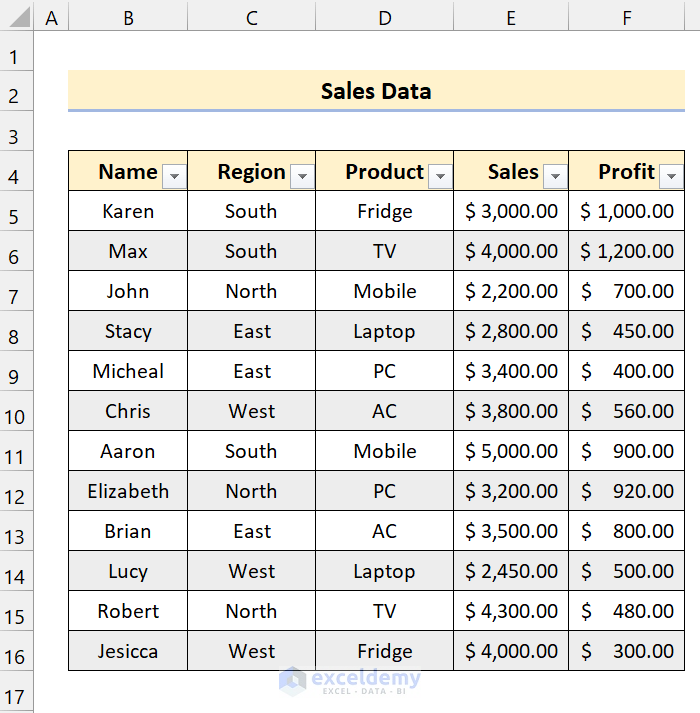
How To Filter Data And Delete Rows With Excel VBA 5 Examples
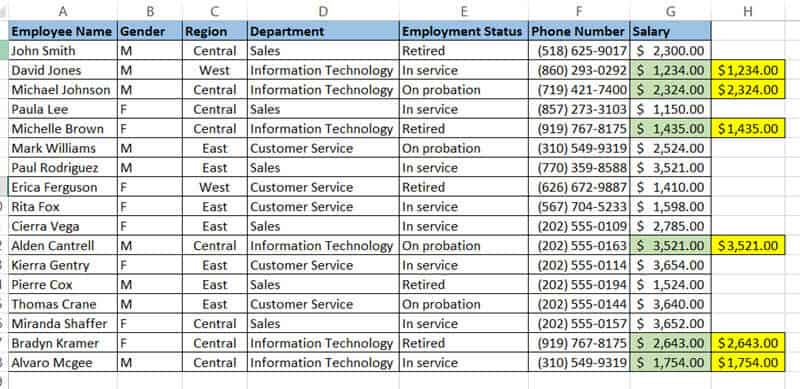
Top 19 Copy And Paste Only Visible Cells Google Sheets M i Nh t 2022

SOLVED How To Select Copy And Paste Only The Visible Cells In Excel

Easily Sum count average Visible Cells Rows Or Columns Only In Excel

Copy Visible Cells Only In Excel When You Have Hidden Columns Or Rows
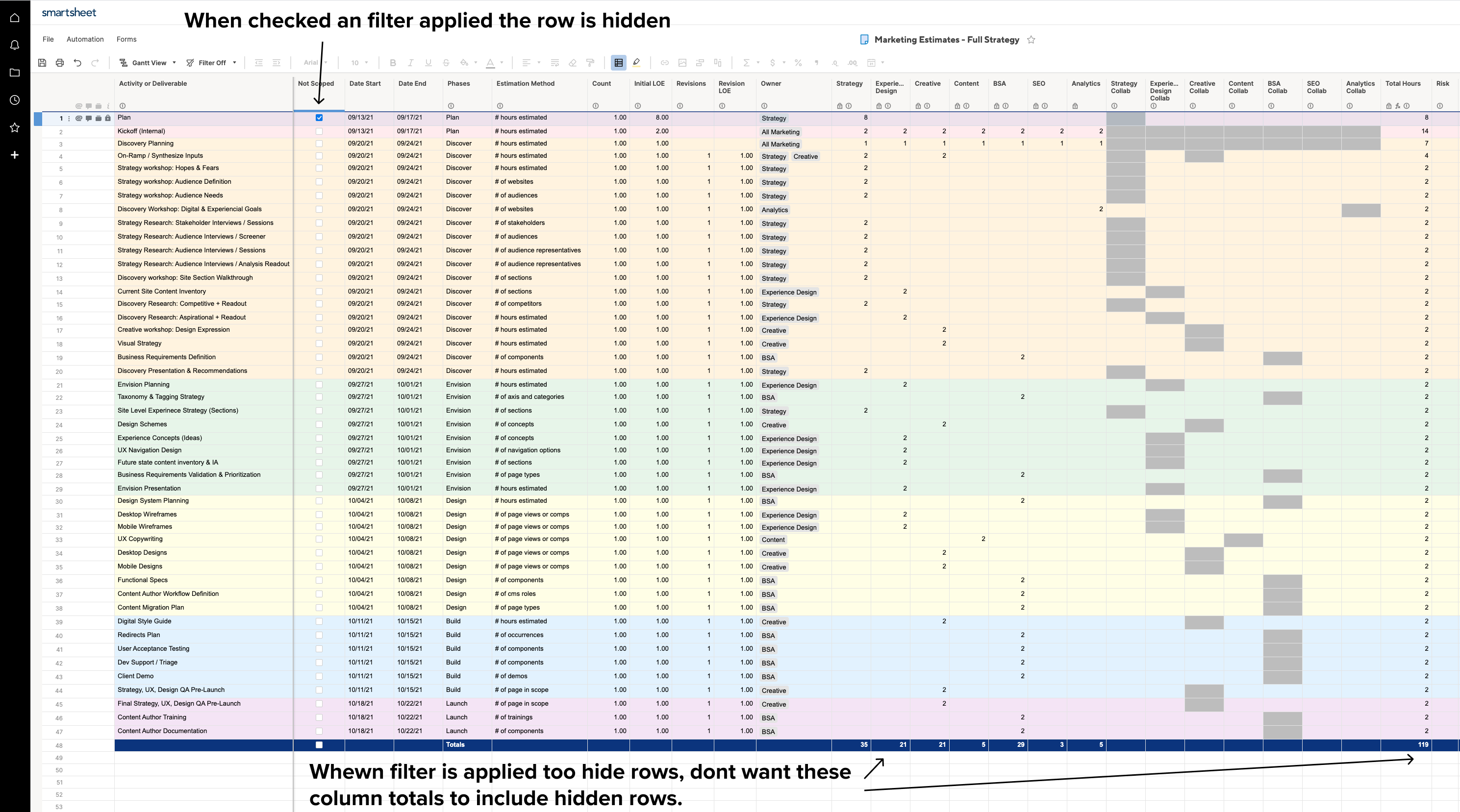
Select all the rows in a view right click and select Delete Row from the popup menu This will delete all the visible rows only Don t worry the rest of your data is safe To see the rest of the data simply click on the Filter button from the Data tab again

Go to Home Find Select Go To Special Go To Special dialog box appears Select Visible cells only OK You will see the selected region as shown below Right click on any selected cell Select Delete Row It shows a warning as shown below Click Ok As you can see selected rows are deleted To view other cells

To do this you can press Ctrl G to open the Go To dialog box then click on the Special button In the Go To Special dialog box select Visible cells only and click OK C Delete the selected visible cells With the visible cells now selected you can proceed to delete them
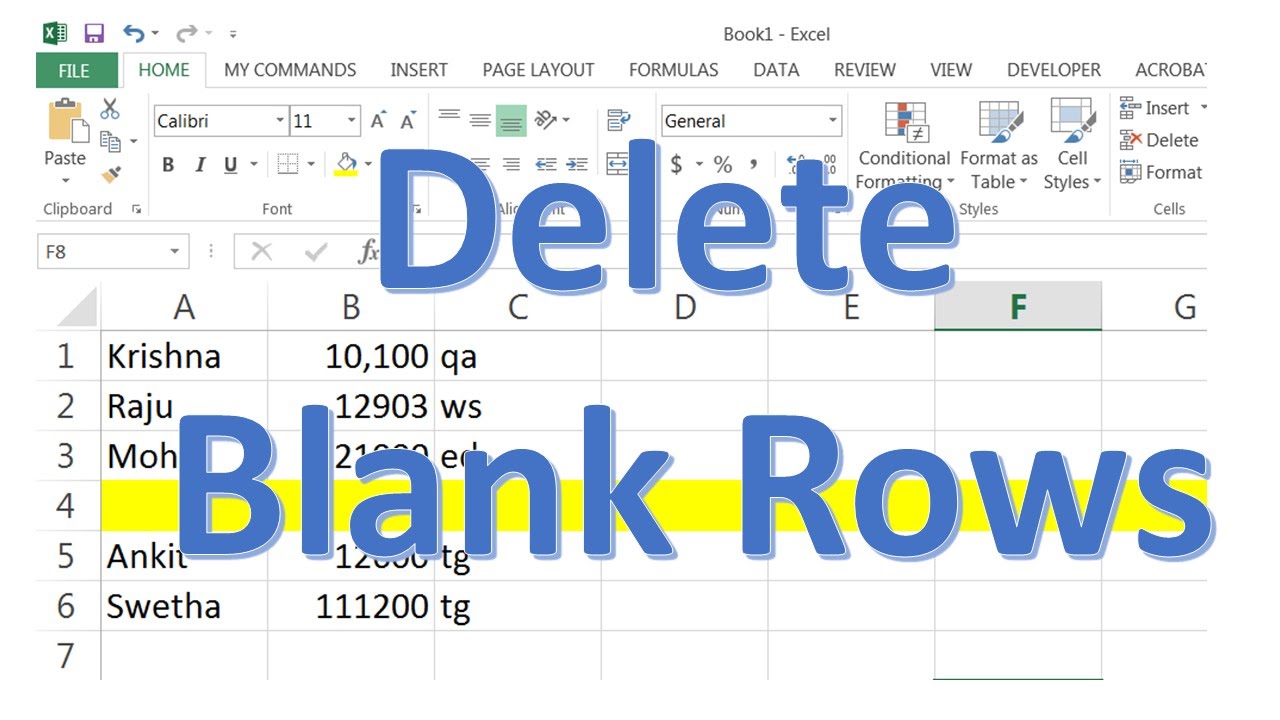
Below are the steps to use the Inspect Document feature to delete hidden rows in Excel Click the File tab In the options that show up on the left click on Info Within the Info options click on the Check for Issues option In the options that show up in the drop down click on the Inspect Document option

Below are the steps to delete all the hidden rows and columns from the workbook in Excel Click the File option In the options on the left click on Info Click on the Check for Issues option Click on the Inspect Document option This will open the Document Inspector dialog box
Example Method 1 Deleting Visible Filtered Rows Method 2 Using VBA Method 3 Deleting Hidden Filtered Rows Deleting Hidden Filtered Rows Using a Temporary Column Deleting Hidden Filtered Rows Using Inspect Document Deleting Hidden Filtered Rows Using VBA Example Let s go through an example and see what presets make it usable Laura Tsitlidze Last updated on September 5 2022 This tutorial demonstrates how to delete filtered rows in Excel and Google Sheets Delete Filtered Rows Say you have the set of data shown below and want to delete all rows with the month Feb 21 Column D First Filter the data for Feb 21 and then delete those rows
The shortcut to delete only filtered rows in Excel involves selecting the filtered rows using the Go to Special command then right clicking on any selected row and choosing Delete This will delete only the filtered rows and leave the rest of the rows in place Are you stuck trying to delete only filtered rows in Excel Look no further