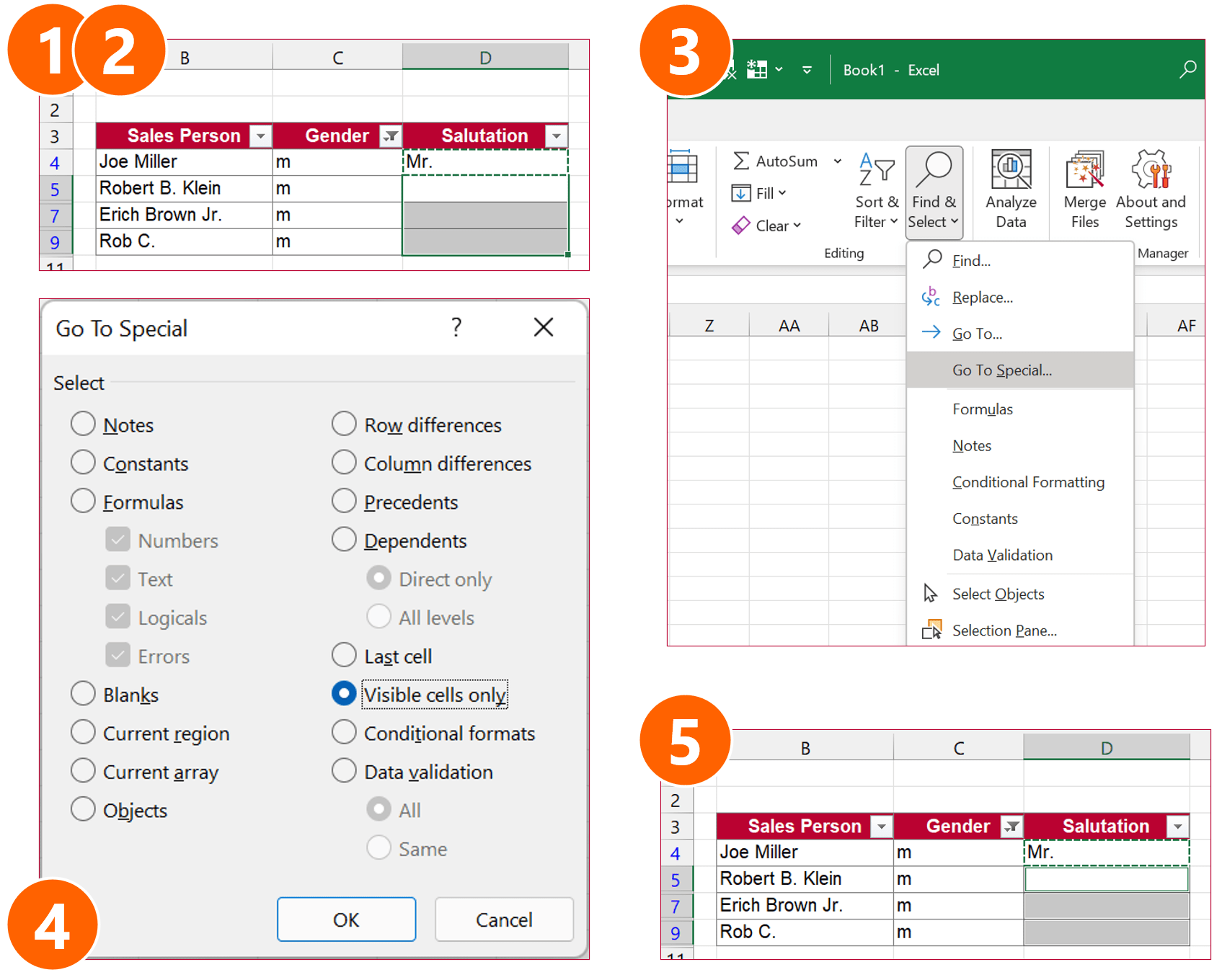
Delete Visible Cells Copy Paste Visible Cells Only Shortcut Key Skip Hidden Rows Excel Select Visible Cells Shortcut And Button YouTube Paste To Visible Cells Only How To Skip Filtered Out Cells Visible Cells Only How To Select And Calculate YouTube Lippe Szene Unruhig Highlight Visible Cells Only Passend Zu Bewusst Web Sep 5 2022 nbsp 0183 32 Click on the Filter button for Month cell D2 check only February uncheck January and click OK Now only the rows with Feb 21 in Column D are visible To select them in the Ribbon go to Home gt Find amp Select gt Go To Special In the pop up window select Visible cells only and click OK
Web Excel 2007 Home gt Editing gt Find amp Select gt Go to special gt Visible Cells Only Excel 2003 Edit gt Go To gt Special gt Visible Cells Only Copy and paste into a new sheet Share Improve this answer answered Jun 1 2010 at 19 39 Sux2Lose 3 327 2 16 17 Ctrl G is the hotkey for quot Go to quot in excel 2003 Jarvin Jun 1 2010 at 20 26 Web To delete visible rows in Excel follow these steps Step 1 Select the range of cells containing the visible rows you want to delete Step 2 Click on the Data tab in the Excel ribbon at the top of the screen Step 3 In the Sort amp Filter group click on the Filter button
Lippe Szene Unruhig Highlight Visible Cells Only Passend Zu Bewusst Copy Only Visible Cells 1 0 5 Mac Download How To Copy And Paste Visible Cells Only In Excel excluding Hidden Some Red And Green Cells Are Shown In This Computer Generated Image Copy And Paste Data On Visible Cells Faster Way Microsoft Community How To Select Visible Cells Only In Excel 3 Easy Ways Shortcut Industrializing The Production Of Cells Another IPSC Player Joins Paste To Visible Cells Only How To Skip Filtered Out Cells Human Neural Stem Cells iPSC derived Normal Cell Model Expert
Delete Visible Cells
 Delete Visible Cells
https://i.ytimg.com/vi/Ilhfx02BhcA/maxresdefault.jpg
Web Sep 6 2023 nbsp 0183 32 Insert gt Module gt Copy Code Sub DeleteVisibleRows Dim WorkRng As Range On Error Resume Next xTitleId quot Delete Visible Cells quot Set WorkRng Application Selection Set WorkRng Application InputBox quot Range quot xTitleId WorkRng Address Type 8 Application ScreenUpdating False WorkRng SpecialCells
Templates are pre-designed documents or files that can be utilized for numerous purposes. They can conserve effort and time by offering a ready-made format and design for producing different sort of content. Templates can be used for individual or expert tasks, such as resumes, invitations, flyers, newsletters, reports, discussions, and more.
Delete Visible Cells

Blue Stem Cells On Transparent Background
Copy Only Visible Cells 1 0 5 Mac Download
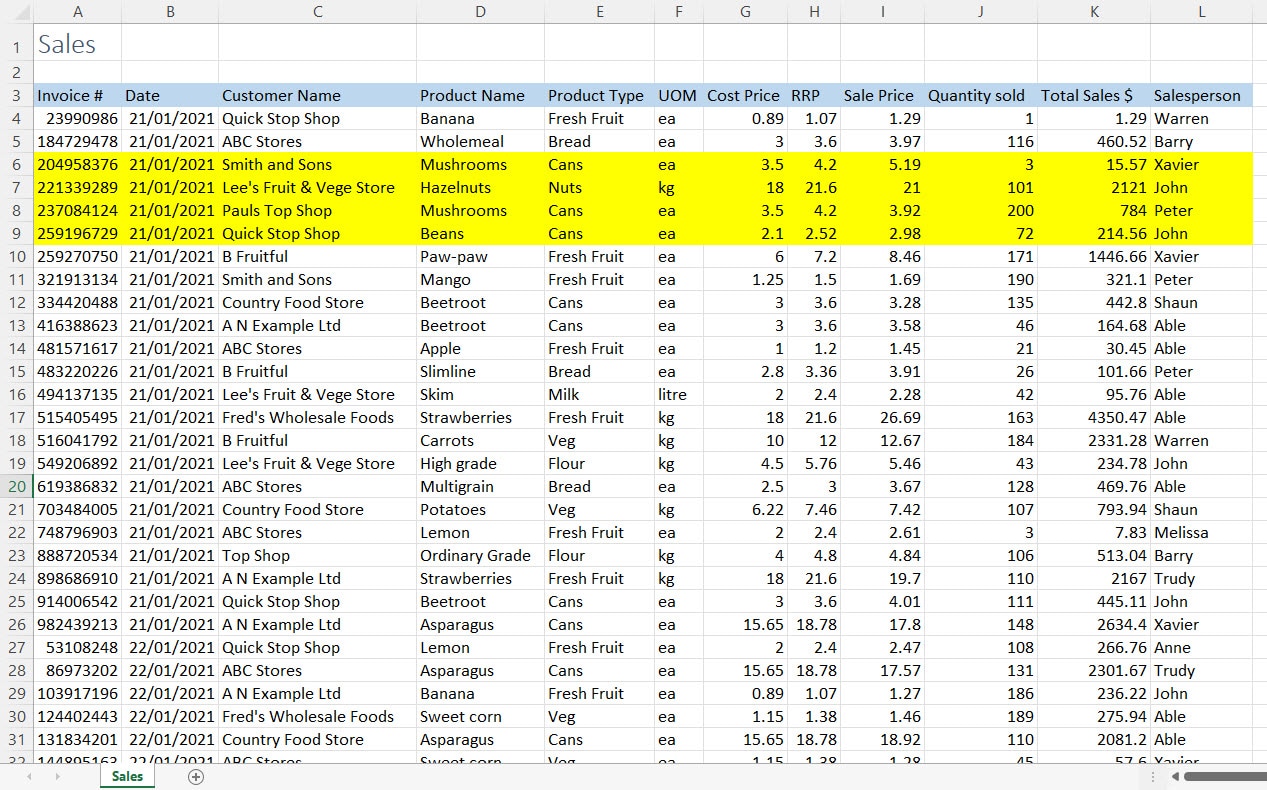
How To Copy And Paste Visible Cells Only In Excel excluding Hidden

Some Red And Green Cells Are Shown In This Computer Generated Image

How To Select Visible Cells Only In Excel 3 Easy Ways Shortcut

Industrializing The Production Of Cells Another IPSC Player Joins
Web Select all the rows in a view right click and select Delete Row from the popup menu This will delete all the visible rows only Don t worry the rest of your data is safe To see the rest of the data simply click on the Filter button from the Data tab again

Web Nov 15 2023 nbsp 0183 32 Method 1 Deleting Visible Filtered Rows Method 2 Using VBA Method 3 Deleting Hidden Filtered Rows Deleting Hidden Filtered Rows Using a Temporary Column Deleting Hidden Filtered Rows Using Inspect Document Deleting Hidden Filtered Rows Using VBA Example Let s go through an example and see what
Web Apr 12 2018 nbsp 0183 32 1 Simply delete the visible rows after the filter is applied except the first row headers Currently it deletes ALL visible rows including the first row even though I have the Offset function in my code 2 Remove all filters This is working fine now Sub DeleteVisibleRows Dim ws1 As Worksheet Dim WorkRng As Range

Web The first step is to select the range of cells from which you want to delete the visible cells This can be a single column row or a larger range of cells Make sure to select the entire range that you want to work with B Use the Go To

Web Jul 9 2018 nbsp 0183 32 Use SpecialCells to delete only the rows that are visible after autofiltering ActiveSheet Range quot A 1 I quot amp lines SpecialCells xlCellTypeVisible EntireRow Delete If you have a header row in your range that you don t want to delete add an offset to the range to exclude it
Web Nov 27 2014 nbsp 0183 32 7 Answers Sorted by 69 Try this way for a quick solution Copy the filtered 10 results into another sheet Delete the actual sheet EDIT As per the update below are the steps Before starting take a backup copy of excel sheet Assuming you are filtered all the records and showing only 10 Rows Web Jun 23 2023 nbsp 0183 32 Click on the Data tab in the ribbon menu Click on the Filter button to enable filter menu Click on any of the filter dropdown menus on any column and select the criteria by which you want to filter your data Select the filtered rows that you wish to delete Right click on the selected rows to open a pop up menu
Web Click on the Remove All button The above steps would delete all the hidden rows and columns in the workbook Note that you need to save this workbook before running the Document Inspector option In case the workbook is not saved already Excel would first force you to save it