Delete User Ubuntu 22 04 Ubuntu 22 04 GUI Installation Linux Tutorials Learn Linux Configuration How To Delete User On Ubuntu Ubuntu Wallpaper Linux Backgrounds And Wallpapers How To Delete User On Ubuntu Rtx 4080 Nvidia Cuda UBUNTU 22 04 Bomspring The meaning of DELETE is to eliminate especially by blotting out cutting out or erasing How to use delete in a sentence
DELETE definition 1 to remove or draw a line through something especially a written word or words 2 to remove or Learn more Aug 22 2024 nbsp 0183 32 Learn how to delete files on Windows 11 effortlessly with our step by step guide Keep your system clutter free and organized in just a few simple steps
Rtx 4080 Nvidia Cuda UBUNTU 22 04 Bomspring How To Install Cinnamon Desktop In Ubuntu Netinstall Vrogue co How To Install An FTP Server On Ubuntu 22 04 With VSFTPD DIRTECH IT How To Delete User On Ubuntu How To Delete User On Ubuntu How To Delete User On Ubuntu Free Websites Share News And Posts Publicly How To Set Password For PostgreSQL 14 5 On Ubuntu 22 04 1 LTS Solveforum How To Delete User On Ubuntu How To Install Cacti On Ubuntu 22 04 ITzGeek
Delete User Ubuntu 22 04
 Delete User Ubuntu 22 04
https://linuxconfig.org/wp-content/uploads/2022/01/00-ubuntu-22-04-gui-installation-1024x574.png
Dec 16 2024 nbsp 0183 32 Learn how to permanently delete files on Windows 10 amp 11 PC Securely and completely erase junk files with Avast Cleanup
Templates are pre-designed files or files that can be utilized for numerous purposes. They can conserve effort and time by supplying a ready-made format and layout for creating various type of material. Templates can be used for individual or professional projects, such as resumes, invitations, flyers, newsletters, reports, presentations, and more.
Delete User Ubuntu 22 04

Ubuntu Linux 16 04 Lts 64 Bit Bootable 8gb Usb Flash Drive And Install
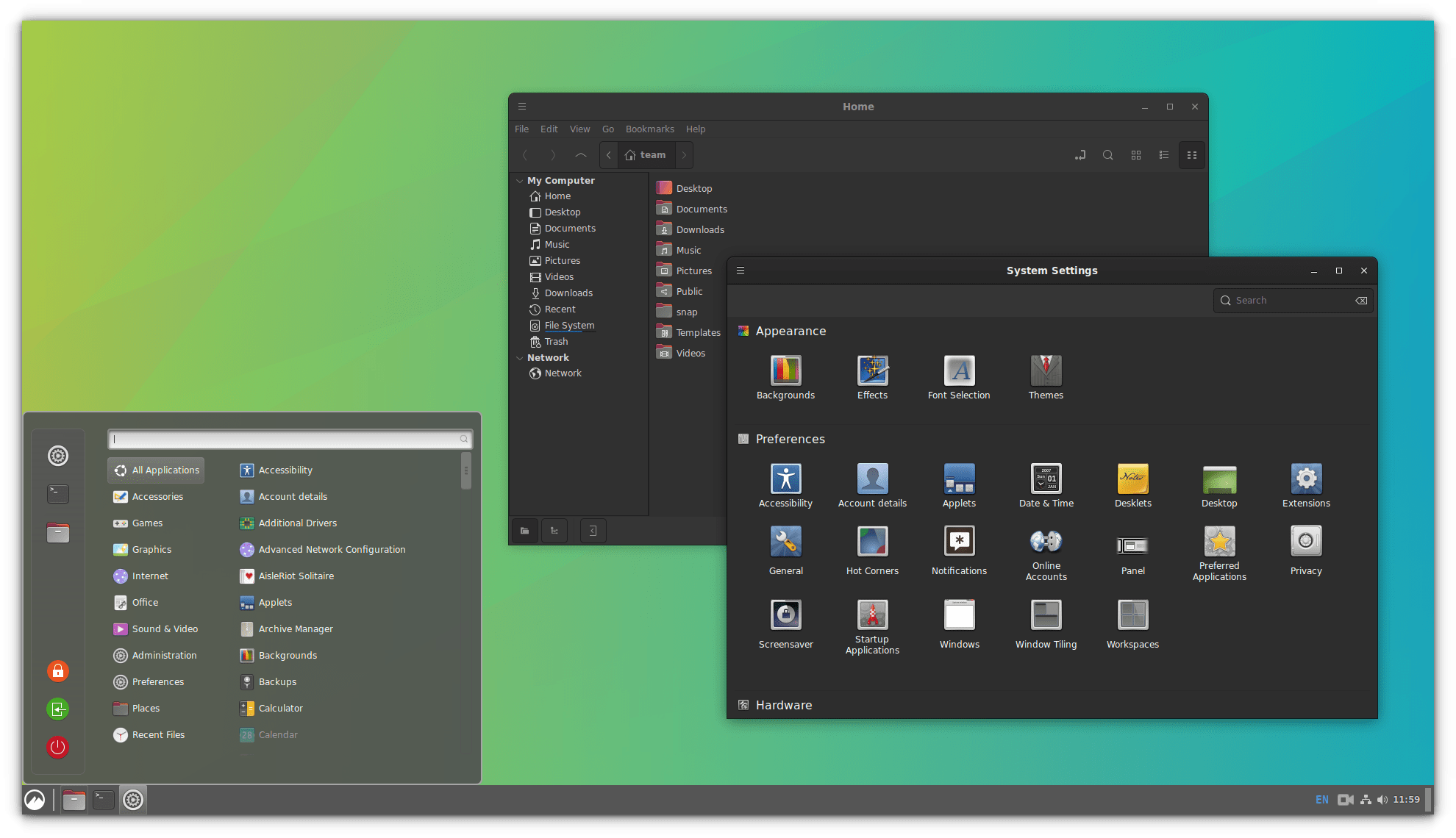
How To Install Cinnamon Desktop In Ubuntu Netinstall Vrogue co
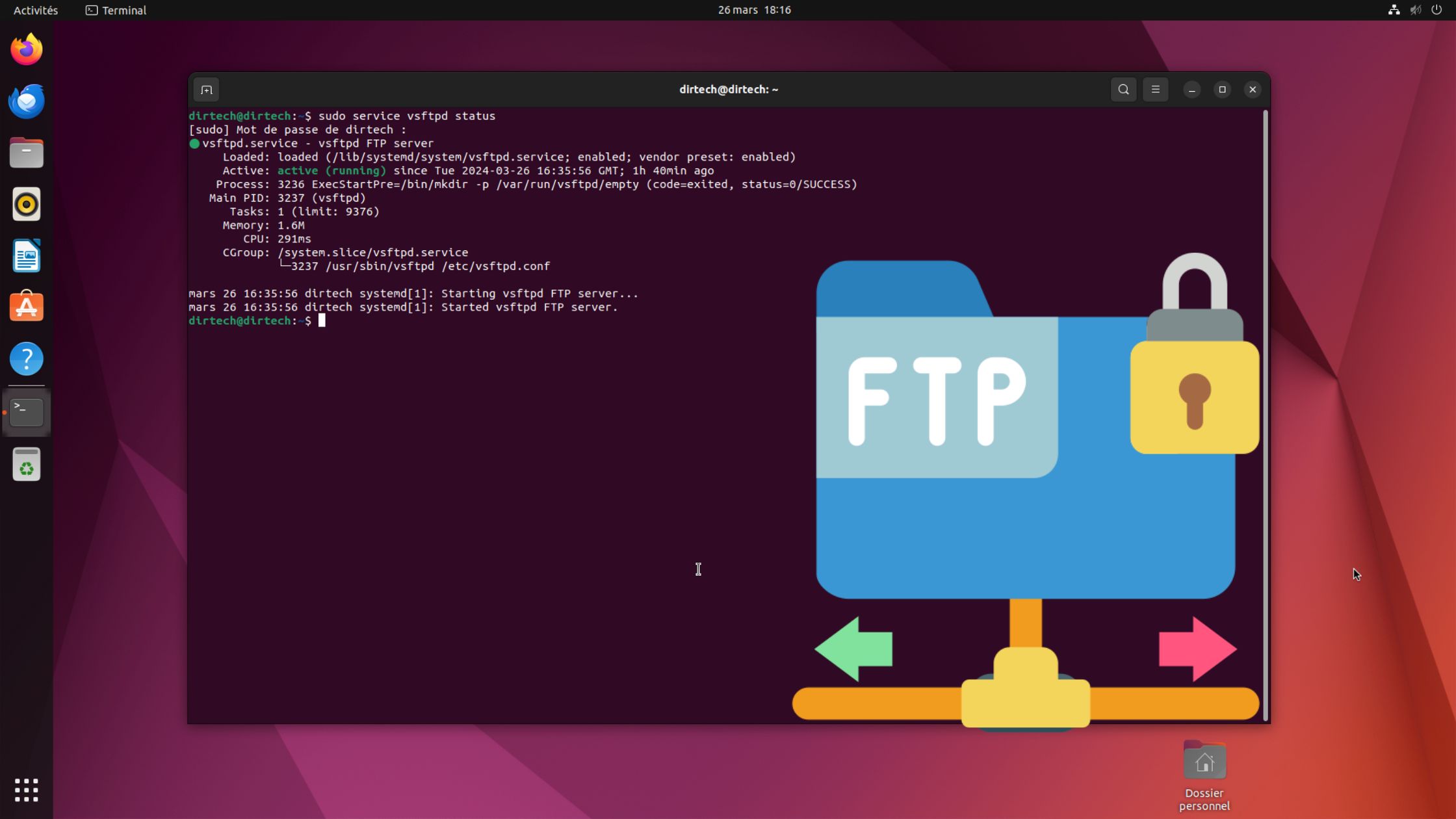
How To Install An FTP Server On Ubuntu 22 04 With VSFTPD DIRTECH IT
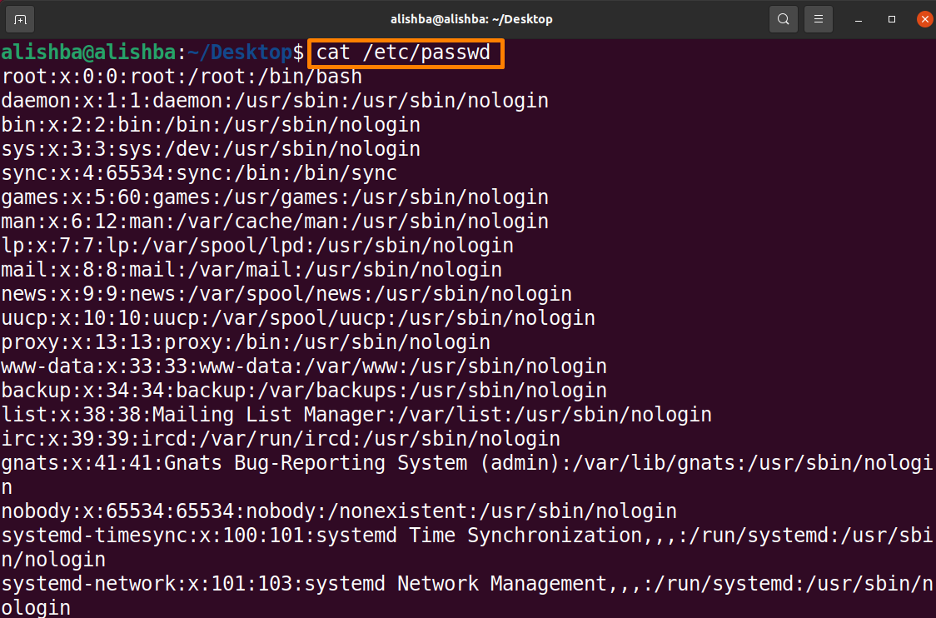
How To Delete User On Ubuntu

How To Delete User On Ubuntu Free Websites Share News And Posts Publicly

How To Set Password For PostgreSQL 14 5 On Ubuntu 22 04 1 LTS Solveforum

Uninstall from the Start menu Select Start gt All apps and search for the app in the list shown Press and hold or right click on the app then select Uninstall Uninstall in Settings Select
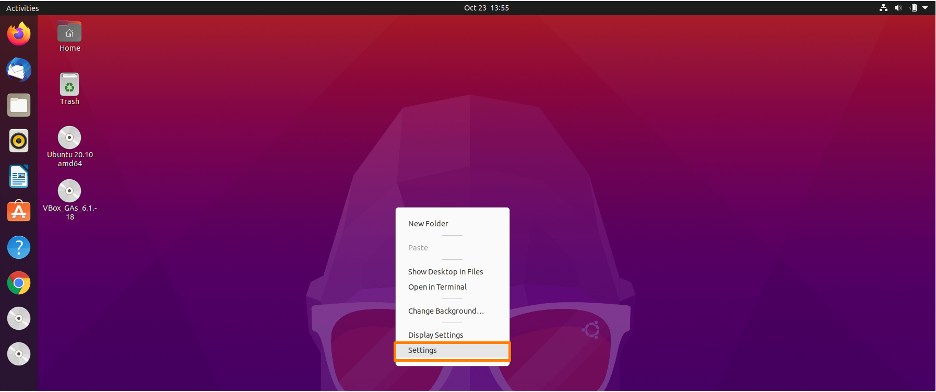
Aug 7 2025 nbsp 0183 32 Want to delete files forever Learn 7 proven methods to delete computer files permanently and make sure no one can recover them Protect your sensitive information

Jun 1 2025 nbsp 0183 32 Comprehensive steps to delete files and directories across operating systems including Windows macOS Linux and MS DOS safeguarding your data management

If you delete something that has been written down or stored in a computer you cross it out or remove it He also deleted files from the computer system VERB noun The word exploded

Jul 18 2025 nbsp 0183 32 Permanently delete selected files Once you ve selected each file you want removed just click on the green quot Secure delete quot button at the bottom of your screen You ll be
[desc-11] [desc-12]
[desc-13]