Delete Rows With Specific Text In Excel Vba Delete All Rows That Contain A Specific Text String How To Delete Rows In Excel With Specific Text 3 Methods ExcelDemy How To Delete Rows With Specific Text In Excel SpreadCheaters Excel Select All Cells With Specific Text How To Select Rows With Specific Text In Excel How To Delete Rows With Specific Text In Excel SpreadCheaters WEB Aug 3 2023 nbsp 0183 32 The easiest way to delete rows with certain text is with our add in AutoMacro for Excel With AutoMacro for Excel you can automate tedious Excel tasks with just a few simple clicks
WEB To delete an entire row in Excel using VBA you need to use the EntireRow Delete method For example if you want to delete the entire first row in a worksheet you can use the below code Sub DeleteEntireRow Rows 1 EntireRow Delete End Sub WEB Jan 17 2019 nbsp 0183 32 Learn how to use VBA macros to delete rows based on cell values or conditions in Excel Includes sample code and video tutorial
How To Delete Rows With Specific Text In Excel SpreadCheaters How To Delete Rows If Cell Contains Specific Text In Excel Automate Excel How To Select Rows With Specific Text In Excel Excel Excel VBA Leistung 1 Million Zeilen L schen Sie Zeilen Mit Einem Wert In Weniger Als How To Count Cells With Text In Excel Excel Examples Select Row In Sheet Vba Fireomes Count Cells Containing Specific Text In Excel YouTube Remove Specific Text From A Cell In Excel Google Sheets Automate Excel How To Delete Entire Row In Excel Using VBA Examples Trump Excel
Delete Rows With Specific Text In Excel Vba
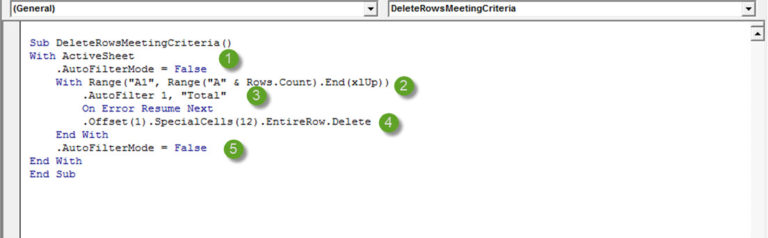 Delete Rows With Specific Text In Excel Vba
https://howtoexcelatexcel.com/wp-content/uploads/2016/11/delete-rows-that-meet-specified-criteria-with-excek-vba-768x238.jpg
WEB Quickly learn how to delete rows in Excel using VBA with this step by step tutorial Includes 12 VBA code examples you can easily adjust right now
Templates are pre-designed files or files that can be used for numerous purposes. They can conserve effort and time by supplying a ready-made format and design for developing different sort of material. Templates can be utilized for personal or professional jobs, such as resumes, invites, flyers, newsletters, reports, presentations, and more.
Delete Rows With Specific Text In Excel Vba
How To Delete Rows With Specific Text In Excel

How To Delete Rows If Cell Contains Specific Text In Excel Automate Excel

How To Select Rows With Specific Text In Excel

Excel Excel VBA Leistung 1 Million Zeilen L schen Sie Zeilen Mit Einem Wert In Weniger Als
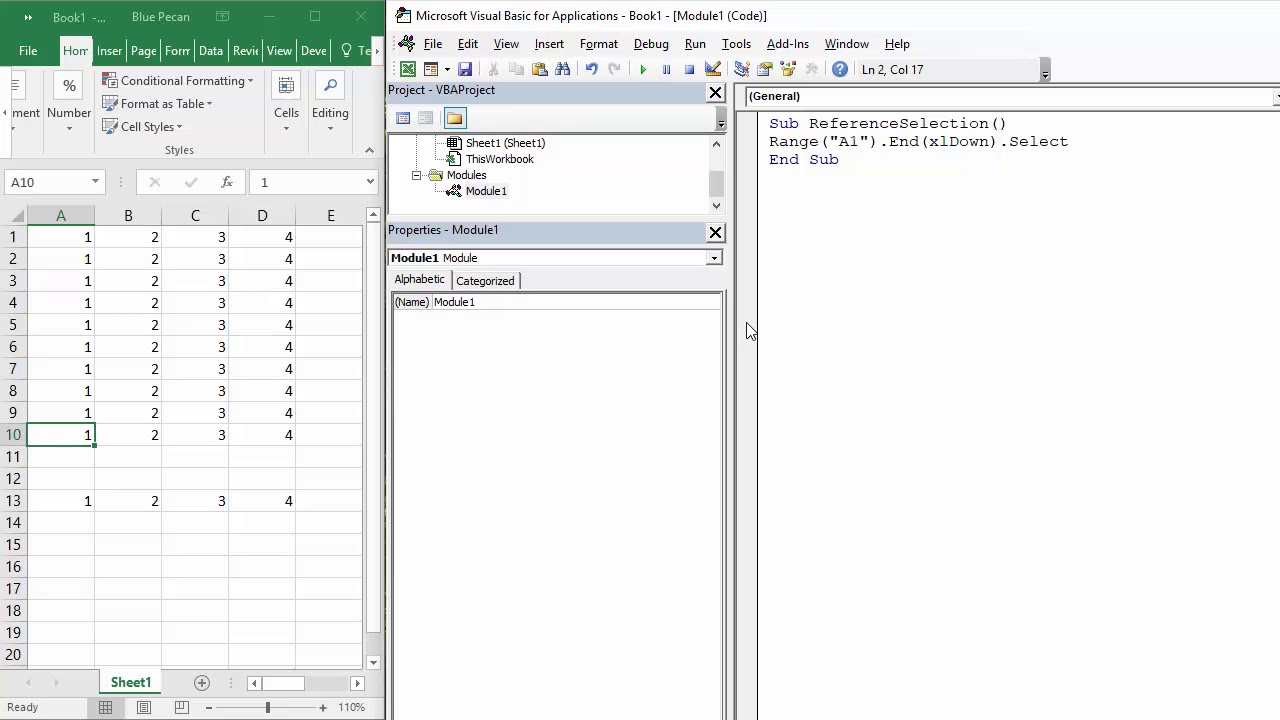
Select Row In Sheet Vba Fireomes
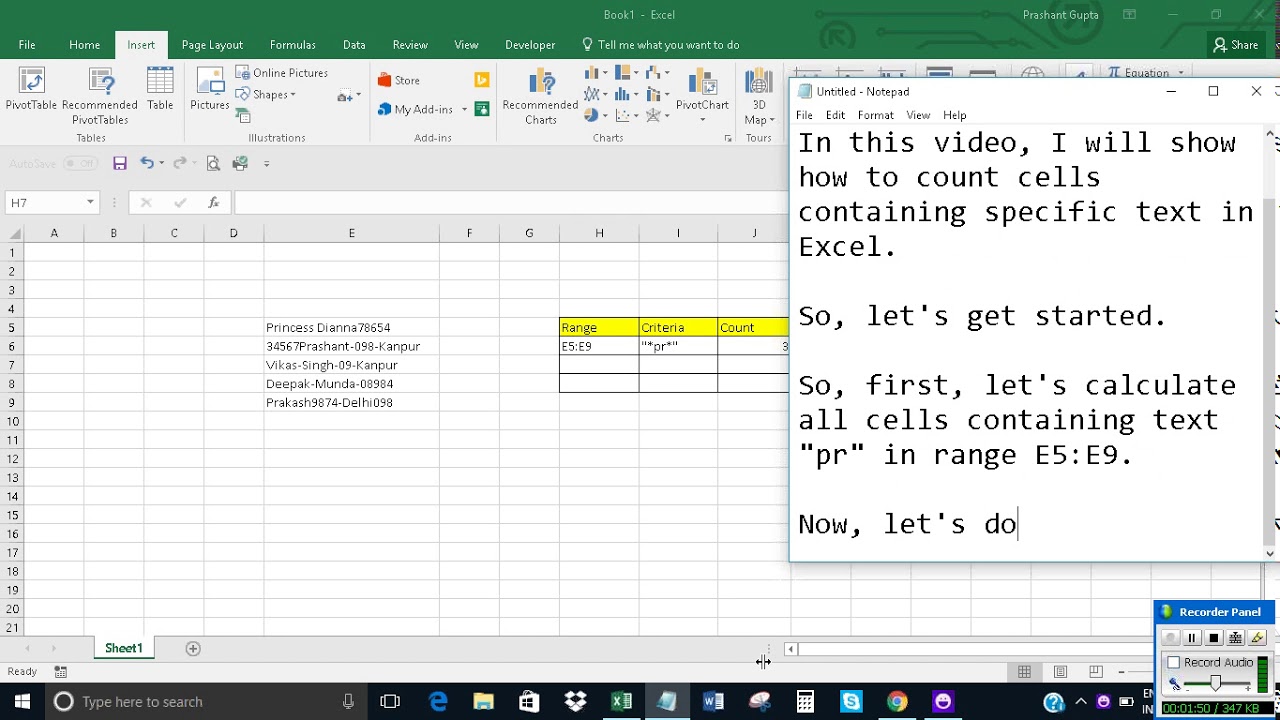
Count Cells Containing Specific Text In Excel YouTube
WEB First you should be looking at the cell s value explicitly if you re testing for equivalence for the underlying value If Range quot A1 quot Offset x 0 Value True Then Without saying Value I think the cell by default returns it s Text property for

WEB Jul 5 2024 nbsp 0183 32 In this article you will get how to Delete Rows in Excel with Specific Text by using 3 methods Find Feature Filter and VBA
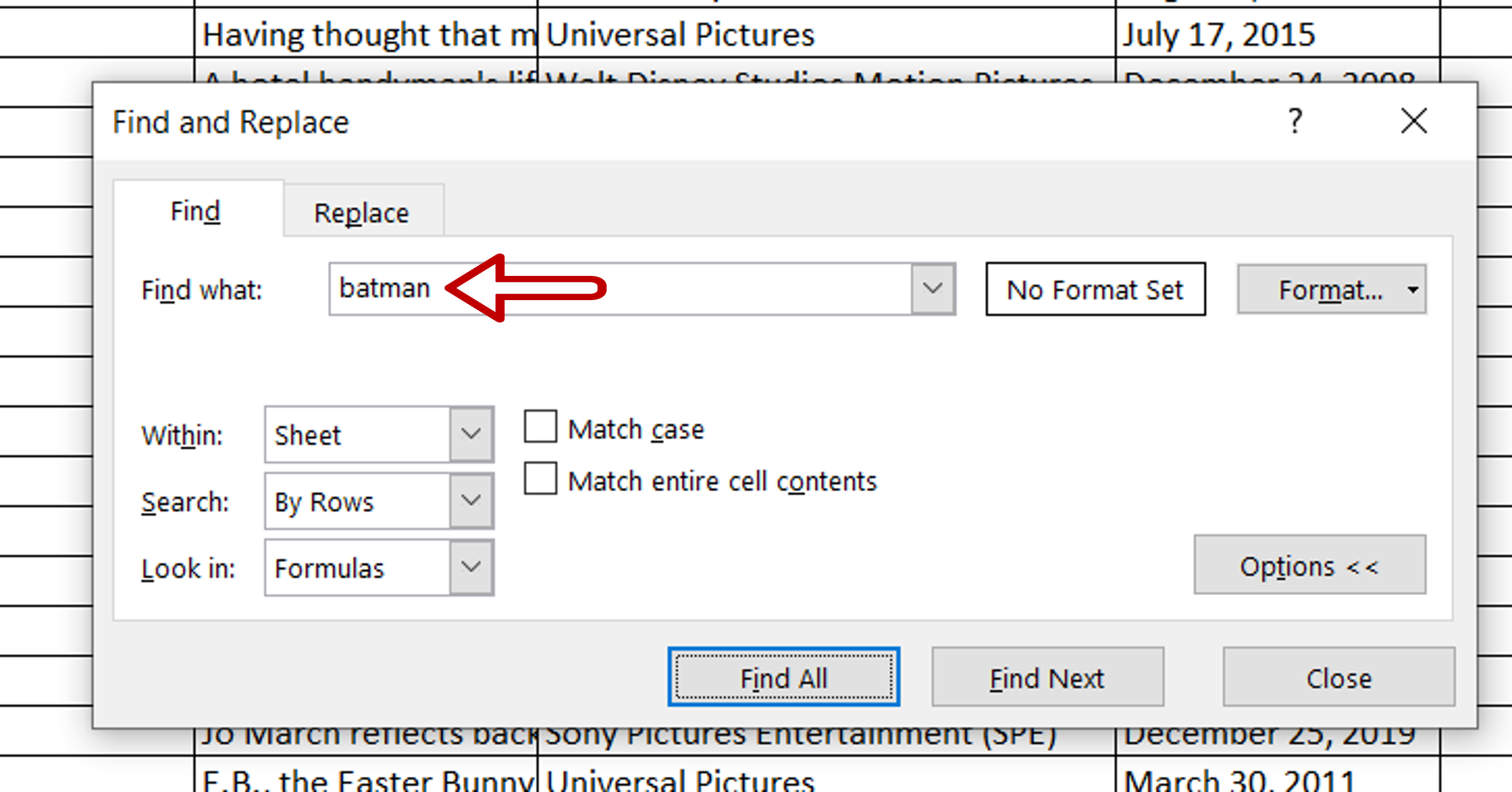
WEB If you need to delete rows in Excel based on a cell value such as a date or a text string you can easily accomplish this task using VBA In this tutorial I will show you seven examples of how to delete rows in Excel based on a cell value using VBA

WEB Feb 3 2014 nbsp 0183 32 Dim r As Integer For r Sheet1 UsedRange Rows Count to 1 step 1 If Cells r quot Q quot quot 0 quot Then Sheet1 Rows r EntireRow Delete End If Next

WEB One of the fastest ways to delete rows that contain a specific value or fulfill a given condition is to filter these Once you have the filtered data you can delete all these rows while the remaining rows remain intact
WEB Jul 4 2024 nbsp 0183 32 Method 3 Embed a VBA Code to Delete Rows with a Specific Text Value in a Range in Excel Partial Match Use a VBA code to delete rows that contain a specific text value Delete the rows with the text History Steps Follow Steps 1 3 in Method 1 to open the VBA window and insert a new module WEB Jul 9 2018 nbsp 0183 32 This applies filters filters for NA in both column C and D then removes those rows excluding the header Note that this will only remove the row if NA is in BOTH columns
WEB Apr 22 2024 nbsp 0183 32 Learn how to quickly remove rows with specific text in Excel with our easy to follow guide Say goodbye to manual deletions