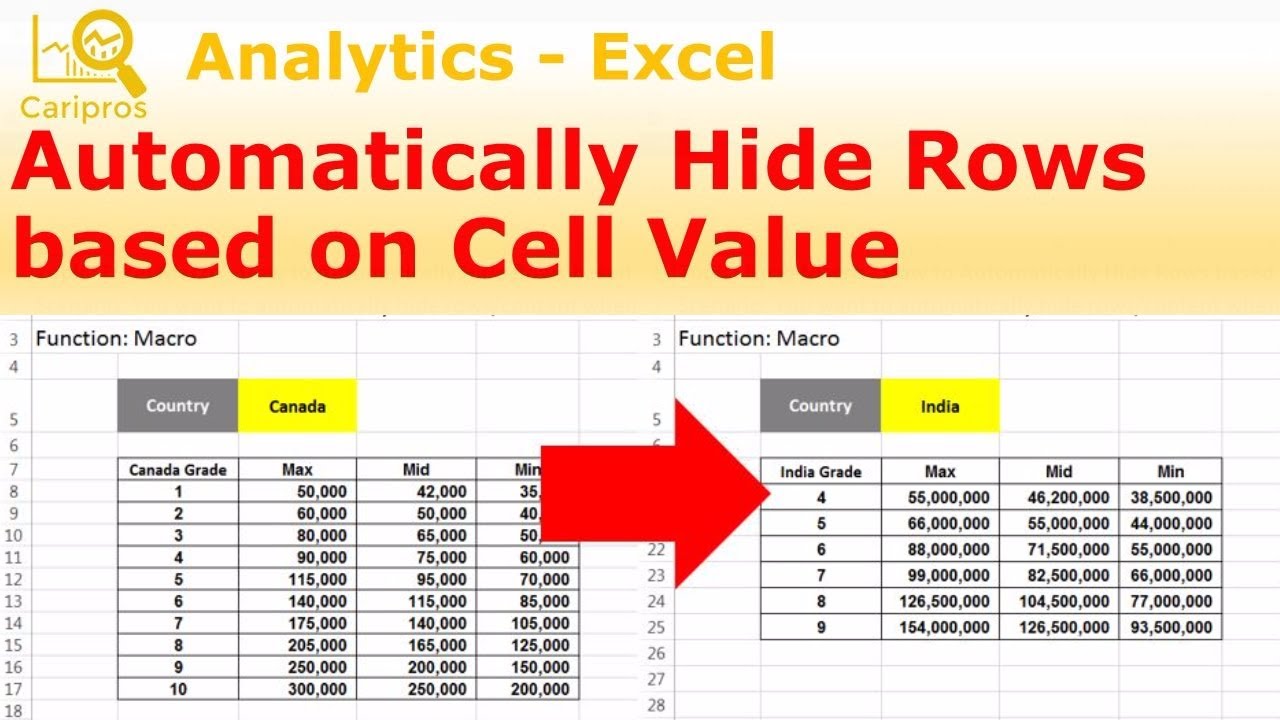
Delete Rows In Excel Based On Cell Value How To Highlight Cells In Excel Based On Another Cell Value Printable How To Automatically Hide Rows Based On Cell Value Macro For Beginner How To Make Excel Delete Rows With Value Of Your Choosing Using VBA How To Color Code In Excel Based On Text Excel Formula To Change Cell Color Based On Text Printable Templates Free Web Oct 5 2023 nbsp 0183 32 First press CTRL F to open with Find and Replace window Then type Mr within the Find what bar After that click on the Find All option Now select one of the found results and then press CTRL A button to select all the found results As you ve successfully selected all the found results now hit the Close option
Web 2 days ago nbsp 0183 32 Re Highlight Fill Cell Based on Another Cell Value You can use conditional formatting to do that Assuming your number is in cell A1 and you want the cells below to be highlighted then select the cells from A2 down to where you want this to apply then click on Conditional Formatting New Rule Use a formula then enter this formula in Web Oct 10 2023 nbsp 0183 32 This Excel VBA Tutorial explains VBA Code to delete rows when cell is blank You can use For Loop with If Condition to write VBA code to delete rows based on cell value condition VBA Code used in this example is as follows a Worksheets quot Sheet1 quot Cells Rows Count 1 End xlUp Row For i 2 To a If Worksheets
Excel Formula To Change Cell Color Based On Text Printable Templates Free Excel How Do I Conditional Format A Pivot Table Based On Another Cell Highlight An Entire Row In Excel Based On One Cell Value YouTube How To Delete Empty Rows In Excel Steps WikiHow 0 Hot Sex Picture How To Select And Delete Rows Based On A Cells Contents Or Value In Format Entire Row Based On One Cell Value In Excel YouTube VBA Delete Rows Examples To Delete Excel Rows Using VBA Excel Add Or Delete Columns Based On Cell Value Stack Overflow
Delete Rows In Excel Based On Cell Value
 Delete Rows In Excel Based On Cell Value
https://i.stack.imgur.com/MUQ6D.png
Web 2 days ago nbsp 0183 32 A VBA Lookup Non Matches in Two Columns The Logic Short If destination D is not found IsError in source D then if destination A in the same row is found IsNumeric in source A then delete the destination row The Code Sub DeleteMatchingRows Const SRC SHEET NAME As String quot Sheet2 quot Const
Pre-crafted templates use a time-saving service for producing a diverse variety of files and files. These pre-designed formats and layouts can be made use of for different personal and expert tasks, consisting of resumes, invitations, leaflets, newsletters, reports, presentations, and more, streamlining the material production procedure.
Delete Rows In Excel Based On Cell Value

Change The Color Of Shape In Excel Based On Cell Value Using VBA
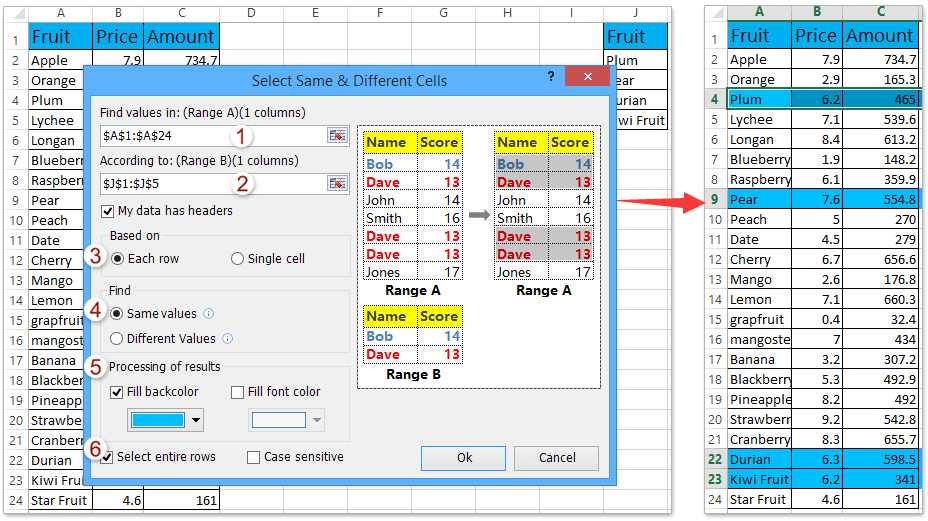
Excel
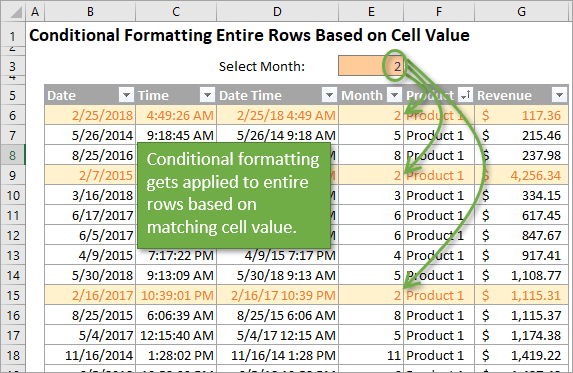
How Do I Conditional Format A Pivot Table Based On Another Cell
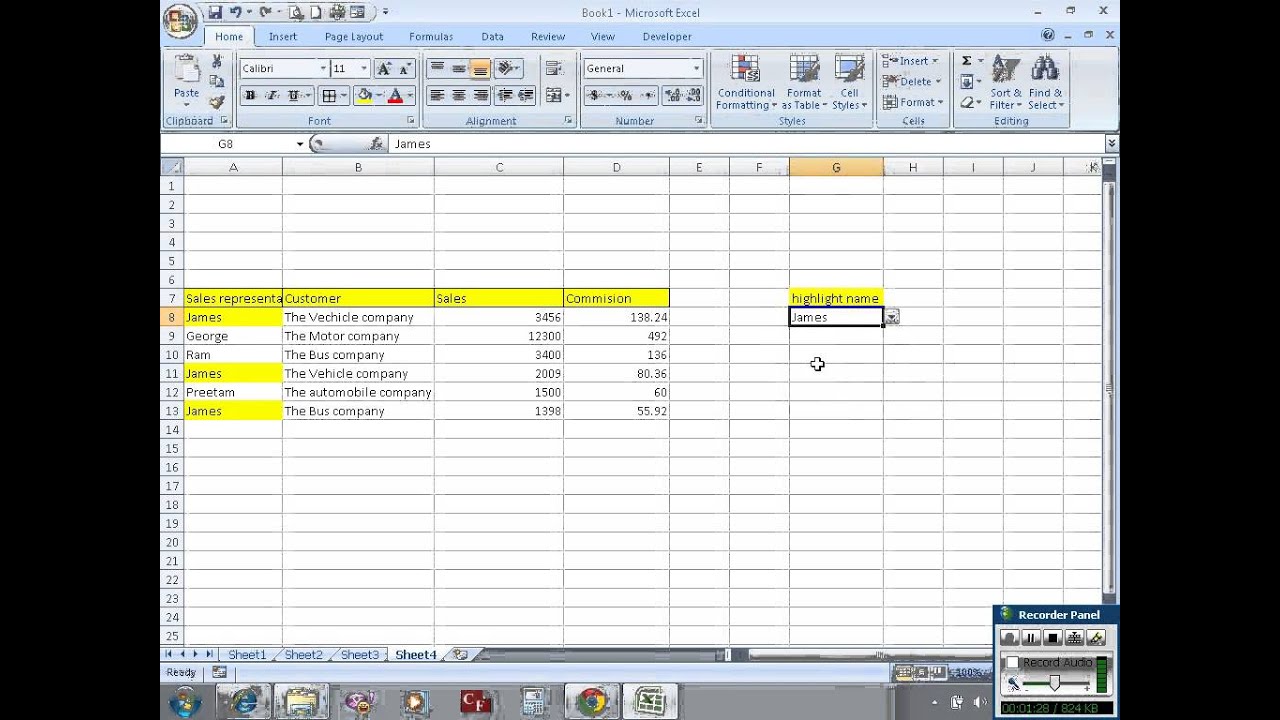
Highlight An Entire Row In Excel Based On One Cell Value YouTube
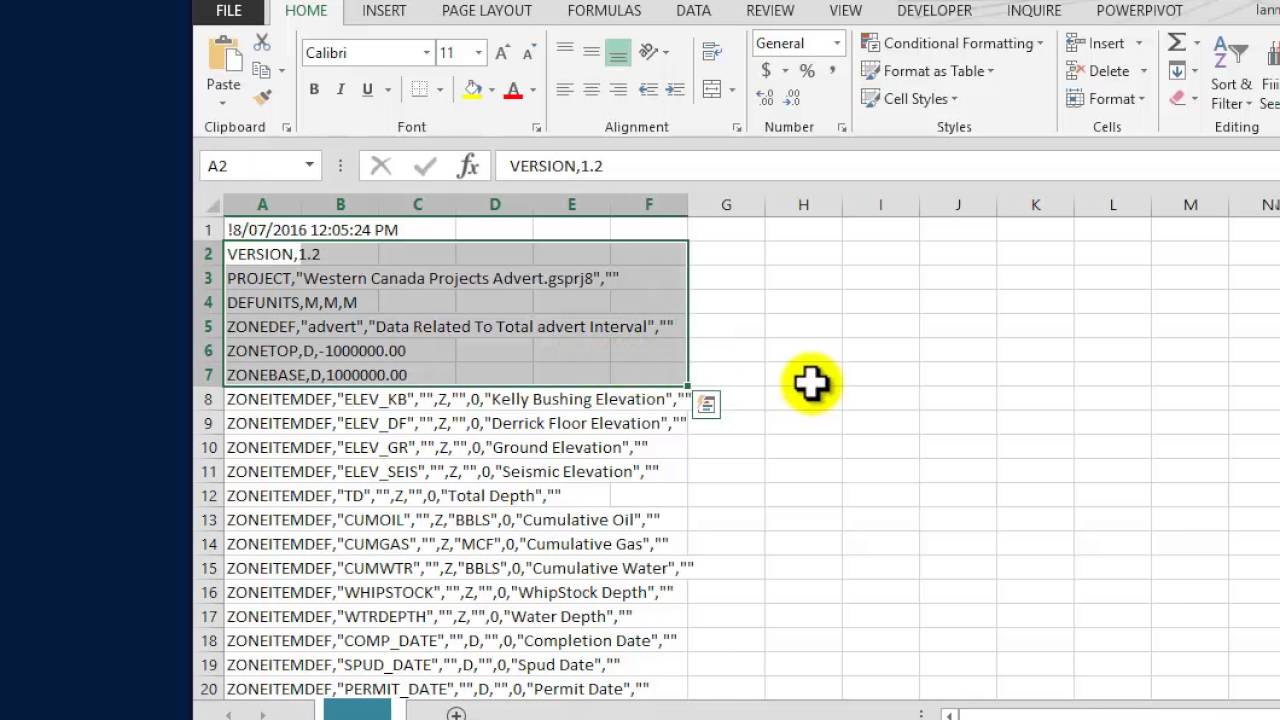
How To Select And Delete Rows Based On A Cells Contents Or Value In
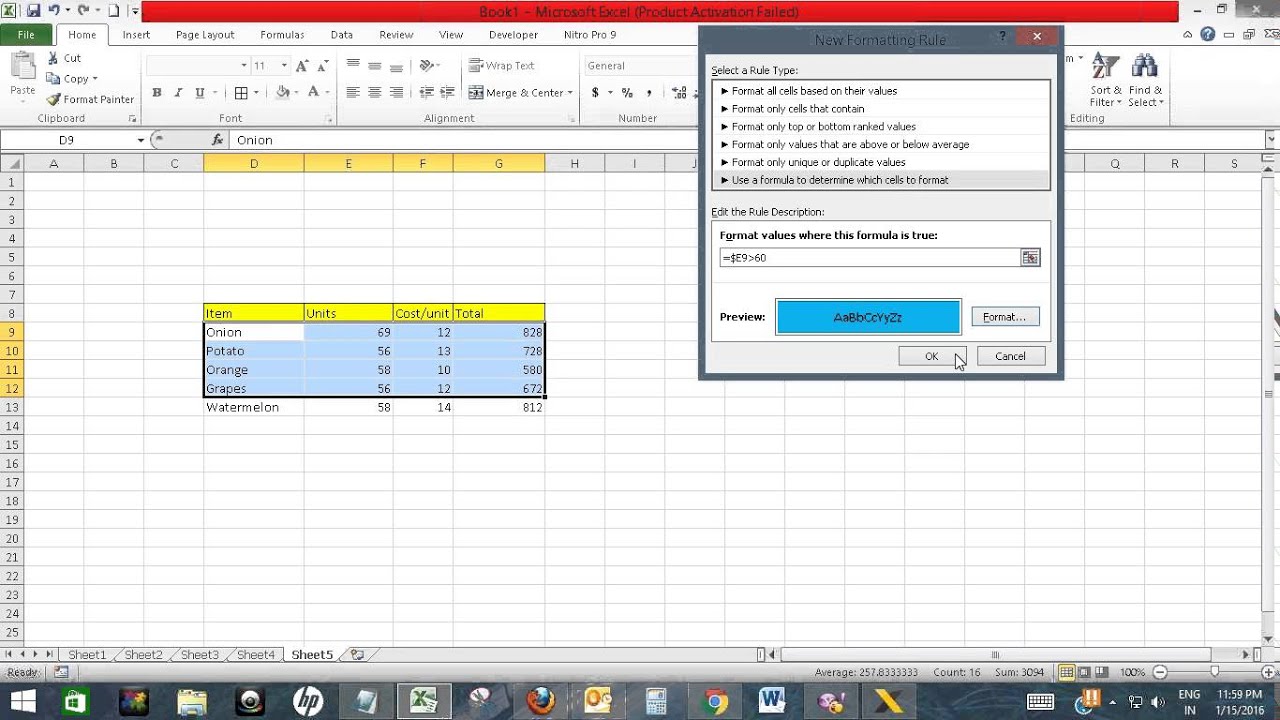
Format Entire Row Based On One Cell Value In Excel YouTube

Web Aug 3 2023 nbsp 0183 32 Select all of them and click Close As a result all cells with the specific value John are selected To delete rows that contain these cells right click anywhere in the data range and from the drop down menu choose Delete In the Delete dialog window choose the Entire row and click OK
Web Sep 21 2023 nbsp 0183 32 1 Clearing Cell Contents Based on Position In this section I ll show you how to apply Microsoft Visual Basic for Applications VBA to clear the cell contents based on their position in the Excel sheet Let s go through

Web Oct 5 2023 nbsp 0183 32 3 Combine Excel ISNA MATCH amp IF Functions to Remove Rows Based on Another List Now I will use the combination of ISNA MATCH and IF functions to detect the rows that have matched data from another list Likewise the previous method main dataset and list to be deleted are located in different worksheets SheetX and SheetY I

Web Oct 5 2023 nbsp 0183 32 1 Applying VBA Code to Delete Entire Row Based on Text String in Cell In this method we will use Excel VBA to delete the entire row based on specific text in a cell To do so we will consider the following dataset from where we want to delete the whole record of the name Ron Steps

Web Oct 3 2023 nbsp 0183 32 Select Values from the Look in drop down list Mark the Match entire cell contents checkbox gt Press Find All Press Ctrl A to select all the blank rows gt Close the Find and Replace dialog box Now you ve got all the blank rows within the selected table Now follow the below steps to delete them all
[desc-11] [desc-12]
[desc-13]