Delete Pages From Pdf Adobe Reader 4 Ways To Remove Pages From A PDF File WikiHow How To Delete Pages From A PDF File How To Delete Or Add Pages And Merge Multiple Files From PDF In Adobe Delete Page From PDF Remove Blank And Unnecessary Pages From PDF File Adding Page Numbers With Adobe Acrobat Pro Dc For Mac Ctlasopa Web Nov 03 2023 I recently created a PDF file that contains a button for deleting a page this deletePages this pageNum this pageNum This all worked perfectly in my Adobe Acrobat environment but it didn t work for anyone who was using Adobe Reader I soon found out through the forums here thanks try67 that the deletePages function only
Web Choose Files or drop files here Remove pages from your PDF online for free no sign up needed Simply drag and drop your file select the pages to remove and download your new PDF TLS encryption for secure document processing Delete multiple pages at once Works in your browser no software needed Remove Pages You Don t Need Web Jun 17 2017 nbsp 0183 32 Deleting Pages from PDF 0 Deleting Pages from PDF gmoProA Participant Jun 16 2017 So i downloaded a PDF for a Horse race It has many races I only need one I want to delete a bunch of the pages in it How do i do that I selected a thumbnail but no option to delete how do you remove a page 5 1K Translate Report 1 Correct answer
Adding Page Numbers With Adobe Acrobat Pro Dc For Mac Ctlasopa How To Delete Separate Pages From PDF Split PDF Extract Pages From PDF Using Rest API In Ruby How To Convert Ebook To Pdf Australian Examples Step by step Examples How To Delete Separate Pages From PDF How To Delete Pages From PDF In Adobe Reader YouTube M rn Lada okol da How To Delete A Page In Adobe Acrobat Pro Dc Mok ad How To Delete Separate Pages From PDF How To Delete Pages From PDF Easily Top 4 Methods EaseUS
Delete Pages From Pdf Adobe Reader
 Delete Pages From Pdf Adobe Reader
http://www.wikihow.com/images/9/9c/Remove-Pages-from-a-PDF-File-Step-21-Version-3.jpg
Web I recently created a PDF file that contains a button for deleting a page this deletePages this pageNum this pageNum This all worked perfectly in my Adobe Acrobat environment but it didn t work for anyone who was using Adobe Reader I soon found out through the forums here thanks try67 that the deletePages function only
Pre-crafted templates offer a time-saving solution for developing a varied range of documents and files. These pre-designed formats and layouts can be made use of for various individual and expert projects, including resumes, invites, leaflets, newsletters, reports, presentations, and more, simplifying the content production procedure.
Delete Pages From Pdf Adobe Reader
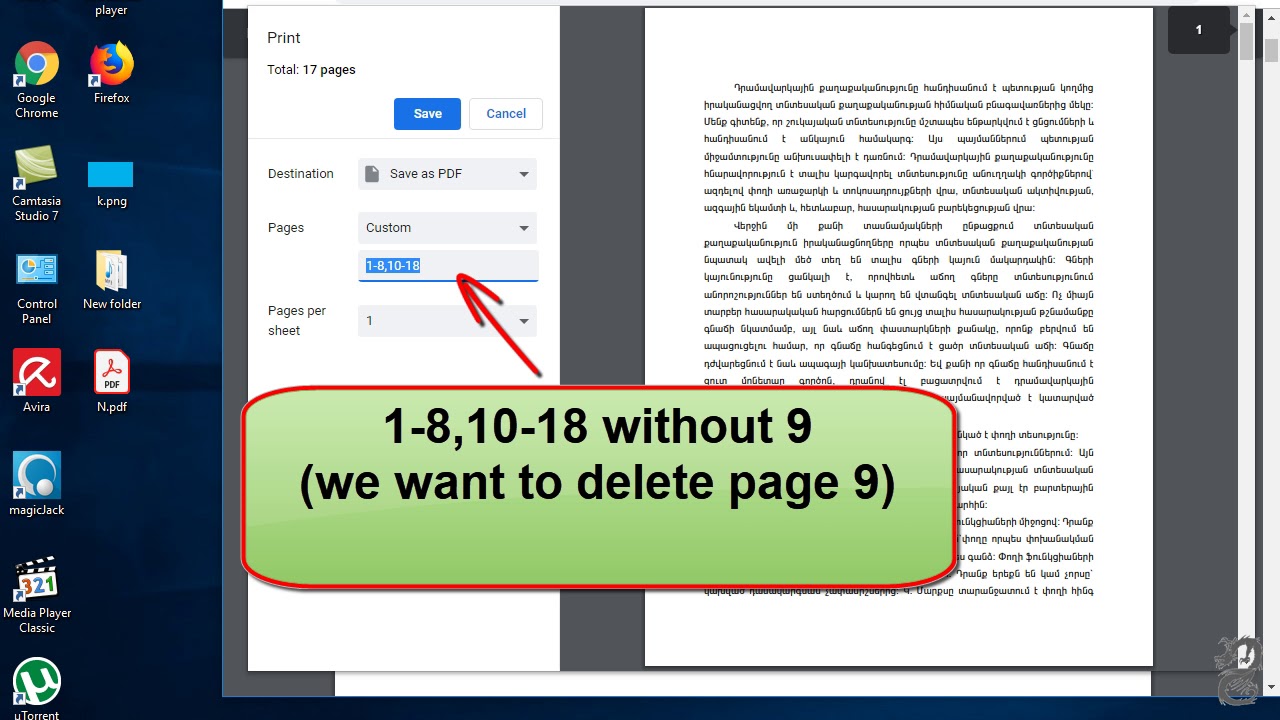
How To Delete Pages From PDF YouTube
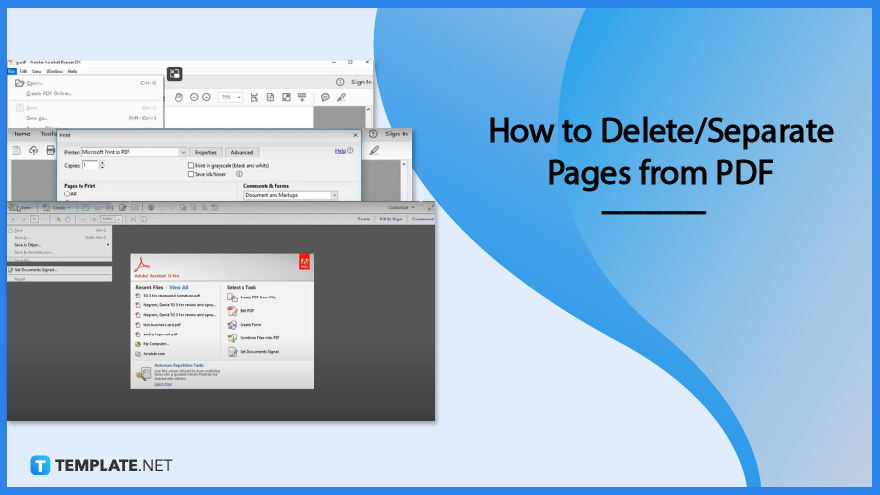
How To Delete Separate Pages From PDF
Split PDF Extract Pages From PDF Using Rest API In Ruby

How To Convert Ebook To Pdf Australian Examples Step by step Examples

How To Delete Pages From PDF In Adobe Reader YouTube
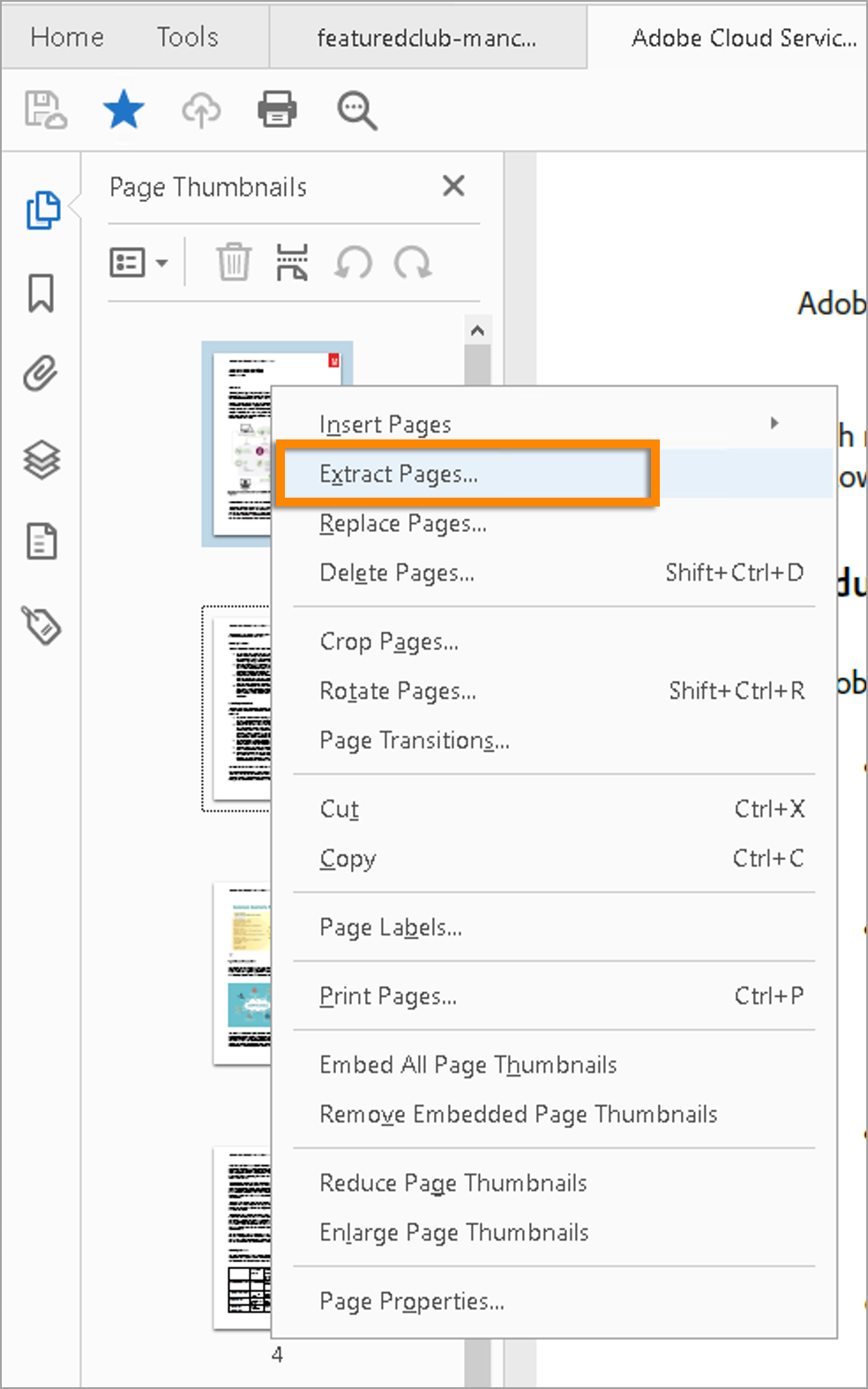
M rn Lada okol da How To Delete A Page In Adobe Acrobat Pro Dc Mok ad

Web Select the Organize Pages tool Choose Tools gt Organize Pages Or select Organize Pages from the right pane Select pages to delete Click the page thumbnail of any page or pages you want to delete then click the Delete icon to remove the page or pages from the file Apply changes

Web Oct 30 2023 nbsp 0183 32 Delete pages from PDF using Acrobat Open the PDF in Acrobat Choose Edit from the global toolbar or select All tools and then select Organize pages The Organize Pages toolset is displayed in the left pane and the page thumbnails are displayed in the document area
Web 1 Identify the pages you want to delete First of all you should identify the pages that you wish to delete from your file You must analyse all of these pages very carefully and decide whether you really want to delete them or not
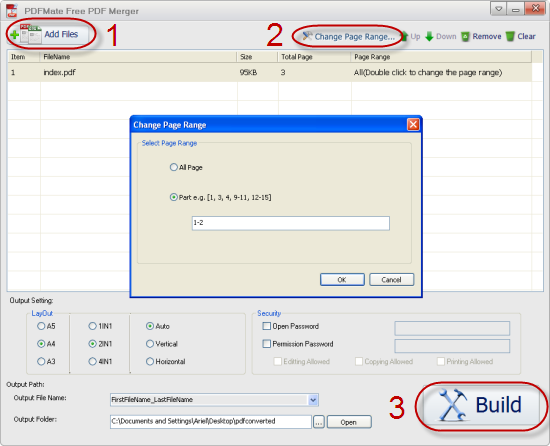
Web Jan 11 2016 nbsp 0183 32 You will require Acrobat application Download Adobe Acrobat free trial Acrobat Pro DC to delete the pages form a PDF file Rotate move delete and renumber PDF pages in Adobe Acrobat Not possible using free Reader application

Web Nov 3 2023 nbsp 0183 32 Steps Open the PDF in Acrobat and choose All tools gt Organize pages or choose Edit gt Organize Pages from the global bar The Organize pages toolset is displayed in the left pane Specify the page range on which you want to apply the rotation You can choose Even pages Odd pages Landscape pages Portrait pages or All pages
Web Jun 25 2020 nbsp 0183 32 Undo delete pages rexp45972370 New Here Jun 25 2020 Hi please tell me how to undo delete pages in the organize pages view I selected a range of pages in the document clicked delete clicked ok in pages will be deleted and then saw that the range included a page I needed to keep How do I undo such an incorrect deletion Web Choose file and open the PDF in Acrobat Choose Tools gt Organize Pages Or select Organize Pages from the right pane Click the page thumbnail of any page or pages you want to delete then click the Delete icon to remove the page or pages from the file
Web Click the blue button labeled Select a file or drag and drop a PDF into the drop zone Continue by signing in to an Adobe Google or Apple account After the file is uploaded delete the pages by selecting the checkbox on each