Delete File From Command Line Windows 10 Create Empty Files From The Windows Command Prompt YouTube 13 CMD Promt Word Windows Daniela Zade Automatically delete search history Visit the My Activity page Select Auto delete You can choose to have YouTube automatically delete your search history after 3 18 or 36 months If you
Feb 25 2020 nbsp 0183 32 2 Go to this location C Users YOUNAME AppData Local Google C Program Files x86 Google 3 And delete that quot Chrome quot folder for both location if there is a Chrome If you delete a chat in pinned and recent chats it also deletes any content created in that chat like Canvas docs and apps and the related activity from Gemini Apps Activity If data in
Daniela Zade Cmd Codes How To Delete Folder From Command Prompt In Windows 7 YouTube How To Zip Or Unzip Files Using The Command Prompt And Windows PowerShell How To Activate Windows Windows Command File Windows Command Line Interface Windows Cmd
Delete File From Command Line Windows 10
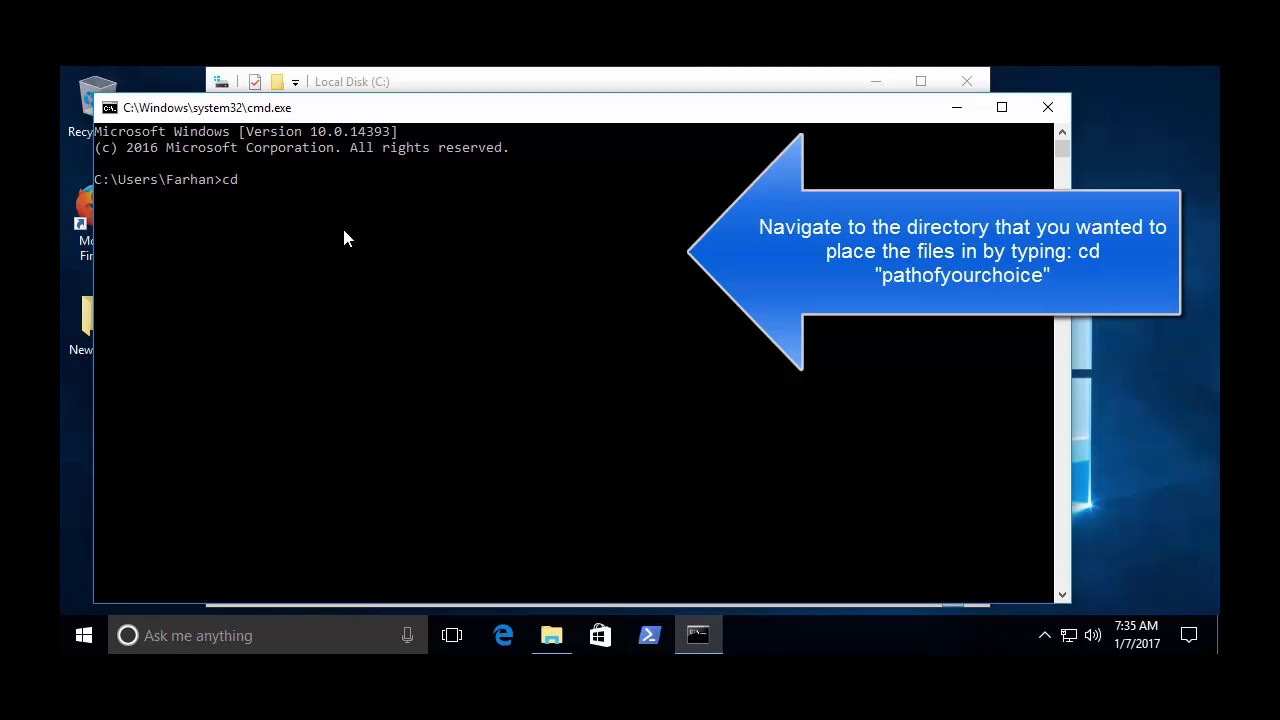 Delete File From Command Line Windows 10
https://i.ytimg.com/vi/VB67tJas0Vc/maxresdefault.jpg
Find out how to delete your Google account This action will delete your entire Google account not just your Gmail service
Templates are pre-designed files or files that can be used for different purposes. They can conserve effort and time by providing a ready-made format and design for producing different sort of content. Templates can be used for individual or expert projects, such as resumes, invites, flyers, newsletters, reports, presentations, and more.
Delete File From Command Line Windows 10
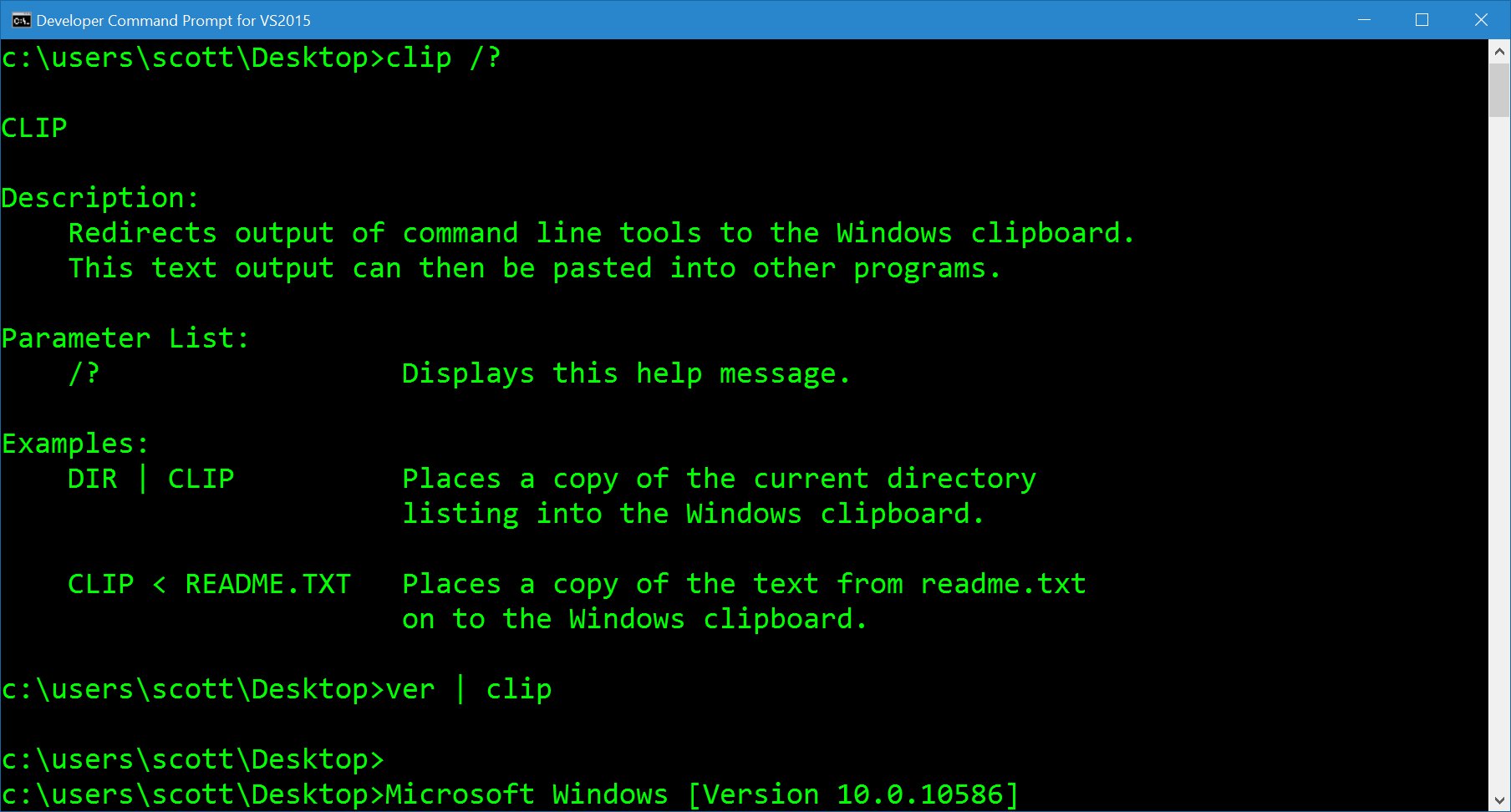
Windows Command Prompt Open And Edit A Readme Clearance Telepack co
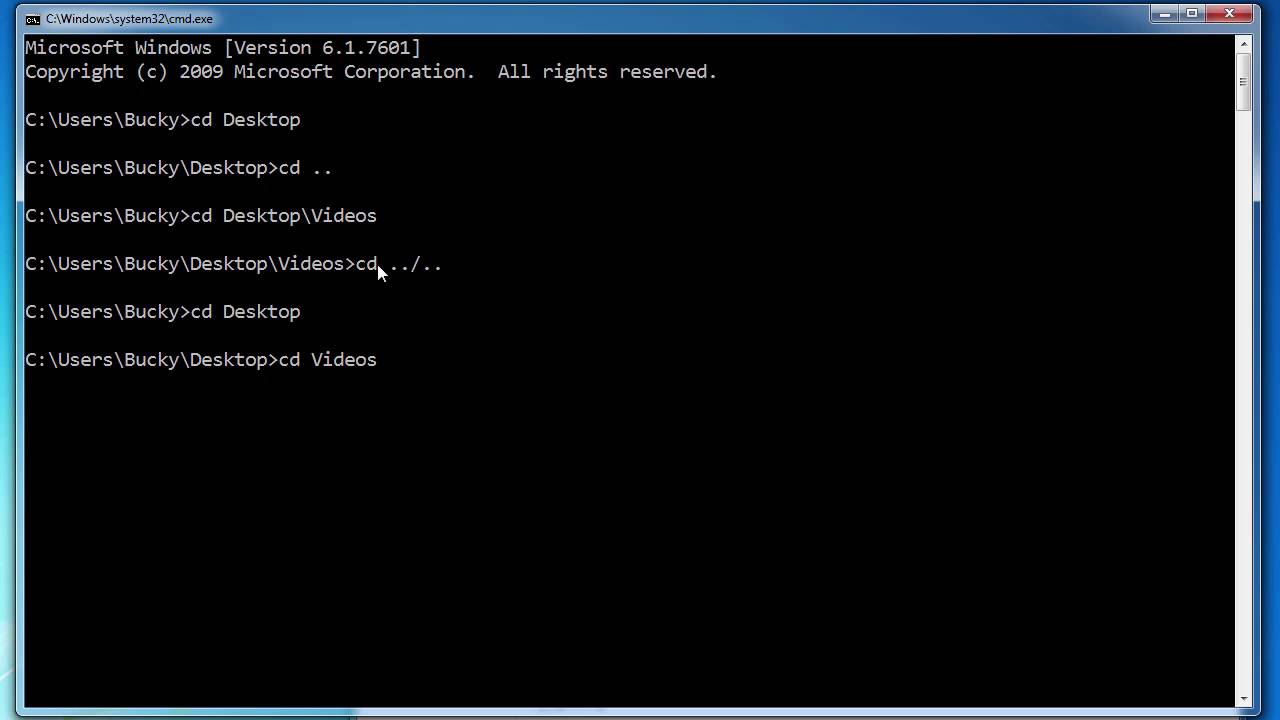
Cmd Codes
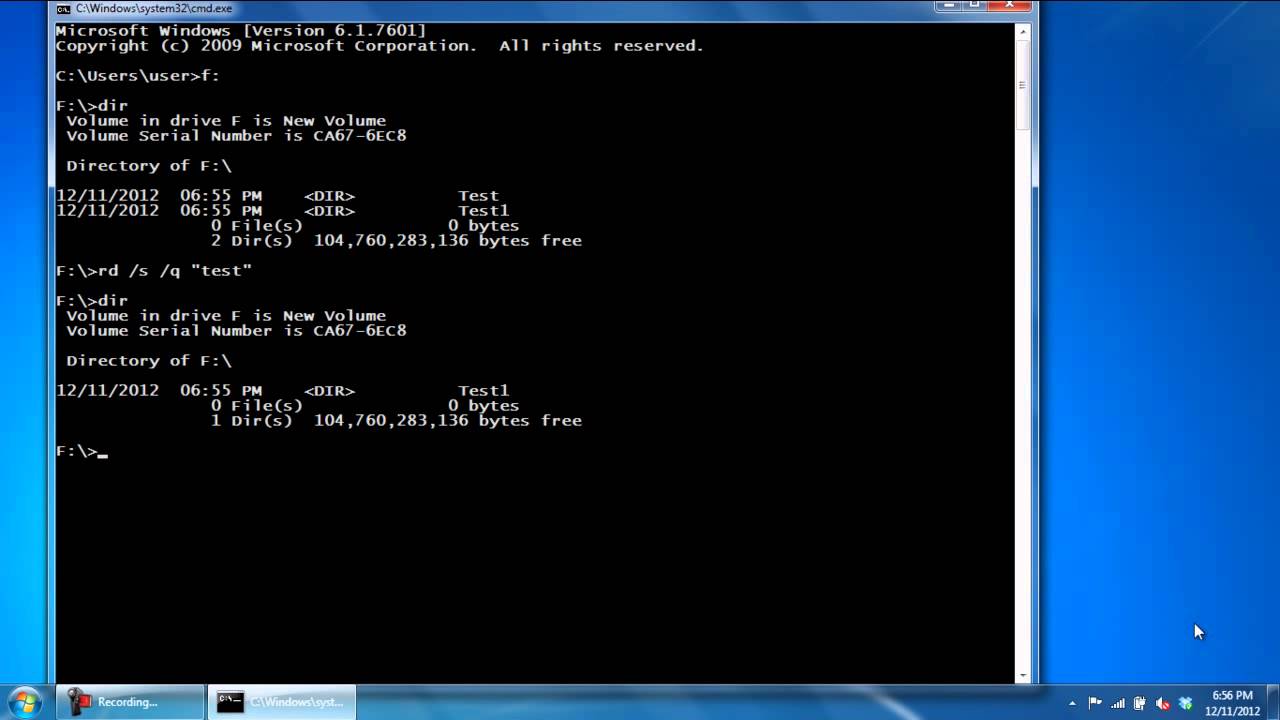
How To Delete Folder From Command Prompt In Windows 7 YouTube
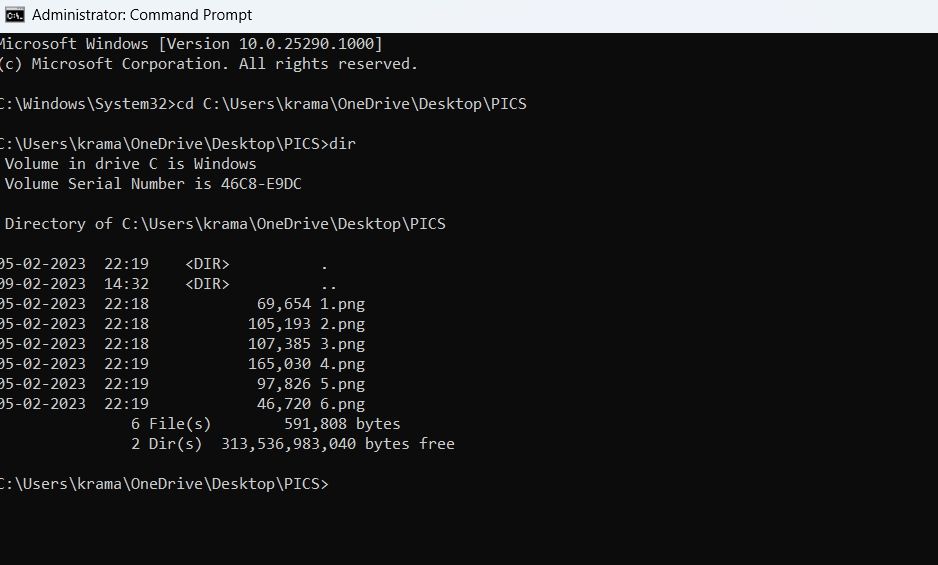
How To Zip Or Unzip Files Using The Command Prompt And Windows PowerShell

Windows Command File

Windows

A question often asked is how to remove not delete as that is something totally different Google Accounts from the list of Google Accounts on the sign in page For example if someone used

Open the Gemini app on your Android device Tap the thread conversation icon located in the top left corner Advanced users may see Chat amp Gems instead of Recent Conversations Long
At the top right click More Delete browsing data Choose a time range like Last hour or All time Select the types of information you want to remove Click Delete data If you delete cookies

Uninstall Google Chrome You can remove Chrome from your computer Windows Mac or Linux or delete Chrome from your iPhone or iPad

Next to the third party account you want to remove select Delete connection Confirm Tip Before you delete the connection to learn about what kind of info the third party shares with Google
[desc-11] [desc-12]
[desc-13]