Delete Commit Id From Remote How To Delete A Commit Completely In GitHub Why Can t We Delete Specific Commit In Git Understand Commit ID And How To Delete Local And Remote Tags On Git Git Delete Tag For Local Delete Local Commit In Git Collaborating With You And Others With Github Introduction To Open Bfg replace text passwords txt After the sensitive data is removed you must force push your changes to GitHub Force pushing rewrites the repository history which removes sensitive data from the commit history If you force push it may overwrite commits that other people have based their work on git push force
Git reset hard HEAD 1 The command mentioned above will throw out all the changes made in the folder working tree and move the HEAD to the latest commit before the HEAD If we want to delete the commits until a particular commit we will run git log to search for the particular commit id How to delete remote commits in git github git devops Assume you have pushed commits in order A1 B2 C3 in remote repository Now you want to delete commits C3 and B2 The simple solution is as follows using git reset git reset hard A1 commit id git push f origin branch name
Collaborating With You And Others With Github Introduction To Open 2 Ways To Change A Commit Message In Git Become Front End Expert How To Use GitLab I Want To Delete Or Remove Last Commit In Git Git Questions YouTube Docxtpl Flutter Package Git commit id maven plugin README md At Master Git commit id git Azure Devops Get Git Code Commit Id s And WorkItem Id s For The How To Delete A GitHub Repository Rewind How To Remove Files From Git Commit Git Remove File From Commit Stage
Delete Commit Id From Remote
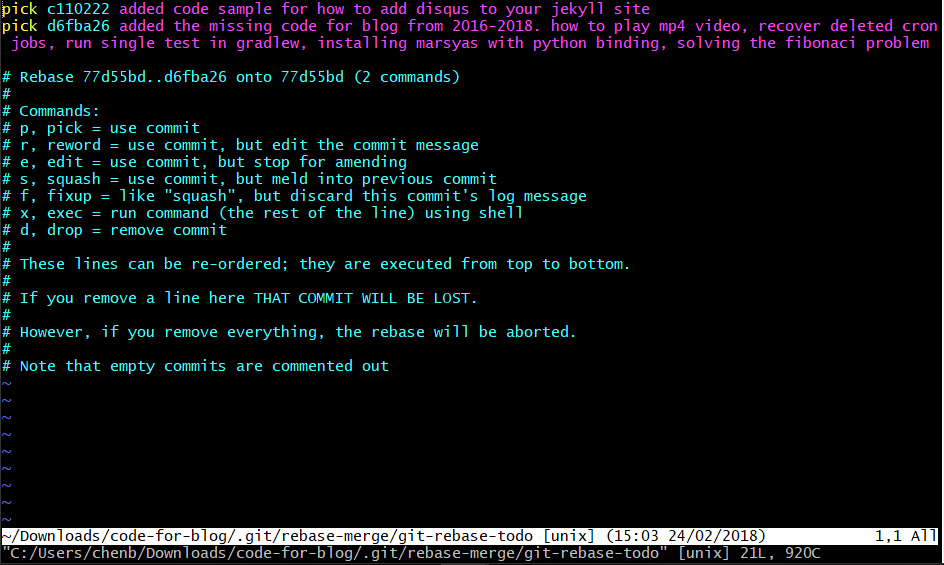 Delete Commit Id From Remote
https://poanchen.github.io/img/2018/02/24/How-to-delete-a-commit-completely-in GitHub/git bash command.PNG
Github doesn t care about the state of your repo until you push If you just made a mistake when committing files you can do a soft reset and make a new commit This is actually commonplace and useful if you want to merge multiple commits into one called squashing
Templates are pre-designed files or files that can be utilized for different purposes. They can save effort and time by offering a ready-made format and layout for producing different kinds of material. Templates can be utilized for individual or expert projects, such as resumes, invitations, leaflets, newsletters, reports, presentations, and more.
Delete Commit Id From Remote

How To Go Previous Specific Commit And How To Delete Last Commit In
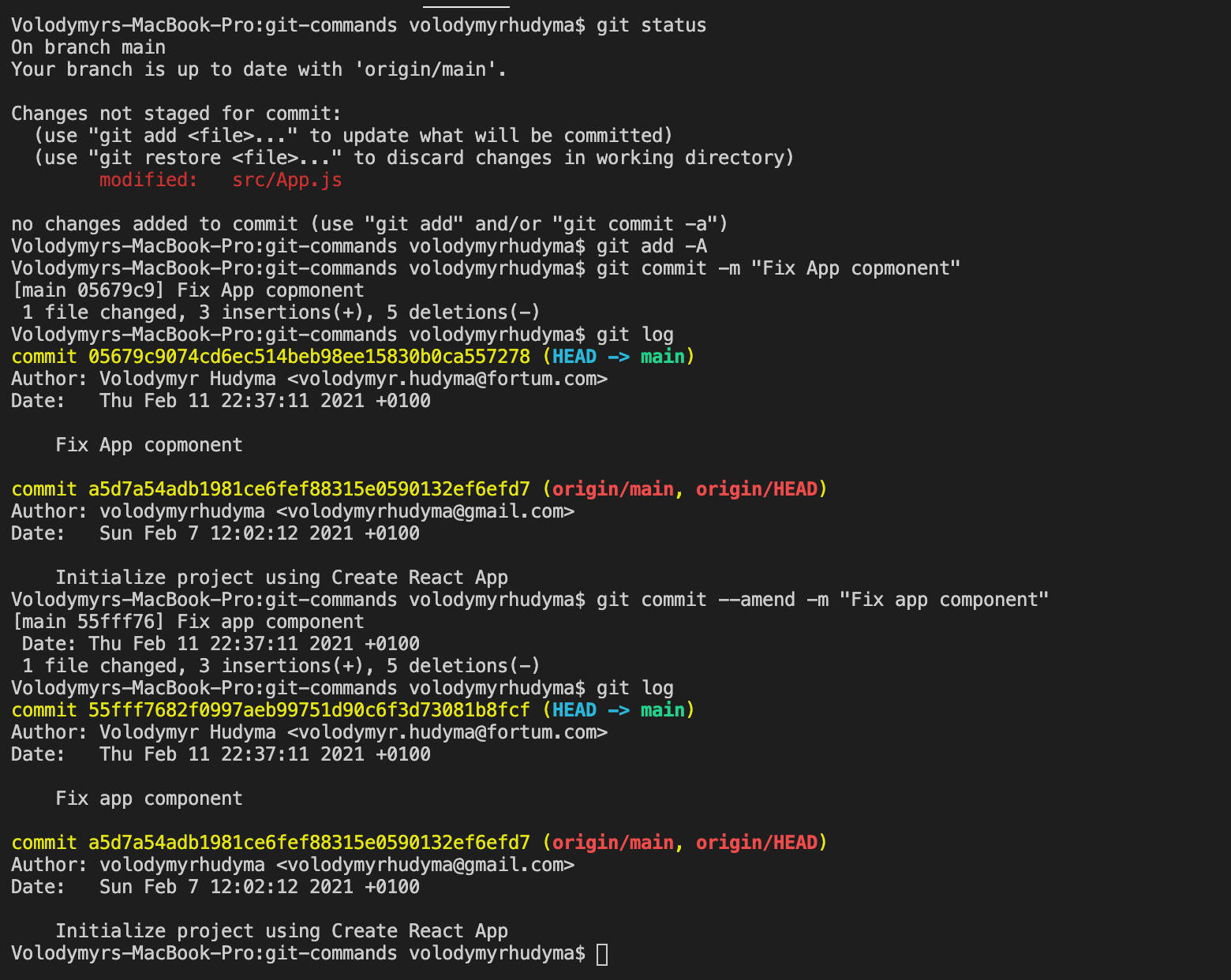
2 Ways To Change A Commit Message In Git Become Front End Expert
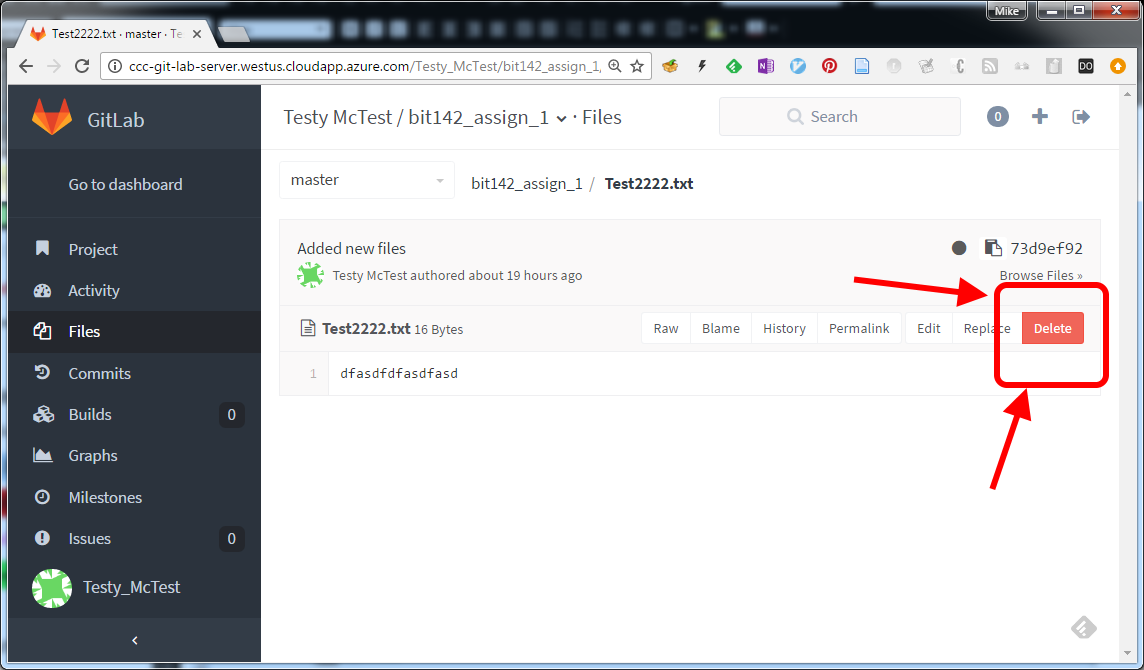
How To Use GitLab
I Want To Delete Or Remove Last Commit In Git Git Questions YouTube
Git commit id maven plugin README md At Master Git commit id git

Azure Devops Get Git Code Commit Id s And WorkItem Id s For The
To delete commits from a remote server first you will need to remove them from your local history 1 1 For consecutive commits from the top If the commits you want to remove are placed at the top of your commit history use the git reset hard command with the HEAD object and the number of commits you want to remove git reset hard HEAD 1
Git How to delete commit that is pushed to the remote repository Stack Overflow How to delete commit that is pushed to the remote repository Asked 11 years 3 months ago Modified 1 year 3 months ago Viewed 25k times 13 A local branch feature 100 And Remote branches master Version2 Accidently

23 Chris the answer with git rebase i HEAD 10 does address the question as it does let you arbitrarily pick commits to delete Git applies the commits in the range you specify one by one ignoring commits you have removed from the log

1 i accidently updated a bad commit to the server and when i reset it to the working commit it shows your branch master is behind 1 commit use git pull to fast forward but i don t want to fast forward i just want to delete that particular commit from remote please Help git github bitbucket Share Follow asked Aug 25 2018 at 6 47 gaurav singh

How to delete commits on a remote branch Suppose I have made 2 commits on feature branch and merged them to remote master via a pull request Now I realize those are bad commits and I want to cleanup and rollback to the state where my remote master and the local master branches were before the pull request was approved
In this article I will show you how to delete a commit from a Bitbucket repository Why would we need to delete a commit It can happen if you accidentally pushed sensitive information into your Bitbucket repository To drop a commit simply replace the command pick with drop and close the editor You can also delete the matching line The following command will remove an entire commit e78d8b1 in one go using the rebase merges mode with the onto option git rebase r onto e78d8b1 e78d8b1 That s all about deleting commits from a Git branch
To go about completely removing git commit history there are only two things you need to do rebase to the previous commit push the branch to the remote To do this check the middle two steps here First review the history Gotta make sure you re going to roll back to the right place git log pretty oneline abbrev commit