Delete Columns In Excel Based On Condition How To Delete Columns In Excel YouTube How To Extract Common Values From 2 Columns In Excel YouTube How To Delete Columns In Excel How To Quickly Highlight Columns In Excel Using A Keyboard Shortcut How To Alphabetize Columns In Excel SpreadCheaters Web Jul 10 2019 nbsp 0183 32 How to Delete Rows Or Columns Based On Criteria Or Blanks In Excel Excel Bytes 8 13K subscribers Subscribed 1 2K 124K views 4 years ago In this tutorial we are going to look at
Web Jun 7 2020 nbsp 0183 32 Here are the simple steps to delete rows in excel based on cell value as follows Step 1 First Open Find amp Replace Dialog Step 2 In Replace Tab make all those cells containing NULL values with Blank Step 3 Press F5 and select the blank option Step 4 The Right Click on active Sheet and select delete rows Web May 20 2023 nbsp 0183 32 Step 1 Identify the Condition The first step to deleting multiple rows in Excel with condition is to identify the condition you want to use For example you may want to delete all rows that contain a certain text string or all rows that have a certain value in a specific column
How To Alphabetize Columns In Excel SpreadCheaters How To Unhide All Columns In Excel Techozu 8 Text To Columns In Excel 2019 How To Convert Text Into Columns In How To Add Multiple Columns In Excel SpreadCheaters How To Unhide Hide Columns In Excel Excel Nerds How To Apply Conditional Formatting On Multiple Columns In Excel The Best Keyboard Shortcuts For Inserting Columns In Excel Pixelated Hiding Columns Not Within A Date Range In Excel ManyCoders The Excel Group Columns Shortcut You Need To Know
Delete Columns In Excel Based On Condition
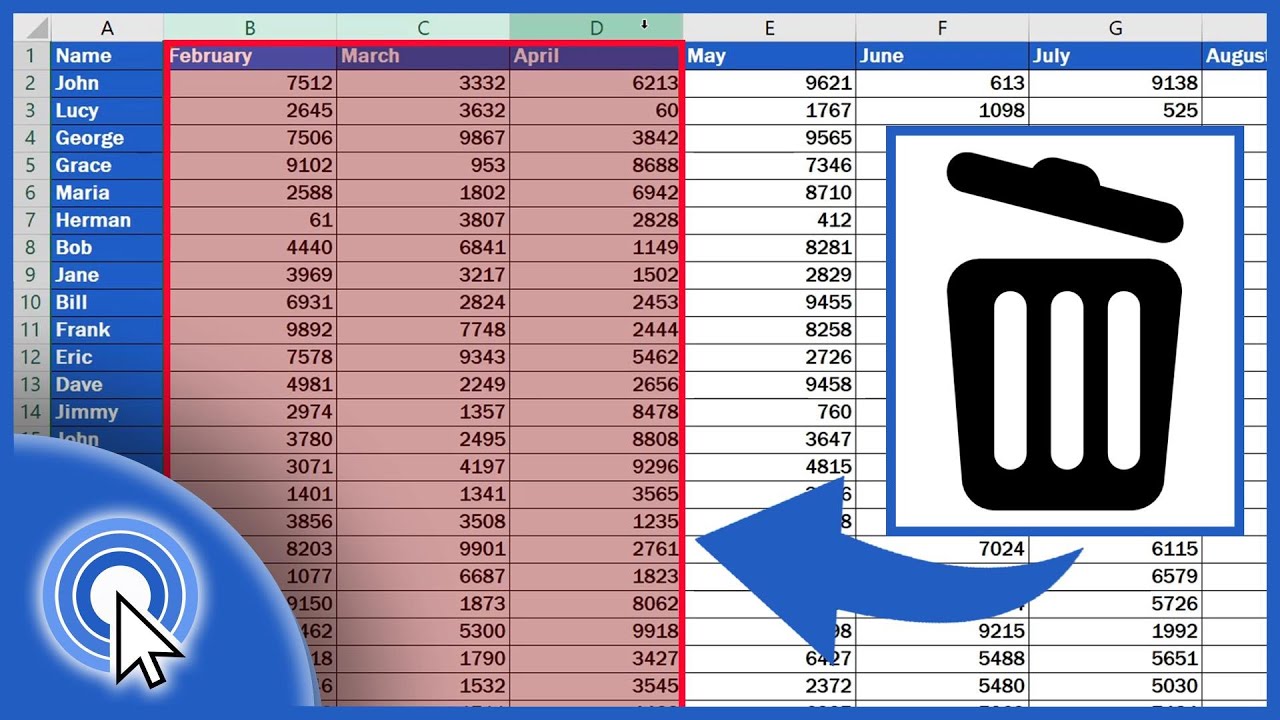 Delete Columns In Excel Based On Condition
https://i.ytimg.com/vi/RYwLnhpooiA/maxresdefault.jpg
Web Step 1 Open the Excel spreadsheet containing the dataset that you want to filter Step 2 Click on the Data tab in the Excel ribbon at the top of the window Step 3 In the Sort amp Filter group click on the Filter button This will add drop down arrows to
Templates are pre-designed documents or files that can be utilized for numerous functions. They can save effort and time by providing a ready-made format and layout for producing various type of material. Templates can be utilized for individual or expert jobs, such as resumes, invites, flyers, newsletters, reports, presentations, and more.
Delete Columns In Excel Based On Condition

Delete Hidden Rows And Columns In Excel Quick And Easy YouTube

How To Unhide All Columns In Excel Techozu
8 Text To Columns In Excel 2019 How To Convert Text Into Columns In
How To Add Multiple Columns In Excel SpreadCheaters

How To Apply Conditional Formatting On Multiple Columns In Excel

The Best Keyboard Shortcuts For Inserting Columns In Excel Pixelated
Web Delete Rows Based on a Numeric Condition Sort the Dataset and Then Delete the Rows Find and Select the Cells Based on Cell Value and Then Delete the Rows Delete All Rows With a Blank Cell Filter and Delete Rows Based On Cell Value using VBA Filter Rows based on Value Condition and Then Delete it

Web Dec 18 2023 nbsp 0183 32 Removing cell contents based on another cell s value Clearing specific value from cell Clearing cell contents based on color Removing cell contents based on value condition Applying the IF function to clear cell contents Clearing cell contents using the Find and Replace option
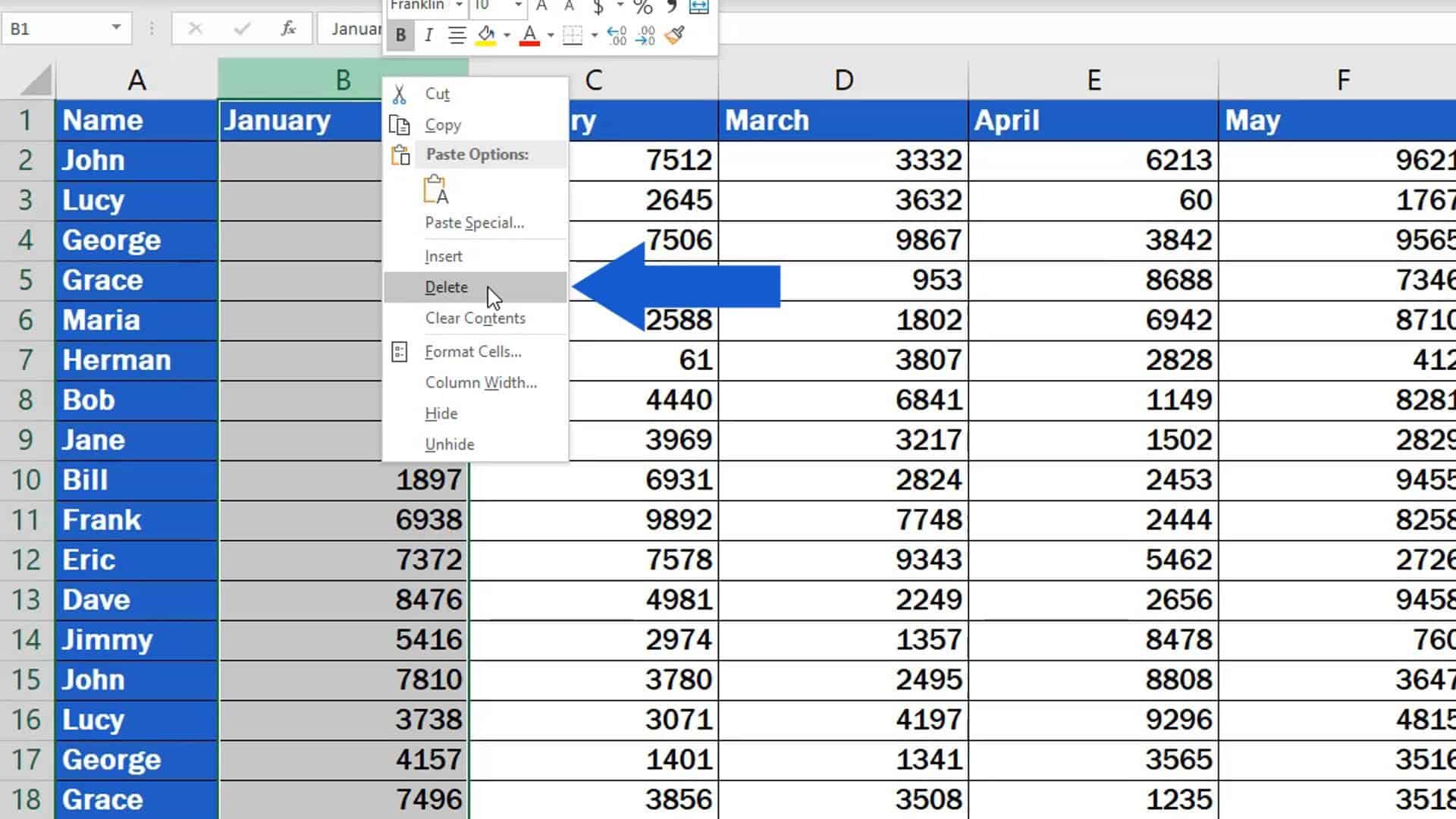
Web Using the filter function When working with large datasets in Excel it can be overwhelming to manually delete multiple columns based on a specific condition Fortunately Excel provides a built in filter function that allows users to easily identify and delete columns that meet certain criteria

Web Conditionally deleting rows in Excel refers to the process of deleting specific rows within a spreadsheet based on certain conditions or criteria This can be done manually or through the use of Excel s built in functions and features
Web Feb 7 2021 nbsp 0183 32 is there an easy way to delete the content of one cell based on the content of another cell For example if cell A2 content is gt 0 then I want to delet whatever is written in the cell A1 Thank you so much in advance
Web Jan 17 2019 nbsp 0183 32 Does your data preparation process include deleting the same rows based on a condition If so you can use a macro to instantly delete any rows that have a particular value date or even blank cells The overall process is two simple steps The first step is to filter the rows based on filter criteria for the values to be deleted Web May 1 2022 nbsp 0183 32 How to Delete Rows Or Columns Based On Criteria In Microsoft Excel YouTube Wisdom by Data 1 02K subscribers 19 2K views 1 year ago ExcelTutorials
Web Nov 16 2023 nbsp 0183 32 VBA Macro to Delete Columns Based on Criteria in Excel 8 Examples In this section you will learn how to delete columns based on cell value based on another worksheet and based on a table with VBA macro in Excel We will use the following dataset as