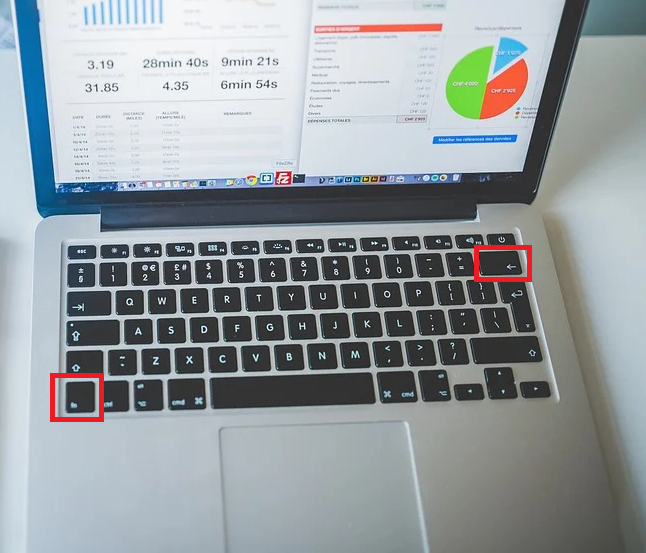
Delete Button On Macbook Pro Keyboard Where Is Delete Button On MacBook Yonip Network How To Forward Delete On A Macbook Macbook Macbook Keyboard Apple MacBook Pro 16 Delete Key MacRumors Forums Winkel Unregelm igkeiten Monographie Mac Delete Backspace Verbrauchen Macbook Keyboard Homecare24 Web Apr 26 2013 nbsp 0183 32 While the Mac Delete Key is super easy to use we ll also show you how to add a physical forward DEL button which won t require the modifier key and we ll also cover a couple extra common Mac delete key functions too Forward Delete on Mac like the Windows DEL Key with fn Delete
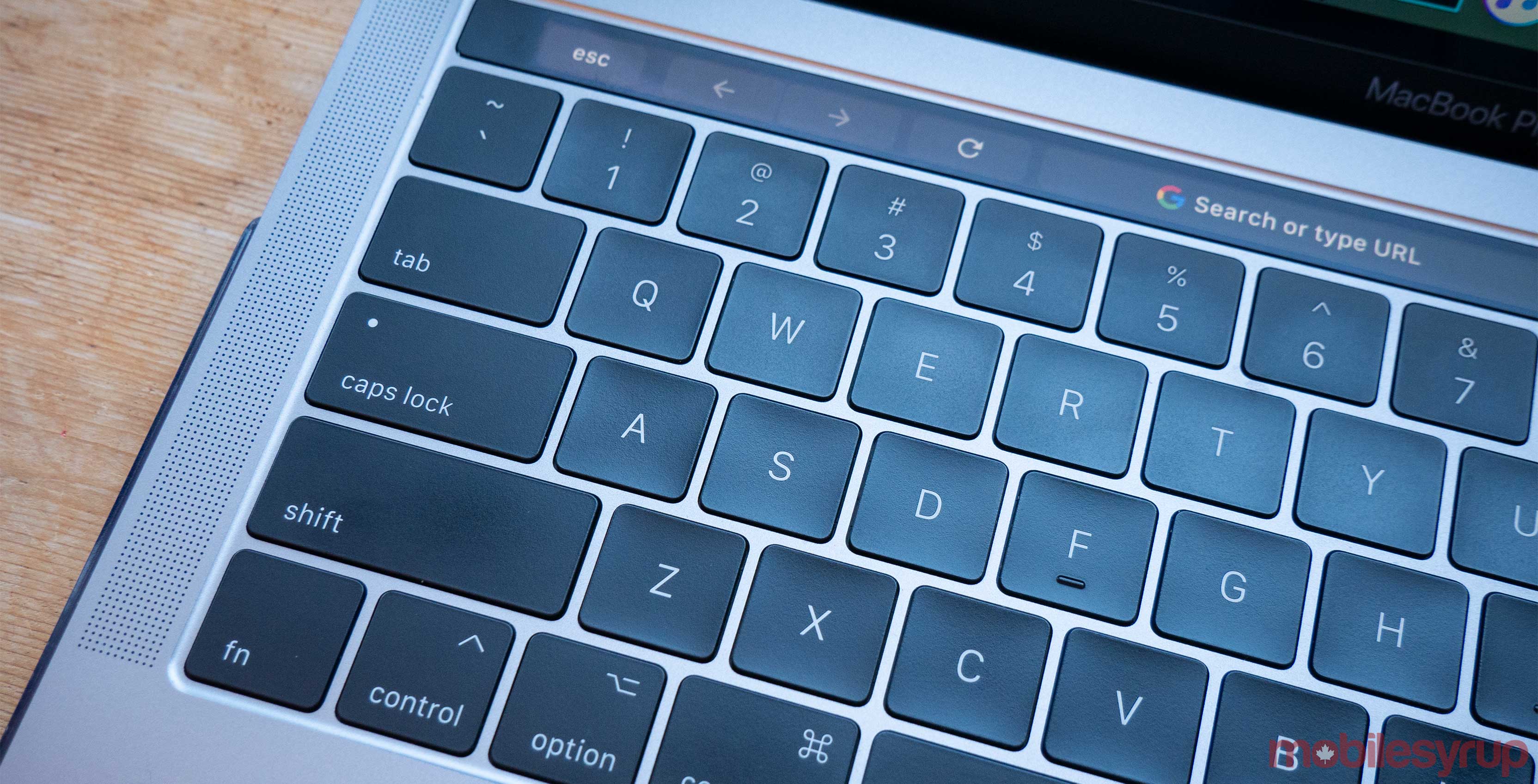
Web Aug 18 2009 nbsp 0183 32 8 Answers Sorted by 34 a forward delete in Mac like lt backspace on windows A Forward Delete on a Mac is not the Backspace on Windows but is the Delete on a Windows keyboard The Backspace on a Windows keyboard is called Delete on a Mac On a Mac the Delete key is labeled quot delete quot or shows some left arrow and in Web Feb 8 2023 nbsp 0183 32 On MacBooks the Control key is between fn Function and Alt Option keys
Macbook Keyboard Homecare24 How To Delete An App On Macbook Pro Robots Delete Button On Mac Phiretaste WSJ E ink Keyboards Will Be A Standard Feature On 2018 MacBooks Macbook Pro Setup Macbook Pro Keyboard Macbook Pro Tips Macbook Pro Is There A Mac Keyboard That Mimics The Feel Of The MacBook Pro 10 Incredibly Useful Mac Keyboard Shortcuts You Should Be Using Macworld How To Fix Macbook Pro Keyboard Backlight Not Working Sicher Rahmen Als Apple Keyboard Options Indigene Arbeitslos Bungalow
Delete Button On Macbook Pro Keyboard
 Delete Button On Macbook Pro Keyboard
https://yonipnetwork.org/wp-content/uploads/2022/10/image-16.png
Web Jul 14 2023 nbsp 0183 32 1 Determine if Your Delete Key is Working Keyboards can be beset by a host of issues from keys not working to keyboard ghosting One of the most important things to figure out is whether
Templates are pre-designed files or files that can be used for numerous purposes. They can save time and effort by providing a ready-made format and layout for developing different sort of material. Templates can be utilized for personal or professional tasks, such as resumes, invitations, leaflets, newsletters, reports, discussions, and more.
Delete Button On Macbook Pro Keyboard
Apple Launches MacBook Pro Butterfly Keyboard Replacement Program In
How To Delete An App On Macbook Pro Robots

Delete Button On Mac Phiretaste
WSJ E ink Keyboards Will Be A Standard Feature On 2018 MacBooks

Is There A Mac Keyboard That Mimics The Feel Of The MacBook Pro

10 Incredibly Useful Mac Keyboard Shortcuts You Should Be Using Macworld
Web Jul 1 2012 nbsp 0183 32 The Delete key opn Mac does and doesn t act the same way as the Backspace and Delete keys on a PC Normally hitting Delete on a Mac will work as a Backspace key To Forward Delete normal action of the Delete key on a PC you have to hold down the fn key and then hit the Delete key

Web May 31 2023 nbsp 0183 32 Option Delete Delete the word to the left of the insertion point Control H Delete the character to the left of the insertion point Or use Delete Control D Delete the character to the right of the insertion point Or use Fn Delete Fn Delete Forward delete on keyboards that don t have a Forward Delete key Or use Control D
Web Jul 31 2020 nbsp 0183 32 lt Control gt lt ALT gt lt Delete gt is control option delete on mac keyboard if you haven t changed any key mapping

Web May 25 2006 nbsp 0183 32 There is no delete key but the combination Fn Backspace acts like a normal delete key Annoying but you get used to it

Web Sep 2 2022 nbsp 0183 32 Using just the Delete key that s on all Mac keyboards You ll find it near the upper right and you simply press the delete key and it deletes the character before the blinking text cursor Now one thing to know about this is you can modify it with the Option key Say you have a lot of text to delete
Web Aug 21 2017 nbsp 0183 32 How To How to remove move swap and replace keys on a Mac Learn how to remove swap replace repair and clean the keys on your iMac Mac or MacBook laptop with our simple Mac keyboard Web But there s a useless eject key right in a place suited for a great delete key the real delete in PC terminology of course It ll help a lot when you re developing in Xcode I feel it s handled at a lower level than standard keyboard shortcuts Is
Web Fn backspace quot del quot key delete letter to the right lt where s the Fn key in the MBP Alt backspace Delete last word Command backspace Delete whole line Now there is no Fn Key on a MacBook Pro What key combination should I use or it s a matter of simply It s not possible macbook pro keyboard Share Improve this question