Debian Install Deb With Dependencies Debian Vs Ubuntu Welche Linux Distribution Install Deb Files With Dependencies In Ubuntu Command Line Debian 8 7 0 Disponibile Al Download OCULUS IT Debian Vs Ubuntu Which One Should You Use Make Tech Easier Debian Automatically Install Build Dependencies Basicgenerous Web November 13 2020 In some cases when it comes to install packages ending in deb in Debian or Ubuntu you may come across an error about dependencies Trying to install these dependencies manually can be a hassle and time consuming process Luckily we can skip all that without needing to use dpkg
Web Oct 7 2012 nbsp 0183 32 sudo apt get install package deb or sudo apt install package deb will install the package you got from another source than APT and same time use APT capabilities to resolve its dependencies automatically Unfortunately this apt get feature is not documented in the man page This ability was added in APT 1 1 see release Web 1 Press ctrl alt t to open a terminal window 2 Download your chosen deb package via wget or another method 3 To install a deb package using dpkg From the terminal type the following replacing packagename with the name of the package or file sudo dpkg i packagename deb Install Debian packages with dependencies
Debian Automatically Install Build Dependencies Basicgenerous Mengenal Debian Linux Pengertian Dan Cara Kerjanya PDF De Programaci n Instalar OpenVZ En Debian Lenny Install A deb Debian Program With Dependencies Of Older Libraries Useful Tips For Debian Based Distros MyBlueLinux How To Install Softwares Using Deb Files In Debian Ubuntu Based Debian GNU Linux To Bring New Social Platforms For Debian Contributors Debian Install Deb File Guide Check DEB Package Dependencies On Ubuntu Debian Linux Tutorials
Debian Install Deb With Dependencies
 Debian Install Deb With Dependencies
http://www.sysadminslife.com/wp-content/uploads/2009/03/debian_ubuntu.png
Web Jun 7 2019 nbsp 0183 32 On a Debian system how can I extract and install a deb package located in one folder and its dependencies located in a quot pool quot of other folders using apt dpkg and Synaptic respectively Edit I would like to be able to specify the source folder where the deb package reside as well as the ones that contains the dependencies
Templates are pre-designed documents or files that can be utilized for numerous functions. They can save effort and time by offering a ready-made format and design for producing various type of content. Templates can be utilized for individual or professional projects, such as resumes, invitations, flyers, newsletters, reports, discussions, and more.
Debian Install Deb With Dependencies
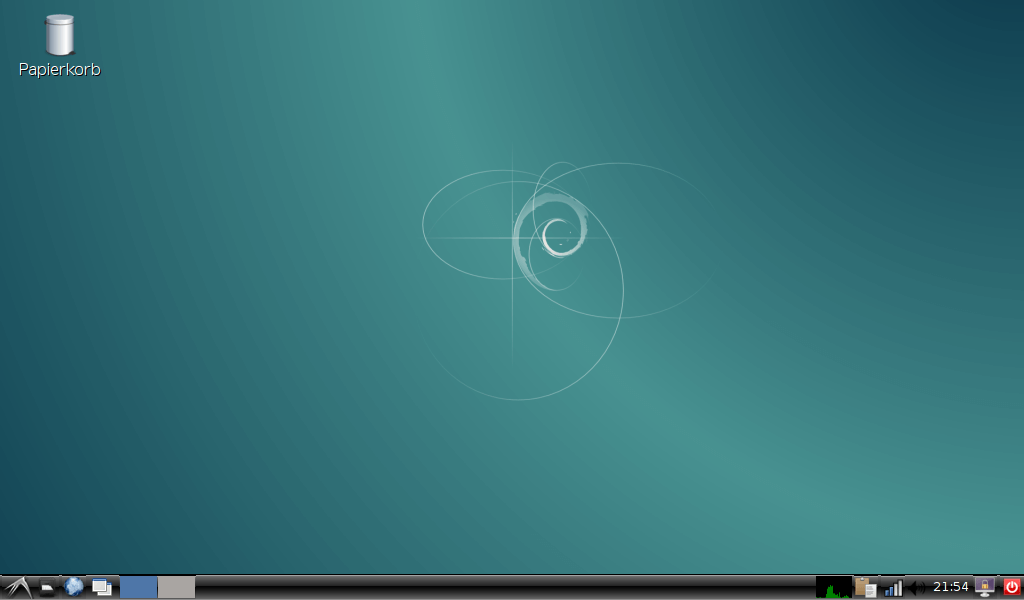
Debian 8 11 Jessie Debian 8
Mengenal Debian Linux Pengertian Dan Cara Kerjanya
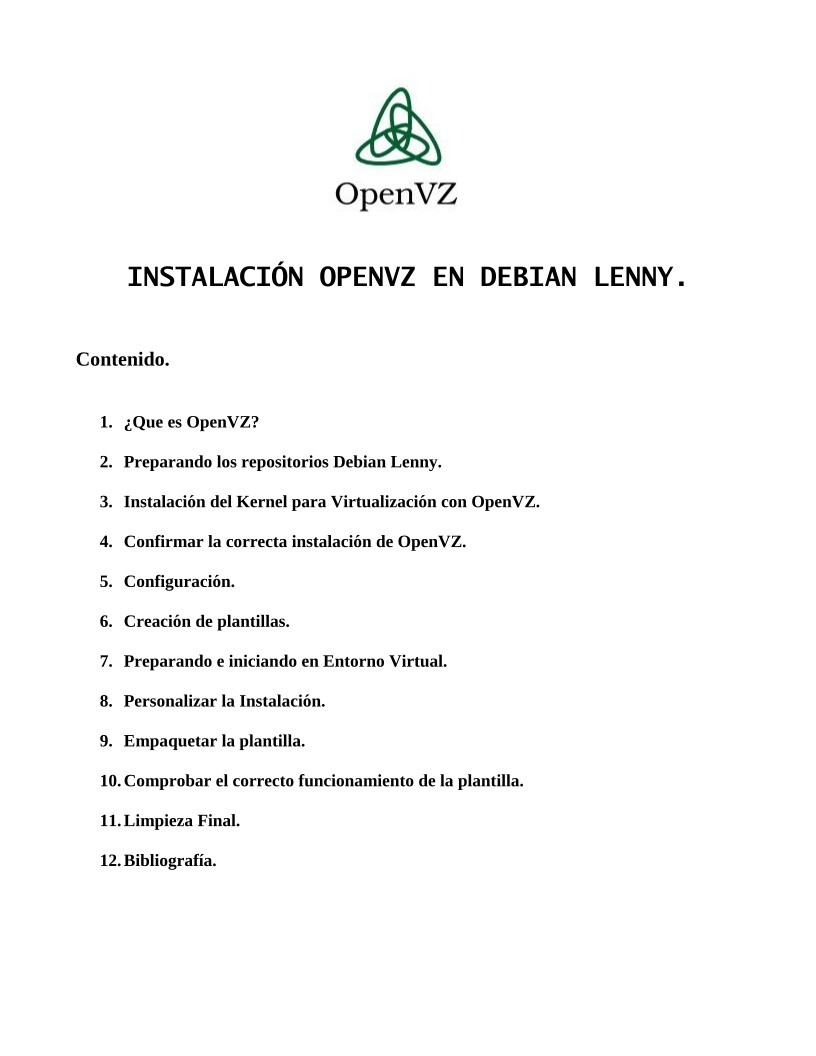
PDF De Programaci n Instalar OpenVZ En Debian Lenny

Install A deb Debian Program With Dependencies Of Older Libraries

How To Install Softwares Using Deb Files In Debian Ubuntu Based

Debian GNU Linux To Bring New Social Platforms For Debian Contributors
Web Feb 11 2015 nbsp 0183 32 It will download all dependecies of all dependecies not only immediate dependencies But installing them with dpkg i deb failed Maybe because apt cache depends i package gives misinformation or some some deb files still need internet connection to install
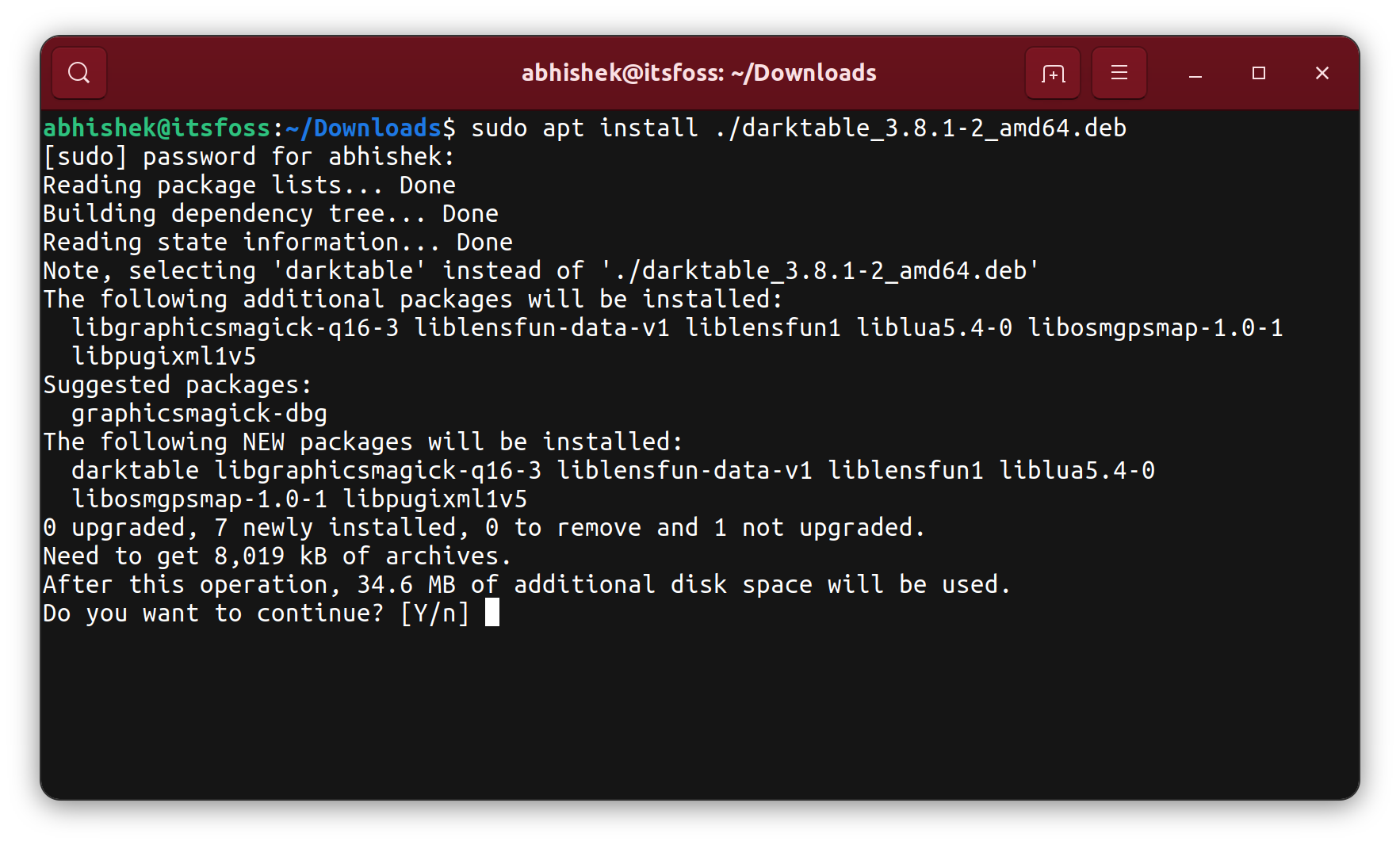
Web Sep 11 2020 nbsp 0183 32 To install gdebi CLI on Debian Ubuntu or Linux Mint run the following sudo apt get install gdebi core Now simply run gdebi with the target deb file to install it while handling its dependencies Any prerequisite packages will be installed automatically sudo gdebi webmin 1 620 all deb

Web Jan 4 2021 nbsp 0183 32 Run the following command to manually install the Atom editor DEB package and its dependencies sudo apt install f Downloads atom deb Once the installation completes you can find the Atom editor in your desktop

Web sudo apt install name deb Or sudo apt install path to package name deb With old apt get versions you must first move your deb file to var cache apt archives directory For both after executing this command it will automatically download its dependencies First installing gdebi and then opening your deb file using it Right click gt Open

Web Hi I think Depends lt some dependency gt will only check if the dependency is installed and will stop the installation of deb package accordingly The solution I am looking for is to install those dependencies automatically as a part of deb isntallation
Web Install a package sudo dpkg i DEB PACKAGE For example if the package file is called askubuntu 2 0 deb then you should do sudo dpkg i askubuntu 2 0 deb If dpkg reports an error due to dependency problems you can run sudo apt get install f to download the missing dependencies and configure everything Web 9 Following works on Ubuntu 14 04 sudo dpkg i package deb sudo apt get f install sudo dpkg i package deb The first dpkg i run marks dependencies apt get f install installs required dependencies and the second dpkg i successfully installs the package Note that apt get install f is totally different command
Web Oct 9 2023 nbsp 0183 32 All you need to do is pour hot water double click on the file mix it well follow the instructions in the installer wizard and eat it start using the application On the other hand think of a DEB file as the ingredients you need for a recipe You ll need to put and mix everything and cook them to get the final dish ready