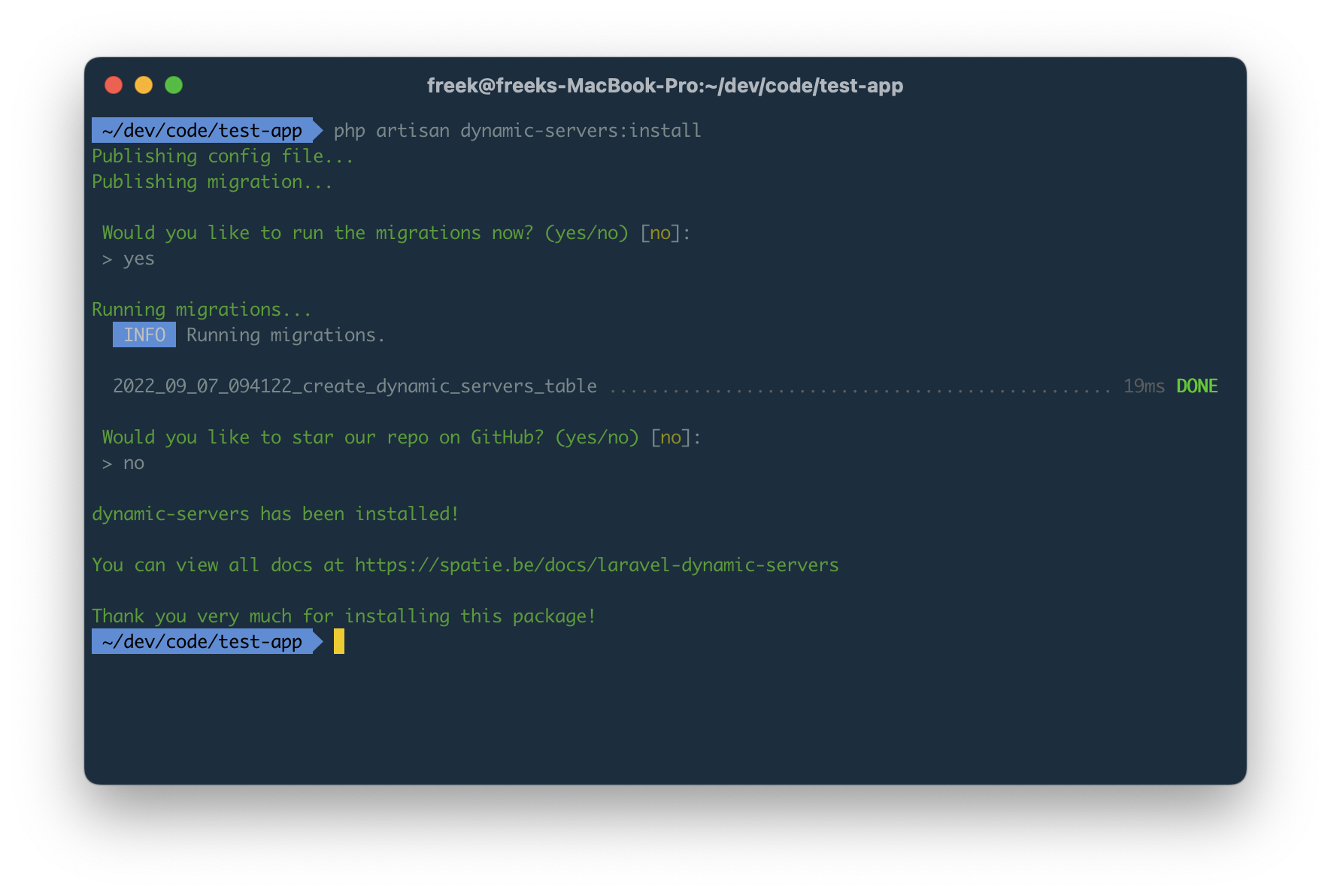
Deb Install Command Dotnet Deb Install Command Fail Issue 238 Quamotion dotnet Install Deb Files With Dependencies In Ubuntu Command Line How To Install Deb Package Via Command Line Interface LinuxTect Creating Installer Commands For Laravel Packages LaptrinhX Deb Web How to install a deb file by dpkg i or by apt Ask Question Asked 9 years 4 months ago Modified 10 months ago Viewed 3 6m times 1181 I have a deb package for installation Shall I install by dpkg i my deb or by apt Will both handle the software dependency problem well If by apt how can I install from the deb by apt software installation
Web Feb 8 2019 nbsp 0183 32 If you want to use the apt command for deb files use it like this sudo apt install path to deb file If you are in the same directory where the deb file is located use it like this sudo apt install deb file For example for the deb file I had downloaded here s how the command line installation looks like Web Jul 13 2022 nbsp 0183 32 Install Deb Files With Dependencies in Ubuntu Command Line How To Install Deb Files in Ubuntu Command Line Abhishek Dec 19 2022 Table of Contents Installing deb files in Ubuntu is not difficult You just have to double click on it and it gets opened in the Software Center That works in most cases if you are running it on a desktop
Deb What Is Deb get How To Install The Debian Package With The Deb get Command In Command YouTube U S Army Installation Management Command Comparison Of Review Command Vs TabIt NewTab Startup Buffer How To Install Missing Firmware In Kali Linux Systran Box What Is Deb get How To Install The Debian Package With The Deb get Command How To Install And Uninstall deb Files In Ubuntu Linux Installation Install Deb Command Line Retcards
Deb Install Command
Deb Install Command
https://opengraph.githubassets.com/19aeb436dc0fa13a6850500628ef3dcdf5a924410d30d5be09e3c4beab3d06c9/quamotion/dotnet-packaging/issues/238
Web Sep 21 2020 nbsp 0183 32 The first and most straightforward method is using the dpkg command in order to install a deb package dpkg command is a command line tool that is also used by apt and apt get commands under the hood As package installation requires root privileges it should be used as the root user or sudoer user with sudo command like below
Templates are pre-designed files or files that can be utilized for various purposes. They can save time and effort by offering a ready-made format and layout for producing various type of material. Templates can be utilized for personal or professional projects, such as resumes, invites, leaflets, newsletters, reports, discussions, and more.
Deb Install Command

What Is Deb get How To Install The Debian Package With The Deb get Command

What Is Deb get How To Install The Debian Package With The Deb get Command

In Command YouTube

U S Army Installation Management Command

How To Install Missing Firmware In Kali Linux Systran Box
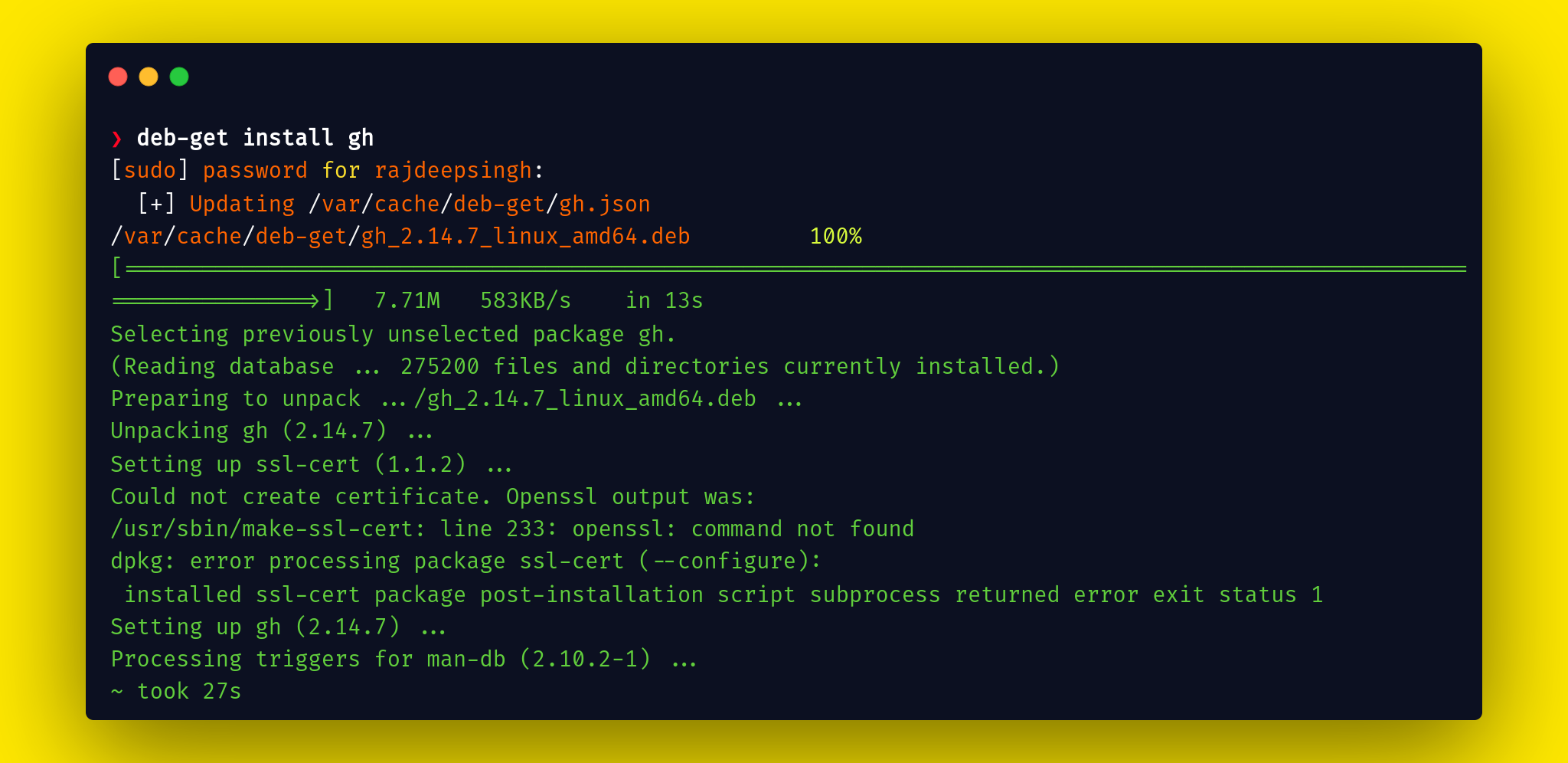
What Is Deb get How To Install The Debian Package With The Deb get Command
Web Oct 9 2023 nbsp 0183 32 Install DEB Files in the Terminal If you re comfortable using the terminal the dpkg Debian Package command can install DEB files for you Here s how to use it Open the terminal Then cd into the directory where the downloaded DEB file resides In our case the file is in the Downloads directory
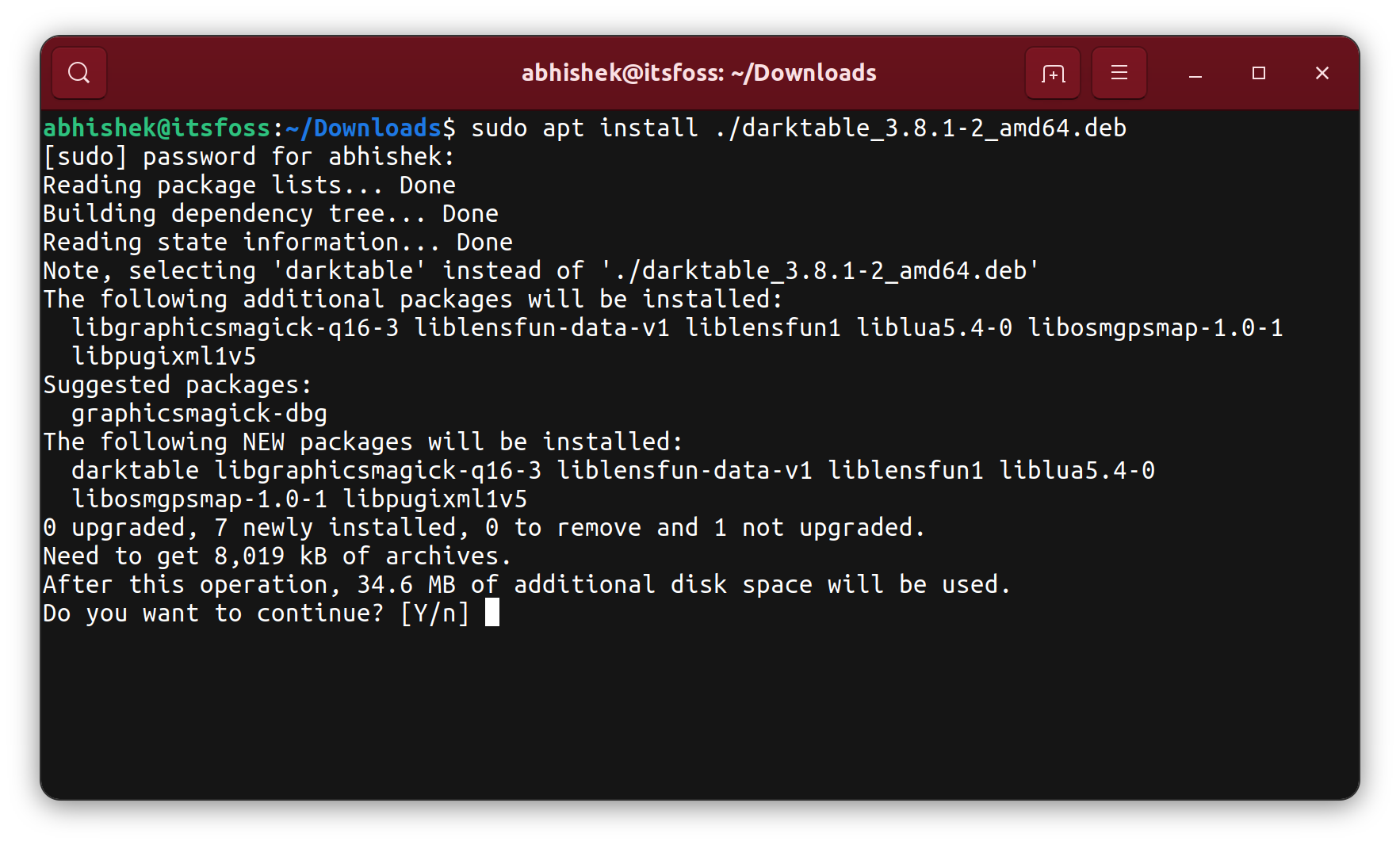
Web Feb 24 2020 nbsp 0183 32 Use the i or install option to install deb packages with dpkg sudo apt install teamviewer amd64 deb Unlike apt and gdebi dpkg doesn t resolve dependencies If you get any dependency errors when installing deb packages you can use the following apt command to resolve and install all package dependencies
Web Mar 31 2023 nbsp 0183 32 sudo gdebi teamviewer 13 1 3026 amd64 deb Install Local Packages Using Gdebi in Ubuntu To remove a deb package installed from gdebi you can use apt apt get or dpkg commands using purge option as shown sudo apt purge teamviewer OR sudo apt get purge teamviewer OR sudo dpkg purge teamviewer Install deb
Web May 25 2023 nbsp 0183 32 Option 1 dpkg Command The dpkg command a is a package manager for installing removing and building packages To install a deb package using the dpkg command run the following command sudo dpkg i lt package path gt Provide the user s password and wait for the installation to complete

Web Jan 19 2024 nbsp 0183 32 Run the installation command Type sudo apt install filename deb and press Enter or Return The software will now install Be sure to replace filename deb with the actual name of the file take note of the before it if you leave it out the apt tool will try searching for the package in remote repositories
Web Dec 11 2021 nbsp 0183 32 Now let s get to work and show you how to install a DEB file in Ubuntu The first approach is to use the APT command It is a command line utility for managing installing updating removing DEB packages on Debian and related Debian based Linux distributions such as Ubuntu Linux Mint etc Web Jan 4 2021 nbsp 0183 32 A DEB package is a file format that specifies how to bundle and install software on the Debian Linux distribution Since the Ubuntu Linux distribution derives from Debian it supports DEB packages for software installations as well If you used either Debian or Ubuntu before you undoubtedly worked with DEB packages already
Web The extension deb is used to signify a collection of files managed by the Debian packages management system So deb is an abbreviation for Debian package as opposed to source package You can install a downloaded Debian package using dpkg in a terminal