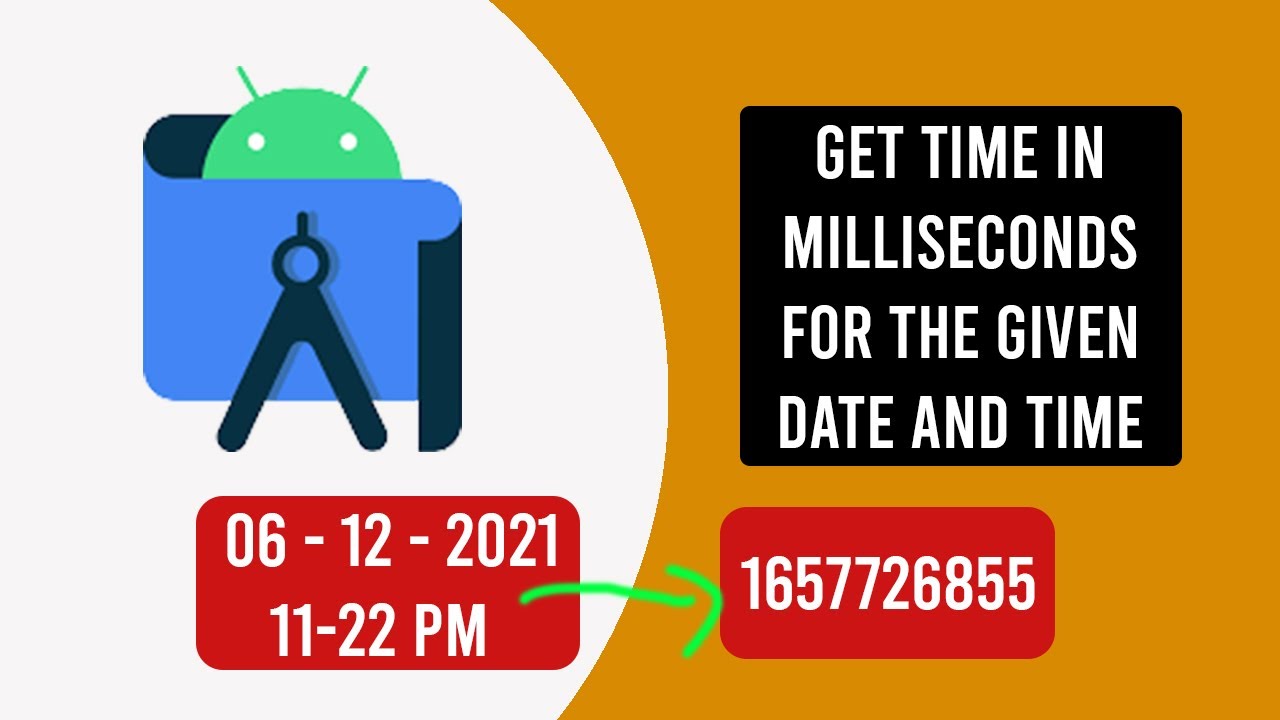
Date Time Format With Milliseconds In Excel Convert Milliseconds To Hours Minutes And Seconds Write A Function How To Get Time In Milliseconds For The Given Date And Time In Android B8R07409 UNILAB Millisecond Timer Philip Harris Solved Convert UTC Date Into Milliseconds 9to5Answer Adding Milliseconds To Datetime Column KNIME Analytics Platform For date of your account created if you still have access to your account via your mobile backup mails or mail clients such as Outlook or Thunderbird or mobile mail clients such as Gmail app
Current imagery automatically displays in Google Earth To discover how images have changed over time or view past versions of a map on a timeline Tips You can zoom in or out to change Sep 7 2023 nbsp 0183 32 Delete all old emails after a certain date I have too many emails How do I delete all those older than a certain date I haven t tried anything because I can t keep selecting and
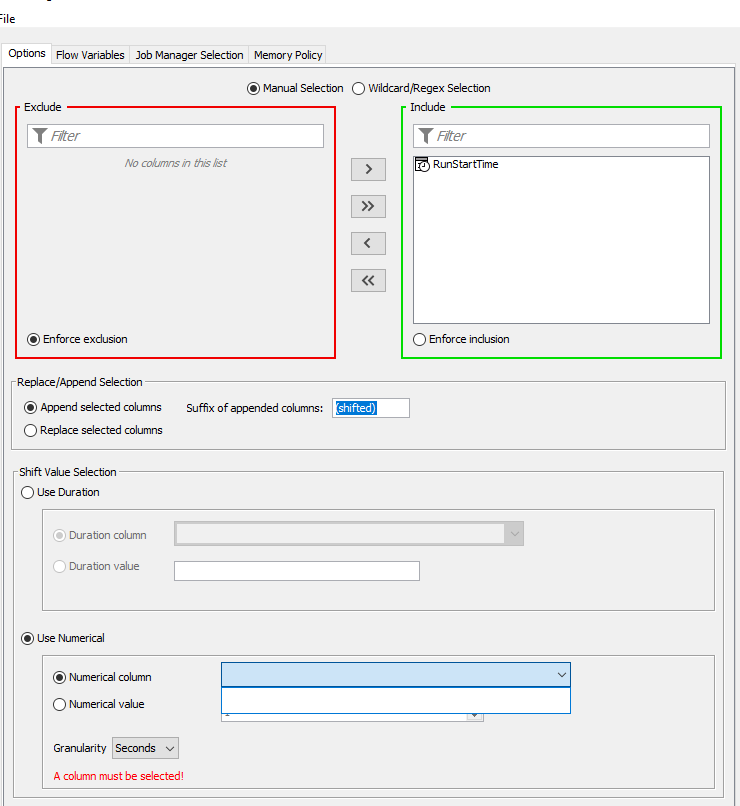
Adding Milliseconds To Datetime Column KNIME Analytics Platform Convert From Milliseconds Fasrwp Programming For Beginners Java Convert The Current Time To HOURS How To Get Current Date And Time With Milliseconds In Excel How To Create A Timer With Milliseconds In Excel VBA How To Convert Milliseconds To Seconds In Excel 2 Quick Ways JavaScript Clock With Milliseconds CodeHim Convert Milliseconds Into Datetime Python Example Create Date Time How To Get Date From Milliseconds In Android StackTuts
Date Time Format With Milliseconds In Excel
 Date Time Format With Milliseconds In Excel
https://us-static.z-dn.net/files/d93/a20968b036fae3e0728f0c3fd26cc48f.png
Google Sheets supports cell formulas typically found in most desktop spreadsheet packages Functions can be used to create formulas that manipulate data and calculate strings and
Templates are pre-designed files or files that can be used for different functions. They can conserve time and effort by offering a ready-made format and design for creating different sort of content. Templates can be used for individual or professional projects, such as resumes, invites, leaflets, newsletters, reports, discussions, and more.
Date Time Format With Milliseconds In Excel
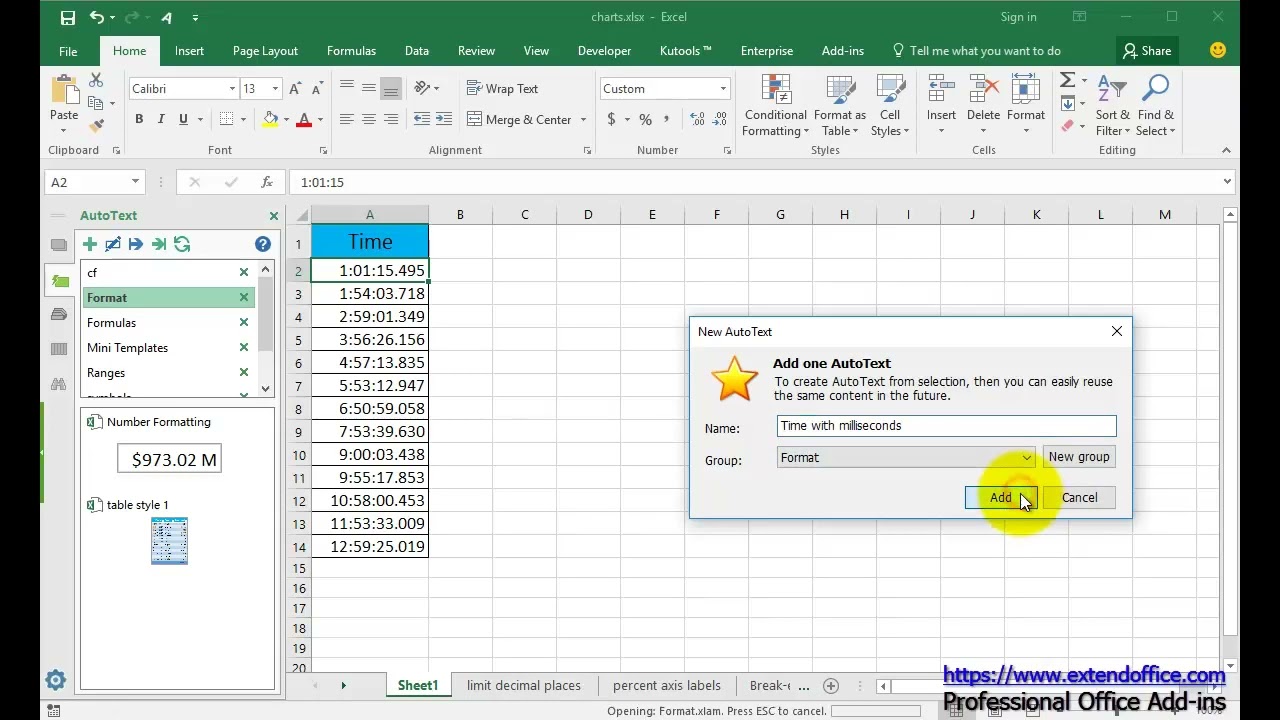
How To Show Time With Milliseconds In Excel YouTube
Convert From Milliseconds Fasrwp
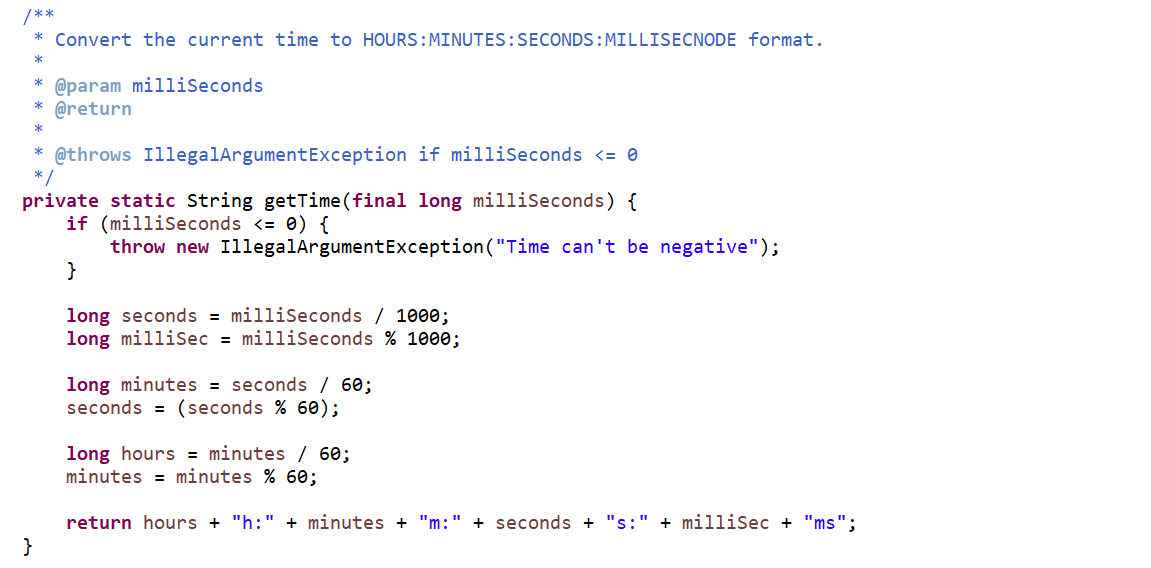
Programming For Beginners Java Convert The Current Time To HOURS

How To Get Current Date And Time With Milliseconds In Excel

How To Convert Milliseconds To Seconds In Excel 2 Quick Ways
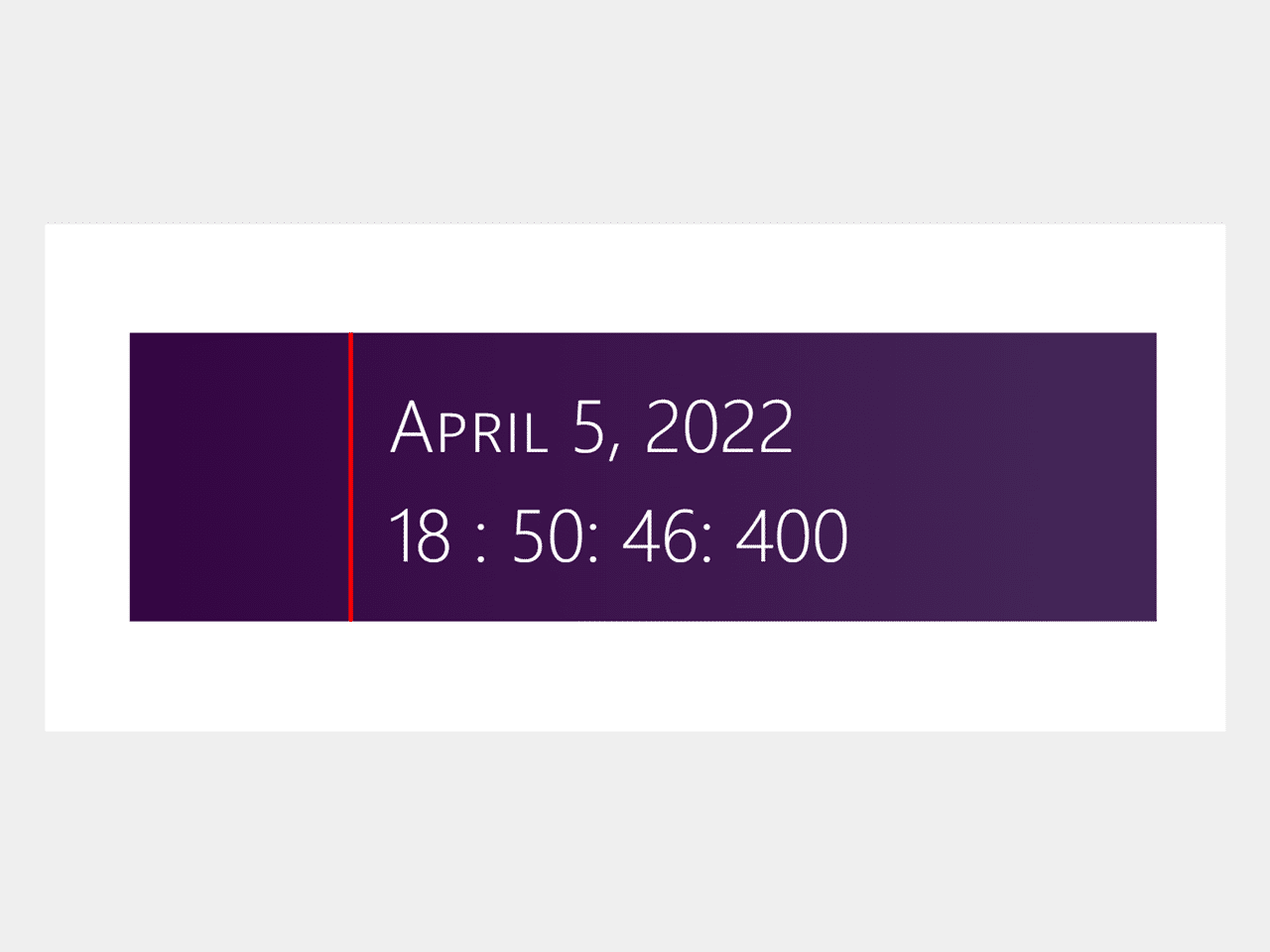
JavaScript Clock With Milliseconds CodeHim

Our software update is being released in phases New features will gradually roll out across all regions Learn more about Pixel software updates
You can change your clock s settings including the date time and time zone You can set how your alarms and timers work and add clocks for other cities

DATE will silently recalculate numeric dates which fall outside of valid month or day ranges For example DATE 1969 13 1 which specifies the illegal month 13 will create a date of 1 January

Apr 1 2010 nbsp 0183 32 Syntax DATE when when A Date DateTime or Time value Notes To understand how your mobile device s locale or browser s language setting can impact the Date format see
To change the way Calendar looks or works update your settings Update your settings On your computer open Googl
[desc-11] [desc-12]
[desc-13]