Cut Command Mac Terminal Mac Terminal 10 Awesome Mac Terminal Commands YouTube Ipconfig Mac OS X Egeek How To Save Terminal Commands On A Mac 10 Mac Terminal Commands You Should Try Download Only Terminal Command Mac Brownsure Navigate Terminal windows Add marks and bookmarks as you work then use them to quickly navigate through lengthy Terminal window output How to use marks and bookmarks Manage processes Use the inspector to view and manage running processes and change window titles and background colors How to use the inspector What is Terminal
81 Mac OS X s terminal is BASH here s some BASH shortcuts Ctrl A Go to the beginning of the line you are currently typing on Ctrl E Go to the end of the line you are currently typing on Ctrl L Clears the Screen similar to the clear command Ctrl U Clears the line before the cursor position If you are at the end of the line clears Control Option Command Complete Directory or File Name Type Characters Tab Display Possible Directory or File Name Completions Type Characters Tab Twice Mac s Terminal is a powerful tool for developers and system admins and here are more than 90 terminal keyboard shortcuts you should know
Download Only Terminal Command Mac Brownsure 10 Essential Mac Terminal Commands Mac O Clock Medium How To Open And Use Terminal On A Mac With A Few Basic Commands MakeUseOf Technology Simplified While You Might Think Of It As How To List Every Terminal Command On Mac OS Basic Terminal Commands For Mac Windows Linda Ramos Medium How To Use Terminal On Your Mac Command Line Beginner s Guide YouTube Command Line Primer Primer Hello I m Joni Linux Mac Terminal Tutorial Creating Aliases For Commands YouTube
Cut Command Mac Terminal
 Cut Command Mac Terminal
https://i.ytimg.com/vi/iFvXNfFE_IE/maxresdefault.jpg
Open a File open Edit a File nano Run as Super User sudo Show the Working Directory pwd Show Running Processes top Terminate a Process kill Learn More about a Command man Do More with Homebrew Are you afraid of the Mac command line Learning a few simple commands can help you build your confidence and shed that fear
Pre-crafted templates offer a time-saving service for creating a diverse variety of files and files. These pre-designed formats and designs can be made use of for different individual and professional projects, including resumes, invitations, flyers, newsletters, reports, presentations, and more, simplifying the material creation procedure.
Cut Command Mac Terminal
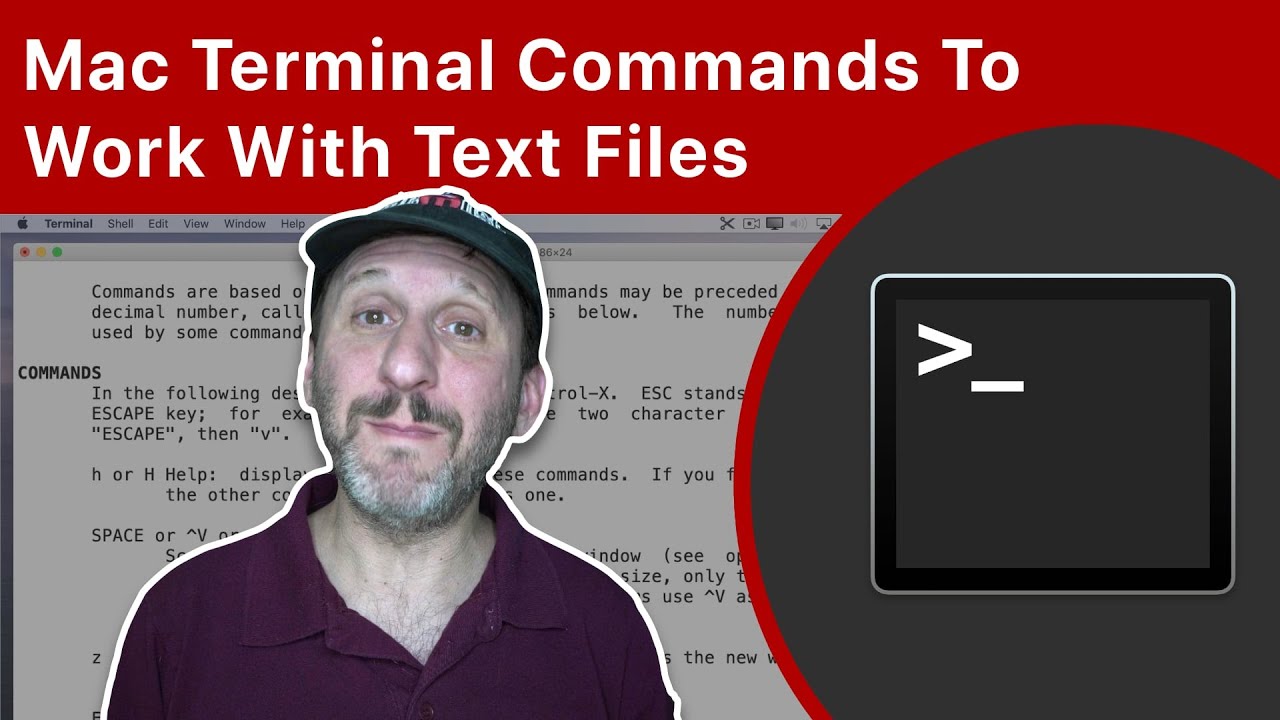
Mac Terminal Commands And Apps To Work With Text Files YouTube
10 Essential Mac Terminal Commands Mac O Clock Medium

How To Open And Use Terminal On A Mac With A Few Basic Commands

MakeUseOf Technology Simplified While You Might Think Of It As
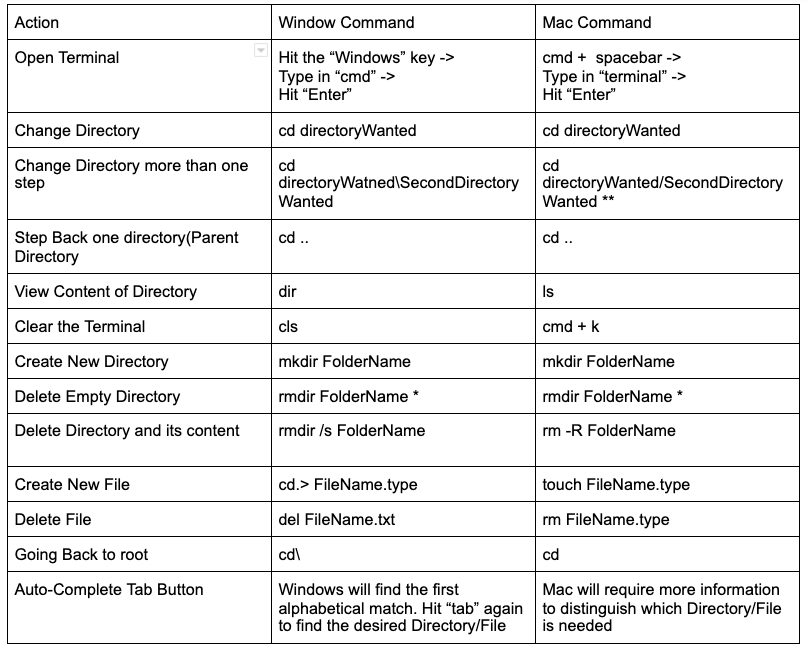
Basic Terminal Commands For Mac Windows Linda Ramos Medium
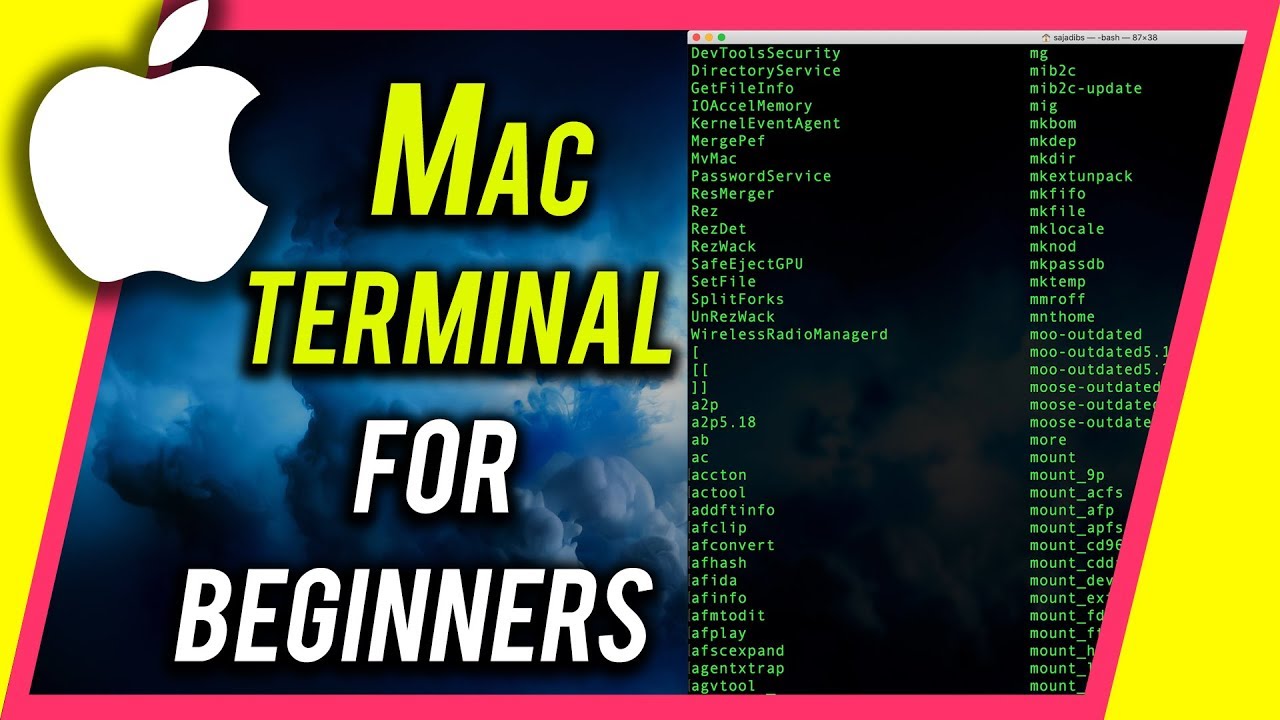
How To Use Terminal On Your Mac Command Line Beginner s Guide YouTube

Keyboard shortcuts in Terminal on Mac Apple Support Select version Table of Contents Keyboard shortcuts in Terminal on Mac In the Terminal app on your Mac you can quickly accomplish many tasks using keyboard shortcuts See the shortcuts below as well as in Terminal menus in the menu bar

Use the sudo command to authenticate as an administrator sudo command arguments Example Remove a directory the current user does not own sudo rm rf testdir Forward Command Output There are two common scenarios for forwarding command output in macOS Use the symbol to pipe the command output as an argument to another command

Go to Preferences Keyboard Shortcuts 2 Select App shortcuts from the left pane 3 Click on sign to add a new shortcut 4 On the application drop down select Other and then choose System Application Utilities Terminal app 5 Enter the name and register your shortcut I use cmd shift t 6

Cut command in Mac terminal lacks complement option Ask Question Asked 6 years 3 months ago Modified 1 year 8 months ago Viewed 7k times 3 According to this cut command lacks complement option Any suggestions as how to get this I needed this as it is supported on Linux sh

Launch the Terminal app from Applications Utilities or search for it via Spotlight Then you can get started with some of the powerful commands below FREE DOWNLOAD This cheat sheet is available as a downloadable PDF from our distribution partner TradePub You will have to complete a short form to access it for the first time only
1 Make sure you re going to create these customized commands in the right file Navigate to your Terminal You can simply command SPACE to bring up the search bar Type in Terminal and launch it Once your in the Terminal type ls a to be given a list of files and folders that are both hidden and not hidden What is a Terminal on Mac Some MacOS users might be intimidated by the Terminal and its commands When using Terminal on Mac it might look like you are trying to hack into a system While of course it is not the case knowing Mac Terminal commands will give you an upper hand in mastering the MacOS environment
List of keyboard shortcuts for Terminal on Mac Sandy Writtenhouse Updated August 25 2022 If you use Terminal on your Mac for taking care of tasks with commands then using keyboard shortcuts is a great way to do things quicker